
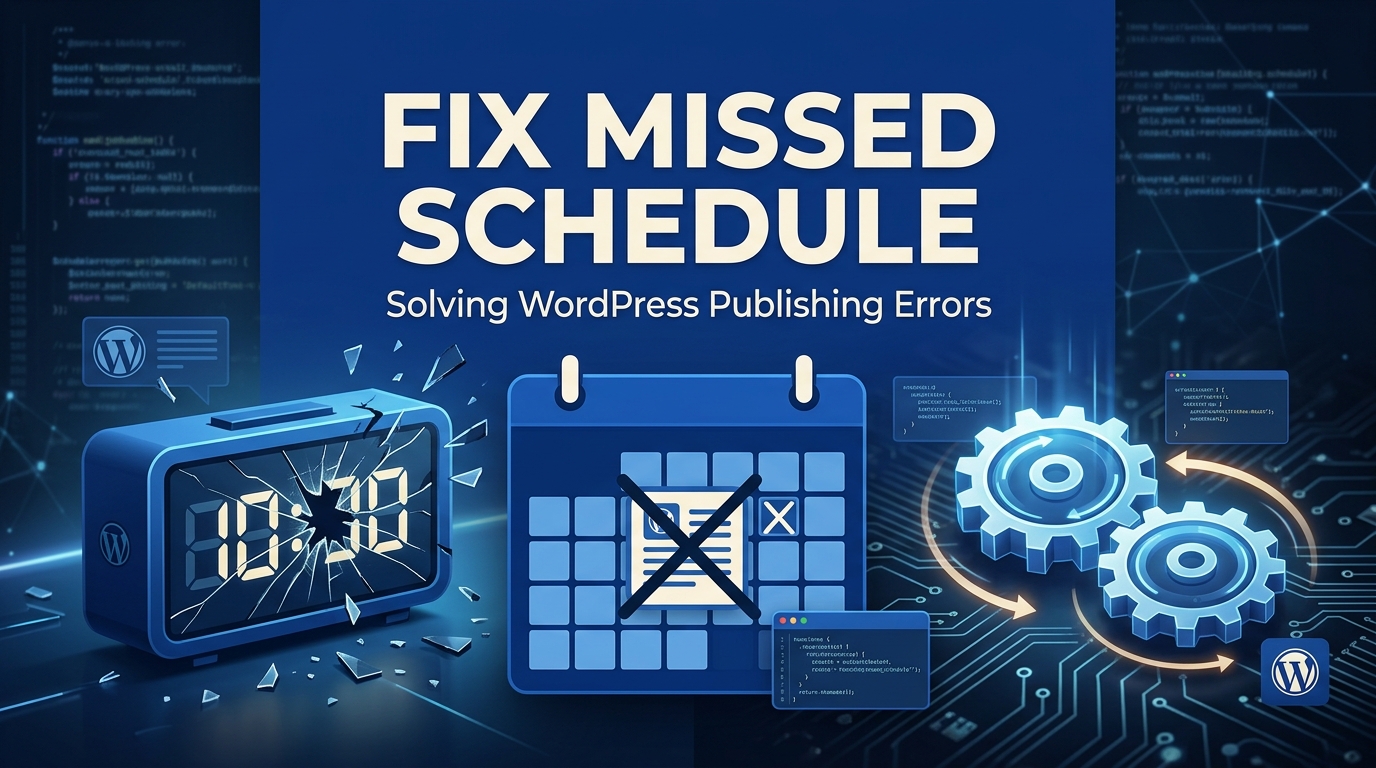
One of the most powerful content management features in WordPress is the ability to write articles in batches and schedule them to be published automatically at specific dates and times in the future.
However, many bloggers and news sites run into a deeply frustrating scenario: You schedule an important press release for 9:00 AM, but when you check the site at 10:00 AM, the post is still unpublished, sitting in your dashboard with a red Missed Schedule tag next to it.
Unlike a 404 Page Not Found error which is usually a simple Permalink fix, the Missed Schedule error points to a fundamental flaw in how WordPress handles automated background tasks.
The Root Cause: How WP-Cron Works (And Fails)
To understand why this error happens, you have to understand how WordPress tells time. WordPress uses a system called WP-Cron (wp-cron.php) to handle all scheduled tasks—including publishing posts, checking for theme updates, and sending email notifications.
However, WP-Cron is not a true cron job (a system-level automated task). It is a “pseudo-cron.” WP-Cron only triggers when a user physically visits your website.
Here is the fatal flaw: If you schedule a post for 4:00 AM, but your website receives zero visitors between 3:50 AM and 5:00 AM, WP-Cron never runs. By the time a user finally visits your site at 5:05 AM, WP-Cron wakes up, realizes it missed the 4:00 AM deadline, and instead of publishing the post late, it simply gives up and labels it “Missed Schedule.”
Step 1: The Quick Fix (Using a Plugin)
If you are not comfortable modifying server files, the fastest workaround is to install a lightweight plugin designed specifically for this issue.
- Go to Plugins > Add New in your WordPress dashboard.
- Search for Scheduled Post Trigger.
- Install and activate the plugin.
There are no settings to configure. This plugin acts as a safety net. Whenever anyone (including you) visits your website, the plugin quickly checks for any posts marked “Missed Schedule” and forces them to publish immediately.
While this works, it is still reliant on web traffic. If nobody visits your site, the post still won’t publish.
Step 2: The Permanent Fix (Real Server Cron Jobs)
To permanently resolve the Missed Schedule error, you need to disable WordPress’s unreliable pseudo-cron and replace it with a real, system-level Cron Job managed by your server. This guarantees that your scheduled tasks run exactly on time, every time, regardless of website traffic.
If your server is heavily loaded and failing to run basic PHP scripts, you might also be experiencing the HTTP Image Upload error. Setting up a real cron job reduces the load on your PHP workers during visitor page loads.
Part A: Disable WP-Cron
- Connect to your website via FTP or your hosting File Manager.
- Open the
wp-config.phpfile located in the root directory. - Add the following line of code just before the
/* That's all, stop editing! */line:
define( 'DISABLE_WP_CRON', true );Save the file. WordPress will no longer try to run background tasks when a user visits your site.
Part B: Setup a Real Cron Job in cPanel
Now, you must tell your actual hosting server to manually ping the wp-cron.php file on a regular interval.
- Log into your hosting cPanel.
- Scroll down to the Advanced section and click on Cron Jobs.
- Under Common Settings, select Once Per 15 Minutes (
*/15 * * * *). (Running it more frequently than 15 minutes can overload shared servers). - In the Command field, paste the following code. (Make sure to replace
yourwebsite.comwith your actual domain name):
wget -q -O - https://yourwebsite.com/wp-cron.php?doing_wp_cron >/dev/null 2>&1- Click Add New Cron Job.
Your server will now silently ping WordPress every 15 minutes to run any pending tasks. Your scheduled posts will now publish flawlessly, on time.
Upgrade Your Hosting for Reliable Automation
If you are running a high-frequency publishing site (like a news portal or an active blog network), relying on a shared server to execute precise cron jobs can lead to unpredictable delays.
For mission-critical publishing, your infrastructure needs guaranteed CPU and RAM allocation. By upgrading to our premium WordPress Hosting, you gain access to a fully optimized server environment where system-level cron jobs execute instantaneously, ensuring your content always reaches your audience right on schedule.
Ensure dependable server-level cron jobs run on time with Nextgen’s cPanel hosting.
