
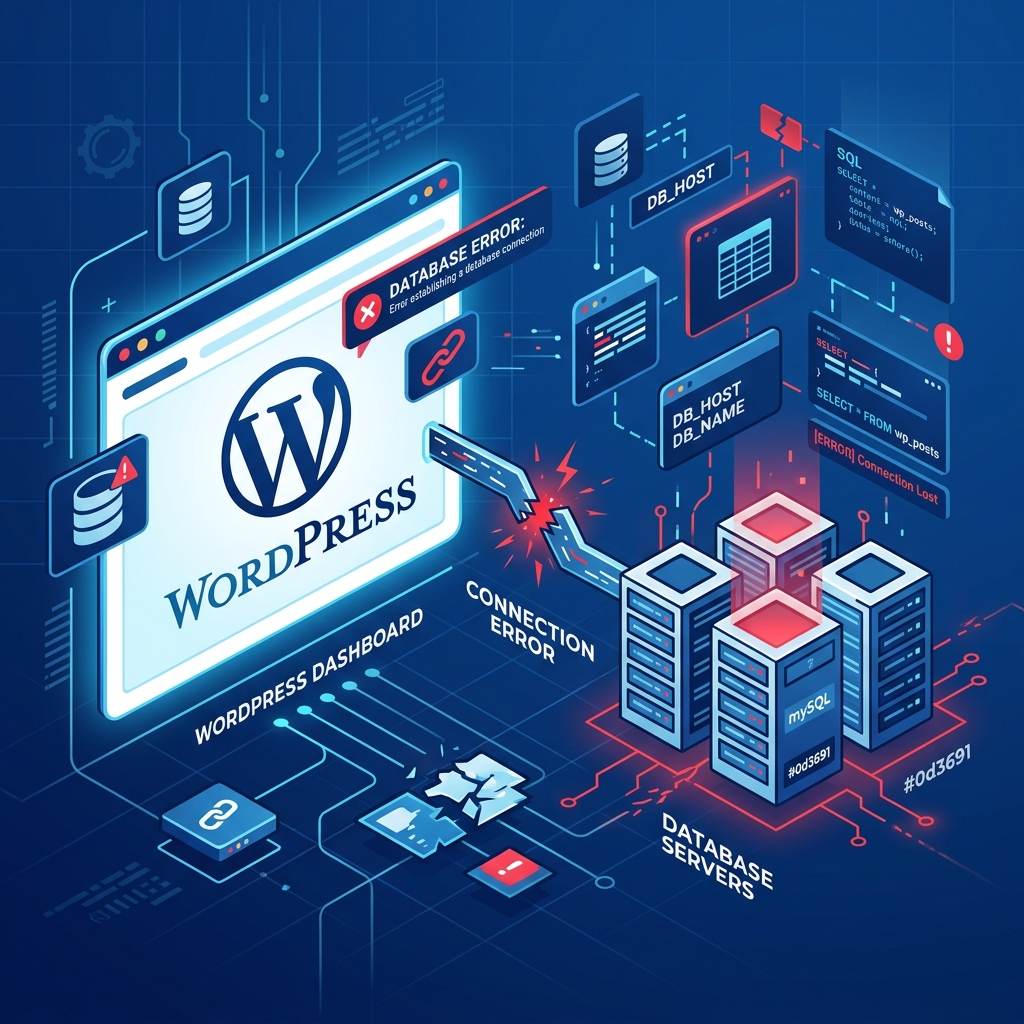
The “Error Establishing a Database Connection” is arguably one of the most terrifying errors a WordPress site owner can encounter. Unlike minor visual glitches, this error means your entire website—both the public frontend and the wp-admin dashboard—is completely inaccessible.
Because WordPress is built on PHP and relies heavily on a MySQL (or MariaDB) database to store all your posts, pages, user accounts, and settings, breaking the communication bridge between PHP and the database brings everything to a grinding halt.
This issue is structurally different from a White Screen of Death (WSOD) or a general 500 Internal Server Error, as it points exclusively to the database layer. Here is how to diagnose and fix it.
1. Verify Your wp-config.php Credentials
In 90% of cases, this error is caused by incorrect database login credentials. This usually happens right after you migrate your website to a new server or if you accidentally change a password in your hosting control panel.
Access your website via FTP or your host’s File Manager and open the wp-config.php file located in the root directory. You need to verify four critical pieces of information against your actual database settings:
// The name of your database
define( 'DB_NAME', 'your_database_name' );

// Your MySQL database username
define( 'DB_USER', 'your_database_user' );

// Your MySQL database password
define( 'DB_PASSWORD', 'your_password' );

// Your MySQL hostname (usually 'localhost')
define( 'DB_HOST', 'localhost' );
If even a single character or space is wrong here, WordPress will immediately throw the database connection error.
2. Repair a Corrupted Database
If your credentials are correct but you are still seeing the error (or if the frontend shows the connection error but the wp-admin page shows a different error like “One or more database tables are unavailable”), your database might be corrupted. This can happen due to a server crash or a botched plugin update.
WordPress has a built-in database repair tool. To enable it, add the following line to your wp-config.php file, right above the “That’s all, stop editing!” line:
define( 'WP_ALLOW_REPAIR', true );Next, navigate to: http://yoursite.com/wp-admin/maint/repair.php
Click the Repair Database button. Once the process is finished, immediately remove the WP_ALLOW_REPAIR line from your wp-config.php to prevent unauthorized users from accessing the repair script.
3. Check if the Database Server is Down
If you are on a cheap shared hosting plan and receive a massive spike in traffic, your hosting provider’s database server might simply crash under the load, dropping all active connections.
To check if the MySQL server is running, you can create a simple test script. Create a file named db-test.php in your root folder and paste this code (using your credentials):
<?php
$link = mysqli_connect('localhost', 'your_user', 'your_pass');
if (!$link) {
    die('Could not connect: ' . mysqli_error());
}
echo 'Connected successfully';
mysqli_close($link);
?>
If you navigate to this file and it says “Could not connect”, your web host’s database server is actively down. You must contact their support team to reboot the MySQL service.
4. Upgrade Your Infrastructure
Constantly battling database crashes during traffic spikes is a massive liability for your business. If your current host cannot maintain stable MySQL connections, it is time to upgrade.
Nextgen’s WordPress Hosting in Pakistan utilizes highly optimized, load-balanced MariaDB servers configured specifically for heavy WordPress queries. Our infrastructure is designed to handle massive concurrent traffic spikes without dropping a single database connection, ensuring your website remains lightning fast and always online.
To ensure reliable database performance, check available hosting plans designed for high concurrency.
