
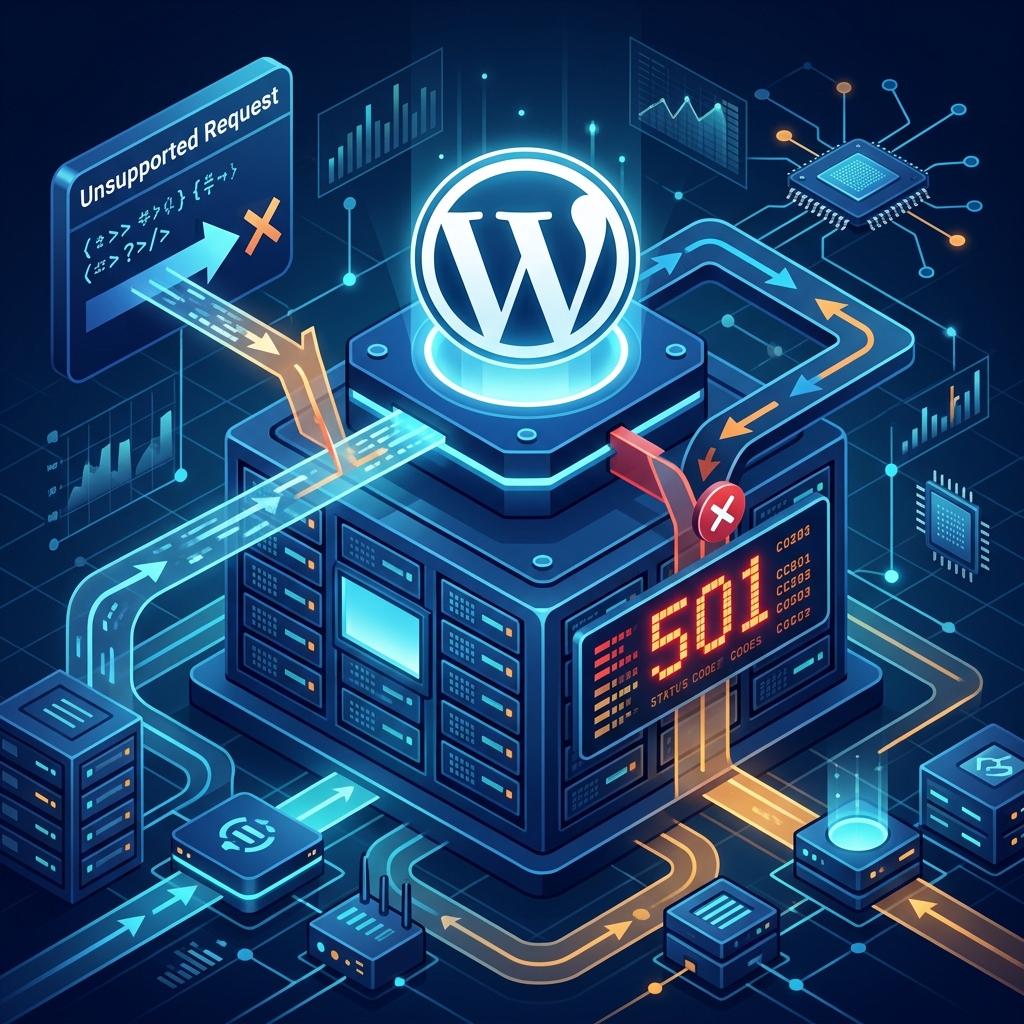
The 501 Not Implemented error is an HTTP status code that occurs when your web server does not support the functionality required to fulfill a request made by the browser. In simpler terms, the browser asked the server to do something using a specific method (like GET, POST, PUT), and the server fundamentally did not recognize or support that method.
Unlike a 500 Internal Server Error, where the server understands the request but crashes while processing it, a 501 error means the server is missing the actual capability to even understand what was asked.
While this error is less common on modern architectures than a 502 Bad Gateway, here is how to troubleshoot and fix it when it occurs.
1. Clear Your Browser Cache and Reload
In rare instances, a corrupted browser cache can cause the browser to send a malformed or completely garbled HTTP request to the web server. The server, unable to parse the junk request, simply throws a 501 Not Implemented code in response.
Before diving into complex server-side diagnostics, simply clear your browser cache, cookies, and attempt to reload the site. Alternatively, try accessing the site in Incognito Mode or from a completely different device.
2. Disable Proxy Services and Firewalls
Overly aggressive antivirus software, local firewalls, or strict corporate proxy servers can intercept your outgoing web requests and modify them. Sometimes, they strip out necessary HTTP headers or modify the request method in a way the destination server does not accept.
If you are using a VPN or a local network firewall, temporarily disable it and try accessing the WordPress site again.
3. Update Your Web Server Software
The absolute most common cause of a legitimate 501 error is severely outdated server software. If your server is running a legacy version of Apache, Nginx, or IIS, it may not support modern HTTP/2 or HTTP/3 request methods.
If you manage your own Virtual Private Server (VPS) or Dedicated Server, you must update the software via SSH:
- For Ubuntu/Debian (Apache):
sudo apt-get update && sudo apt-get upgrade apache2 - For CentOS/AlmaLinux (Nginx):
sudo yum update nginx
Note: If you are on shared hosting, you cannot run these commands. You will need to contact your host’s support department to upgrade their software.
4. Check for Corrupt .htaccess Directives
A heavily modified or corrupted .htaccess file can sometimes misdirect requests to scripts or methods that do not exist, tricking the server into returning a 501 error.
To test this:
- Access your site via FTP or cPanel File Manager.
- Locate the
.htaccessfile in your root folder. - Rename it to
.htaccess_oldto disable it. - Check if the site loads. If it does, log into WordPress, go to Settings > Permalinks, and simply click Save Changes to generate a clean, fresh
.htaccessfile.
5. Upgrade to a Managed WordPress Host
A 501 Not Implemented error is almost entirely a server-side configuration issue. If you are constantly dealing with outdated software, unsupported modules, and unhelpful support, your hosting provider is fundamentally holding your business back.
To ensure your WordPress site runs on state-of-the-art infrastructure that fully supports the latest HTTP protocols and security standards, upgrade to Nextgen’s WordPress Hosting in Pakistan. Our environments are meticulously engineered and proactively updated, meaning you will never have to debug a 501 error yourself.
Keep high-converting landing pages online with professional WordPress maintenance and repair services.
