
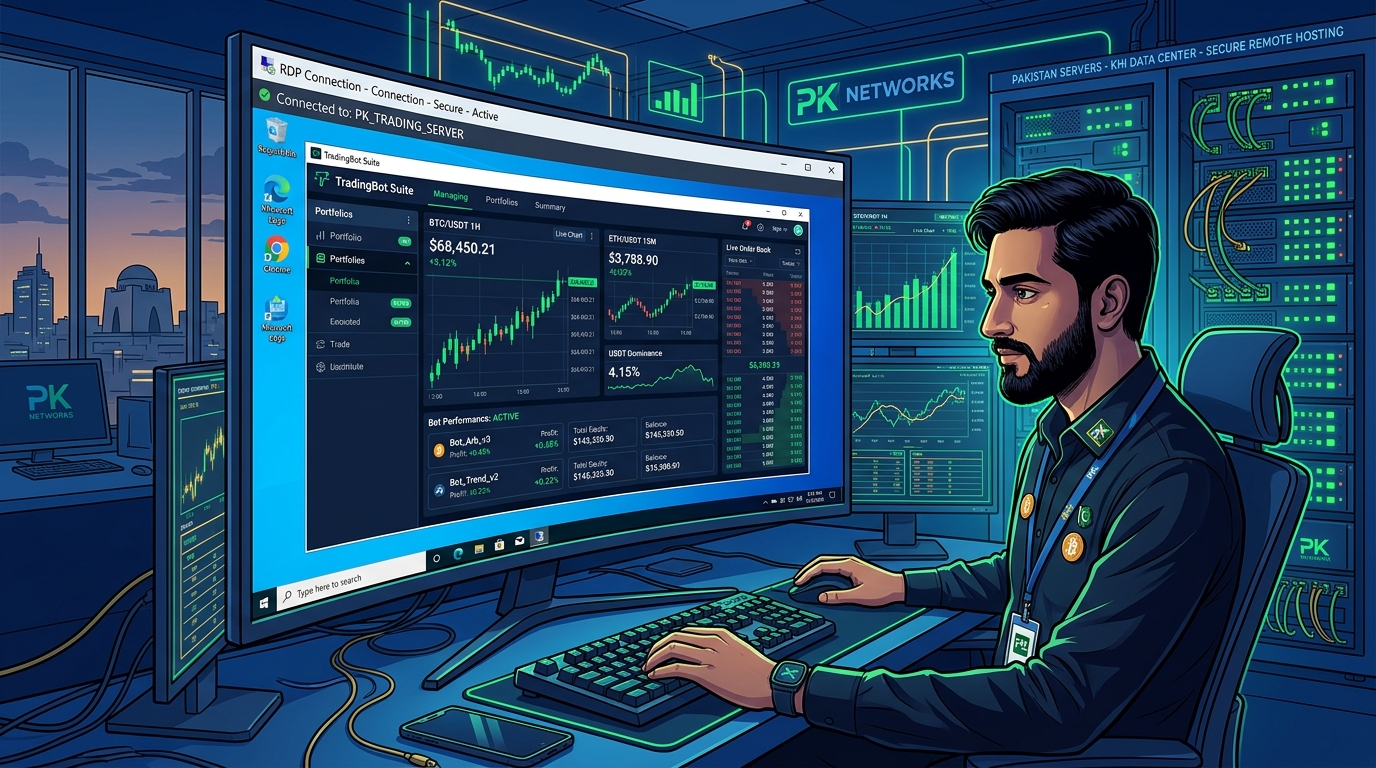
Cryptocurrency trading bots require three things to be profitable: low-latency exchange connectivity, 24/7 uptime, and a stable, unthrottled IP address. Running bots locally on a home ISP in Pakistan introduces all three problems simultaneously — variable PTCL/Nayatel latency, power outages, and dynamic IPs that trigger exchange fraud detection.
A dedicated Pakistan RDP server eliminates all three problems with enterprise-grade uptime, static IPv4 addresses, and sub-10ms round-trip times to major exchange regional nodes.
Why Exchange Latency Matters for Bot Trading
Most retail traders underestimate the impact of latency on bot performance. Every millisecond of added order execution delay costs real money at scale:
| Connection Type | RTT to Exchange | Order Fill Slippage |
|---|---|---|
| Home ISP (Pakistan) | 180–350ms | High (0.05–0.15%) |
| VPN via Europe | 220–400ms | Very High |
| Pakistan RDP (Local) | 8–25ms | Minimal (<0.01%) |
For high-frequency strategies like market making or arbitrage, the difference between 350ms and 10ms latency can be the difference between profitable and unprofitable execution.
Step 1: Choosing the Right RDP Configuration
For crypto trading bots, you need at minimum:
- RAM: 8GB+ (4GB per active bot instance)
- CPU: 4 vCPU (multi-bot parallel execution)
- Network: Unmetered 1Gbps uplink with static IPv4
- OS: Windows Server 2022 (for GUI-based bot management) or Ubuntu 22.04 (for CLI bots)
Pakistan RDP servers provide direct peering with Karachi and Islamabad internet exchanges, ensuring minimal hops to Binance’s Singapore and AWS Tokyo nodes.
Step 2: Setting Up Freqtrade on Windows RDP
Freqtrade is the most widely used open-source bot framework for professional Pakistani traders. Installation on Windows Server via RDP:
# Install Python 3.11
winget install Python.Python.3.11

# Create isolated virtual environment
python -m venv freqtrade_env
.\freqtrade_env\Scripts\activate

# Install Freqtrade
pip install freqtrade

# Initialize configuration
freqtrade create-userdir --userdir user_data
freqtrade new-config --config user_data/config.json
Configure your exchange API in config.json:
{
    "exchange": {
        "name": "binance",
        "key": "YOUR_API_KEY",
        "secret": "YOUR_SECRET",
        "ccxt_config": {
            "enableRateLimit": true
        },
        "pair_whitelist": ["BTC/USDT", "ETH/USDT", "SOL/USDT"]
    },
    "max_open_trades": 5,
    "stake_currency": "USDT",
    "stake_amount": 100,
    "dry_run": false
}
Step 3: Running Hummingbot for Market Making
Hummingbot excels at pure market-making strategies, particularly on DEX liquidity pools. On a Pakistan RDP with low latency to BSC/Ethereum nodes:
# Pull Hummingbot Docker image
docker pull hummingbot/hummingbot:latest

# Launch with persistent config
docker run -it --name hummingbot \
  -v $(pwd)/hummingbot_files:/conf \
  -v $(pwd)/hummingbot_logs:/logs \
  hummingbot/hummingbot:latest
Connect to your RDP session remotely and the bot continues running independently 24/7 — unlike running locally where closing your laptop kills the process.
Step 4: Preventing Exchange API Rate Limit Bans
Exchanges impose strict rate limits: Binance allows 1,200 API calls per minute per IP. Poor bot configuration can trigger temporary IP bans:
# In Freqtrade config, enforce safe rate limits
"exchange": {
    "ccxt_config": {
        "enableRateLimit": true,
        "rateLimit": 100
    },
    "ccxt_async_config": {
        "enableRateLimit": true
    }
}
A static IPv4 from a dedicated Pakistan RDP is also critical — shared or dynamic IPs from residential ISPs accumulate ban history from other users on the same IP block.
Step 5: Automating Bot Restart After Crashes
Use Windows Task Scheduler on your RDP to auto-restart bots after crashes or reboots:
@echo off
cd C:\freqtrade
.\freqtrade_env\Scripts\activate
freqtrade trade --config user_data\config.json --strategy RSI_Strategy
Schedule this .bat file to run at system startup and on task failure — your bot comes back automatically after any interruption.
Step 6: Monitoring and Alerts
Set up Telegram bot notifications directly in Freqtrade config for real-time trade alerts, even while away from your RDP:
"telegram": {
    "enabled": true,
    "token": "YOUR_TELEGRAM_BOT_TOKEN",
    "chat_id": "YOUR_CHAT_ID",
    "notification_settings": {
        "status": "on",
        "warning": "on",
        "startup": "on",
        "entry": "on",
        "exit": "on"
    }
}
This mirrors the workflow used by professionals managing Forex and crypto bots over RDP — where the RDP server acts as the always-online engine and Telegram serves as the mobile monitoring dashboard.
Security: Locking Down Your Trading RDP
A crypto trading RDP needs hardened security since it holds live exchange API keys:
- Change default RDP port from 3389 to a custom port (e.g., 49152).
- Enable NLA (Network Level Authentication) — prevents unauthenticated RDP handshakes.
- IP whitelist your home and mobile IPs in Windows Firewall.
- Encrypt API keys using Windows Credential Manager, never in plaintext config files.
- Enable 2FA on all exchange accounts.
Running crypto trading bots on a Pakistan RDP eliminates the three biggest performance killers for local traders: high latency, unstable uptime, and residential IP bans. With a dedicated static IP, enterprise uptime SLA, and sub-10ms ping to exchange nodes, your trading infrastructure can finally operate at professional standards.
