
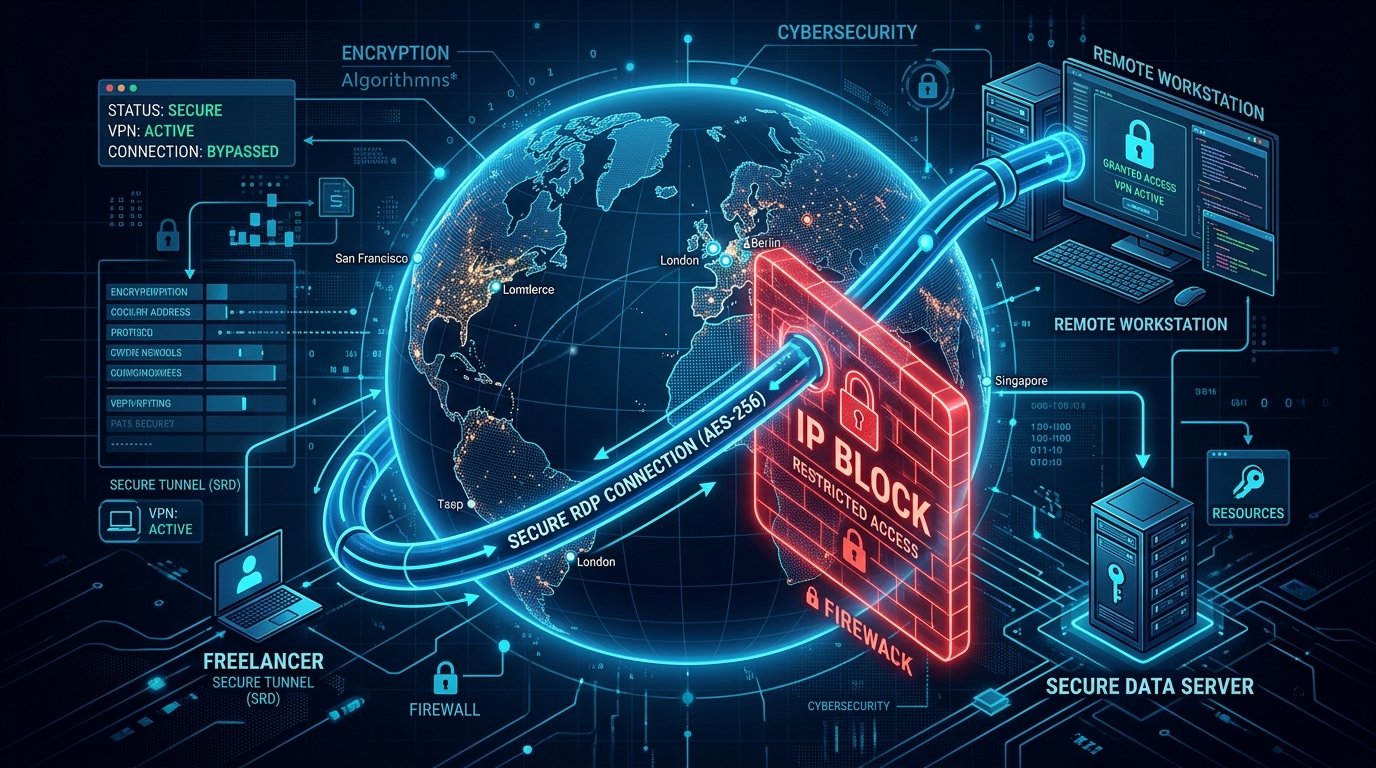
For digital freelancers operating out of South Asia, maintaining an active profile on platforms like Upwork, Fiverr, and Freelancer.com is a matter of professional survival. However, these platforms employ aggressive, AI-driven risk management algorithms designed to permanently ban accounts exhibiting “suspicious behavior.”
One of the most common triggers for these algorithmic bans is inconsistent or flagged IP addresses. In this guide, we will explore how these tracking mechanisms work and why professional freelancers are abandoning commercial VPNs in favor of dedicated Remote Desktop Protocol (RDP) servers.
How Freelance Platforms Track You
Platforms like Upwork do not merely log the IP address you use to sign in. They utilize advanced browser fingerprinting and network packet analysis to build a comprehensive profile of your digital identity.
1. The Dynamic IP Problem
Most ISPs in Pakistan assign dynamic IP addresses that change frequently. If you log into your Upwork account from a residential IP in Lahore, and then two hours later your router restarts and assigns you an IP that was previously blacklisted due to another user’s spam activity, Upwork’s automated systems may instantly flag your account for association with fraud.
2. The Commercial VPN Trap
Many freelancers attempt to secure their connections using popular commercial VPNs (like NordVPN or ExpressVPN). This is a critical mistake. Commercial VPN providers utilize shared IP pools. You are sharing an IP address with hundreds or thousands of other users. If even one of those users violates Fiverr’s terms of service while connected to that IP, the IP is blacklisted. When you subsequently log in using that same VPN IP, your account will be linked to the banned user and summarily suspended.
The Dedicated RDP Workflow
To achieve true account isolation, freelancers must adopt the same infrastructure strategies used for Amazon Stealth Accounts. The solution is a dedicated RDP server.
What is a Dedicated RDP?
A dedicated RDP (Remote Desktop Protocol) is a virtual Windows computer hosted in a professional data center. Unlike a VPN, which simply routes your local traffic, an RDP is an entirely separate machine that you log into and control remotely.
1. The Clean, Static IP
When you lease an RDP, you are assigned a dedicated, static IP address. This IP is exclusively yours; it is never shared with another user. Therefore, your Upwork or Fiverr account is tied to a single, consistent, clean IP address that never changes, completely bypassing the dynamic IP triggers.
2. Complete Device Isolation
Because the RDP is a separate virtual machine, it has a completely unique hardware and browser fingerprint. If your local laptop was previously flagged or associated with a banned account, logging into a new account via an RDP ensures zero cross-contamination. Upwork’s tracking scripts will only see the hardware fingerprint of the remote data center server, not your local machine.
3. Maintaining “Local” Presence
If you are managing an international client’s localized assets, or if you simply need to appear as if you are working from a specific region, you can provision an RDP in that specific geographical location (e.g., a US-based RDP for a US client). This is far more secure than a VPN because there are no DNS leaks or WebRTC vulnerabilities that could expose your actual location.
Setting Up Your Secure Environment
When migrating to an RDP workflow, you must treat the remote desktop as your exclusive “work” machine.
- Never log into your freelance accounts from your local laptop or mobile phone.
- Only access the platforms via the browser installed on your dedicated RDP.
- Ensure the RDP provider offers high-speed, low-latency connections (such as localized Pakistan VPS hosting) so that your remote desktop experience is indistinguishable from a local computer.
Conclusion
The era of logging into sensitive financial and freelance platforms from unprotected residential Wi-Fi is over. By migrating your professional workflow to a dedicated RDP server, you insulate your livelihood from algorithmic false positives, shared-IP bans, and browser fingerprinting.
