
For professional freelancers in Pakistan, maintaining access to client platforms like Upwork and Fiverr is vital to their livelihood. However, automated security systems on these platforms are increasingly aggressive, leading to sudden, unexplained account flags or permanent suspensions.
One of the primary triggers for these security flags is IP address volatility—specifically, accessing your account from changing, shared, or flagged public IP ranges.
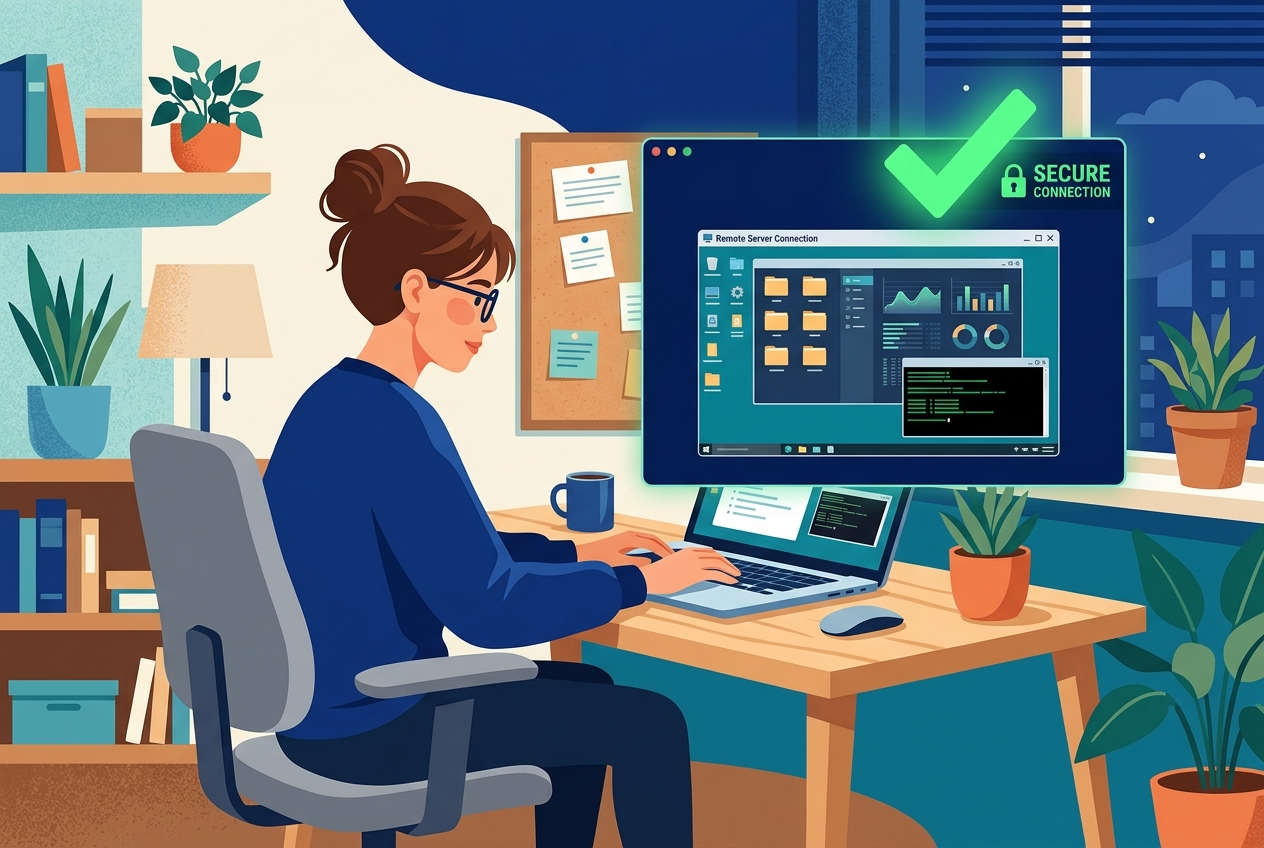
Using a secure, high-performance RDP Server with a static, dedicated IP address provides a reliable shield against these automatic compliance bans. In this guide, we will look at how IP tracking works on freelance platforms and how to configure a dedicated RDP to protect your digital workspace.
Why Freelance Platforms Suspend Accounts Based on IP
Upwork and Fiverr use advanced fraud detection algorithms designed to prevent account sharing, location spoofing, and credentials harvesting. These bots flag accounts based on several key telemetry signals:
- Shared IP Address Blacklists: Generic VPNs and cheap proxy services route thousands of users through the same public IP. If one user violates platform rules, that entire IP is blacklisted, immediately flagging every other account logging in from the same address.
- Impossible Travel Discrepancies: If you log in from an Islamabad IP address at 9:00 AM, and then log in from a US-based VPN IP address at 9:15 AM, the system detects a geo-location mismatch (“impossible travel time”) and locks the account for security review.
- Public Wi-Fi Insecurity: Connecting to your freelancer dashboard via open public Wi-Fi networks leaves your traffic exposed. Just as deploying a WAF on a local VPS secures transactional data against exploits, a dedicated RDP isolates your remote browser session from unsafe access networks.
The Solution: A Dedicated IP RDP Workspace
Unlike generic VPN services, a high-speed clean static IP remote desktop or Global RDP gives you a complete virtual desktop running on a remote cloud server. This remote workspace offers major security benefits:
- Static Dedicated IP: Your RDP comes with a single, dedicated IPv4 address that belongs exclusively to you. The IP never changes, ensuring consistency every time you access your freelancer dashboard.
- Isolated Environment: Your browsing cookies, active sessions, and client credentials are saved entirely inside the remote OS, avoiding accidental cross-login leakage on local shared computers.
- 24/7 Connectivity: Just as running YouTube automation bots on RDP keeps upload processes running continuously in the background, a dedicated RDP allows you to keep your client communication apps active 24/7 without local battery drain.
Best Practices for Using an RDP with Freelancer Accounts
To ensure your remote setup remains secure and compliant, follow these guidelines:
1. Match Your Profile Location
Always choose an RDP server location that matches your legal profile and billing settings. If your profile is registered under a Pakistani address, use a high-speed remote desktop protocols to ensure your IP coordinates align with your profile state.
2. Configure Local Resource Redirection
Before connecting to your RDP, open the Remote Desktop Connection (mstsc) settings, click Local Resources, and configure printers or clipboard sharing safely. Ensure your local timezone matches the remote server timezone to prevent fingerprinting mismatches.
3. Maintain Browser Fingerprint Cleanliness
Dedicate a specific browser inside your RDP (like Google Chrome or Brave) exclusively for accessing your freelance dashboards. Avoid installing extensions that spoof system parameters randomly, as sudden canvas or webGL alterations can look suspicious to security bots.
By routing your critical work sessions through an isolated, static remote server, you keep your freelancing business safe, stable, and fully protected from automated IP flags.
