
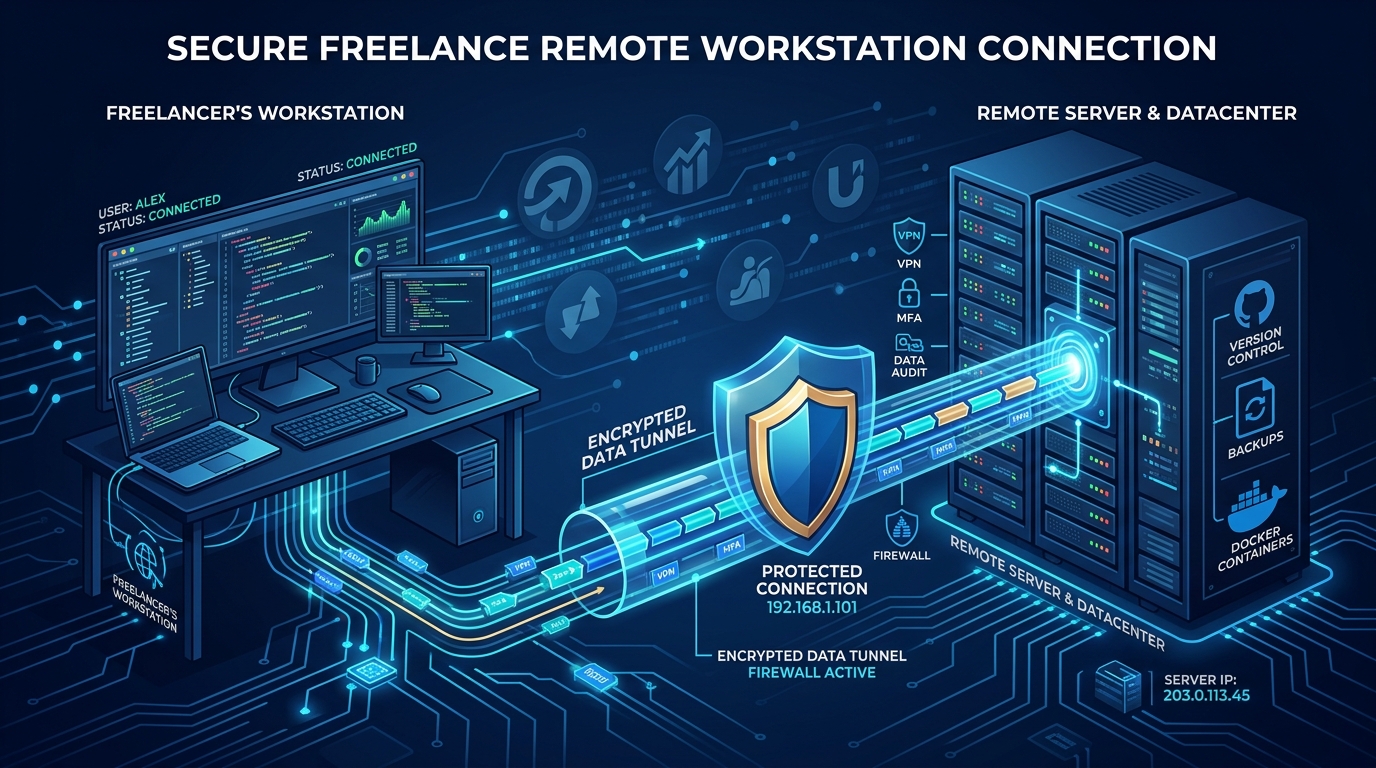
For remote workers and freelancers in Pakistan, losing an Upwork or Fiverr account to a sudden algorithmic ban is a nightmare. A significant percentage of these bans are triggered by “IP Flagging”—a security mechanism where multiple accounts log in from the same dynamic IP address.
In this guide, we’ll explain exactly how these bans happen and how routing your freelance business through a dedicated secure Pakistan remote desktop can permanently solve the issue.
Why Do Platforms Ban for IP Addresses?
Freelance platforms use advanced anti-fraud algorithms to prevent fake reviews and multi-accounting. When you use a standard consumer ISP connection in Pakistan, you are likely on a Carrier-Grade NAT (CGNAT) network. This means your public IP address is shared with hundreds of other households in your neighborhood.
If one of your neighbors creates a fake Fiverr account or gets banned for violating Terms of Service, their IP address is blacklisted. Because you share that same IP address, your legitimate account is suddenly caught in the crossfire, resulting in an immediate suspension.
Furthermore, if you travel or use public Wi-Fi at cafes, you risk logging in from IP addresses with low trust scores, which can also trigger security reviews.
The Dedicated RDP Solution
A Remote Desktop Protocol (RDP) server provides you with a dedicated, static IP address that is exclusively yours. By connecting to a Secure RDP environment, you ensure that your freelance platform traffic always originates from a clean, high-trust datacenter IP.
Benefits of a Dedicated RDP
- Isolation from Bad Actors: Your IP is never shared. The actions of other internet users cannot impact your account standing.
- Geographic Consistency: Even if you travel across the country or internationally, logging into your RDP ensures Upwork always sees you logging in from the exact same location in Pakistan, preventing “Suspicious Login” lockouts.
- Always-On Connectivity: Power outages and internet drops won’t interrupt your work. Your RDP remains online 24/7, keeping your communication tools active and ensuring you never miss a client message.
Setting Up Your Secure Workspace
When setting up your workstation, you don’t need a powerful local computer. A basic laptop is sufficient to connect to a high-performance RDP. This is especially useful for video editors or 3D designers who can leverage the computing power of the remote server.
Ensure your chosen RDP provider offers a Residential or High-Trust Datacenter IP. If you are managing sensitive client data or require custom software installations, you might also consider upgrading to a full Virtual Private Server (VPS) to host your own remote desktop environment with complete root access.
Conclusion
Your freelance profile is a vital business asset. Don’t risk losing years of hard-earned reputation to a shared ISP IP ban. By migrating your workflows to a dedicated RDP server, you create a stable, secure, and isolated environment that protects your livelihood from algorithmic false positives.
