
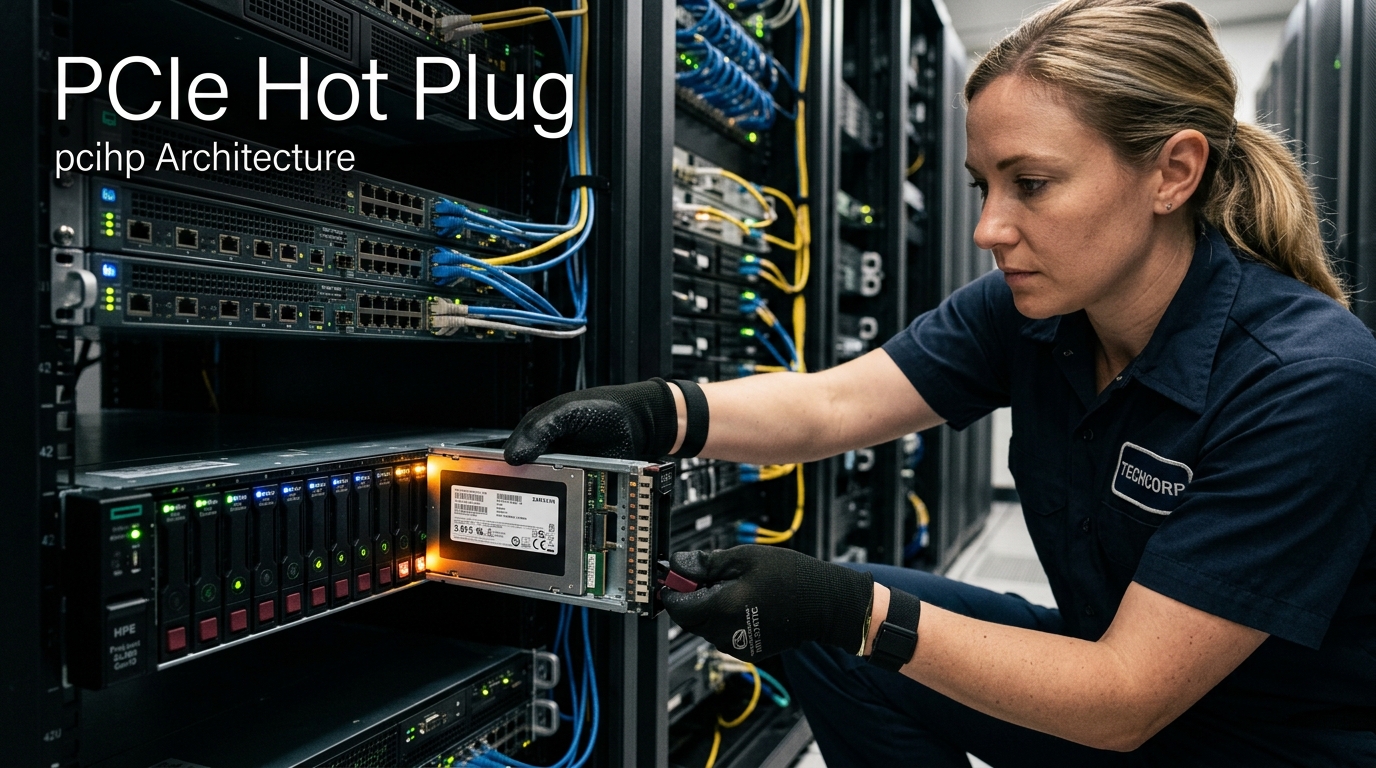
In enterprise data centers, storage drives inevitably fail. On legacy SATA and SAS arrays, hot-swapping a failed hard drive or SSD is straightforward: the storage controller handles the swap seamlessly behind the scenes.
However, modern high-performance databases, AI model training clusters, and fintech transactional engines in Pakistan run directly on PCIe NVMe SSDs (U.2, U.3, and E1.S/E3.S form factors). Because NVMe drives connect directly to the CPU’s high-speed PCI Express bus rather than a legacy intermediary controller, physically inserting or removing a drive without proper kernel coordination can trigger an instant kernel panic, a PCIe bus lockup, or an unrecoverable crash!
To achieve true 99.999% high availability, enterprise dedicated servers must combine PCIe Native Hotplug (pciehp), Advanced Error Reporting (AER), and Downstream Port Containment (eDPC).
This guide provides a comprehensive hardware and systems engineering manual for configuring, managing, and troubleshooting PCIe hotplug and AER error handling on enterprise Linux dedicated servers in Pakistan.
1. The Challenge of PCIe Hotplug vs. Legacy Storage
Why is hotplugging a PCIe device dramatically more complex than SATA?
Legacy SATA / SAS Hotplug:
[ CPU ] ──► [ SATA/SAS Host Bus Adapter (HBA) ] ──► [ SATA Drive ]
* The CPU never talks directly to the drive. The HBA buffers connect/disconnect events safely.

PCIe Native NVMe Hotplug:
[ CPU Root Complex ] ──► [ PCIe Switch / Backplane ] ──► [ U.2/U.3 NVMe SSD ]
* Direct high-speed differential signal lanes (32 GT/s on Gen5).
* Sudden pin disconnect can cause electrical glitches, link training dropouts, and PCIe fatal errors!
* Must be contained via hardware ACPI/SHPC/native pciehp controllers.
The Three PCIe Hotplug Signaling Models:
- ACPI Hotplug: Governed by motherboard ACPI firmware. Slower, reliant on BIOS DSDT tables.
- Standard Hot-Plug Controller (SHPC): Legacy PCI standard for external expansion chassis.
- PCIe Native Hotplug (
pciehp): Modern standard where PCIe Root Ports and downstream switch ports natively signal link state changes, presence detect pins, and attention indicators directly to the Linux kernel.
2. Linux Kernel PCIe Native Hotplug (pciehp) Architecture
Ensure the Linux kernel is booting with native PCIe hotplug enabled. Inspect active hotplug slots:
# Check if pciehp driver is built into kernel or loaded
lsmod | grep -i pciehp || zgrep CONFIG_HOTPLUG_PCI_PCIE /proc/config.gz

# Inspect physical PCIe hotplug slots registered in the system
ls -la /sys/bus/pci/slots/
Each registered physical drive slot exposes control attributes:
# View attention light and power status of physical slot 1
cat /sys/bus/pci/slots/1/power
cat /sys/bus/pci/slots/1/attention
Safe Zero-Downtime Manual Drive Replacement Workflow:
Before physically pulling a degraded U.2 NVMe drive out of a live server:
# 1. Unmount filesystems or remove drive from software RAID array
sudo mdadm /dev/md0 --fail /dev/nvme0n1p1 --remove /dev/nvme0n1p1

# 2. Tell the NVMe subsystem to safely shut down the controller
echo 1 | sudo tee /sys/block/nvme0n1/device/device/remove

# 3. Power off the physical PCIe slot LED indicator
echo 0 | sudo tee /sys/bus/pci/slots/1/power
Once the physical drive is swapped with a fresh NVMe SSD, rescan the PCIe bus:
# Rescan the PCIe bus to enumerate the newly inserted drive
echo 1 | sudo tee /sys/bus/pci/rescan
The new drive immediately appears as /dev/nvme0n1 without restarting the server!
3. Advanced Error Reporting (AER): Correctable vs. Uncorrectable
PCIe Advanced Error Reporting (AER) is an optional PCIe extended capability register that provides granular diagnostic telemetry when signal degradation or parity errors occur on PCIe lanes:
┌────────────────────────────────────────────────────────┐
│                   PCIe Error Hierarchy                 │
├────────────────────────────────────────────────────────┤
│ 1. Correctable Errors (Receiver Error, Bad TLP)        │
│    * Hardware automatically retries and recovers.      │
│    * Logged for predictive failure analysis.           │
├────────────────────────────────────────────────────────┤
│ 2. Uncorrectable Non-Fatal Errors (Poisoned TLP)       │
│    * Specific transaction failed, but bus remains up. │
├────────────────────────────────────────────────────────┤
│ 3. Uncorrectable Fatal Errors (Malformed TLP, Surprise)│
│    * Link dropped, bus resets, kernel panic without DPC│
└────────────────────────────────────────────────────────┘
Inspecting PCIe AER Telemetry on Linux:
Use rasdaemon and lspci to monitor PCIe bus health:
# Check AER capabilities of your installed NVMe controller
sudo lspci -vvv -s $(lspci | grep -i nvme | head -n 1 | awk '{print $1}') | grep -A 20 "Advanced Error Reporting"

# View logged kernel AER events
sudo dmesg | grep -iE "aer|pcie.*error"
Sample healthy AER status:
Capabilities: [100 v2] Advanced Error Reporting
  UESta:  DLP- SDES- TLP- FCP- CmpltTO- CmpltAbrt- UnxCmplt- RxOF- MalfTLP- ECRC- UnsupReq- ACSViol-
  UEMsk:  DLP- SDES- TLP- FCP- CmpltTO- CmpltAbrt- UnxCmplt- RxOF- MalfTLP- ECRC- UnsupReq- ACSViol-
  CORSta: RxErr- BadTLP- BadDLLP- Rollover- Timeout- AdvNonFatalErr-
4. Downstream Port Containment (eDPC): Preventing Kernel Panics
When a drive experiences an unexpected failure or physical detachment, it generates a fatal PCIe error. Historically, this caused a CPU Machine Check Exception (MCE) and crashed the entire server.
Downstream Port Containment (eDPC) isolates the failure at the specific PCIe switch port. The hardware automatically disables the port and prevents toxic packets from traveling upstream to the CPU root complex:
# Verify DPC support in kernel dmesg
sudo dmesg | grep -i "dpc"
# Expected output: [PCIe: DPC enabled for port 0000:00:01.1]
When a drive fails, eDPC contains the blast radius strictly to the failed drive, allowing the rest of the server and sibling NVMe drives to continue serving production traffic uninterrupted!
For enterprise organizations in Pakistan requiring zero-compromise hardware availability and high-performance NVMe storage arrays, deploying on Dedicated Servers in Pakistan provides certified chassis backplanes, redundant hot-swap power supplies, and local PKIX Anycast connectivity.
5. Architectural Comparison: Storage Fault Containment Models
| Architecture Model | Hot-Swap Safety | Bus Isolation | Error Telemetry Depth | Crash Risk on Drive Pull |
|---|---|---|---|---|
| Consumer M.2 NVMe | None (Screw mounted) | None | Basic SMART | 100% System Freeze |
| Enterprise SATA / SAS | Safe (Controller buffered) | Isolated via HBA | Moderate | Zero |
| Standard Enterprise U.2 (No AER) | Risky | Minimal | Low | High (Kernel Panic) |
| Enterprise U.3 NVMe with pciehp + eDPC | 100% Safe Live Swap | Port-Level Containment | Granular AER Bitmasks | Zero (Isolated at Port) |
For software startups and web agencies managing client workloads on high-performance virtualized infrastructure, our pure NVMe Cloud VPS instances deliver predictable compute performance and automated storage snapshot redundancy.
For multinational corporations deploying distributed database clusters across Europe, North America, and Asia, combining local nodes with our global Dedicated Servers delivers 10Gbps unmetered bandwidth, redundant hardware RAID arrays, and dedicated 24/7 technical operations.
Related Dedicated Hardware & Storage Architecture Guides
Continue advancing your enterprise hardware and storage systems engineering:
- PCIe ECAM & ACPI MCFG: Linux Kernel PCI Bus Enumeration on Dedicated Servers
- CXL Fabric Switches & PCIe Gen5: Direct Memory Pooling on Dedicated Hardware
- NVMe TCG Opal Hardware SED Encryption on Dedicated Servers
Deploy Hot-Swappable NVMe Dedicated Servers in Pakistan
Eliminate server downtime with enterprise U.2/U.3 PCIe NVMe storage arrays, hardware error containment (eDPC), and 24/7 senior infrastructure engineering support in Tier-3 Pakistani datacenters.
