
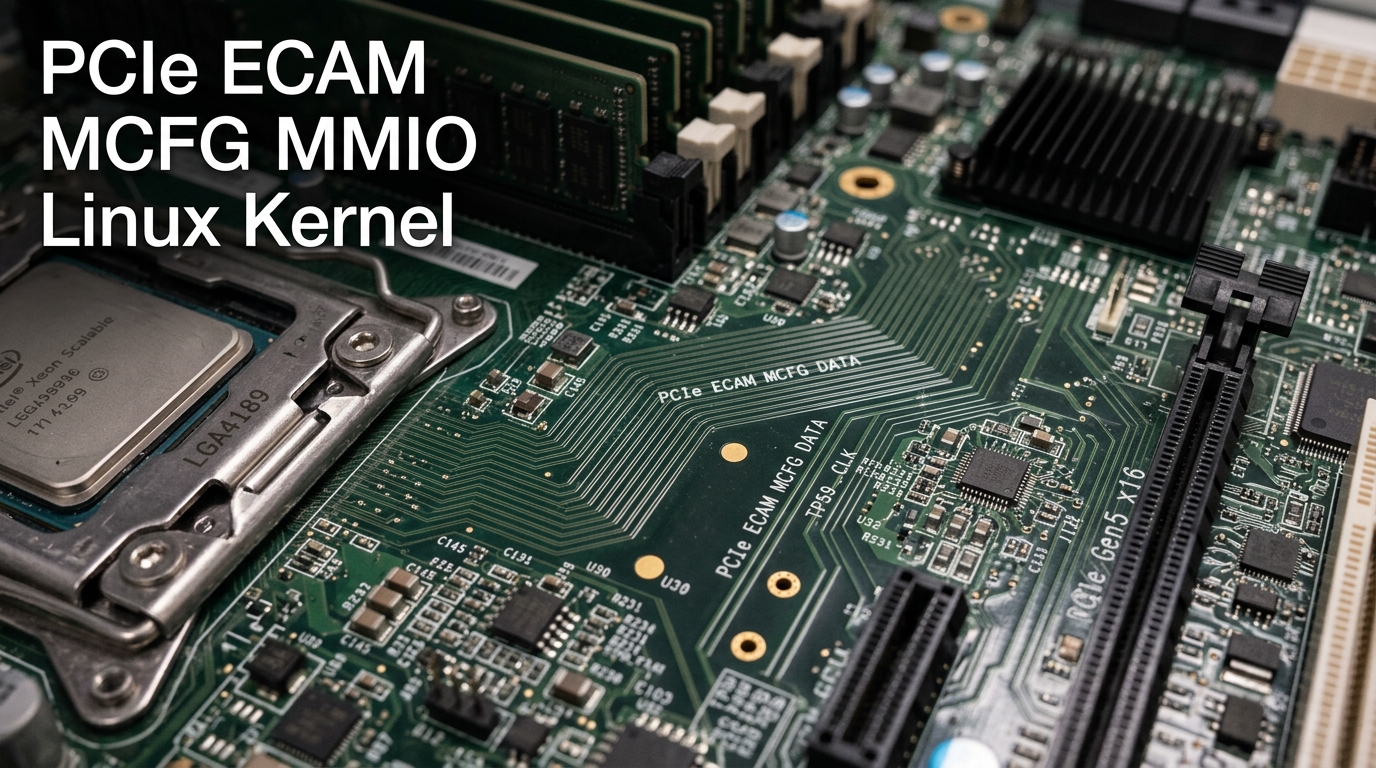
On high-density enterprise bare-metal servers—such as AMD EPYC 9004/9005 Genoa/Turin or dual-socket Intel Xeon Emerald Rapids/Granite Rapids platforms loaded with multiple U.2/U.3 NVMe drives, dual 100GbE NICs, and GPU accelerators—booting the Linux kernel requires discovering and initializing hundreds of PCIe devices across complex bus topologies.
When high-performance server hardware fails to detect all installed NVMe drives during boot, drops PCI Express lanes, or encounters kernel panics with errors like [PCIe: ECAM failed to map], PCI: MMCONFIG error, or BAR allocation failure, the breakdown almost always lies at the intersection of ACPI MCFG tables and the Enhanced Configuration Access Mechanism (ECAM).
Understanding how the Linux kernel discovers memory-mapped configuration spaces through the ACPI MCFG table is critical for infrastructure architects and enterprise systems administrators in Pakistan operating mission-critical bare-metal hardware.
1. Legacy Port I/O vs. PCIe Enhanced Configuration Access Mechanism (ECAM)
In legacy PCI systems, the CPU accessed configuration space using archaic 32-bit Port I/O ports (0xCF8 for Address, 0xCFC for Data). This limited servers to 256 bytes of configuration space per device and only 256 total PCI buses:
Legacy PCI Configuration (I/O Port 0xCF8 / 0xCFC):
- Limited to 256 bytes per device.
- Max 256 PCI buses (Cannot scale to multi-socket enterprise servers).
- Slow, non-atomic, serialized I/O instructions.

PCIe Enhanced Configuration Access Mechanism (ECAM):
- Full 4,096 bytes (4KB) per device function.
- Memory-Mapped I/O (MMIO): Configuration space mapped directly into CPU physical address space!
- Enables atomic atomic reads/writes, extended capability registers (SR-IOV, AER, CXL).
- Discovered by OS via the ACPI MCFG (Memory Mapped Configuration Space Base Address) Table.
With ECAM, every single PCIe function is assigned a 4KB chunk of physical memory addresses. The CPU reads and writes PCIe device registers using standard memory instructions (MOV, LOAD, STORE) without touching slow legacy I/O ports.
2. The ACPI MCFG Table: Mapping the PCIe Topology
During the early boot phase, before device drivers load, the server firmware (UEFI/BIOS) presents the ACPI MCFG table to the Linux kernel:
┌────────────────────────────────────────────────────────┐
│                   ACPI MCFG Table Header               │
│   Signature: 'MCFG' | Length: 60 Bytes | Revision: 1   │
├────────────────────────────────────────────────────────┤
│           Memory-Mapped Configuration Allocation       │
│  - Base Address: 0x00000000E0000000 (Physical MMIO)    │
│  - PCI Segment Group Number: 0                         │
│  - Start PCI Bus Number: 0                             │
│  - End PCI Bus Number: 255                             │
└────────────────────────────────────────────────────────┘
The physical address for any PCIe device function is computed using a deterministic mathematical formula:
$$\text{Physical Address} = \text{Base Address} + \left( \text{Bus} \times 2^{20} \right) + \left( \text{Device} \times 2^{15} \right) + \left( \text{Function} \times 2^{12} \right) + \text{Register Offset}$$
Each bus occupies $1\text{ MB}$ of physical memory address space. Across an entire 256-bus PCIe segment, ECAM reserves $256\text{ MB}$ of high physical memory!
3. Kernel Boot Diagnostics: Inspecting MCFG & ECAM on Linux
Log into your enterprise Linux server and inspect how the kernel maps ECAM:
# Verify MCFG table recognition in kernel dmesg
sudo dmesg | grep -iE "acpi: mcfg|pci.*mmconfig|ecam"
A healthy boot sequence displays:
[    0.021045] ACPI: MCFG 0x0000007FE943D000 00003C (v01 ALASKA A M I  01072009 AMI  00010013)
[    0.021051] PCI: MMCONFIG for domain 0000 [bus 00-ff] at [mem 0xe0000000-0xefffffff] (base 0xe0000000)
[    0.021055] PCI: MMCONFIG at [mem 0xe0000000-0xefffffff] reserved in E820
Dumping the Raw MCFG ACPI Table
To inspect the raw BIOS table representation:
# Install acpica-tools
sudo apt update && sudo apt install -y acpica-tools

# Dump and disassemble MCFG table
sudo acpidump -t MCFG -b > mcfg.dat
iasl -d mcfg.dat
cat mcfg.dsl
4. Troubleshooting PCIe Bus Exhaustion & ECAM Failures
When deploying multi-socket enterprise servers with dense NVMe backplanes, several critical failures can arise:
Issue 1: BIOS Firmware Omits MMCONFIG Reservation in E820 Map
- Symptom: Kernel outputs
PCI: MMCONFIG [mem 0xe0000000-0xefffffff] not reserved in E820and falls back to slow CF8 legacy access. Extended features like SR-IOV and PCIe AER fail to initialize! - Root Cause: A buggy motherboard BIOS firmware failed to mark the MMIO configuration space as reserved in the memory map.
- The Kernel Fix: Add the following kernel boot parameter to
/etc/default/grub:
Or override ECAM reservation checks:GRUB_CMDLINE_LINUX_DEFAULT="quiet splash pci=force_floating"GRUB_CMDLINE_LINUX_DEFAULT="quiet splash pci=nommconf" # Disables ECAM if hardware is irreparably broken
Issue 2: Insufficient Bus Range for Multi-Segment Enterprise Servers
Dual-socket AMD EPYC platforms support up to 8 PCIe Root Complexes spanning multiple segments (Domain 0000, Domain 0001). If the BIOS defaults to a 1-bus range per socket, downstream NVMe switches run out of buses.
- The Fix: In server BIOS/UEFI settings, navigate to PCI Subsystem Settings ──► PCI Bus Allocation and increase the bus reservation range per root port from
32to64or128.
For Pakistani enterprises, fintech datacenters, and telecommunications operations requiring guaranteed PCIe bandwidth and validated server firmware, deploying on Dedicated Servers in Pakistan ensures certified Supermicro, Dell EMC, and HPE bare metal nodes with local PKIX peering.
5. Architectural Comparison: PCI Configuration Mechanisms
| Architecture Specification | Addressable Space | Configuration Method | Bus Limit | Extended Capabilities |
|---|---|---|---|---|
| Legacy PCI 2.2 | 256 Bytes | I/O Ports 0xCF8/0xCFC |
256 Buses | None |
| PCI-X 2.0 | 4,096 Bytes | I/O Ports / Memory | 256 Buses | Limited |
| PCIe ECAM (Standard) | 4,096 Bytes | Memory-Mapped (MMIO) | 65,536 Buses (Multi-Domain) | Full (AER, SR-IOV, CXL, DPC) |
| ARM64 PCIe ECAM | 4,096 Bytes | ACPI / Device Tree | Multi-Segment | Full Native |
For development teams and SaaS agencies requiring reliable compute instances without bare-metal firmware management, our pure NVMe Cloud VPS instances deliver predictable vCPU scheduling and isolated private networks.
For multinational corporations deploying complex multi-region storage clusters across Europe, North America, and Asia, combining domestic infrastructure with our global Dedicated Servers provides unthrottled 10Gbps uplinks and enterprise out-of-band IPMI/KVM access.
Related Dedicated Hardware & Storage Architecture Guides
Expand your low-level hardware and systems engineering expertise:
- CXL Fabric Switches & PCIe Gen5: Direct Memory Pooling on Dedicated Hardware
- CXL Memory Tiering with Linux Kernel Memtier on Dedicated Servers
- Bare-Metal Firmware Security: UEFI Secure Boot & Hardware Root of Trust
Deploy Bare-Metal Dedicated Servers in Pakistan
Harness unthrottled PCIe Gen5 bandwidth, enterprise U.2/U.3 NVMe storage arrays, and custom hardware firmware tuning. Deploy dedicated infrastructure with 24/7 senior systems engineering support and local PKIX peering.
