
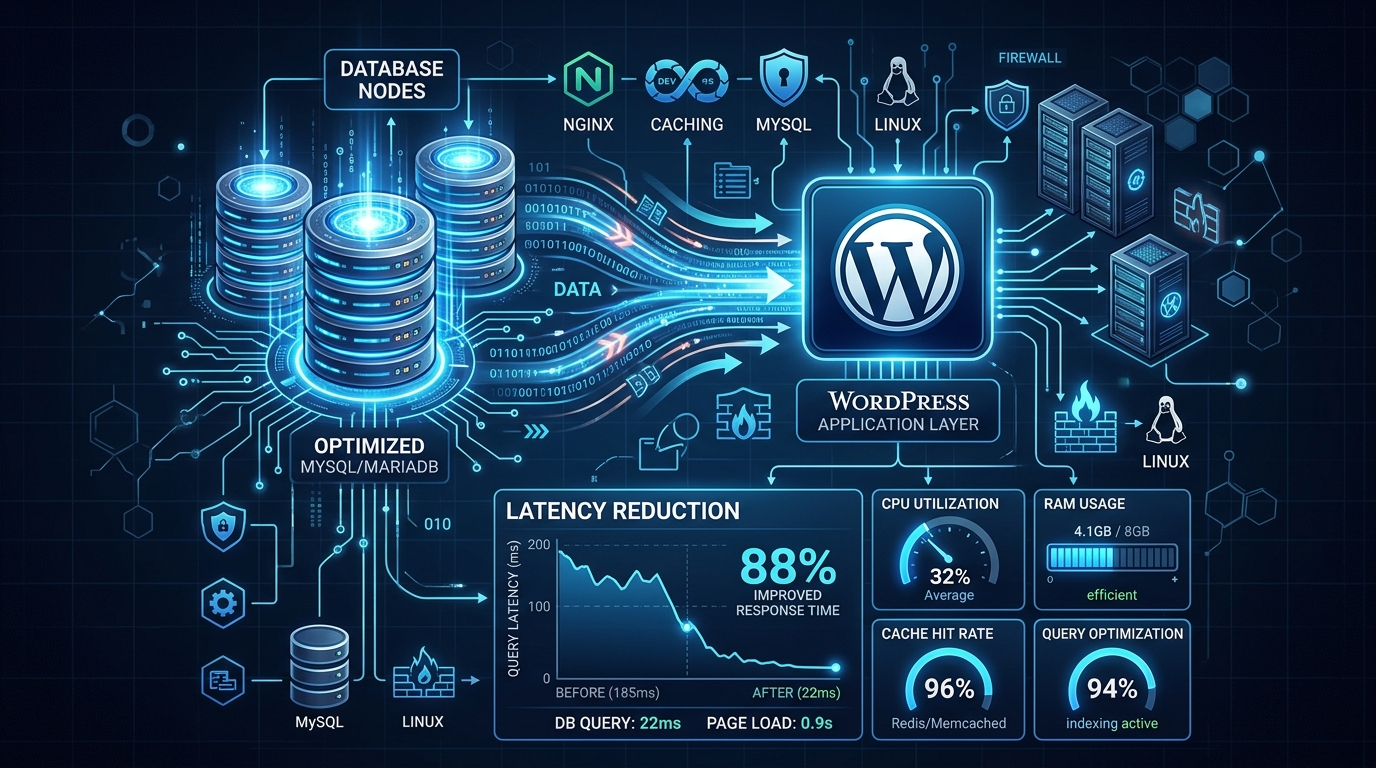
When deploying a high-traffic WooCommerce or news-heavy WordPress site on a Nextgen’s Islamabad cloud VPS, standard LAMP/LEMP stack configurations will quickly buckle under pressure. The most common point of failure is the database layer, specifically MySQL or MariaDB, resulting in high Time to First Byte (TTFB), database connection errors, and brutal Out of Memory (OOM) kills by the Linux kernel.
In this deep dive, we will explore advanced database tuning to mitigate latency and ensure your WordPress site remains stable during traffic spikes.
1. The OOM Killer and Memory Allocation
If your WordPress site randomly drops offline with an “Error Establishing a Database Connection,” the Linux Out of Memory (OOM) killer is likely terminating your MariaDB process. This happens because the default innodb_buffer_pool_size is either too large for your VPS’s available RAM or too small, causing excessive disk I/O swapping.
Calculating the Ideal Buffer Pool
The innodb_buffer_pool_size dictates how much of your database is cached in RAM instead of being read from the disk. For a dedicated database server, this should be set to 70-80% of total RAM. However, for a shared web/database VPS running PHP-FPM, you must leave room for PHP workers.
Open your my.cnf (usually located at /etc/mysql/mariadb.conf.d/50-server.cnf) and adjust:
[mysqld]
# Set to 50-60% of total RAM for a mixed web/db VPS
innodb_buffer_pool_size = 2G
innodb_buffer_pool_instances = 2 # 1 instance per 1GB of buffer pool
Preventing Swap Thrashing
To prevent the kernel from swapping MariaDB to the disk (which causes massive latency spikes), add the following:
innodb_flush_method = O_DIRECTThis bypasses the OS filesystem cache and writes directly to the disk, preventing double-buffering.
2. Query Cache vs. Object Caching
Historically, administrators enabled the MySQL query_cache. However, in modern MariaDB versions and high-concurrency WordPress environments, the query cache actually creates a massive bottleneck due to lock contention.
Disable the MySQL Query Cache
query_cache_type = 0
query_cache_size = 0
Implement Redis Object Caching
Instead of relying on the database to cache queries, offload the work to a memory-based data structure store. Install redis-server on your VPS and configure the Redis Object Cache plugin in WordPress. This ensures that frequent, heavy queries (like wp_options lookups and WooCommerce product loops) bypass the database entirely, dropping latency from hundreds of milliseconds to under 2ms.
3. Connection Limits and Network Latency
If you are running a standalone database server that connects to a separate web server via a private network, network latency and connection limits become a factor.
Increase your maximum connections to prevent “Too many connections” errors during traffic surges:
max_connections = 300Furthermore, ensure that your firewall rules strictly control access. As detailed in our guide on Auditing Local WAF Rules, bind your database exclusively to the private IP or 127.0.0.1 if it’s on the same server, preventing public internet scans from consuming connection slots.
Conclusion
Tuning MariaDB is not a one-size-fits-all approach. By accurately configuring your InnoDB buffer pool, moving to Redis for object caching, and hardening your network connections, you can significantly reduce database latency and completely eliminate OOM crashes on your local VPS infrastructure.
