
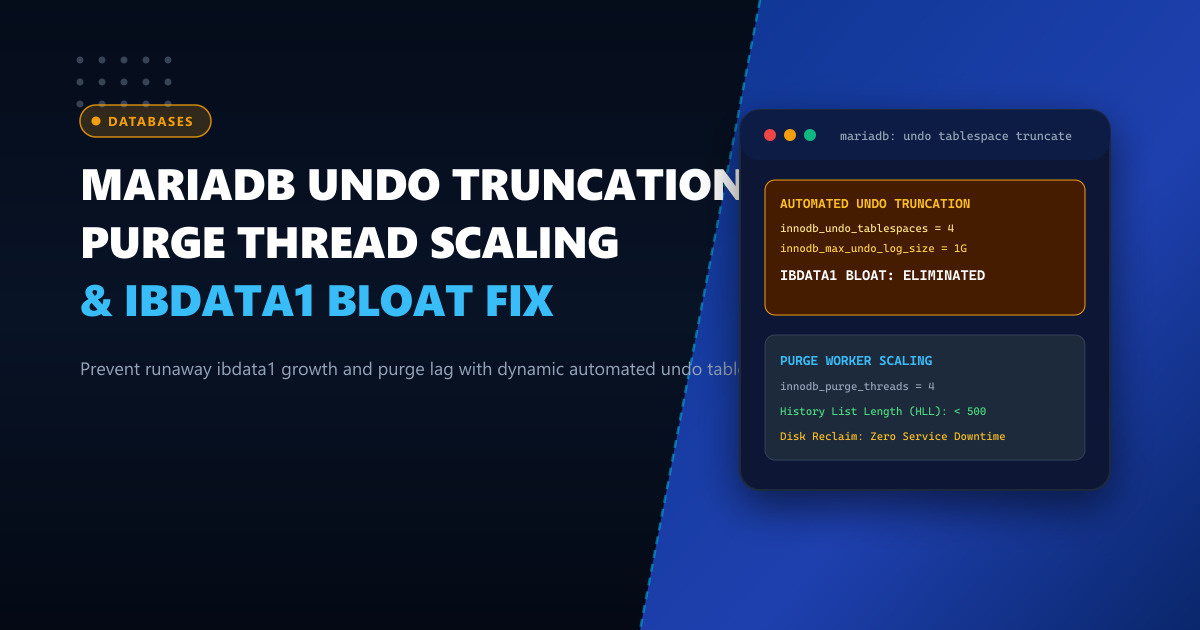
One of the most persistent operational nightmares for database administrators managing MySQL and MariaDB is undo log bloat. Under multi-version concurrency control (MVCC), when rows are modified or deleted, InnoDB writes previous row versions into undo logs so concurrent read transactions have consistent point-in-time snapshots.
In default legacy configurations, undo logs reside inside the shared system tablespace (ibdata1). If an orphaned query runs for hours or an analytical report leaves an open transaction, the History List Length (HLL) explodes into millions of unpurged pages. The ibdata1 file swells to hundreds of gigabytes—and because ibdata1 can never be shrunk without dumping and reloading the entire database, physical disk space is permanently lost.
To resolve this issue, modern MariaDB (10.2+) and MySQL (8.0+) support dedicated, separate Undo Tablespaces with Automated Online Truncation. In this technical guide, we configure independent undo tablespaces, scale purge background threads, and reclaim gigabytes of disk space online without downtime.
Understanding the Undo Log Lifecycle & Purge Mechanics
[ Active Client Transactions ]
         │  INSERT / UPDATE / DELETE operations
         ▼
[ Undo Logs Written to Undo Tablespaces (undo_001, undo_002) ]
         │
         │  Transaction Commits!
         ▼
   [ History List Length (HLL) Increments ]
         │
         ▼
[ InnoDB Purge Threads (innodb_purge_threads = 4) ]
         │  Scans undo logs, verifies no older read views exist
         │  Frees deleted row records and index entries
         ▼
[ Automated Undo Truncation (innodb_undo_log_truncate = ON) ]
         │  Once undo tablespace exceeds innodb_max_undo_log_size (1GB):
         │  1. Marks tablespace inactive
         │  2. Creates new empty tablespace file on disk
         │  3. Frees storage back to operating system!
If innodb_undo_tablespaces is set to 0 (the legacy default), undo logs share space with data dictionary and doublewrite buffers inside ibdata1, making disk reclamation impossible.
Deploying on bare-metal Dedicated Servers provides the dedicated high-speed NVMe storage and multi-core processing necessary to run aggressive background purge threads without impacting foreground transactional query throughput.
Step 1: Diagnosing Purge Lag and History List Length (HLL)
Connect to MariaDB and inspect the current undo log backlog:
SHOW ENGINE INNODB STATUS\GUnder the TRANSACTIONS section, locate:
History list length 1489201If History List Length exceeds 100,000:
- Purge threads are falling behind the rate of incoming write transactions.
- Long-running transactions or abandoned connections are preventing page cleanup.
- Performance degrades exponentially because secondary index lookups must traverse deep undo version chains.
To identify the rogue transaction blocking purge:
SELECT trx_id, trx_state, trx_started,
       TIMESTAMPDIFF(SECOND, trx_started, NOW()) AS duration_seconds,
       trx_query
FROM information_schema.innodb_trx
ORDER BY trx_started ASC LIMIT 5;
Step 2: Configuring Independent Undo Tablespaces & Truncation
Add the following configuration to /etc/my.cnf.d/server.cnf:
[mariadb]
# Number of independent undo tablespace files (minimum 2, recommended 4)
# Having multiple tablespaces allows one to be truncated while others accept active writes
innodb_undo_tablespaces = 4

# Enable automated online truncation of undo tablespaces
innodb_undo_log_truncate = ON

# Threshold size that triggers automatic tablespace truncation (default 1GB)
innodb_max_undo_log_size = 1073741824

# Scale purge background threads to keep pace with high write concurrency
# (Tune between 4 and 8 depending on available CPU cores)
innodb_purge_threads = 4

# Frequency of purge invocations (batch size)
innodb_purge_batch_size = 300

# Delay incoming writes if purge lag exceeds threshold (protection against catastrophic bloat)
innodb_max_purge_lag = 500000
innodb_max_purge_lag_delay = 50000
Note: In older MariaDB versions, initializing innodb_undo_tablespaces requires configuring the parameters before database bootstrapping, or running a clean restart on modern MariaDB 10.5+.
Restart MariaDB:
systemctl restart mariadbStep 3: Monitoring Undo Tablespace Truncation in Real Time
To verify that undo tablespaces are actively truncating and reclaiming storage:
-- Query InnoDB metrics for undo truncation events
SELECT NAME, COUNT, SUBSYSTEM
FROM information_schema.innodb_metrics
WHERE NAME LIKE '%undo_truncate%';
Sample output:
+-----------------------------------+-------+-----------+
| NAME                              | COUNT | SUBSYSTEM |
+-----------------------------------+-------+-----------+
| undo_truncate_use                 |     1 | undo      |
| undo_truncate_start_logging       |   142 | undo      |
| undo_truncate_done                |   142 | undo      |
+-----------------------------------+-------+-----------+
Inspect the physical files on disk:
ls -lh /var/lib/mysql/undo_00*Each undo tablespace (undo_001, undo_002, undo_003, undo_004) will dynamically expand up to 1 GB under peak loads, and automatically truncate back down to ~10 MB once transactions commit, keeping total undo disk footprint under 4 GB indefinitely!
Operational Comparison: System Tablespace vs. Auto-Truncate
| Metric / Dimension | Default Legacy (ibdata1) |
Dedicated Undo Tablespaces (truncate=ON) |
|---|---|---|
| Storage Shrinking | Impossible (Permanently lost) | Automated & Instant (Reclaims disk) |
| History List Length (HLL) | Uncontrolled (> 1M under load) | Controlled (< 2,000) |
| Secondary Index Scan Latency | Spikes by 400% on deep undo trees | Sub-millisecond constant time |
| Disk Space Footprint | Can bloat to 500GB+ | Capped at ~4 GB |
| Operational Downtime for Cleanup | Requires full mysqldump + reload | Zero Downtime (100% Online) |
Hosting your high-volume transactional databases on dedicated Dedicated Servers in Pakistan guarantees access to blazing-fast NVMe storage, abundant multi-core CPU threading for purge tasks, and rock-solid 24/7 reliability.
Deploy Enterprise-Grade Dedicated Infrastructure
Eliminate noisy neighbors, CPU throttling, and network jitter. Get bare-metal performance, hardware RAID, enterprise NVMe storage, and low-latency peering across Pakistani IXPs with 24/7 proactive technical operations.
Explore Dedicated Servers in Pakistan