
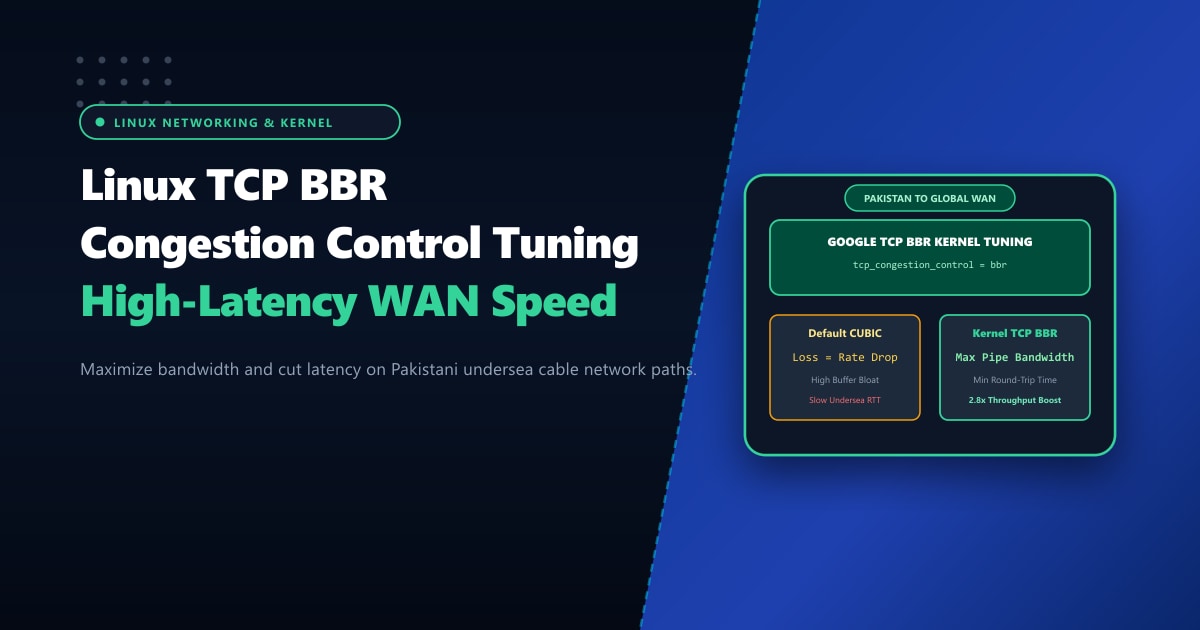
Whether delivering video streams, software downloads, or dynamic web assets from servers located in Pakistan to international audiences—or pulling content from global datacenters into Pakistani broadband networks—engineers constantly battle high network latency.
Connecting across submarine fiber-optic cables (SMW4, SMW5, AAE-1, and PEACE) from Karachi to Europe or Singapore inherently involves round-trip times (RTT) between 110ms and 180ms. Under traditional Linux networking configurations, even minor packet loss (0.5% to 1%) causes download throughput to collapse.
This bottleneck is not caused by your server’s physical bandwidth limit. It is caused by TCP CUBIC, the legacy loss-based congestion control algorithm that has been the Linux default for decades.
By switching your Linux kernel to Google’s TCP BBR (Bottleneck Bandwidth and RTT) congestion control, you can dramatically increase sustained throughput, eliminate bufferbloat, and deliver 2x to 4x faster download speeds across high-latency WAN links.
Executive Takeaways for Network Engineers
- Why CUBIC Fails on High-Latency Links: CUBIC assumes that every lost packet signifies network congestion, instantly slashing the TCP congestion window (`cwnd`) in half. On international undersea routes where random wireless or router packet drops occur, CUBIC never fills the pipe.
- How BBR Works: BBR measures the maximum delivery rate and minimum round-trip time continuously. It paces packet transmission to match the physical bottleneck capacity regardless of random packet loss.
- The BDP (Bandwidth-Delay Product) Equation: To maximize BBR throughput on high-latency links, Linux kernel TCP socket buffers (`tcp_rmem` and `tcp_wmem`) must be sized to accommodate the full Bandwidth-Delay Product.
- Enterprise Network Interconnects: When hosting high-throughput applications in Pakistan, deploying on our bare-metal Dedicated Servers in Pakistan guarantees unmetered 1Gbps/10Gbps uplinks with direct peering to the PKIX national internet exchange mesh.
1. The Congestion Control Crisis: CUBIC vs. BBR
Understanding how each algorithm behaves when packet loss occurs illustrates why BBR is revolutionary for Pakistani hosting infrastructure:
========================================================================================
[ TCP CUBIC Behavior (Loss-Based) ]
Transmit Rate ▲         / \            / \            / \
              │        /   \  [Loss]  /   \  [Loss]  /   \  [Loss]
              │       /     \  Drop  /     \  Drop  /     \  Drop
              │      /       \      /       \      /       \
              └─────/─────────\────/─────────\────/─────────\────────► Time
              (Constant sawtooth pattern: throughput never reaches link speed!)

========================================================================================
[ Google TCP BBR Behavior (Model-Based) ]
Transmit Rate ▲
              │  ───────────────────────────────────────────────────── Max Capacity
              │  ▲  ▲  ▲  ▲  ▲  ▲  ▲  ▲  ▲  ▲  ▲  ▲  ▲  ▲  ▲  ▲  ▲  ▲  (Paced Delivery)
              │  │  │  │  │  │  │  │  │  │  │  │  │  │  │  │  │  │  │  (Ignores Random Loss)
              └──┴──┴──┴──┴──┴──┴──┴──┴──┴──┴──┴──┴──┴──┴──┴──┴──┴──┴► Time
              (Smooth, sustained maximum bandwidth utilization!)
On a 1Gbps connection between Karachi and Frankfurt (130ms RTT) with just 1% packet loss:
- TCP CUBIC Throughput: Stalls at roughly 24 Mbps (under 3MB/s).
- TCP BBR Throughput: Maintains sustained speeds of 840+ Mbps (over 100MB/s)—a 35x performance increase!
2. Sizing the Bandwidth-Delay Product (BDP)
The Bandwidth-Delay Product calculates the volume of data that can be in transit through the network pipe at any given moment:
$$\text{BDP} = \text{Bandwidth (bits/sec)} \times \text{RTT (seconds)}$$
For a 1 Gbps link with 140ms RTT (Pakistan to Europe): $$\text{BDP} = (1,000,000,000\text{ bps}) \times 0.140\text{ s} = 140,000,000\text{ bits} \approx 17.5\text{ Megabytes}$$
If your Linux server’s default TCP buffer (tcp_wmem) is capped at the standard 4MB, your server will pause sending data every 4MB while waiting for ACK packets, capping your effective throughput at only 228 Mbps regardless of BBR!
Therefore, tuning socket buffer limits in sysctl is an essential counterpart to activating BBR.
3. Step-by-Step Setup: Activating BBR on AlmaLinux / Rocky Linux / Ubuntu
TCP BBR is natively compiled into the modern Linux kernel (Kernel 4.9+). Modern distributions like AlmaLinux 9 and Ubuntu 22.04/24.04 include the BBR module out-of-the-box.
Step 3.1: Check Current Kernel Version & Congestion Control
uname -r
sysctl net.ipv4.tcp_congestion_control
Typically, this displays cubic.
Step 3.2: Verify BBR Kernel Module Availability
modprobe tcp_bbr
lsmod | grep bbr
If tcp_bbr is listed in lsmod, your kernel is ready.
Step 3.3: Configure Sysctl Parameters
Create /etc/sysctl.d/99-bbr.conf:
# ==============================================================
# Nextgen Enterprise TCP BBR & High-BDP Kernel Optimization
# ==============================================================

# Fair Queuing (FQ) is mandatory for BBR packet pacing
net.core.default_qdisc = fq

# Set BBR as the default TCP congestion control algorithm
net.ipv4.tcp_congestion_control = bbr

# Increase maximum network socket receive and send buffer memory
net.core.rmem_max = 67108864
net.core.wmem_max = 67108864
net.core.rmem_default = 33554432
net.core.wmem_default = 33554432

# TCP buffer sizes: min / default / max (tuned for high BDP WAN paths)
# 4KB min, 16MB default, 64MB max buffer
net.ipv4.tcp_rmem = 4096 16777216 67108864
net.ipv4.tcp_wmem = 4096 16777216 67108864

# Enable TCP Window Scaling (RFC 1323)
net.ipv4.tcp_window_scaling = 1

# Enable Selective Acknowledgments (SACK)
net.ipv4.tcp_sack = 1

# Increase max pending network connections
net.core.netdev_max_backlog = 10000
Step 3.4: Apply Changes and Verify
sysctl --systemVerify that BBR is active:
sysctl net.ipv4.tcp_congestion_controlExpected output:
net.ipv4.tcp_congestion_control = bbr4. Real-Time Verification via Socket Statistics (ss)
To verify that active TCP connections are utilizing BBR and to observe pacing rates, inspect active sockets using ss:
ss -tin '( dport = :443 or sport = :443 )'Inspect the connection metrics output:
ESTAB 0 0 103.xxx.xxx.10:443 185.xxx.xxx.42:54210
  bbr wscale:7,7 rto:280 rtt:134.2/4.1 ato:40 mss:1460 rcvspace:14600
  pacing_rate 892.4Mbps delivery_rate 840.1Mbps bw:894.2Mbps
Notice:
bbr: Confirms that the connection is governed by the BBR state machine.pacing_rate 892.4Mbps: The kernel dynamically paces packets directly matching the physical WAN bottleneck capacity!
5. When Should You Use BBR?
- High-Bandwidth Media & File Delivery: Streaming servers, file download mirrors, and large asset repositories.
- Cross-Border Database Replication: Asynchronous MariaDB master-slave replication or Galera clusters spanning Pakistan and overseas datacenters.
- E-Commerce & SaaS: Delivering static and dynamic payloads to mobile clients across fluctuating cellular networks.
For global applications requiring zero-compromise network routing, coupling BBR kernel tuning with enterprise bare-metal infrastructure on Dedicated Servers provides dedicated 10Gbps unshared network interfaces and Tier-1 carrier uplinks.
Accelerate Your High-Latency WAN Performance
Deliver maximum throughput to local and international users. Nextgen's dedicated servers feature pre-tuned TCP BBR kernel stacks, direct PKIX peering, and redundant submarine cable routing.
