
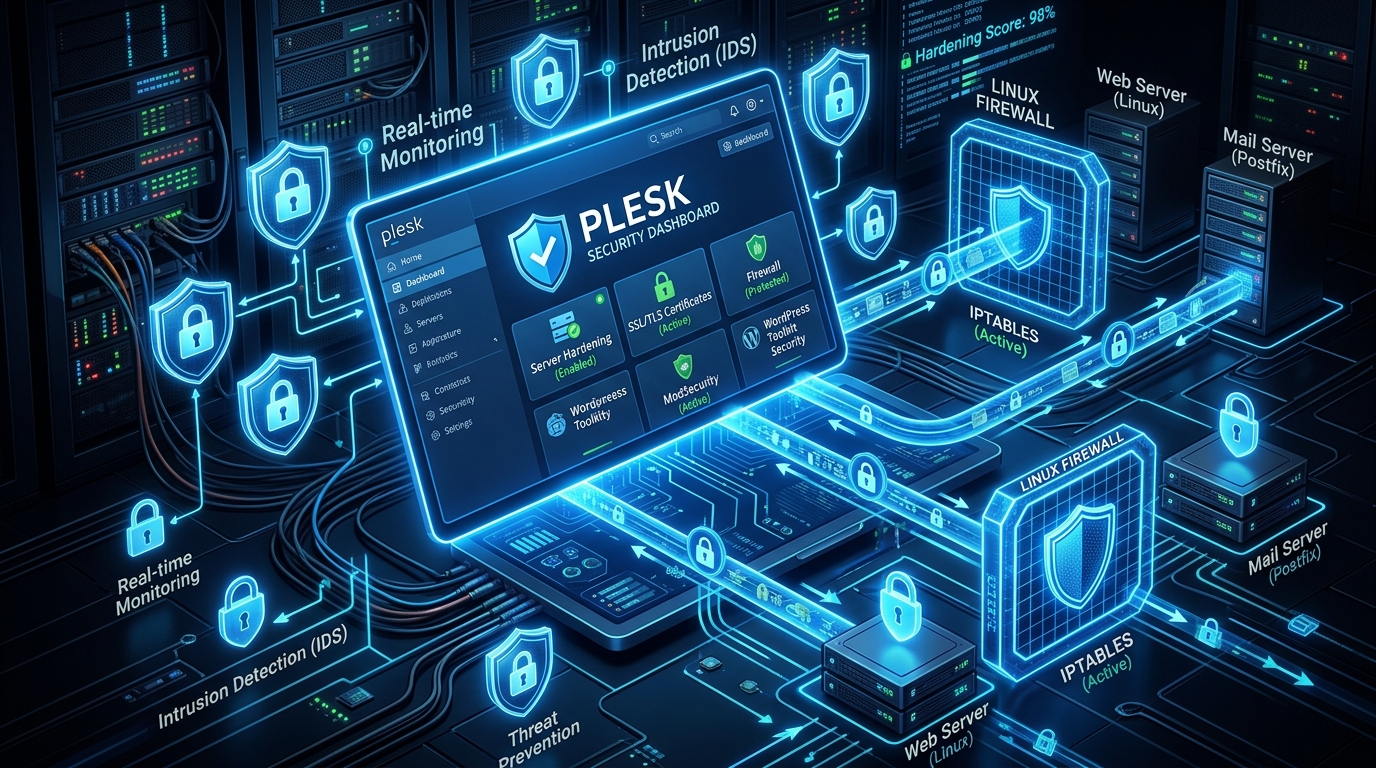
Plesk Obsidian is one of the most versatile web hosting control panels for managing multi-tenant environments on a Nextgen Cloud VPS. However, out-of-the-box installations often ship with relaxed security defaults to ensure backward compatibility with older legacy software.
In this technical guide, we will step through essential server hardening techniques for Plesk Obsidian on Linux, ensuring your domains achieve maximum security grades, robust firewall defenses, and zero vulnerability to automated botnet scans.
1. Enforcing Strict TLS 1.3 & Modern Cipher Suites
By default, older SSL protocols (such as TLS 1.0 and 1.1) and weak CBC ciphers may remain active, exposing your sites to cryptographic downgrade attacks.
To enforce modern TLS 1.3 and high-grade elliptic curve ciphers across all web spaces in Plesk:
- Connect to your VPS via SSH.
- Run the Plesk SSL/TLS management utility to enforce modern crypto profiles:
plesk bin server_pref -u -ssl-protocols "TLSv1.2 TLSv1.3"
plesk bin server_pref -u -ssl-ciphers "ECDHE-ECDSA-AES128-GCM-SHA256:ECDHE-RSA-AES128-GCM-SHA256:ECDHE-ECDSA-AES256-GCM-SHA384:ECDHE-RSA-AES256-GCM-SHA384"
This ensures an A+ Rating on SSL Labs and guarantees compliance with modern data security standards, as discussed in our Let’s Encrypt Automation Guide.
2. Tuning ModSecurity Web Application Firewall (WAF)
Plesk includes built-in ModSecurity integration. However, running the default OWASP Core Rule Set (CRS) in strict blocking mode without domain-level tuning frequently results in false positives that break legitimate WordPress REST API calls and WooCommerce checkouts.
Recommended ModSecurity Setup:
- Rule Set: Comodo (CWAF) or OWASP CRS (v3.3+).
- Mode: Set to
On(Blocking Mode) after a 48-hourDetectionOnlylearning phase. - Custom Directives: Add exceptions for local XML-RPC or webhook callbacks to avoid breaking external integrations:
# Whitelist local trusted IPs in ModSecurity
SecRule REMOTE_ADDR "@ipMatch 127.0.0.1" "id:10001,phase:1,nolog,allow"
For auditing external access and preventing WAF evasion, consult our guide on Auditing Local WAF Firewall Bypasses.
3. Jail Hardening with Fail2Ban
Plesk comes equipped with Fail2Ban to block brute-force attempts across SSH, Postfix mail, and Plesk administrative logins.
Recommended Jail Tuning:
Navigate to Tools & Settings → IP Address Banning (Fail2Ban) → Jails and ensure the following jails are active:
plesk-wordpress(Blocks brute-force logins targetingwp-login.phpandxmlrpc.php).ssh(Blocks repeated SSH authentication failures).recidive(Permanently bans persistent repeat offenders for 1 week).
Increase the default ban period to at least 86400 seconds (24 hours) to effectively neuter distributed automated scanning networks.
Conclusion
Securing your Plesk control panel environment is crucial for protecting your client domains and application databases. By enforcing TLS 1.3, fine-tuning ModSecurity WAF rules, and activating intelligent Fail2Ban jails, you transform your VPS into an impenetrable hosting environment.
