
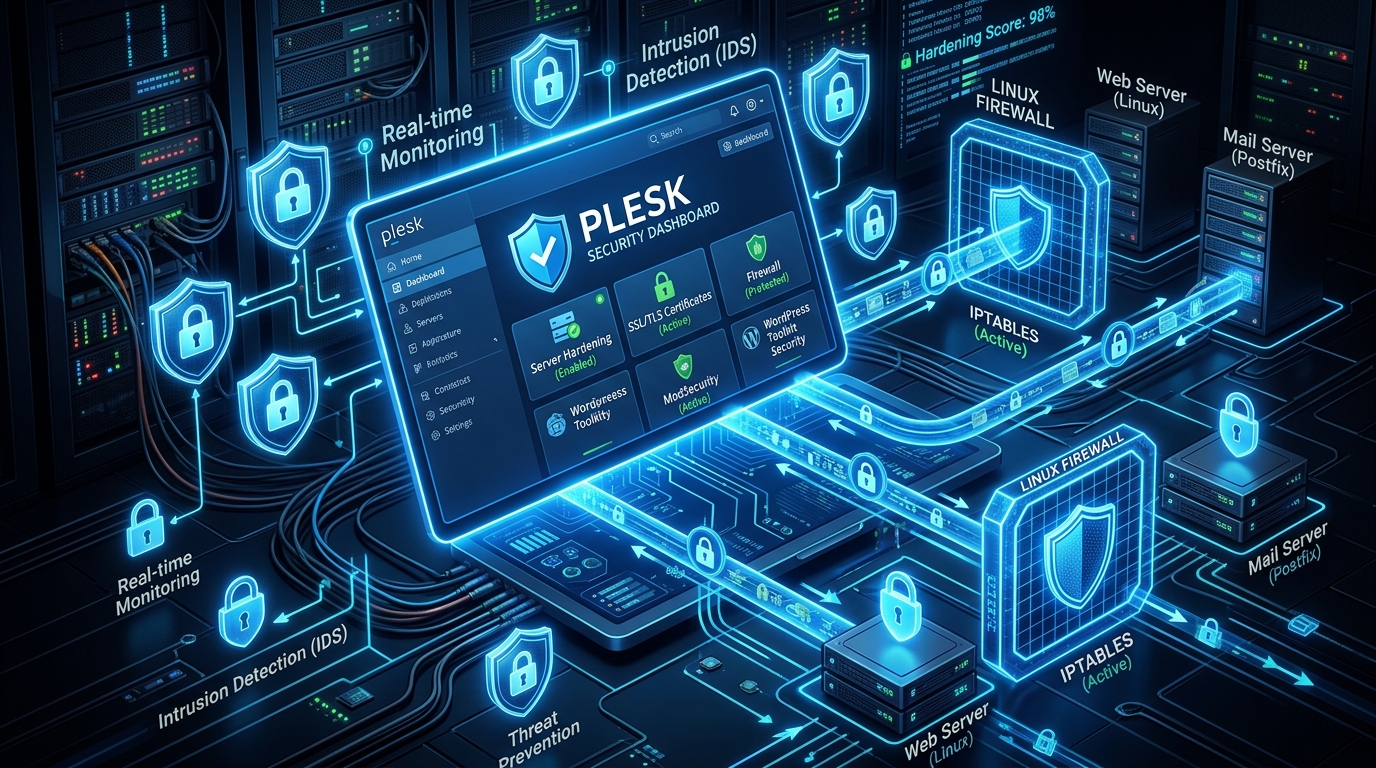
Plesk Obsidian is one of the most widely utilized web hosting control panels across digital agencies, corporate enterprises, and government portals in Pakistan. However, default Plesk installations frequently ship with legacy TLS ciphers enabled to ensure backwards compatibility with decade-old mobile browsers and desktop operating systems.
Running legacy SSL protocols (TLS 1.0, TLS 1.1) and weak CBC-mode ciphers exposes your hosted domains to severe cryptographic vulnerabilities, including POODLE, BEAST, and SWEET32 attacks. Furthermore, missing HTTP Strict Transport Security (HSTS) headers leave users vulnerable to SSL stripping attacks on public Wi-Fi hotspots across airports, cafés, and universities in Pakistan.
Hardening Plesk Obsidian requires a systematic approach: enforcing TLS 1.2 and TLS 1.3, deploying modern ECDHE ciphers, enabling HSTS with preload directives, configuring OCSP Stapling to eliminate CA lookup latency, and hardening the underlying Nginx/Apache reverse proxy stack.
In this guide, we walk through securing your Plesk server to achieve an unassailable A+ Rating on SSL Labs on both Cloud VPS instances and enterprise Dedicated Servers.
1. Cryptographic Architecture: Legacy vs. Modern TLS
Modern web encryption requires deprecating legacy key exchange mechanisms in favor of Perfect Forward Secrecy (PFS) and authenticated encryption with associated data (AEAD):
+--------------------------------------------------------------------------+
|                     SSL/TLS HARDENING MATURITY MODEL                     |
+--------------------------------------------------------------------------+
| [ Tier 1: Insecure / Legacy (Fails SSL Labs) ]                           |
| Protocols: SSLv3, TLS 1.0, TLS 1.1 | Ciphers: RC4, 3DES, CBC Mode        |
| Flaws: Vulnerable to POODLE, lack of PFS, high handshake latency         |
|                                                                          |
| [ Tier 2: Intermediate Standard (A Rating) ]                             |
| Protocols: TLS 1.2, TLS 1.3 | Ciphers: AES-GCM, CHACHA20-POLY1305        |
| Features: Elliptic curve Diffie-Hellman (ECDHE), PFS enforced            |
|                                                                          |
| [ Tier 3: Fortified Enterprise (A+ Rating) ]  ★ INDUSTRY GOLD STANDARD ★ |
| Protocols: TLS 1.3 Strict / TLS 1.2 Modern                               |
| Features: HSTS (max-age=63072000, preload), OCSP Stapling, 0-RTT Resumption|
+--------------------------------------------------------------------------+
2. Server-Wide TLS Protocol & Cipher Hardening via Plesk CLI
Rather than modifying Apache and Nginx configuration files manually (which Plesk may overwrite during template re-generation), use Plesk’s native command-line utility plesk bin server_pref:
Step 1: Enforce TLS 1.2 and TLS 1.3 Globally
Connect to your server via SSH and execute:
# Disable TLS 1.0 and TLS 1.1; enable only modern TLS protocols
plesk bin server_pref -u -ssl-protocols "TLSv1.2 TLSv1.3"
Step 2: Configure High-Security Modern Cipher Suites
Apply Mozilla’s Intermediate recommended cipher list for optimal security and device compatibility:
# Update global ciphers for Nginx and Apache
plesk bin server_pref -u -ssl-ciphers "ECDHE-ECDSA-AES128-GCM-SHA256:ECDHE-RSA-AES128-GCM-SHA256:ECDHE-ECDSA-AES256-GCM-SHA384:ECDHE-RSA-AES256-GCM-SHA384:ECDHE-ECDSA-CHACHA20-POLY1305:ECDHE-RSA-CHACHA20-POLY1305:DHE-RSA-AES128-GCM-SHA256:DHE-RSA-AES256-GCM-SHA384"
Verify that the updated parameters are written to Plesk’s global Nginx template:
grep -E "ssl_protocols|ssl_ciphers" /etc/nginx/conf.d/ssl.conf3. Configuring OCSP Stapling: Slashing SSL Handshake Latency
When a client browser establishes an HTTPS connection, it traditionally queries the Certificate Authority’s Online Certificate Status Protocol (OCSP) responder to verify certificate revocation. In Pakistan, international latency to global CA responders can add 150ms to 300ms of lag to every new TLS handshake!
OCSP Stapling instructs your server to periodically download the cryptographically signed revocation status and “staple” it directly to the TLS handshake, eliminating third-party DNS and HTTP lookups for client browsers.
Create a custom Nginx configuration snippet at /etc/nginx/conf.d/ssl_stapling.conf:
# /etc/nginx/conf.d/ssl_stapling.conf
# Enable OCSP Stapling
ssl_stapling on;
ssl_stapling_verify on;

# Local DNS resolvers for OCSP verification (Google & Cloudflare)
resolver 1.1.1.1 8.8.8.8 valid=300s;
resolver_timeout 5s;

# Optimize SSL Session Cache for zero-overhead repeat visits
ssl_session_cache shared:SSL:20m;
ssl_session_timeout 1d;
ssl_session_tickets off;
Test and reload Nginx:
sudo nginx -t && sudo systemctl reload nginx4. Enabling HSTS & Security Headers via Custom Directives
HTTP Strict Transport Security (HSTS) informs browsers that a website must strictly be accessed over HTTPS for a specified duration, preventing downgrade attacks.
In the Plesk Obsidian UI:
- Navigate to Domains > yourdomain.pk > Apache & nginx Settings.
- Under Additional nginx directives, insert the following security headers:
# Enforce HSTS for 2 years (63072000 seconds) including subdomains and preload eligibility
add_header Strict-Transport-Security "max-age=63072000; includeSubDomains; preload" always;

# Prevent MIME type sniffing
add_header X-Content-Type-Options "nosniff" always;

# Mitigate Clickjacking attacks
add_header X-Frame-Options "SAMEORIGIN" always;

# Restrict Referrer information leaks
add_header Referrer-Policy "strict-origin-when-cross-origin" always;
Click Apply.
5. Automated Verification & Testing
Verify that OCSP Stapling is actively serving valid responses using OpenSSL from the command line:
openssl s_client -connect yourdomain.pk:443 -tls1_3 -status < /dev/null | grep -A 17 "OCSP response:"Expected output:
OCSP response:
======================================
OCSP Response Data:
    OCSP Response Status: successful (0x0)
    Cert Status: good
Now, submit your domain to the Qualys SSL Labs SSL Server Test (ssllabs.com/ssltest). Your server will proudly achieve a pristine A+ Rating with 100% Certificate, 100% Protocol Support, and 90%+ Key Exchange scoring!
6. Enterprise Resiliency
Hardening SSL/TLS certificates and web server ciphers safeguards customer transactions from interception.
Explore our related security and server administration tutorials:
- SSH Hardening Masterclass: Ed25519 & MFA
- ModSecurity OWASP CRS Tuning on cPanel
- Linux TPROXY Transparent Proxying & IP Preservation
For organizations handling sensitive payment card data (PCI-DSS compliance) or banking records, deploy your Plesk environments on high-security Dedicated Servers in Pakistan.
Deploy Hardened Plesk Hosting with Nextgen
Protect your client websites with automated Let's Encrypt certificates, pre-tuned TLS 1.3 ciphers, and local low-latency infrastructure across Pakistan.
