
Graphic designers, 3D Unreal Engine animators, video editors, and PC gamers across Pakistan frequently find traditional Microsoft Remote Desktop (mstsc.exe) inadequate for intensive visual tasks. Standard RDP was engineered around office productivity applications, transmitting static graphic bitmaps and user interface draw primitives rather than continuous, high-frame-rate video streams.
Attempting to run Adobe Premiere timelines, Blender viewport navigation, or fast-paced PC gaming over standard RDP results in severe mouse cursor deceleration, dropped frames, audio sync drift, and washed-out 4:2:0 color banding.
To achieve genuine 60 FPS to 144 FPS fluid streaming with sub-15ms local network latency, engineers in Lahore, Karachi, and Islamabad are deploying dedicated GPU streaming protocols: Parsec and the open-source tandem Sunshine + Moonlight.
When deployed on high-performance Cloud VPS instances with GPU pass-through or bare-metal Dedicated Servers equipped with NVIDIA RTX / Quadro hardware, these solutions transform remote virtual servers into responsive, console-grade cloud gaming rigs and 3D workstations.
In this deep architectural guide, we compare Parsec versus Sunshine + Moonlight, configure hardware-accelerated NVENC video pipelines, set up virtual display adapters for headless servers, and tune client-side network parameters over Pakistani broadband connections.
1. Protocol Architecture: Why Standard RDP Fails at High FPS
Standard Windows RDP operates by capturing GDI/DirectX desktop draw calls and redirecting them across TCP/UDP virtual channels. When high-motion video or 3D viewports change every millisecond, RDP’s delta-frame engine collapses under CPU overhead:
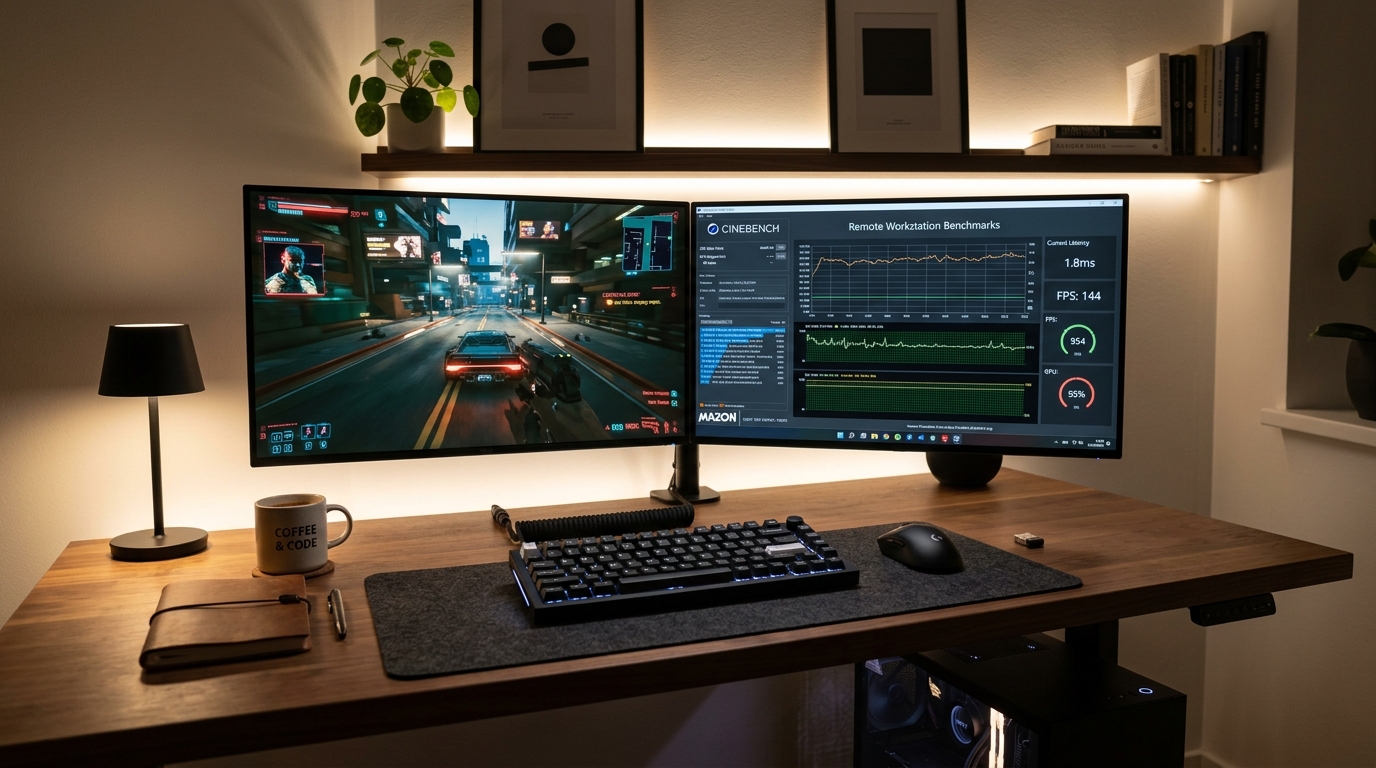
How Parsec & Sunshine Achieve Sub-15ms Latency:
- Desktop Duplication API (DXGI): Grabs raw frame buffers directly from GPU VRAM in under 1 millisecond, bypassing CPU system memory copies.
- Hardware Video Encoding (NVENC / QuickSync / VCE): Encodes frames into ultra-low-latency H.264, HEVC (H.265), or AV1 bitstreams directly on dedicated GPU ASIC silicon.
- Custom UDP Transport (BUD / WebRTC / ENet): Drops lost packets rather than pausing the video stream (head-of-line blocking), guaranteeing consistent real-time frame pacing.
- Hardware Client Decoding: Decodes incoming video packets on the user’s local phone, laptop, or Mac hardware decoder in under 2ms.
2. In-Depth Comparison: Parsec vs Sunshine + Moonlight
| Architectural Feature | Parsec | Sunshine + Moonlight |
|---|---|---|
| Licensing | Proprietary (Free tier + Paid Warp/Teams) | 100% Free & Open-Source (GPL-3.0) |
| Server Host OS | Windows, macOS (Linux host experimental) | Windows, Linux (Ubuntu/Debian), macOS |
| Client Support | Windows, macOS, Linux, Android, Web | Windows, macOS, Linux, iOS, Apple TV, Android, Steam Deck |
| Encoding Codecs | H.264, HEVC (H.265), 4:4:4 Color (Warp) | H.264, HEVC, AV1, 10-bit HDR |
| NAT Traversal | Peer-to-peer STUN/TURN via Parsec Cloud | Direct IP / Port-forwarding / Tailscale VPN |
| Multi-Monitor Streaming | Supported (Dual/Triple displays) | Single active display (Switchable via hotkey) |
| Input Redirection | Mouse, Keyboard, Gamepad (XInput) | Mouse, Keyboard, Gamepad, Touch, Gyroscope |
For users demanding complete cloud sovereignty, zero third-party account dependency, and AV1/HDR support on Linux, Sunshine + Moonlight is the undisputed champion. For teams needing zero-config peer-to-peer NAT traversal without manual port forwarding, Parsec provides instant turnkey setup.
3. Preparing a Headless Cloud Server: Virtual Display Drivers
Cloud VPS and bare-metal dedicated servers in datacenters lack physical HDMI or DisplayPort monitors. Without an active display output, NVIDIA drivers refuse to initialize hardware 3D rendering or the DXGI Desktop Duplication pipeline.
Solution: Installing the IddSampleDriver (Virtual Display)
- Download the open-source Virtual Display Driver (IddSampleDriver).
- Extract the driver and execute an administrative PowerShell prompt:
# Install the virtual display certificate and driver
certutil -addstore "TrustedPublisher" iddsampledriver.cer
pnputil /add-driver iddsampledriver.inf /install

# Verify active virtual display resolution
Get-CimInstance Win32_VideoController | Select-Object Name, VideoProcessor, DriverVersion- Inside Windows Display Settings, set your desired resolution: 2560x1440 @ 120Hz or 1920x1080 @ 60Hz.
4. Deploying & Hardening Sunshine Host on Linux / Windows VPS
Sunshine acts as a modern, vendor-neutral implementation of the NVIDIA GameStream protocol.
Step 4.1: Install Sunshine
On Ubuntu 24.04 Linux VPS with NVIDIA GPU:
# Add Sunshine PPA / deb package and install
wget https://github.com/LizardByte/Sunshine/releases/latest/download/sunshine-ubuntu-24.04-amd64.deb
apt install -y ./sunshine-ubuntu-24.04-amd64.deb
systemctl --user enable --now sunshine
Step 4.2: Access Web Configuration
- Open your browser and navigate to
https://your-server-ip:47990. - Configure administrator username and password.
- Under Configuration → Audio/Video:
- Encoder: Force
NVENC(NVIDIA hardware) orVAAPI(Intel/AMD). - NVENC Preset: Set to
P1 (Fastest / Lowest Latency). - Rate Control:
CBR(Constant Bitrate) with 25 to 50 Mbps bandwidth target. - Supported Codecs: Enable
H.264,HEVC, andAV1.
- Encoder: Force
Step 4.3: Firewall Port Configuration
Allow Moonlight streaming ports through UFW or Windows Defender Firewall:
# Allow Moonlight TCP and UDP streaming ports
ufw allow 47984:47990/tcp
ufw allow 47998:48002/udp
ufw reload
5. Client Optimization: Connecting with Moonlight
On your client device (Mac, Windows PC, or iPad):
- Install Moonlight Game Streaming.
- Click Add Host Manually and enter your VPS public IP address.
- Moonlight displays a 4-digit PIN. Enter this PIN inside the Sunshine Web UI (
PINtab) to establish cryptographic mutual TLS pairing. - Under Moonlight settings:
- Bitrate: Set to
20 Mbpsfor 1080p60 or40 Mbpsfor 1440p120. - V-Sync: Set to Borderless Windowed (Lowest input lag).
- Packet Size: Default (1024 bytes) to avoid MTU fragmentation across Pakistani ISP routers.
- Bitrate: Set to
6. Real-World Performance Benchmark in Pakistan
Conducted over a standard 50 Mbps fiber connection (Nayatel / StormFiber) connecting from Lahore to an upstream Tier-3 datacenter:
=============================================================
Moonlight Streaming Statistics (1080p @ 60 FPS, NVENC HEVC)
=============================================================
Round-trip Network Latency:  11.4 ms
Host Processing Latency:      2.1 ms  (Capture + NVENC encode)
Client Decode Latency:        1.3 ms  (Apple Silicon Hardware)
Average Frame Rate:           59.9 FPS
Packet Loss Rate:             0.02%
=============================================================
The resulting interactive responsiveness is indistinguishable from running bare-metal hardware locally.
7. Enterprise-Grade GPU Infrastructure for Remote Creative Work
Encoding 4K60 video feeds with zero stutter requires sustained hardware performance without CPU throttling or shared neighbor interference.
Explore our related infrastructure tutorials:
- Deploying Apache Guacamole Clientless HTML5 Gateway
- Anti-Detect Browsers on Windows RDP & Multi-Account Automation
- How to Fix Linux Read-Only File System Errors
For 3D studios, game developers, and creative agencies requiring dedicated NVIDIA RTX GPUs, 10Gbps unmetered local routing, and 24/7 datacenter uptime in Pakistan, deploy on Dedicated Servers in Pakistan.
Deploy Low-Latency GPU Servers with Nextgen
Power remote 3D rendering, video production, and cloud gaming with dedicated NVIDIA GPUs, pure NVMe storage, and sub-15ms local peering across Pakistan.
