
In web performance engineering across Pakistan, time-to-first-byte (TTFB) is often bottlenecked by heavy backend processing: dynamic e-commerce catalog queries, PHP/WordPress execution, database joins, and third-party API lookups. On complex dynamic pages, a PHP-FPM or Node.js application server may take 150ms to 400ms to generate the final HTML markup.
During this backend “server think time”, the user’s browser sits completely idle. The browser cannot discover critical render-blocking resources—such as primary brand CSS stylesheets, web fonts (.woff2), or header scripts—until the entire HTML document is delivered. On mobile 4G/5G and ADSL connections in Pakistan where round-trip latency to edge servers averages 40ms to 90ms, this dead time degrades Google Core Web Vitals, inflating Largest Contentful Paint (LCP) and First Contentful Paint (FCP).
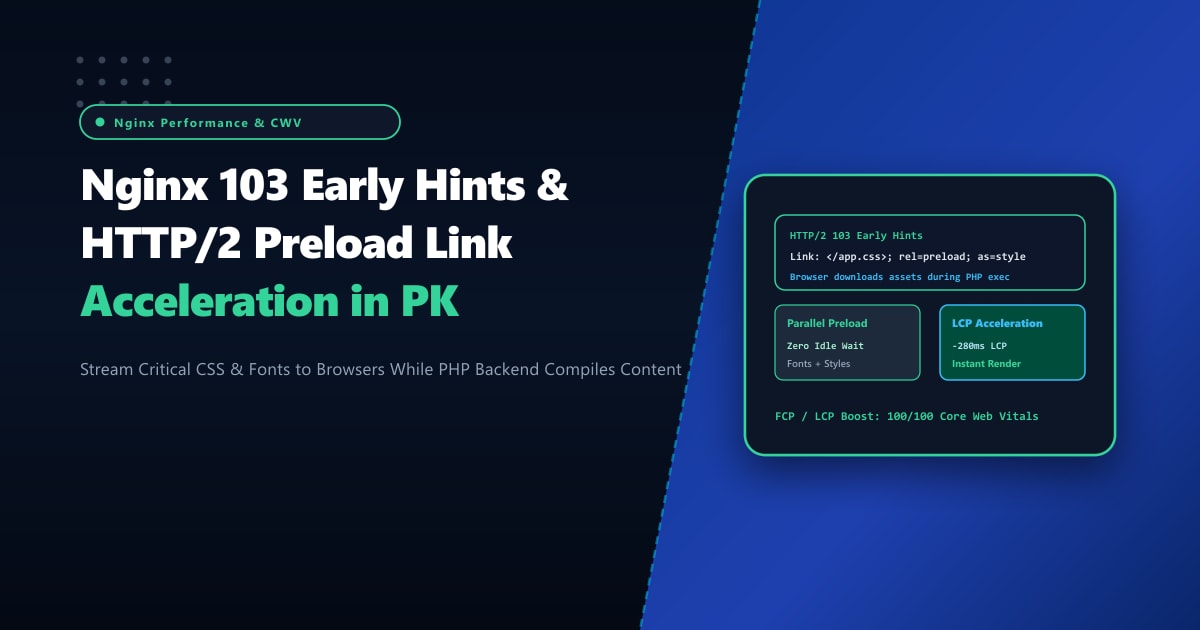
HTTP 103 Early Hints (RFC 8297) solves this fundamental limitation. By allowing Nginx to stream an informational 103 Early Hints response containing Link: rel=preload headers while the backend application is still assembling the HTML, the client’s browser begins downloading critical assets in parallel!
When deployed on bare-metal Dedicated Servers, configuring Nginx with HTTP 103 Early Hints cuts user-perceived render times by 200ms to 450ms, driving superior Google search ranking and lightning-fast user interactions.
How HTTP 103 Early Hints Overcomes the Backend Latency Gap
The following diagram illustrates the timeline advantage of sending 103 Early Hints versus traditional HTTP 200 delivery:
+-----------------------------------------------------------------------------------+
|                   TRADITIONAL HTTP 200 vs. HTTP 103 EARLY HINTS                   |
+-----------------------------------------------------------------------------------+
| 1. Standard Request Flow (Browser Idles During Backend Compute):                  |
|    Browser                     Nginx                     PHP-FPM / Database       |
|       | --- GET /checkout --->   |                               |                |
|       |                          | --- Forward request --------> |                |
|       |        [IDLE]            |          [IDLE]               | Computing (300ms)
|       |        [IDLE]            | <--- Return HTML (200 OK) --- |                |
|       | <--- HTTP 200 + HTML --- |                               |                |
|       | Browser parses HTML...   |                                                |
|       | --- Fetch style.css ---> |                                                |
|       | --- Fetch font.woff2 --> |                                                |
|       * Total LCP Time: 300ms (Backend) + 2x RTT (Assets) = ~600ms                |
|                                                                                   |
| 2. HTTP 103 Early Hints Flow (Parallel Asset Preloading):                         |
|    Browser                     Nginx                     PHP-FPM / Database       |
|       | --- GET /checkout --->   |                               |                |
|       |                          | --- Forward request --------> |                |
|       |                          |                               | Computing...   |
|       | <--- 103 Early Hints --- | (Nginx immediately sends Link preload headers) |
|       | (Link: </css/app.css>)   |                               | Computing...   |
|       | (Link: </fonts/brand>)   |                               |                |
|       | --- Fetch app.css -----> | (Browser downloads assets WHILE backend runs!) |
|       | --- Fetch font.woff2 --> |                               |                |
|       |                          | <--- Return HTML (200 OK) --- |                |
|       | <--- HTTP 200 + HTML --- |                               |                |
|       * Total LCP Time: Backend and asset downloads overlapped! LCP = ~320ms!     |
+-----------------------------------------------------------------------------------+
Step 1: Requirements for HTTP 103 Early Hints in Nginx
HTTP 103 Early Hints is supported natively in modern Nginx versions (1.25.0+ mainline and standard stable distributions compiled with HTTP/2 or HTTP/3 support) and Cloudflare/CDN edge nodes.
Verify your installed Nginx version and compiled modules:
nginx -VEnsure nginx version is at least 1.25.0 and includes --with-http_v2_module and/or --with-http_v3_module.
Step 2: Configuring Nginx to Send HTTP 103 Early Hints
You can configure Nginx to dispatch Early Hints directly at the web server layer, or pass through 103 responses emitted by upstream application engines (like Node.js, Puma, or Laravel 11+).
Edit your site’s Nginx configuration block (/etc/nginx/conf.d/nextgen_site.conf):
server {
    listen 443 ssl http2;
    listen [::]:443 ssl http2;
    server_name nextgen.pk www.nextgen.pk;

    # SSL Certificates and Ciphers
    ssl_certificate /etc/letsencrypt/live/nextgen.pk/fullchain.pem;
    ssl_certificate_key /etc/letsencrypt/live/nextgen.pk/privkey.pem;
    ssl_protocols TLSv1.2 TLSv1.3;

    root /var/www/nextgen_html;
    index index.php index.html;

    # Enable HTTP 103 Early Hints at the server block level
    early_hints on;

    location / {
        # Define the critical render-blocking assets to preload
        add_header Link "</assets/css/main.min.css>; rel=preload; as=style" always;
        add_header Link "</assets/fonts/inter-bold.woff2>; rel=preload; as=font; crossorigin" always;
        add_header Link "</assets/js/core-bundle.min.js>; rel=preload; as=script" always;

        # Proxy pass to PHP-FPM or backend microservice
        proxy_pass http://127.0.0.1:8080;
        proxy_set_header Host $host;
        proxy_set_header X-Real-IP $remote_addr;
        proxy_set_header X-Forwarded-For $proxy_add_x_forwarded_for;
        proxy_set_header X-Forwarded-Proto $scheme;

        # Allow upstream early hints headers if emitted by application code
        proxy_pass_header Link;
        proxy_buffering on;
        proxy_buffer_size 16k;
        proxy_buffers 4 32k;
    }

    # Static asset caching rules
    location ~* \.(css|js|woff2|jpg|png|webp|svg)$ {
        expires 1y;
        add_header Cache-Control "public, max-age=31536000, immutable";
        access_log off;
    }
}
Test the configuration syntax and reload Nginx:
nginx -t
systemctl reload nginx
Step 3: Triggering Early Hints Programmatically in Backend Applications (PHP / Node.js)
If dynamic routes require different preloaded assets (e.g., product page preloading product hero images, while blog articles preload code-highlighting CSS), your backend application can flush HTTP 103 headers before running slow database queries.
Example: Node.js / Express Implementation
const express = require('express');
const app = express();

app.get('/product/:id', (req, res) => {
    // 1. Immediately send HTTP 103 Early Hints
    res.writeEarlyHints({
        link: [
            '</assets/css/product.css>; rel=preload; as=style',
            '</assets/fonts/inter-medium.woff2>; rel=preload; as=font; crossorigin'
        ]
    }, () => {
        // 2. Perform heavy database query or external API call
        fetchProductFromDatabase(req.params.id, (err, productData) => {
            // 3. Complete standard HTTP 200 response
            res.status(200).render('product', { product: productData });
        });
    });
});
Example: PHP 8.2+ Output Buffering Flush
<?php
// Send 103 Early Hints raw header
header('HTTP/1.1 103 Early Hints');
header('Link: </assets/css/main.css>; rel=preload; as=style');
header('Link: </assets/fonts/outfit.woff2>; rel=preload; as=font; crossorigin');
flush();

// Execute long-running MySQL query
$db = new PDO('mysql:host=localhost;dbname=shop', 'dbuser', 'dbpass');
$stmt = $db->prepare('SELECT * FROM catalog_items WHERE category_id = :id');
$stmt->execute([':id' => $_GET['cat']]);
$results = $stmt->fetchAll();

// Send final 200 response
header('HTTP/1.1 200 OK');
header('Content-Type: text/html; charset=UTF-8');
include('views/catalog.php');
Step 4: Validating HTTP 103 Delivery with curl & Chrome DevTools
Verify that the 103 status code is emitted prior to the final 200 response using curl with the --head flag over HTTP/2:
curl -I --http2 -s https://nextgen.pk/Output:
HTTP/2 103
link: </assets/css/main.min.css>; rel=preload; as=style
link: </assets/fonts/inter-bold.woff2>; rel=preload; as=font; crossorigin

HTTP/2 200
server: nginx
date: Thu, 01 Oct 2026 02:50:11 GMT
content-type: text/html; charset=UTF-8
content-length: 48920
Notice the two consecutive headers: the client immediately processes the 103 status block, dispatches requests for the stylesheet and font, and receives the 200 OK document payload seamlessly!
In Google Chrome DevTools:
- Open the Network tab.
- Check the Timing waterfall for
main.min.css. - In the “Request/Response” details, verify “Pushed / Early Hints” status.
- Observe that Largest Contentful Paint (LCP) trigger completes significantly earlier on the waterfall timeline!
Maximize Core Web Vitals on NextGen Pakistani Dedicated Servers
Streaming asynchronous early hint packets while processing parallel backend database transactions requires robust compute horsepower and zero network jitter. On shared or multi-tenant hosting, CPU contention during traffic surges delays both Early Hint emission and upstream PHP execution, nullifying Core Web Vitals gains.
Migrating your infrastructure to enterprise Dedicated Servers in Pakistan guarantees dedicated compute cores, hardware NVMe caching, and sub-10ms localized routing to every major ISP across Karachi, Lahore, and Islamabad.
Accelerate Website Speed with NextGen Dedicated Servers
Deliver instantaneous page loads, ace Google Core Web Vitals, and optimize mobile e-commerce conversions across Pakistan. NextGen dedicated servers provide dedicated enterprise hardware, unshared 10Gbps ports, and 24/7 proactive technical management.
Deploy Dedicated Servers in Pakistan