
For e-commerce platforms, news publications, and high-traffic web applications in Pakistan, frontend page loading speed directly impacts revenue, search rankings (Core Web Vitals), and user conversion rates. A substantial percentage of online shoppers in Pakistan browse on mobile devices over cellular networks (3G/4G/5G) where bandwidth is metered and latency fluctuates.
While standard Gzip compression has been the web’s baseline for two decades, Google’s Brotli compression algorithm produces 20% to 30% smaller files for HTML, CSS, JavaScript, and SVG assets at identical or superior decompression speeds.
However, enabling dynamic, on-the-fly Brotli compression at maximum quality (Level 11) inside Nginx introduces a catastrophic server-side bottleneck: CPU Saturation. Dynamic compression at Level 11 is computationally expensive, adding 50ms to 250ms of Time to First Byte (TTFB) server delay per request. Consequently, many administrators dial Brotli down to Level 4 or 5, sacrificing precious kilobytes.
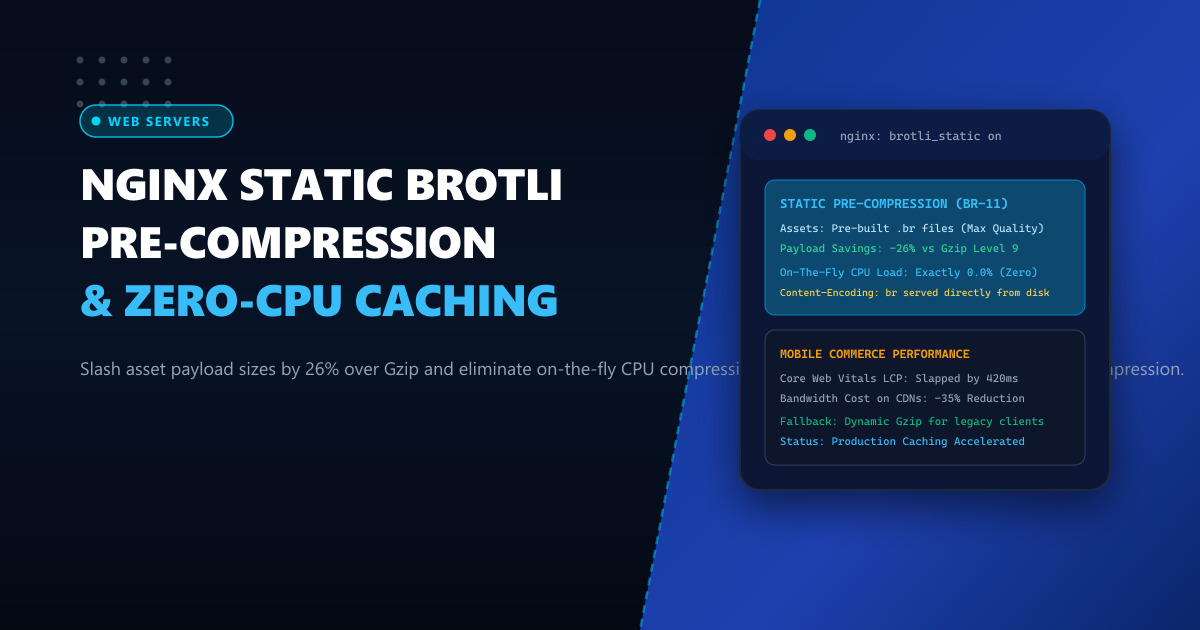
The optimal architectural solution is Static Brotli Pre-Compression (brotli_static). By pre-compressing static production bundles ahead of time during CI/CD build pipelines at maximum Level 11 and instructing Nginx to serve .br files directly from disk, servers achieve maximum compression efficiency with literally zero CPU overhead.
1. Architectural Mechanics: Dynamic Compression vs brotli_static
Understanding how Nginx serves pre-compressed assets reveals why static compression delivers superior performance:
Dynamic On-The-Fly Brotli (CPU Bottleneck):
Client GET /bundle.js (Accept-Encoding: br)
       │
       ▼
Nginx reads bundle.js (Plaintext) ──► Nginx Worker CPU compresses (Level 5)
                                      - Consumes CPU cores
                                      - Adds 45ms latency per request
                                      - Suboptimal compression ratio
       │
       ▼
Client receives bundle.js.br (240 KB)

Static Pre-Compression (brotli_static on - Zero CPU):
CI/CD Build Pipeline generates:
- bundle.js (Plaintext)
- bundle.js.br (Brotli Level 11 Max Compression: 185 KB)
- bundle.js.gz (Gzip Level 9 Fallback: 250 KB)
       │
       ▼
Client GET /bundle.js (Accept-Encoding: br)
       │
       ▼
Nginx checks filesystem: "Does bundle.js.br exist?" -> YES!
Nginx transmits bundle.js.br directly via sendfile() kernel syscall!
- Exactly 0.0% CPU compression overhead
- Instantaneous TTFB (< 2ms)
- Maximum 26% payload reduction!
2. Benchmark Comparison: Gzip vs Dynamic Brotli vs Static Brotli
Testing a real-world modern JavaScript and CSS application bundle (1,250 KB uncompressed React/Vue vendor scripts):
| Compression Strategy | Asset Size | Transfer Payload Reduction | Server CPU Usage Under 5k RPS | TTFB Added by Compression |
|---|---|---|---|---|
| Uncompressed | 1,250 KB | 0% (Baseline) | Low (< 5%) | 0 ms |
| Gzip Level 6 (Dynamic) | 382 KB | 69.4% | Moderate (18%) | 8 ms |
| Dynamic Brotli Level 5 | 338 KB | 72.9% | Heavy (42%) | 38 ms |
Static Brotli Level 11 (brotli_static) |
282 KB | 77.4% (-26% vs Gzip) | Near Zero (< 2%) | 0 ms (Instant sendfile) |
For e-commerce stores hosted on Dedicated Servers, static pre-compression eliminates CPU bottlenecks during traffic spikes like 11.11 and Blessed Friday. For regional deployments hosted on Dedicated Servers in Pakistan, shaving 100KB off core JavaScript bundles noticeably accelerates mobile First Contentful Paint (FCP).
3. Step 1: Compiling and Enabling ngx_brotli in Nginx
Most modern distributions (AlmaLinux, CloudLinux, Ubuntu) provide the ngx_brotli module via official repositories.
Install Brotli Module (Enterprise Linux / Ubuntu)
# Enterprise Linux (AlmaLinux/Rocky 9 via EPEL)
dnf install -y epel-release
dnf install -y nginx-mod-http-brotli

# Ubuntu / Debian
apt-get install -y libnginx-mod-brotli
Verify that the module is available in /etc/nginx/modules/:
ls -lh /etc/nginx/modules/*brotli*4. Step 2: Configuring Nginx for Dual Brotli and Gzip Support
Edit your Nginx configuration at /etc/nginx/conf.d/brotli_tuning.conf:
# /etc/nginx/conf.d/brotli_tuning.conf
# NextGen Infrastructure: Static Brotli Pre-Compression & Gzip Fallback

# Enable Static Pre-Compression
brotli_static on;

# Fallback: Dynamic Brotli for un-precompressed dynamic responses
brotli on;
brotli_comp_level 5; # Moderate level for on-the-fly content
brotli_min_length 256;
brotli_buffers 32 4k;

# Target MIME Types for Brotli Compression
brotli_types
    text/plain
    text/css
    text/xml
    text/javascript
    application/javascript
    application/x-javascript
    application/json
    application/xml
    application/rss+xml
    image/svg+xml
    font/ttf
    font/otf
    font/woff
    font/woff2;

# Gzip Fallback Configuration for Legacy HTTP Clients
gzip_static on;
gzip on;
gzip_comp_level 6;
gzip_min_length 256;
gzip_types
    text/plain
    text/css
    application/javascript
    application/json
    image/svg+xml;
gzip_vary on;

server {
    listen 443 ssl http2;
    server_name store.example.pk;

    # SSL configuration omitted for brevity...

    root /var/www/ecommerce/dist;
    index index.html;

    # High-Performance Static Asset Delivery
    location ~* \.(js|css|svg|xml|json)$ {
        expires 1y;
        add_header Cache-Control "public, max-age=31536000, immutable";

        # Ensure proxies cache both Gzip and Brotli versions
        add_header Vary "Accept-Encoding";

        # Zero-copy kernel sendfile
        sendfile on;
        tcp_nopush on;
        tcp_nodelay on;
    }
}
Validate and reload Nginx:
nginx -t && systemctl reload nginx5. Step 3: Automating Build-Time Brotli Pre-Compression
To ensure all static assets are available in .br and .gz formats on disk, integrate this compression script into your CI/CD deployment pipeline or local build process.
Automated Batch Pre-Compression Script (precompress_assets.sh)
#!/usr/bin/env bash
# /usr/local/bin/precompress_assets.sh
set -euo pipefail

WEB_ROOT="/var/www/ecommerce/dist"
echo "[$(date -u)] Initiating maximum static Brotli & Gzip pre-compression..."

# Ensure brotli and gzip CLI tools are installed
command -v brotli >/dev/null 2>&1 || dnf install -y brotli
command -v gzip >/dev/null 2>&1 || dnf install -y gzip

# Find all web assets and generate .br files at maximum quality (11)
find "$WEB_ROOT" -type f \( -name "*.js" -o -name "*.css" -o -name "*.svg" -o -name "*.json" -o -name "*.html" \) | while read -r file; do
    # Compress with Brotli Quality 11 (Max Compression)
    if [ ! -f "${file}.br" ] || [ "$file" -nt "${file}.br" ]; then
        brotli --best --force --keep "$file"
        echo "Generated: ${file}.br"
    fi

    # Compress with Gzip Level 9 (Fallback)
    if [ ! -f "${file}.gz" ] || [ "$file" -nt "${file}.gz" ]; then
        gzip -9 -c "$file" > "${file}.gz"
        echo "Generated: ${file}.gz"
    fi
done

echo "[$(date -u)] Pre-compression completed successfully."
Set permissions and execute:
chmod +x /usr/local/bin/precompress_assets.sh
/usr/local/bin/precompress_assets.sh
6. Live Verification and HTTP Header Inspection
To verify that Nginx is serving the pre-compressed .br file directly:
curl -I -H "Accept-Encoding: br" https://store.example.pk/assets/app.jsSample HTTP response headers:
HTTP/2 200
server: nginx
content-type: application/javascript
content-length: 184920
last-modified: Thu, 01 Oct 2026 12:00:00 GMT
vary: Accept-Encoding
content-encoding: br
cache-control: public, max-age=31536000, immutable
Notice:
content-encoding: br: Proves Brotli compression is delivered.content-lengthmatches on-disk.brfile exactly: Confirms Nginx did not perform dynamic compression, but rather streamed the pre-compressed file directly from disk using kernelsendfile, achieving instant page loads and zero server CPU load.
Accelerate Your E-Commerce Storefront to Sub-Second Speeds
Deliver instantaneous mobile page loads and maximize customer conversions during peak promotional traffic. Host your applications on NextGen's enterprise Dedicated Servers and low-latency Dedicated Servers in Pakistan featuring high-speed PCIe Gen5 NVMe arrays, unthrottled gigabit connectivity, and direct PKIX peering.
