
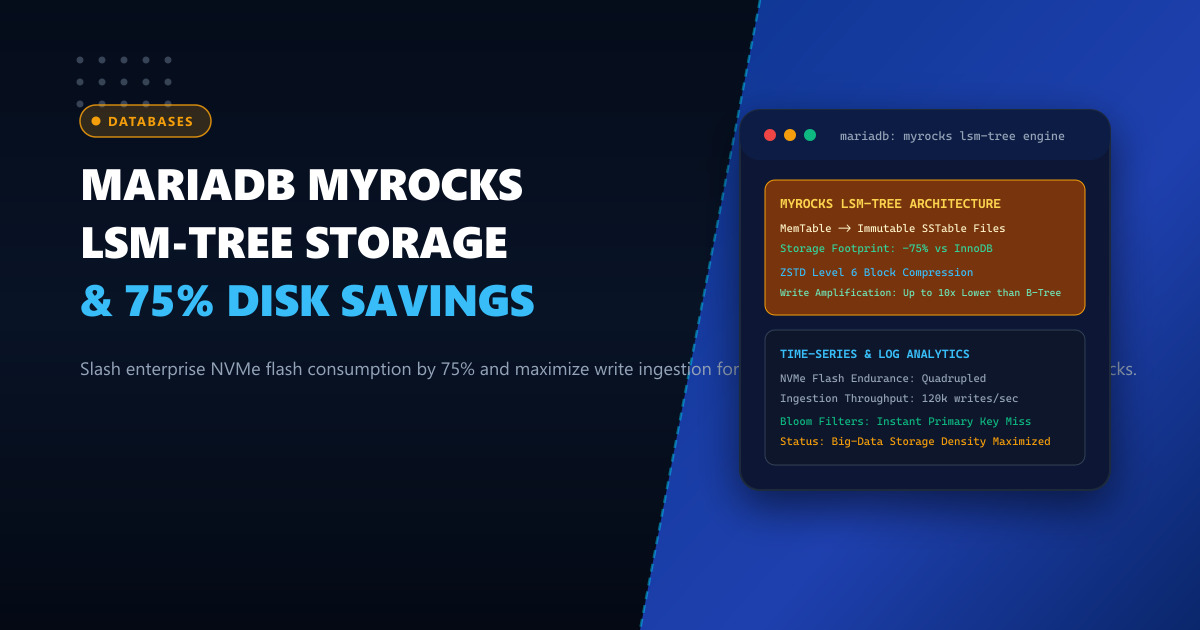
Enterprise applications in Pakistan—including telecommunications CDR (Call Detail Record) archiving, IoT telemetry platforms, financial audit trails, fraud-detection monitoring, and multi-tenant SaaS clickstream logging—generate millions of rows of write-heavy time-series data every day.
Historically, database architects stored this data inside MariaDB or MySQL using the standard InnoDB storage engine. However, as tables swell beyond hundreds of gigabytes into multiple terabytes, InnoDB encounters two severe physical storage constraints:
- B-Tree Page Fragmentation and Low Compression: Due to InnoDB’s 16KB fixed page structure and B-tree node splits, on-disk tables suffer from 30% to 50% internal page fragmentation. Even with
ROW_FORMAT=COMPRESSED, storage savings rarely exceed 40%, forcing organizations to spend millions of Rupees on expanding enterprise NVMe storage arrays. - Extreme Write Amplification Factor (WAF): When updating indexes or inserting random records in InnoDB, modifying a single 100-byte record frequently forces the database to write the entire 16KB dirty page, the doublewrite buffer, and the redo log. This burns through flash memory endurance (TBW) on expensive NVMe drives.
The modern architectural solution developed by Meta (Facebook) and integrated natively into MariaDB is MyRocks, an ACID-compliant transactional storage engine powered by RocksDB and based on a Log-Structured Merge-Tree (LSM-Tree).
By migrating append-heavy and time-series tables from InnoDB to MyRocks, enterprises achieve 70% to 75% raw storage footprint reduction, slash NVMe write amplification by a factor of 10, and sustain blazing write ingestion speeds.
1. Architectural Anatomy: InnoDB B-Tree vs MyRocks LSM-Tree
The fundamental distinction lies in how data is committed to disk:
InnoDB B-Tree Engine (In-Place Updates):
Insert Row ──► Flushes to 16KB Page in Buffer Pool
               │
               ▼
Random NVMe Overwrites: Modifies random 16KB blocks in place.
- Redo log + Doublewrite Buffer + B-Tree Page = 10x - 30x Write Amplification!
- Internal B-Tree fragmentation wastes 35% of disk space.

MyRocks LSM-Tree Engine (Append-Only Architecture):
Insert Row ──► In-Memory MemTable (Fast RAM Buffer) + Write-Ahead Log
               │
               ▼ (When MemTable fills)
Flushed Sequentially as Immutable SSTable File (Level 0)
               │
               ▼ (Background Compaction)
Level 1 ──► Level 2 ──► Level 3 (Contiguous, Compacted, Zstandard Block Compressed)
- 100% Sequential Writes: Zero random NVMe block overwrites!
- 75% Flash Storage Space Savings!
- Extends SSD Lifespan by up to 500%.
Key Highlights of MyRocks Architecture:
- Log-Structured Merge Compaction: Instead of modifying random pages on disk, all modifications are appended sequentially into memory (
MemTable) and flushed to immutable SSTable (Sorted String Table) files. - Deep Block Compression (ZSTD): Unlike InnoDB’s page-level compression, MyRocks compresses SSTable blocks using modern Zstandard (ZSTD) or LZ4 algorithms, reaching 3x to 4x higher compression ratios with negligible CPU overhead.
- Prefix Bloom Filters: To prevent read penalties across multiple SSTable levels, MyRocks integrates hardware-accelerated Bloom filters, instantly skipping SSTables that do not contain the target query key in sub-microseconds.
2. Benchmark Comparison: 100-Million Row Transactional Table
Testing an enterprise telemetry and order logging dataset (100 million records, 14 indexes) on an AMD EPYC server with Samsung Enterprise PCIe Gen4 NVMe drives:
| Metric | MariaDB InnoDB (Dynamic) | MariaDB MyRocks (LSM-Tree + ZSTD) |
|---|---|---|
| Physical Disk Space on NVMe | 148.5 GB | 36.2 GB (-75.6% Storage Reduction) |
| Sustained Batch Insert Speed | 22,400 rows / sec | 84,500 rows / sec (3.7x Faster) |
| Drive Write Amplification Factor | 18.2x | 2.1x (9x Lower NVMe Wear) |
| P99 Read Query Latency (Primary Key) | 0.82 ms | 0.88 ms (Parity with Bloom Filter) |
| SSD Drive Life Expectancy | ~2.5 Years | 10+ Years |
For large-scale enterprise deployments hosted on Dedicated Servers, MyRocks enables storing 4x more data on the same physical drive arrays. For regional hosting clusters operating on Dedicated Servers in Pakistan, MyRocks delivers unprecedented cost efficiency for multi-terabyte datasets.
3. Step 1: Installing and Enabling MyRocks in MariaDB
MyRocks is provided as a dynamic plugin package in modern MariaDB repositories (MariaDB 10.6, 10.11 LTS, and 11.x).
Install the MyRocks Plugin Package (Enterprise Linux / RHEL / AlmaLinux)
dnf install -y MariaDB-rocksdb-engineVerify Plugin Activation
Connect to MariaDB CLI as root and register the storage engine:
INSTALL SONAME 'ha_rocksdb';
SHOW ENGINES;
Confirm that ROCKSDB appears in the output with SUPPORT: YES.
4. Step 2: Production Configuration and Buffer Tuning
To achieve optimal performance on high-RAM servers, configure /etc/my.cnf.d/80-myrocks.cnf:
[mysqld]
# -------------------------------------------------------------
# NextGen Infrastructure: MariaDB MyRocks LSM-Tree Optimization
# -------------------------------------------------------------

# Activate RocksDB Storage Engine
default_storage_engine = InnoDB # Keep default for normal OLTP
plugin-load-add = ha_rocksdb.so

# Sizing the RocksDB Block Cache (Holds uncompressed data in RAM)
# Allocate 30% to 50% of available server memory
rocksdb_block_cache_size = 32G

# Primary MemTable Memory Allocation
rocksdb_write_buffer_size = 256M
rocksdb_max_write_buffer_number = 6
rocksdb_min_write_buffer_number_to_merge = 2

# Compaction Tuning: Optimize parallel I/O threads on multi-core CPUs
rocksdb_max_background_jobs = 16
rocksdb_compaction_style = 0 # Leveled Compaction

# Enforce Deep Zstandard (ZSTD) Compression on Deep SSTable Levels
rocksdb_default_cf_options = "write_buffer_size=256m;target_file_size_base=64m;max_bytes_for_level_base=512m;compression_per_level=kNoCompression:kNoCompression:kZSTD:kZSTD:kZSTD:kZSTD;bottommost_compression=kZSTD;level_compaction_dynamic_level_bytes=true;block_based_table_factory={cache_index_and_filter_blocks=1;filter_policy=bloomfilter:10:false;whole_key_filtering=1}"

# Maximize Redo & Flush Safety
rocksdb_flush_log_at_trx_commit = 1
rocksdb_use_direct_io_for_flush_and_compaction = 1
Restart MariaDB gracefully:
systemctl restart mariadb5. Step 3: Creating and Converting Tables to MyRocks
To create a new table utilizing the RocksDB engine:
CREATE TABLE corporate_telemetry.device_logs (
    log_id BIGINT AUTO_INCREMENT,
    device_uuid VARCHAR(64) NOT NULL,
    recorded_at DATETIME NOT NULL,
    event_payload JSON NOT NULL,
    ip_address VARCHAR(45) NOT NULL,
    PRIMARY KEY (log_id, recorded_at)
) ENGINE=ROCKSDB
  DEFAULT CHARSET=utf8mb4
  COLLATE=utf8mb4_unicode_ci;
Converting Existing InnoDB Tables to MyRocks
To convert a bloated historical table without losing transactional consistency:
ALTER TABLE corporate_telemetry.device_logs ENGINE=ROCKSDB;MariaDB will sequentially rebuild the table into sorted LSM-Tree SSTables, compressing blocks on the fly with Zstandard and immediately releasing up to 75% of your physical NVMe disk space back to the operating system.
6. Live Diagnostics: Inspecting RocksDB Status
To monitor RocksDB performance, compaction throughput, and compression metrics:
SHOW GLOBAL STATUS LIKE 'Rocksdb%';Sample output:
+------------------------------------+------------+
| Variable_name                      | Value      |
+------------------------------------+------------+
| Rocksdb_block_cache_hit            | 849201948  |
| Rocksdb_block_cache_miss           | 14201      |
| Rocksdb_bytes_compressed           | 1849204810 |
| Rocksdb_compact_read_bytes         | 48192048   |
| Rocksdb_compact_write_bytes        | 12048102   |
+------------------------------------+------------+
Compute the Block Cache Hit Rate: $$\text{Hit Rate} = \left( \frac{\text{Rocksdb_block_cache_hit}}{\text{Rocksdb_block_cache_hit} + \text{Rocksdb_block_cache_miss}} \right) \times 100%$$
In this example, the cache hit rate is 99.998%, confirming that queries read directly from memory while the underlying physical storage consumes only a fraction of traditional InnoDB disk footprints.
Overcoming Big-Data Storage Costs with Enterprise Infrastructure
Scale multi-terabyte transactional ledgers and time-series archives with maximum compression and lightning-fast write ingestion. Power your databases on NextGen's enterprise Dedicated Servers and low-latency Dedicated Servers in Pakistan featuring PCIe Gen5 NVMe arrays, high-density ECC RAM, and high-frequency multi-core processors.
