
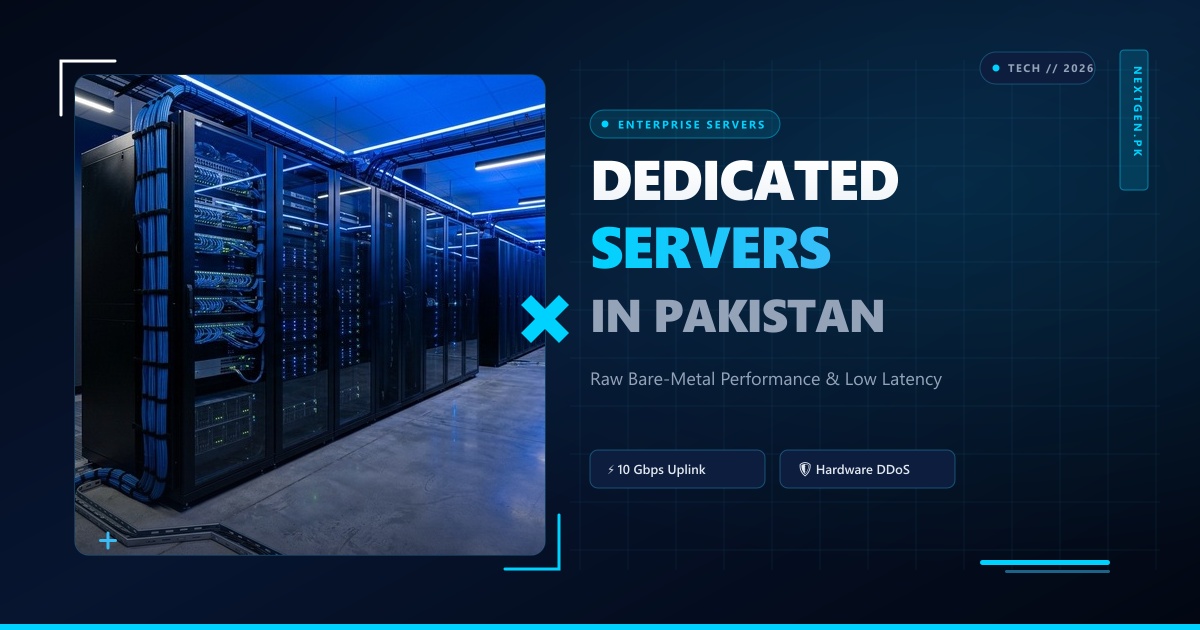
Operating physical bare-metal hardware in a remote Tier-3 datacenter provides unmatched compute power, unthrottled NVMe disk I/O, and complete security isolation.
However, when a kernel update panics, a firewall rule accidentally blocks SSH, or a new custom operating system (Proxmox VE, ESXi, FreeBSD, or custom Ubuntu golden image) needs to be installed, standard network connections are useless.
This is where Out-of-Band (OOB) Management—powered by IPMI 2.0 (Intelligent Platform Management Interface), Baseboard Management Controllers (BMC), and virtual KVM-over-IP (Keyboard, Video, Mouse)—becomes the ultimate lifeline for enterprise sysadmins.
Operating on a dedicated physical microcontroller embedded into the server motherboard (running independently of the host CPU, RAM, and OS), IPMI allows systems engineers in Pakistan to power cycle frozen machines, mount remote ISO install images over the network, and access BIOS/UEFI setup screens from thousands of miles away.
This guide provides an end-to-end engineering manual on managing, securing, and automating bare-metal servers using IPMI, iDRAC, and modern RESTful Redfish APIs in Pakistan.
1. How Baseboard Management Controllers (BMC) Operate
To understand why IPMI is impervious to operating system crashes, examine the hardware separation inside enterprise server chassis (Supermicro, Dell PowerEdge, HPE ProLiant):
┌─────────────────────────────────────────────────────────────────┐
│               Enterprise Server Chassis (e.g., 1U Rack)         │
├────────────────────────────────┬────────────────────────────────┤
│ Host Compute Plane (Primary):  │ Out-of-Band Management Plane:  │
│ - AMD EPYC / Intel Xeon CPUs   │ - ASPEED AST2500 / AST2600 BMC │
│ - 512GB DDR5 Registered ECC RAM│ - Dedicated 1GbE Management Port│
│ - Hardware RAID / NVMe Drives  │ - Independent Standby Power Rail│
│ - Main OS (Ubuntu, AlmaLinux)  │ - Embedded Embedded Linux / RTOS│
└────────────────────────────────┴────────────────┬───────────────┘
                                                  │
                                                  ▼
          [ Dedicated Out-of-Band Management Network (Isolated VLAN) ]
                                                  │
                 ┌────────────────────────────────┴────────────────┐
                 ▼                                                 ▼
      [ HTTPS Web GUI & HTML5 KVM ]                      [ IPMI over LAN & Redfish API ]
      - BIOS setup access                                - Automated power cycles
      - Virtual Media ISO mounting                       - Hardware sensor telemetry
Because the BMC runs on an independent auxiliary power rail (standby 3.3V/5V), you can access the BMC management interface even when the server host is physically powered down!
2. Remote Server Recovery: Command-Line Management with ipmitool
While modern BMCs provide HTML5 web interfaces, enterprise DevOps automation and emergency recovery are fastest via the standard CLI utility ipmitool:
# Install ipmitool on your Linux workstation
sudo apt update && sudo apt install -y ipmitool

# 1. Query server power status remotely over the network
ipmitool -I lanplus -H 103.151.111.90 -U admin -P "SecureBmcPass!" power status

# 2. Execute an immediate hard reboot (Power Cycle)
ipmitool -I lanplus -H 103.151.111.90 -U admin -P "SecureBmcPass!" power cycle

# 3. Read physical hardware sensor telemetry (Voltages, Fan Speeds, CPU Temperatures)
ipmitool -I lanplus -H 103.151.111.90 -U admin -P "SecureBmcPass!" sdr type Temperature
Viewing Hardware Event Logs (SEL):
When an enterprise server encounters memory ECC parity errors or power supply degradation, the hardware logs events to non-volatile storage:
# Dump System Event Log (SEL)
ipmitool -I lanplus -H 103.151.111.90 -U admin -P "SecureBmcPass!" sel list
3. Remote OS Installation via Virtual Media (HTML5 KVM)
To deploy a custom OS without requesting manual datacenter technician intervention:
[ Step 1: Open HTML5 KVM Console in BMC Web GUI ]
   └─► Launch instant remote console (No obsolete Java plugin required!)
[ Step 2: Mount Remote ISO via Virtual Media ]
   └─► Share local ISO or enter remote HTTP/NFS image URL (e.g., proxmox-8.iso)
[ Step 3: Trigger Reboot to BIOS Boot Menu ]
   └─► Set one-time boot flag: ipmitool chassis bootdev cdrom
[ Step 4: Complete Interactive Installation ]
   └─► Configure partitioning, networking, and root credentials in real-time GUI!
Virtual media streams the operating system installer over the management network, installing the OS directly to the server’s local high-speed NVMe storage arrays in under 8 minutes.
For enterprises and financial institutions in Pakistan operating high-concurrency database clusters and private cloud hypervisors, deploying on Dedicated Servers in Pakistan provides full native IPMI/KVM root access, dual redundant power feeds, and sub-10ms domestic ping times over the Pakistan Internet Exchange (PKIX).
4. Modern Automated Provisioning: The DMTF Redfish REST API
While IPMI 2.0 relies on legacy UDP port 623, modern enterprise datacenters utilize DMTF Redfish, an industry-standard RESTful JSON API running over HTTPS:
# Query system health and inventory via Redfish REST API
curl -k -u admin:SecureBmcPass! https://103.151.111.90/redfish/v1/Systems/1 | jq .

# Trigger a Graceful Restart via Redfish POST request
curl -k -u admin:SecureBmcPass! -X POST \
  https://103.151.111.90/redfish/v1/Systems/1/Actions/ComputerSystem.Reset \
  -H "Content-Type: application/json" \
  -d '{"ResetType": "GracefulRestart"}'
Redfish allows Ansible playbooks and Terraform providers to automatically provision physical bare-metal fleets with zero manual interaction.
5. Architectural Comparison: Server Management Protocols
| Feature | Legacy IPMI 2.0 | Vendor Proprietary (iDRAC / iLO)| Modern DMTF Redfish API |
| :— | :— | :— | :— | :— |
| Protocol Transport | Stateless UDP Port 623 | HTTPS Web / SSH | HTTPS RESTful JSON |
| KVM Console Type | Java Applet (Obsolete) | Modern HTML5 Web | HTML5 / WebSocket |
| Automation Compatibility| Scripted via ipmitool | Proprietary CLIs | Universal (Ansible / Python)|
| Security Standards | Cipher 0 vulnerabilities| Strong Vendor Hardening | TLS 1.3 Enterprise Standard |
For software startups and digital agencies that require high compute performance without physical hardware operations, our pure NVMe Cloud VPS instances deliver full virtual root access and instant snapshots across Pakistan.
For multinational corporations managing hybrid cloud workloads across Europe, North America, and Asia, combining domestic nodes with our global Dedicated Servers provides unthrottled 10Gbps connectivity, enterprise out-of-band IPMI access, and 24/7 senior infrastructure engineering support.
Related Dedicated Hardware & Systems Engineering Guides
Expand your low-level hardware and datacenter systems knowledge:
- PCIe ECAM & ACPI MCFG: Linux Kernel PCI Bus Enumeration
- PCIe Hotplug & AER Error Handling for NVMe on Dedicated Hardware
- Bare-Metal Firmware Security: UEFI Secure Boot & Hardware Root of Trust
Deploy Dedicated Servers with Full IPMI & KVM in Pakistan
Take complete out-of-band control of your hardware with dedicated IPMI, HTML5 KVM, and remote virtual media mounting. Pure NVMe storage, local PKIX peering, and 24/7 senior infrastructure engineering support.
