
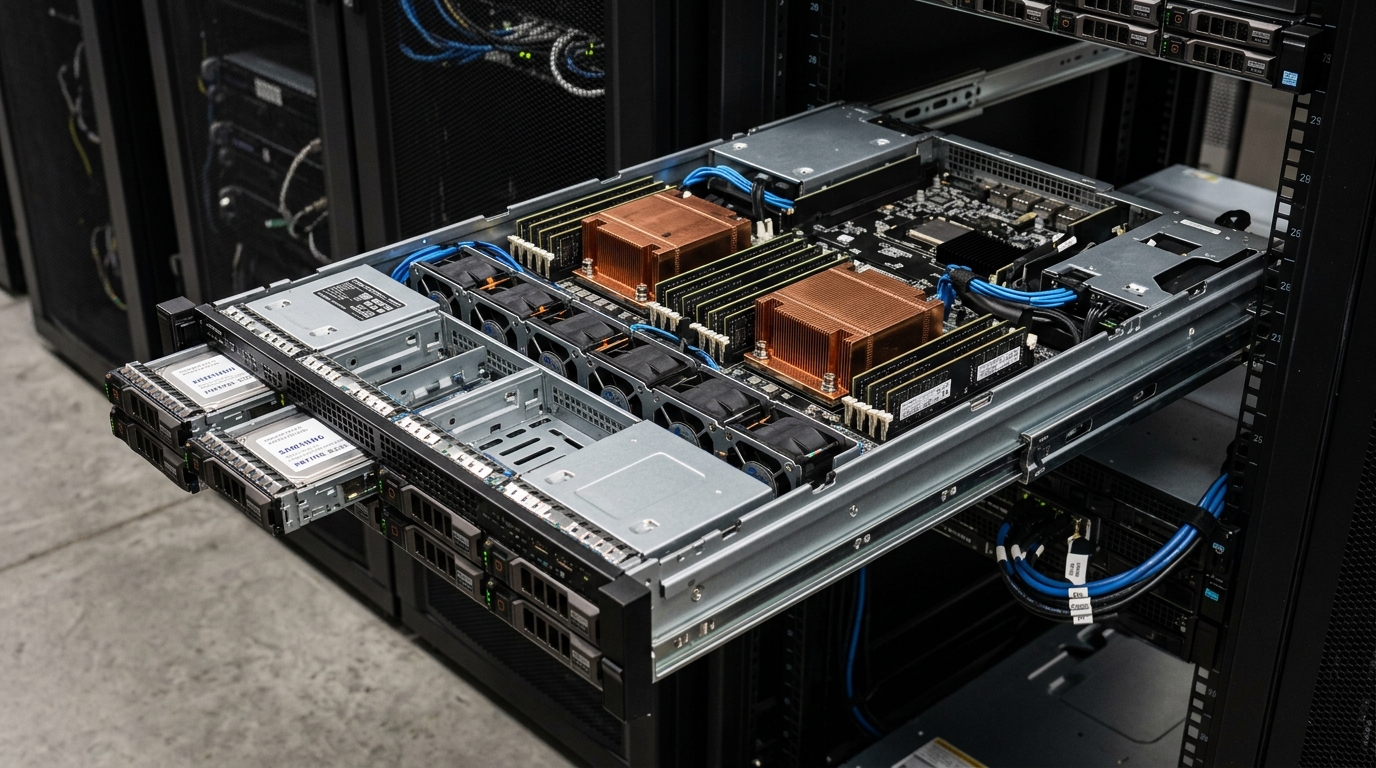
On high-concurrency Linux servers—such as busy reverse proxies, MySQL/MariaDB database nodes, Redis in-memory caches, and 10GbE/25GbE network gateways—systems administrators frequently encounter a perplexing failure: the server possesses gigabytes of available or cached memory, yet the kernel suddenly throws catastrophic allocation errors, drops incoming network packets, and stutters under load.[1][2]
When inspecting the system journal or dmesg, administrators uncover alarming kernel backtraces:[1][2]
swapper/0: page allocation failure: order:2, mode:0x4020(GFP_ATOMIC|__GFP_NOWARN)
CPU: 0 PID: 0 Comm: swapper/0 Not tainted 6.8.0-45-generic #45-Ubuntu
Hardware name: Supermicro SYS-1029P-WTR/X11DDW-L, BIOS 3.4 08/12/2026
Call Trace:
 <IRQ>
 dump_stack_lvl+0x48/0x70
 warn_alloc+0x165/0x190
 __alloc_pages_slowpath.constprop.0+0xd3e/0xda0
 __alloc_pages+0x32d/0x350
 kmalloc_large_node+0x65/0xe0
 __kmalloc_node_track_caller+0x342/0x3c0
 __alloc_skb+0x89/0x1c0
 mlx5e_alloc_rx_mpwqe+0x110/0x390 [mlx5_core]
 mlx5e_rx_alloc+0x54/0xa0 [mlx5_core]
 mlx5e_handle_rx_cqe_mpwrq+0x24a/0x310 [mlx5_core]
 mlx5e_napi_poll+0x345/0x6f0 [mlx5_core]
 __napi_poll+0x28/0x1b0
 net_rx_action+0x2a4/0x380
 handle_softirqs+0xd8/0x340
 do_softirq+0x43/0x70
 </IRQ>
This phenomenon is known as high-order physical memory fragmentation.[1][2] The kernel possesses abundant overall free capacity, but physical RAM has become fragmented into isolated single pages.[1] When high-speed network drivers or storage controllers demand a contiguous block of physical pages (such as an order-2 allocation of 16 KB) inside an atomic interrupt context, the kernel cannot wait, compact, or swap memory.[1][3] The request immediately fails, leading to silent packet drops, connection resets, and latency spikes.[1][3]
This diagnostic runbook provides systems administrators, cloud architects, and site reliability engineers across Pakistan with a production roadmap to diagnose memory fragmentation using /proc/buddyinfo, tune critical virtual memory sysctls, and safeguard mission-critical infrastructure.[1][2][3]
Architectural Foundations: The Linux Buddy Allocator and Allocation Orders
To understand why page allocation fails despite abundant memory, administrators must understand the Linux kernel Buddy Allocator.[1][2]
The Linux kernel manages physical RAM in standard 4 KB units called pages.[1] To fulfill requests for larger, contiguous memory blocks required by hardware DMA, network socket buffers (SKBs), and filesystem structures, the buddy allocator groups adjacent physical pages into powers-of-two orders (from Order 0 to Order 10):[1][2]
| Allocation Order | Number of 4 KB Pages | Contiguous Block Size | Primary Consumers in Production |
|---|---|---|---|
| Order 0 | 1 Page | 4 KB | Standard user-space process heap, anonymous pages, small buffers |
| Order 1 | 2 Pages | 8 KB | Small network socket buffers, task structs, kernel thread stacks |
| Order 2 | 4 Pages | 16 KB | High-speed NIC packet rings, jumbo Ethernet frames, Multi-Packet Work Queues |
| Order 3 | 8 Pages | 32 KB | Complex driver DMA buffers, storage RAID stripe descriptors |
| Order 4 | 16 Pages | 64 KB | Large kernel buffers, crypto acceleration descriptors |
| Order 9 / 10 | 512 / 1024 Pages | 2 MB / 4 MB | Transparent Huge Pages (THP), database large page buffers |
[ Contiguous 64 KB Physical RAM Block (Order 4) ]
-----------------------------------------------------------------
| P0 | P1 | P2 | P3 | P4 | P5 | P6 | P7 | P8 | P9 | P10| P11| P12| P13| P14| P15|
-----------------------------------------------------------------
  ^                                  ^
  | (Used by Page Cache)             | (Pinned by Kernel Driver)

Result: Even though 14 pages (56 KB) are unallocated, no single
Order-2 (16 KB) contiguous block exists. The memory is severely fragmented.
The Atomic Allocation Dilemma (GFP_ATOMIC)
When a process in user space allocates memory (malloc()), it executes with flags like GFP_KERNEL.[1] If contiguous memory is unavailable, the kernel can put the requesting process to sleep, flush dirty disk buffers, invoke kswapd, or trigger memory compaction to defragment memory.[1]
However, network interface cards (NICs) process incoming packets inside Interrupt Service Routine (ISR) context or SoftIRQ context (ksoftirqd).[1][3] In interrupt context, the CPU cannot sleep.[1] Allocations must use GFP_ATOMIC.[1] The allocator can only tap into emergency reserve pools; it cannot compact memory or write dirty pages to disk.[1] If no contiguous block of the requested order exists in the free list at that exact microsecond, the allocation fails immediately, resulting in dropped packets.[1][3]
Diagnostic Procedure: Inspecting Memory Fragmentation in Production
When servers experience unexpected latency spikes or network drops, execute the following diagnostic workflow:[1][2][3]
[ Step 1: Query dmesg for Allocation Failures ]
dmesg -T | grep -E -A 5 "page allocation failure"
                    |
                    v
[ Step 2: Analyze /proc/buddyinfo ]
cat /proc/buddyinfo (Examine available blocks from Order-0 to Order-10)
                    |
                    v
[ Step 3: Inspect /proc/pagetypeinfo ]
cat /proc/pagetypeinfo (Determine Unmovable vs Movable page exhaustion)
                    |
                    v
[ Step 4: Verify NIC Dropped Packets ]
ethtool -S eth0 | grep -E "rx_dropped|rx_no_buffer_count|alloc_rx_buff_failed"
                    |
                    v
[ Step 5: Apply Dynamic Kernel VM Tuning ]
Adjust vm.min_free_kbytes, vm.watermark_scale_factor, vm.compaction_proactiveness
Step 1: Decode /proc/buddyinfo
The primary diagnostic window into the kernel’s buddy allocator is /proc/buddyinfo:
cat /proc/buddyinfoProduction Output Example:
Node 0, zone      DMA      1      0      1      0      2      1      1      0      1      1      3
Node 0, zone    DMA32   1240    850    410    120      0      0      0      0      0      0      0
Node 0, zone   Normal  48500  12400     42      0      0      0      0      0      0      0      0
How to Interpret the Output:
- The 11 columns correspond sequentially to Orders 0 through 10 (4 KB, 8 KB, 16 KB … 4 MB).[1][2]
- In the
Normalzone above:- Order 0 has
48500free blocks (~194 MB). - Order 1 has
12400free blocks (~99 MB). - Order 2 has only
42free blocks (~672 KB). - Orders 3 through 10 have 0 free blocks.
- Order 0 has
- Diagnostic Conclusion: Over 290 MB of memory is free, but any atomic allocation demanding an Order-3 block (32 KB) or higher will fail instantly.[1]
Step 2: Inspect /proc/pagetypeinfo
The kernel categorizes memory pages into mobility types to mitigate fragmentation: Unmovable, Reclaimable, and Movable.[1][2]
cat /proc/pagetypeinfoIf Unmovable pages (pinned kernel memory, slab allocations) are scattered throughout Movable page blocks, the kernel cannot perform contiguous memory compaction, locking the system in a permanently fragmented state.[1]
Step 3: Audit Network Interface Hardware Drops
To verify whether page allocation failures are directly impacting network packet ingestion, query interface statistics via ethtool:[3]
ethtool -S eth0 | grep -iE "drop|alloc|buffer|miss|err"Look for non-zero or rapidly incrementing counters such as rx_no_buffer_count, alloc_rx_buff_failed, rx_dropped, or rx_buf_alloc_fail.[3]
Production Remediation: Tuning Kernel Memory Parameters
To eliminate high-order allocation failures and protect atomic driver requests, systems administrators must optimize Linux virtual memory sysctls.[1]
1. Increase vm.min_free_kbytes
The vm.min_free_kbytes parameter sets the physical memory floor that the kernel preserves at all times.[1] This reserved memory is specifically utilized to satisfy GFP_ATOMIC allocations during interrupt context.[1]
On systems with 64 GB to 128 GB of RAM, the default value calculated by the kernel (often 67 MB) is dangerously inadequate for bursty 10GbE network traffic.[1]
Recommended Formula: $$\text{min_free_kbytes} \approx 4 \times \sqrt{\text{Total RAM in KiB}}$$ (Capped practically between 256 MB and 1 GB to avoid starving user applications).[1]
Dynamic Configuration:
# Reserve 512 MB for atomic and emergency kernel allocations
sysctl -w vm.min_free_kbytes=524288
2. Tune vm.watermark_scale_factor
The kernel manages three watermarks per memory zone: min, low, and high.[1]
- When free memory drops below
low,kswapdwakes up in the background to reclaim memory.[1] - When free memory drops below
min, user processes stall and enter direct reclaim.[1]
The vm.watermark_scale_factor defines the distance between these watermarks in units of 10,000.[1] The default value of 10 represents 0.1% of the zone size, meaning kswapd wakes up too late during sudden traffic bursts.[1]
Increasing this value to 150 or 200 (1.5% to 2.0% of memory) instructs kswapd to begin background page reclamation much earlier, preserving headroom for contiguous blocks.[1]
sysctl -w vm.watermark_scale_factor=2003. Enable Proactive Memory Compaction (vm.compaction_proactiveness)
Introduced in modern Linux kernels (5.8+), vm.compaction_proactiveness determines how aggressively the background compaction daemon (kcompactd) defragments memory before an allocation failure occurs.[1]
The default value is 20. On systems experiencing heavy fragmentation, increase this value to 50 or 60:
sysctl -w vm.compaction_proactiveness=504. Force Manual Compaction During Maintenance
To immediately defragment physical memory without rebooting the server:
echo 1 > /proc/sys/vm/compact_memoryRe-running cat /proc/buddyinfo after compaction will immediately show fragmented Order-0 and Order-1 pages coalesced into higher-order blocks (Orders 4 through 9).[1][2]
Parameter Reference & Performance Impact Matrix
| Kernel Parameter | Default Value | Recommended High-Traffic Value | Operational Benefit | Potential Trade-Off |
|---|---|---|---|---|
vm.min_free_kbytes |
~67,584 KiB | 524288 (512 MB) |
Prevents GFP_ATOMIC failure; guarantees emergency network buffers |
Reduces usable RAM for user applications by ~500 MB |
vm.watermark_scale_factor |
10 (0.1%) |
200 (2.0%) |
kswapd reclaims early; eliminates direct reclaim stalls |
Minor background CPU cycles during memory reclamation |
vm.compaction_proactiveness |
20 |
50 |
Continuously coalesces fragmented pages into high-order blocks | Minimal background CPU usage by kcompactd |
vm.extfrag_threshold |
500 |
500 (Leave default) |
Controls threshold where kernel switches from allocation to compaction | Adjusting too low triggers excessive compaction thrashing |
Permanent Configuration Deployment
To ensure these virtual memory optimizations persist across server reboots, create a dedicated sysctl configuration file at /etc/sysctl.d/99-memory-alloc.conf:
# /etc/sysctl.d/99-memory-alloc.conf
# Linux Kernel Memory Defragmentation and High-Order Allocation Optimization

# Reserve 512 MB emergency buffer for GFP_ATOMIC allocations
vm.min_free_kbytes = 524288

# Expand distance between min/low/high watermarks (2% of zone)
vm.watermark_scale_factor = 200

# Enable aggressive background compaction to defragment buddy allocator
vm.compaction_proactiveness = 50

# Prevent aggressive memory boosting during burst allocations
vm.watermark_boost_factor = 0
Apply the configuration immediately:
sysctl --systemBare-Metal Dedicated Hardware: Why Mission-Critical Memory Demands Single-Tenancy
While Linux kernel sysctl parameters optimize physical memory management, running latency-sensitive web applications, financial platforms, or high-throughput network nodes on multi-tenant cloud VPS instances introduces unavoidable memory latency.[1]
In multi-tenant virtualization environments, guest virtual machines share physical memory controllers, memory buses, and L3 CPU cache lines with external tenants.[1] Furthermore, hypervisors frequently employ memory balloon drivers (virtio-balloon), Transparent Page Sharing (TPS), or hypervisor-level memory compaction to overcommit RAM across multiple virtual machines.[1] When an adjacent tenant on the physical host initiates heavy memory churn, the hypervisor steals memory blocks or stalls CPU execution, injecting micro-latencies that trigger atomic allocation timeouts inside the guest Linux kernel.[1]
For enterprises in Pakistan demanding uncompromising memory determinism, zero packet drops, and complete hardware isolation, unshared bare-metal hardware is essential.[1] By hosting on Nextgen’s enterprise dedicated servers and localized dedicated servers in Pakistan, your infrastructure gains:
- Dedicated Physical DDR5 ECC Memory Channels: Unshared multi-channel memory architectures with Error-Correcting Code (ECC) protection, delivering sustained memory bandwidth exceeding 300 GB/s without hypervisor ballooning or cross-tenant interference.[1]
- Deterministic NUMA Node Topology: Bare-metal Intel Xeon and AMD EPYC processors provide direct, unvirtualized access to Non-Uniform Memory Access (NUMA) domains, ensuring network card PCIe buses allocate memory directly on the local socket.[1][3]
- Carrier-Grade Low-Latency Peering: Datacenters in Karachi and Islamabad connected to the Pakistan Internet Exchange (PIE) ensure high-volume web portals and financial platforms operate with sub-15ms nationwide latencies.[1]
Sources & Official References
- Linux Kernel Organization. (2026). Virtual Memory Sysctl Documentation: min_free_kbytes, watermark_scale_factor, and compaction_proactiveness. The Linux Kernel Archives. Retrieved from https://docs.kernel.org/admin-guide/sysctl/vm.html
- Michael Kerrisk & Linux Man-Pages Project. (2026). proc(5) — Process Information Pseudo-Filesystem (/proc/buddyinfo & /proc/pagetypeinfo). Retrieved from https://man7.org/linux/man-pages/man5/proc.5.html
- Michael Kerrisk & Linux Man-Pages Project. (2026). ethtool(8) — Query or control network driver and hardware settings. Retrieved from https://man7.org/linux/man-pages/man8/ethtool.8.html
Eliminate Memory Contention with Enterprise Dedicated Bare Metal
Protect your high-throughput network gateways, high-concurrency databases, and critical web platforms from memory fragmentation, packet drops, and hypervisor stalls. Deploy Nextgen's high-performance enterprise dedicated servers with unshared multi-channel ECC RAM, dedicated NVMe arrays, and 24/7 technical monitoring across Pakistan.
Disclaimer: This post is for informational and educational purposes only, accurate to the best of our knowledge at publication. It does not constitute advice. We do not guarantee accuracy or completeness and accept no liability for any decisions or losses resulting from reliance on this content.
