
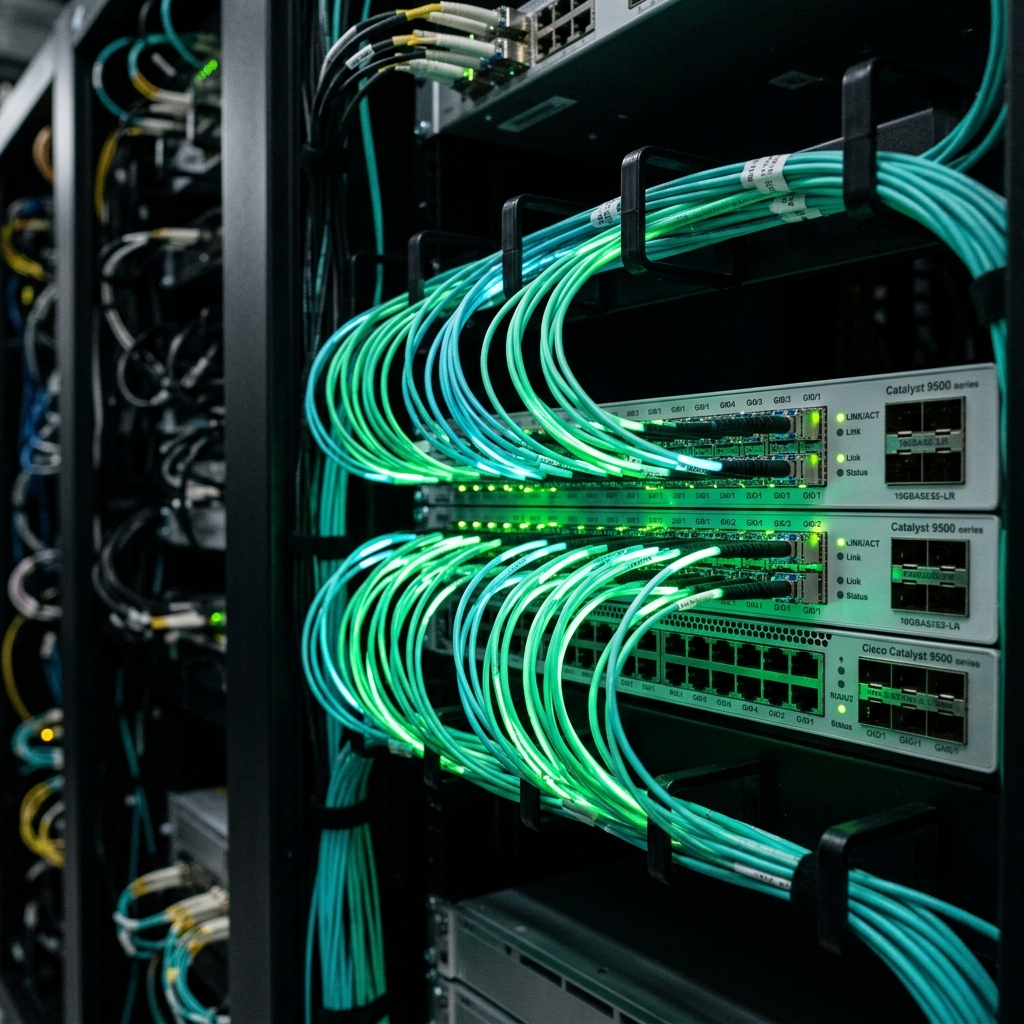
Operating high-capacity dedicated servers, hosting clusters, or corporate gateway routers in Pakistan requires visibility beyond basic firewall connection tracking. Volumetric DDoS attacks, automated exploit scanners, command-and-control (C2) beaconing, and malicious TLS fingerprint anomalies often traverse open HTTP and HTTPS ports unnoticed until an upstream provider throttles the network link.
Suricata is the industry-leading, high-performance open-source Network Threat Detection engine. Capable of real-time Intrusion Detection (IDS), Intrusion Prevention (IPS), and Network Security Monitoring (NSM), Suricata leverages modern multi-threaded architectures, hardware offload capabilities, and deep packet inspection (DPI) to analyze multi-gigabit traffic streams with zero packet drops.
This guide provides a comprehensive production implementation blueprint for deploying and tuning Suricata 7 in inline IPS mode on bare-metal dedicated servers and high-capacity Linux instances in Pakistan.
1. Suricata Architecture: Multi-Threaded AF_PACKET Processing
Unlike legacy single-threaded intrusion detection tools like Snort 2, Suricata divides network packet capture, decoding, rule evaluation, and output logging across all available CPU cores using native Linux AF_PACKET capture rings with memory-mapped buffers.
Incoming 1Gbps / 10Gbps Network Fiber Link (PKIX / Transit)
                           │
                           ▼
          [Linux Kernel Network Driver / NIC]
                           │ (Ring Buffers: AF_PACKET)
          ┌────────────────┼────────────────┐
          ▼                ▼                ▼
     [Worker Core 0] [Worker Core 1] [Worker Core 2] ...
     (Packet Decode -> Protocol Parsing -> Signature Match)
          │                │                │
          └────────────────┼────────────────┘
                           ▼
          [Rule Match / Anomaly Detection]
          ┌────────────────┴────────────────┐
          ▼                                 ▼
   [PASS Normal Traffic]          [DROP Malicious Packet]
   (Forward to NGINX/App)         (Immediate Kernel Drop)
Why Dedicated Hardware is Crucial for IDS/IPS:
- Zero CPU Contention: Deep packet inspection requires continuous regex matching across full packet payloads. Virtualized hypervisors introduce CPU scheduling jitter that can cause packet drops.
- Line-Rate Throughput: Multi-core bare-metal servers equipped with hardware packet filtering can inspect gigabits of concurrent traffic at line rate.
- Hardware NIC Offloading: Dedicated server NICs support Large Receive Offload (LRO), Generic Receive Offload (GRO), and Receive Side Scaling (RSS) to distribute packet processing across physical cores evenly.
For mission-critical enterprise environments requiring uncompromised packet inspection throughput, hosting on Dedicated Servers in Pakistan provides the physical multi-core Xeon and EPYC processing power required for line-rate DPI.
2. Installing Suricata 7 on Ubuntu / Debian
Install the latest stable Suricata 7 release using the official OISF PPA:
sudo add-apt-repository ppa:oisf/suricata-stable -y
sudo apt update && sudo apt install -y suricata jq
Verify the multi-threaded capabilities and build features:
suricata --build-info | grep -E "(AF_PACKET|Threads|PCRE2)"3. Tuning suricata.yaml for High-Throughput IPS Mode
Edit /etc/suricata/suricata.yaml to configure AF_PACKET capture rings and inline IPS mode:
%YAML 1.1
---
suricata-version: "7.0"

vars:
  address-groups:
    HOME_NET: "[192.168.0.0/16,10.0.0.0/8,YOUR_PUBLIC_IP/32]"
    EXTERNAL_NET: "!$HOME_NET"

default-log-dir: /var/log/suricata/

outputs:
  - fast:
      enabled: yes
      filename: fast.log
      append: yes
  - eve-log:
      enabled: yes
      filetype: regular
      filename: eve.json
      types:
        - alert:
            payload: yes
            packet: yes
            metadata: yes
        - http:
            extended: yes
        - tls:
            extended: yes
        - drop:
            alerts: yes

# Multi-Threaded AF_PACKET Capture Ring Configuration
af-packet:
  - interface: eth0
    threads: auto          # Pins worker threads to physical CPU cores
    cluster-id: 99
    cluster-type: cluster_flow
    defrag: yes
    use-mmap: yes
    mmap-locked: yes
    tpacket-v3: yes
    ring-size: 2048        # Large ring buffer to prevent drops during traffic surges
    block-size: 32768
4. Updating Threat Signatures with Suricata-Update
Suricata integrates directly with the Emerging Threats (ET) open ruleset, covering known CVE exploits, malware botnet C2 domains, and malicious scanners.
Update and verify the ruleset:
sudo suricata-update
sudo suricata-update list-sources
Test the configuration file syntax:
sudo suricata -T -c /etc/suricata/suricata.yaml -vEnable and start the Suricata systemd daemon:
sudo systemctl enable --now suricata5. Testing and Validating Threat Detection
Verify that Suricata actively inspects traffic and logs alerts by triggering a benign test signature:
# Test rule match against an ET Open test signature
curl -A "BlackSun" http://localhost/
Check /var/log/suricata/fast.log:
sudo tail -f /var/log/suricata/fast.logOutput confirms: [**] [1:2008983:7] ET USER_AGENTS Suspicious User-Agent (BlackSun) [**].
You can continuously tail /var/log/suricata/eve.json using jq to monitor network health and detect protocol anomalies in real time:
tail -f /var/log/suricata/eve.json | jq 'select(.event_type=="alert") | {timestamp, src_ip, dest_ip, alert: .alert.signature}'6. Architecture Comparison: Network Security Layers
| Feature | iptables / nftables | Cloudflare WAF | Suricata 7 IPS Engine |
|---|---|---|---|
| Inspection Depth | Layer 3 & Layer 4 (IP/Port) | Layer 7 HTTP/S only | Layer 2 through Layer 7 (Full DPI) |
| Protocol Coverage | TCP / UDP / ICMP | HTTP, HTTPS, WebSockets | DNS, TLS, SSH, FTP, HTTP, SMB, Raw IP |
| Payload Analysis | None (Header only) | Regex on HTTP stream | Deep payload & pattern analysis |
| Latency Impact | Zero | Dependent on CDN routing | < 1ms on dedicated bare metal |
| Data Privacy | 100% Local | Proxied through foreign CDN | 100% Sovereign on Local Hardware |
For businesses requiring isolated compute resources with dedicated kernel access, hosting on our high-performance Cloud VPS provides the dedicated memory and processing power needed for active network monitoring.
When securing large-scale corporate networks, multi-rack colocation deployments, or international transit backbones, deploying on our global Dedicated Servers provides high-bandwidth fiber connectivity and enterprise DDoS mitigation.
Related Cybersecurity and Server Hardening Guides
Further expand your enterprise network defenses:
- WAF Firewall Bypass Audit and OWASP Top 10 Hardening
- MariaDB and MySQL Performance Tuning on Linux VPS
- Enterprise Drupal Hosting Architecture and Production Tuning
Deploy Bare-Metal Threat Defense on NextGen
Protect your enterprise from volumetric exploits and zero-day network threats. Deploy Suricata on pure bare-metal dedicated servers with unmetered bandwidth, local PKIX peering, and 24/7 dedicated engineering support in Pakistan.
