
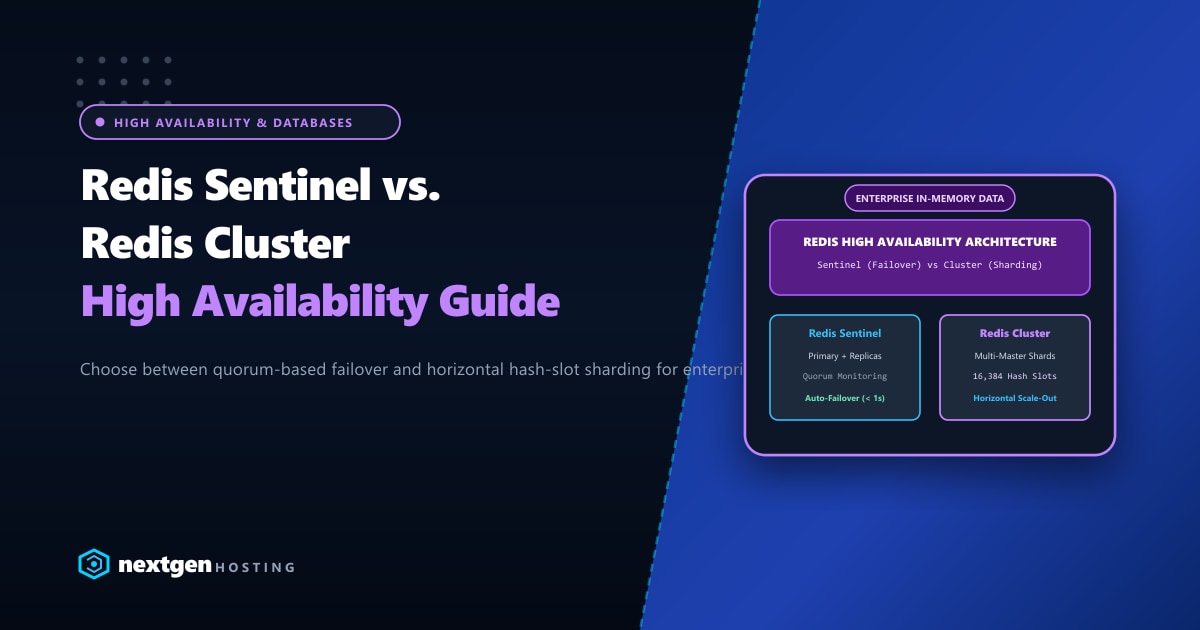
As web applications, FinTech platforms, and e-commerce portals in Pakistan scale, standard relational databases (MariaDB, PostgreSQL) rapidly become IOPS-constrained under concurrent session lookups, full-page cache hits, and transient object queries.
To achieve sub-millisecond query responses, organizations implement Redis as an in-memory data store. However, running a standalone single-instance Redis daemon introduces a catastrophic Single Point of Failure (SPOF). If the Redis server crashes or runs out of memory, your application’s checkout workflows and user sessions instantly stall.
To guarantee 99.999% uptime, systems architects must implement high-availability Redis topologies. The two primary architectures available are Redis Sentinel and Redis Cluster.
While both provide automated failover, their architectural objectives, scaling mechanisms, and deployment complexities are fundamentally different.
Executive Takeaways for DevOps Engineers
- High Availability vs. Horizontal Sharding: Redis Sentinel manages automated failover for a single-master topology (HA without sharding). Redis Cluster provides both automated failover AND distributed data partitioning across 16,384 hash slots (HA with horizontal scale-out).
- The Quorum Requirement: Sentinel requires a minimum of **three Sentinel instances** distributed across odd nodes to establish a reliable majority quorum and prevent split-brain failover loops during network blips.
- Client Library Compatibility: Redis Sentinel relies on the client library asking Sentinel for the active master address. Redis Cluster requires cluster-aware clients (like Predis, PhpRedis Cluster, or ioredis) capable of following MOVED/ASK hash slot redirects.
- Dedicated Infrastructure: For mission-critical in-memory clusters in Pakistan, deploying nodes across our high-memory Dedicated Servers in Pakistan ensures dedicated ECC RAM banks, low-latency private VLANs, and unthrottled gigabit interconnects.
1. Architectural Blueprint: Sentinel vs. Cluster
========================================================================================
[ Topology A: Redis Sentinel (Master-Replica HA) ]
========================================================================================
       ┌──────────────────┐    Gossip & Heartbeat     ┌──────────────────┐
       │ Sentinel Node 1  │◄─────────────────────────►│ Sentinel Node 2  │
       └────────┬─────────┘                           └────────┬─────────┘
                │                    ┌─────────────────────────┘
                │                    │
                ▼                    ▼
       ┌──────────────────┐  Replication Async   ┌──────────────────┐
       │   Redis Master   │─────────────────────►│  Redis Replica   │
       │ (All Writes/Reads)                      │  (Read-Only / HA)│
       └──────────────────┘                      └──────────────────┘
                ▲                                          ▲
                └─────────────── Sentinel Node 3 ──────────┘
                              (Arbitration Quorum)

========================================================================================
[ Topology B: Redis Cluster (Distributed Sharding + Multi-Master HA) ]
========================================================================================
      Master A (Slots 0-5460)           Master B (Slots 5461-10922)      Master C (Slots 10923-16383)
            │                                 │                                │
            ▼ (Async Replication)             ▼ (Async Replication)            ▼ (Async Replication)
      Replica A1                        Replica B1                       Replica C1
2. Feature & Capability Comparison Matrix
| Architectural Feature | Redis Sentinel | Redis Cluster |
|---|---|---|
| Primary Objective | High Availability & Automated Failover | Horizontal Scalability & High Availability |
| Data Sharding | No (All data resides on 1 Master) | Yes (16,384 Hash Slots distributed across masters) |
| Minimum Node Count | 3 Nodes (1 Master, 1 Replica, 3 Sentinels) | 6 Nodes (3 Masters, 3 Replicas) |
| Max Memory Capacity | Limited by single server RAM (e.g., 64GB) | Distributed across all masters (e.g., 500GB+) |
| Multi-Key Operations | Fully supported (MGET, Transactions) |
Limited (Keys must share {hash_tag}) |
| Failover Detection | Quorum consensus among Sentinels | Master-to-master gossip protocol ping/pong |
| Setup & Maintenance | Straightforward, minimal config | Complex, slot balancing & re-sharding |
| Ideal Workload | WordPress Object Cache, Session Store | Big Data, Real-time Analytics, Global IoT |
3. Deep Dive: Redis Sentinel Configuration
Redis Sentinel runs as an independent monitoring process that observes the health of your primary Redis master and standby replicas.
Step 3.1: Configure Redis Master (/etc/redis/redis.conf)
bind 0.0.0.0
port 6379
protected-mode yes
requirepass StrongClusterPassword123!
masterauth StrongClusterPassword123!
maxmemory 8gb
maxmemory-policy allkeys-lru
Step 3.2: Configure Redis Replica (/etc/redis/redis.conf)
On the standby node:
bind 0.0.0.0
port 6379
replicaof 192.168.100.11 6379
masterauth StrongClusterPassword123!
requirepass StrongClusterPassword123!
Step 3.3: Configure Sentinel Daemon (/etc/redis/sentinel.conf)
On all three Sentinel nodes:
port 26379
daemonize yes
pidfile /var/run/redis-sentinel.pid
logfile /var/log/redis/sentinel.log
dir /tmp

# Monitor master 'mymaster' with Quorum = 2 (Requires 2 of 3 votes to promote)
sentinel monitor mymaster 192.168.100.11 6379 2
sentinel auth-pass mymaster StrongClusterPassword123!

# Failover timing thresholds
sentinel down-after-milliseconds mymaster 3000
sentinel failover-timeout mymaster 10000
sentinel parallel-syncs mymaster 1
Start Sentinel on all three servers:
systemctl start redis-sentinel
systemctl enable redis-sentinel
If Node 1 loses power, Sentinel detects heartbeat loss within 3 seconds, elects the replica on Node 2 as the new Master, and updates the configuration files dynamically.
4. Deep Dive: Redis Cluster Sharding
When caching datasets exceed the RAM capacity of a single physical server, Redis Cluster splits the dataset across multiple independent Master shards using CRC16 hashing:
$$\text{Slot} = \text{CRC16}(\text{key}) \pmod{16384}$$
Step 4.1: Cluster Node Configuration
Each node in a Redis Cluster needs the following enabled in /etc/redis/redis.conf:
port 7000
cluster-enabled yes
cluster-config-file nodes-7000.conf
cluster-node-timeout 5000
appendonly yes
protected-mode no
Step 4.2: Initializing the Cluster
With all 6 nodes running (3 Masters + 3 Replicas), initialize the cluster using redis-cli:
redis-cli --cluster create \
  192.168.100.21:7000 192.168.100.22:7000 192.168.100.23:7000 \
  192.168.100.24:7000 192.168.100.25:7000 192.168.100.26:7000 \
  --cluster-replicas 1
Type yes when prompted to accept the slot distribution. The cluster automatically distributes:
- Master 1: Slots 0 – 5460
- Master 2: Slots 5461 – 10922
- Master 3: Slots 10923 – 16383
5. Decision Matrix: Which Architecture Fits Your Stack?
Deploy Redis Sentinel If:
- You are running WordPress, WooCommerce, or Magento: The standard WordPress Object Cache Pro and Magento session drivers work seamlessly with Redis Sentinel. They do not support full Redis Cluster multi-key slot sharding out-of-the-box.
- Total cache size is under 32GB–64GB: A single high-RAM server can easily store millions of active keys.
- You want low operational complexity: Sentinel requires minimal administrative overhead compared to managing slot migrations.
Deploy Redis Cluster If:
- You process hundreds of gigabytes or terabytes of in-memory data: Your cache size outstrips single-machine RAM limits.
- You require write throughput beyond 100,000 req/sec: A single Redis master is single-threaded; Redis Cluster leverages multiple CPU cores across multiple machines for concurrent writes.
- Your application stack supports hash-tag routing: Your codebase handles
{user123}:profilehash tags for multi-key queries.
Scale Enterprise In-Memory Stacks with Nextgen
High-concurrency Redis instances require unshared, high-frequency CPU cores and guaranteed DDR4/DDR5 ECC RAM. Hosting your Redis Sentinel or Cluster nodes on unmetered Dedicated Servers ensures your cache never contends with noisy neighbors for memory buses or network sockets.
Deploy Enterprise Redis Infrastructure Today
Power your in-memory databases with Nextgen's high-memory bare-metal servers in Islamabad and worldwide datacenters. Sub-millisecond latency, dedicated private 10Gbps VLANs, and 99.99% uptime SLAs.
