
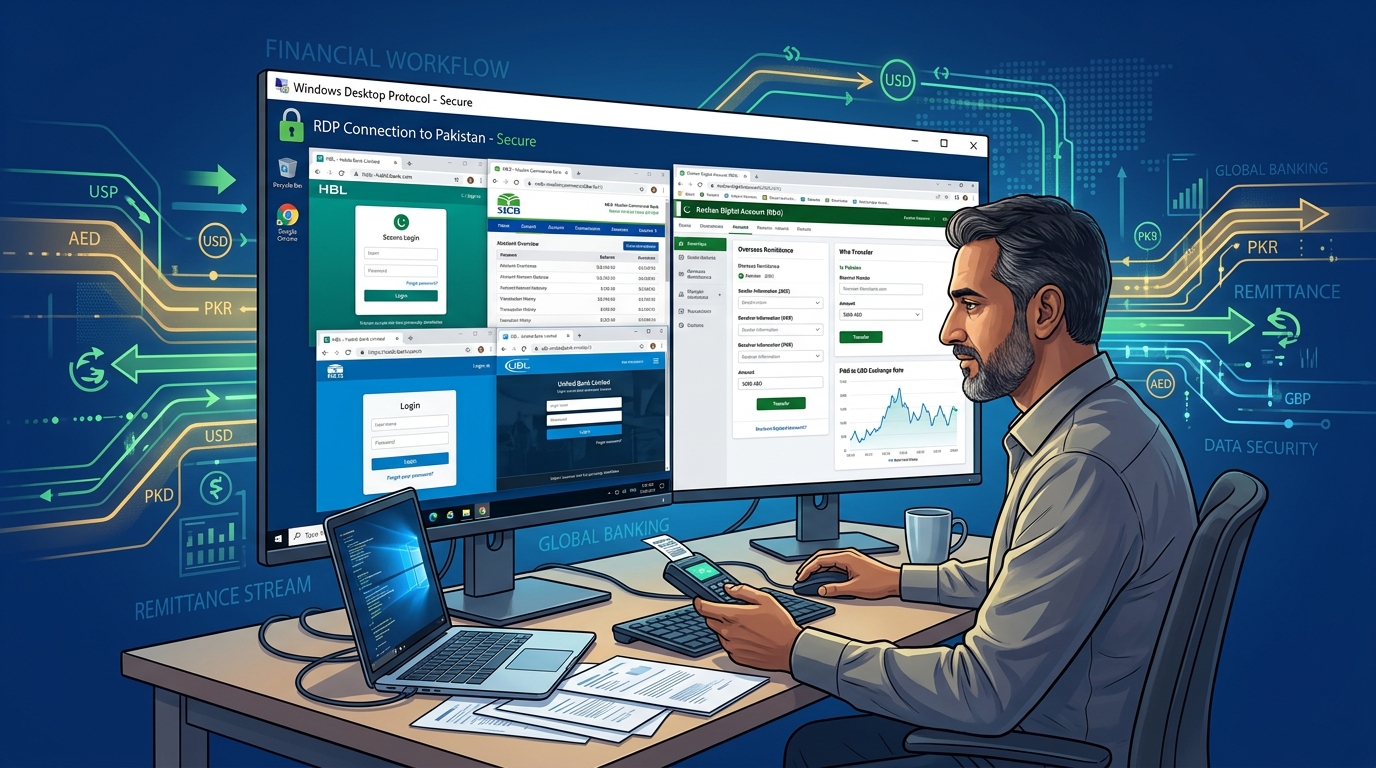
For over 9 million Overseas Pakistanis living in the United Arab Emirates, Saudi Arabia, the United Kingdom, the United States, and across the globe, managing domestic financial affairs back home is an essential part of daily life.
Whether you are managing a Roshan Digital Account (RDA), paying utility bills for family members in Lahore or Karachi, filing annual tax returns on the FBR IRIS portal, purchasing properties through CDA/LDA, or accessing corporate accounts with HBL, Meezan Bank, Bank Alfalah, MCB, or Standard Chartered Pakistan, you expect smooth, instantaneous access.
Instead, millions of expats face an infuriating digital wall:
- Bank mobile apps and web portals refuse to load, throwing generic errors: “Service temporarily unavailable from your region.”
- Logging in from a Dubai, London, or New York IP address triggers an automated fraud freeze on your debit card and online banking profile.
- You spend hours in international phone queues waiting for customer support, only to be told that your IP was flagged by internal risk algorithms.
In desperation, many expats turn to commercial VPNs (like ExpressVPN, NordVPN, or free mobile proxy apps).
This is the single biggest mistake you can make.
In this comprehensive guide, we explain why commercial VPNs trigger immediate fraud flags with Pakistani banks, why state cyber-regulations restrict foreign logins, and why a 100% Dedicated Pakistan RDP (Remote Desktop Protocol) with a static domestic residential/datacenter IP is the ultimate, permanent solution.
The Anatomy of the Block: Why Pakistani Banks Restrict Foreign Logins
The State Bank of Pakistan (SBP) and bank fraud-monitoring algorithms enforce strict Geographic Risk Heuristics:
[Overseas Expat in Dubai / London / Riyadh]
                    │
                    ▼ Connects to Pakistani Bank Portal
         [Fraud Detection Engine]
                    ├── 1. IP Geolocation Check: Originates from Foreign Subnet (UK/UAE/US)
                    ├── 2. High Risk Score: Unrecognized foreign device fingerprint
                    │
                    ▼ FRAUD PREVENTION ACTION:
[Access Denied / Account Locked / Mandatory Branch Visit Demanded!]- State Bank Cybersecurity Directives: To prevent cross-border identity theft and unauthorized wire fraud, SBP mandates that banks aggressively monitor or restrict login attempts originating from foreign IP blocks unless explicitly authorized.
- FBR IRIS & Tax Portal Restrictions: The Federal Board of Revenue frequently applies strict geographic rate limits and CAPTCHA walls to offshore IP addresses during tax season to mitigate automated DDoS scraping.
- SMS OTP Latency Stalls: Overseas cellular networks frequently experience delivery delays of 3 to 5 minutes for banking OTPs. By the time the SMS arrives, the foreign bank session has already timed out!
The Commercial VPN Trap: Why Shared VPNs Cause Account Bans
When an expat cannot access their bank, their instinctive reaction is: “I’ll just turn on a VPN set to Pakistan.”
This almost always leads to a permanent account suspension. Here is why:
[Commercial VPN Server in Karachi / Singapore]
                 │
                 ├── 500 Random Users sharing 1 Single Public IP Address
                 │   ├── User 1: Legit Expat checking HBL balance
                 │   ├── User 2: Cybercriminal testing stolen credit cards
                 │   └── User 3: Scraping bot triggering fraud alarms
                 │
                 ▼
     [Bank Anti-Fraud System (SOC)]
  "IP 103.xxx.xxx.xxx belongs to a commercial VPN provider (Datacenter ASN)"
  "50 different bank accounts attempted logins from the SAME IP in 1 hour!"
                 │
                 ▼ AUTOMATIC BLACKLIST:
  [All accounts associated with that IP are frozen for security investigation!]
Why Banks Detect and Ban VPNs:
- Dirty Shared IP Reputation: Commercial VPN providers route hundreds of random users through the exact same IP. If a single bad actor on that VPN attempts a fraudulent transaction, that entire IP is blacklisted across 1Link, Raast, and all Pakistani bank gateways.
- VPN Fingerprinting: Modern fraud engines (like ThreatMetrix and Sift Science) detect WebRTC IP leaks, DNS mismatches, and known VPN datacenter ASNs. The moment a VPN connection is detected, your account is flagged for high-risk identity theft.
The Permanent Solution: 100% Dedicated Pakistan Windows RDP
Unlike shared VPNs, a Dedicated Pakistan RDP provides an isolated, physical or virtual Windows desktop operating inside a tier-3 datacenter in Islamabad or Karachi:
[Your Laptop / Tablet / Phone in UAE, UK, or USA]
                     │
         Encrypted Microsoft RDP (Port 3389)
                     │
                     ▼
[Dedicated Pakistan RDP Server in Islamabad Datacenter]
  ├── 100% Dedicated, Clean Pakistani IPv4 Address (Never shared with anyone!)
  ├── Direct Peering with PTCL, Nayatel, StormFiber, and PkIX
  ├── Sub-5ms domestic latency to all Pakistani bank servers
  ├── Full Administrator Rights & Dedicated Windows 10/11/Server OS
                     │
                     ▼ Accesses HBL, Meezan, FBR IRIS, Raast
[Bank System Sees: A 100% Legitimate Local Pakistani Workstation!]
When you connect via Microsoft Remote Desktop (mstsc.exe on Windows, or the Microsoft Remote Desktop app on Mac, iPhone, and Android):
- You are sitting at a real Windows desktop located physically inside Pakistan.
- The bank’s servers see traffic originating directly from an Islamabad/Karachi fiber line.
- Your IP address is 100% static and dedicated exclusively to you. No other user ever shares your network identity.
- Your session is clean, trusted, and guaranteed to bypass all geographic fraud barriers!
Comparison: Pakistan Dedicated RDP vs. Commercial VPNs vs. Proxies
| Feature | Nextgen Pakistan Dedicated RDP | Commercial Shared VPN | Free Mobile Proxy |
|---|---|---|---|
| IP Exclusivity | 100% Dedicated (Only You) | Shared with 500+ users | Shared with thousands |
| Bank Fraud Flag Risk | 0% (Trusted domestic IP) | Extremely High (Instant Ban) | Guaranteed Blacklist |
| Device Fingerprint | Dedicated Windows OS | Spoofed browser header | Exposed local headers |
| FBR IRIS Portal Access | Flawless (Instant load) | Blocked or endless CAPTCHAs | Broken / Incompatible |
| Cross-Platform Access | Windows, Mac, iOS, Android | App required | Complex manual proxy setup |
| Connection Speed | 1 Gbps Unmetered Fiber | Throttled / Overloaded | 50 Kbps (Unusable) |
Step-by-Step: How to Connect from Any Device Abroad
Connecting to your dedicated Pakistan workstation takes less than 60 seconds from anywhere in the world:
1. From Windows:
- Press
Win + R, typemstsc, and hit Enter. - Enter your Nextgen Dedicated Pakistan IP (e.g.,
103.151.43.10). - Enter your Administrator credentials.
- Click Connect. You are now instantly looking at your local Pakistani desktop!
2. From Mac, iPhone, iPad, or Android:
- Download the free Microsoft Remote Desktop app from the Apple App Store or Google Play Store.
- Tap Add PC, enter your dedicated IP and login credentials.
- Tap the connection tile to launch your full Windows workstation on your phone or tablet screen!
What Can You Do on Your Dedicated Pakistan RDP?
- Manage Roshan Digital & Domestic Accounts: Seamlessly log into HBL Konnect, Meezan Internet Banking, Bank Alfalah Alfa, and UBL Digital without triggering security holds.
- File Taxes on FBR IRIS: Open Google Chrome inside the RDP and complete your annual tax declarations, wealth statements, and NTN verification with zero regional timeouts.
- Property & Government Portals: Access Nadra e-Sahulat, CDA/LDA citizen portals, and provincial land revenue registries (Zameen / PLRA) smoothly.
- Overseas Freelance & Agency Management: If you run an agency in Pakistan while traveling abroad, manage your local ERP, QuickBooks, and payroll securely from anywhere.
Enterprise Security and Bare-Metal Reliability
When managing high-value personal assets and enterprise finances, relying on unverified social media resellers on Facebook or WhatsApp is an immense security gamble. Resellers often harvest credentials, lack physical hardware security, and cycle blacklisted IPs.
Nextgen is Pakistan’s premier hosting infrastructure provider, operating enterprise hardware in high-security Tier-3 datacenters with guaranteed uptime and 24/7 dedicated support.
Explore our dedicated Pakistan RDP and high-performance bare-metal Dedicated Servers in Pakistan.
Official Nextgen Windows RDP Server Pricing Plans
All Nextgen Windows RDP servers feature enterprise AMD EPYC and Intel Xeon high-frequency compute cores, enterprise NVMe SSD storage in RAID arrays, unmetered 1Gbps bandwidth, and direct local payment support via JazzCash, EasyPaisa, and bank transfer.
1. Global Admin Windows RDP Servers (Tier-1 International Routing)
Optimized for global freelance client work, international e-commerce platforms, automated trading bots, and heavy multi-threaded tools.
| Plan Name | vCPU Cores | Dedicated RAM | NVMe SSD Storage | Bandwidth | Monthly Price (PKR) | Order Link |
|---|---|---|---|---|---|---|
| RDP Basic | 2 vCPU | 4 GB ECC | 40 GB NVMe | 20 TB (1Gbps) | Rs. 4,489 /mo | Deploy RDP Basic → |
| RDP Power | 4 vCPU | 8 GB ECC | 80 GB NVMe | 20 TB (1Gbps) | Rs. 10,478 /mo | Deploy RDP Power → |
| RDP Ultra (Recommended) | 4 vCPU | 8 GB ECC | 160 GB NVMe | 20 TB (1Gbps) | Rs. 13,485 /mo | Deploy RDP Ultra → |
| RDP Pro | 8 vCPU | 16 GB ECC | 160 GB NVMe | 20 TB (1Gbps) | Rs. 17,670 /mo | Deploy RDP Pro → |
| RDP Mega | 8 vCPU | 16 GB ECC | 240 GB NVMe | 20 TB (1Gbps) | Rs. 21,499 /mo | Deploy RDP Mega → |
| RDP Max | 16 vCPU | 32 GB ECC | 320 GB NVMe | 20 TB (1Gbps) | Rs. 32,488 /mo | Deploy RDP Max → |
Review complete features and technical specifications on our Windows RDP Hosting page.
2. Domestic Pakistan Local RDP Servers (Karachi Datacenter)
Engineered for ultra-low 5ms domestic latency, local banking portal automation, FBR IRIS tax portal compliance, and sovereign regulatory data residency.
| Plan Name | vCPU Cores | Dedicated RAM | NVMe SSD Storage | Bandwidth | Monthly Price (PKR) | Order Link |
|---|---|---|---|---|---|---|
| RDP Basic (PK) | 1 vCPU | 2 GB ECC | 50 GB NVMe | 2 TB Bandwidth | Rs. 13,500 /mo | Deploy Basic (PK) → |
| RDP Plus (PK) | 2 vCPU | 4 GB ECC | 80 GB NVMe | 4 TB Bandwidth | Rs. 22,500 /mo | Deploy Plus (PK) → |
| RDP Ultra (PK) (Top Seller) | 4 vCPU | 8 GB ECC | 160 GB NVMe | 6 TB Bandwidth | Rs. 36,000 /mo | Deploy Ultra (PK) → |
| RDP Pro (PK) | 6 vCPU | 16 GB ECC | 350 GB NVMe | 8 TB Bandwidth | Rs. 72,000 /mo | Deploy Pro (PK) → |
Inspect domestic peering and routing details on our Pakistan RDP Servers page.
When Should You Upgrade to Bare-Metal Dedicated Servers?
For standard remote desktop tasks, virtualized RDP instances deliver exceptional performance.
However, if your business runs multi-user Android emulation farms, high-frequency algorithmic financial trading nodes, or heavy real-time 4K rendering pipelines, hypervisor context switching can introduce latency jitter.
In these demanding scenarios, you need raw hardware power. Deploying single-tenant Dedicated Servers and Dedicated Servers in Pakistan provides 100% physical ownership of bare-metal CPU cores, zero noisy-neighbor interference, and direct hardware GPU passthrough capabilities.
Upgrade Your Remote Productivity with Nextgen RDP
Deploy high-performance Windows RDP servers equipped with full administrator access, pure NVMe Gen4 storage, and 1Gbps unmetered network uplinks.
