
Deploying major backend architectural changes—such as migrating a monolithic payment processing service to a microservice framework, upgrading API frameworks, or transitioning from PHP to Go or Rust—poses serious operational risk. Synthetic load testing tools (like JMeter, Locust, or k6) rarely capture the chaotic nuances of actual production traffic, which includes unpredictable user agent quirks, malformed payload bodies, unexpected character encodings, and bursty concurrent query spikes typical of high-volume Pakistani eCommerce, banking, and media platforms.
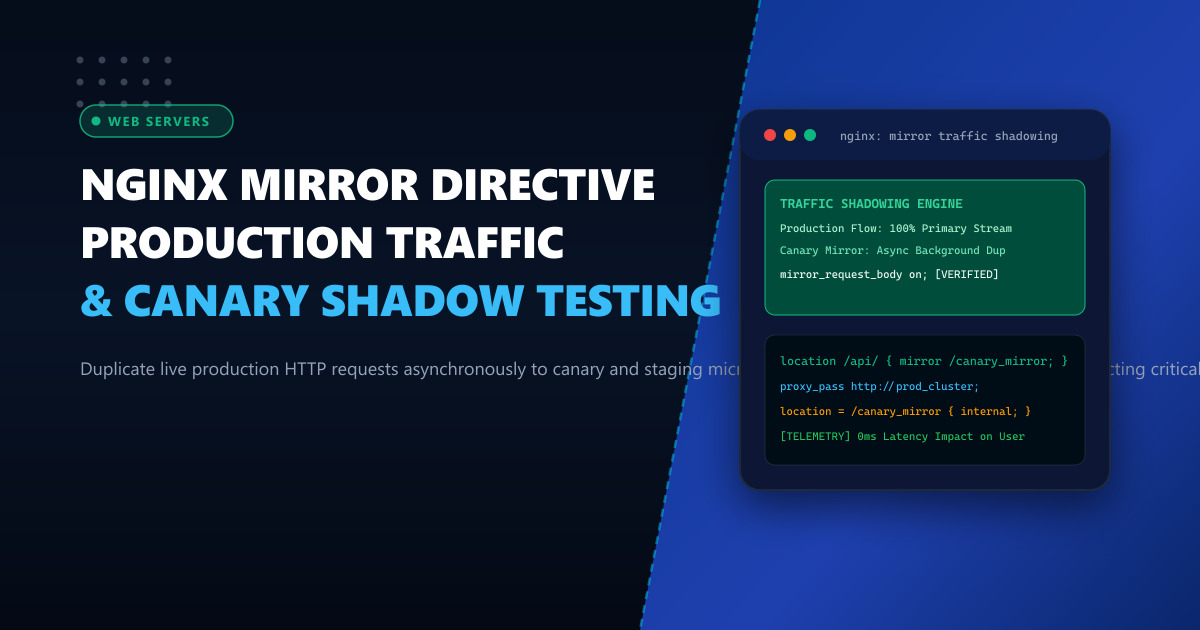
To eliminate migration uncertainty without exposing end users to bugs or latency regressions, engineering teams rely on Production Traffic Shadowing (Dark Traffic Replay). Using the native Nginx Mirror Module (ngx_http_mirror_module), Nginx duplicates live incoming HTTP client requests asynchronously and dispatches them to a secondary staging or canary cluster in the background.
Crucially, the mirrored subrequest executes completely out-of-band: the primary user never waits for the shadow service to respond, and errors or timeouts produced by the shadow service are completely ignored by Nginx. By running your front-end reverse proxy on enterprise Dedicated Servers and routing duplicated streams to local staging instances on Dedicated Servers in Pakistan, you can stress-test next-generation applications against real-world production workloads with absolute safety.
1. Architectural Anatomy: How Nginx Traffic Shadowing Works
Under standard reverse proxy configurations, incoming HTTP requests are forwarded to an upstream backend, and the client connection remains blocked until the upstream returns a response. When the mirror directive is enabled, Nginx forks the incoming HTTP request into an internal subrequest:
                          Incoming Client Request (HTTP POST /api/v2/checkout)
                                                  │
                                                  ▼
                                       ┌───────────────────────┐
                                       │   Nginx Edge Proxy    │
                                       └──────────┬────────────┘
                                                  │
                      ┌───────────────────────────┴───────────────────────────┐
                      │ (Synchronous Primary)                                 │ (Asynchronous Mirror Subrequest)
                      ▼                                                       ▼
        ┌──────────────────────────┐                            ┌──────────────────────────┐
        │ Production Stable Cluster│                            │ Canary / Shadow Backend  │
        │      (v1.4 Legacy)       │                            │       (v2.0 Beta)        │
        └─────────────┬────────────┘                            └─────────────┬────────────┘
                      │ (HTTP 200 OK + Payload)                               │ (HTTP Response Discarded)
                      ▼                                                       ▼
           Client Receives Response                                  [Logged & Telemetry Analyzed]
         (0ms Latency Impact on User)                                (Zero User-Facing Risk)
Key Technical Characteristics of ngx_http_mirror_module:
- Asynchronous Execution: Nginx dispatches the mirrored request concurrently. It does not await the response from the mirror upstream before returning data to the client.
- Ignored Responses: The HTTP response status, headers, and body returned by the shadow backend are discarded immediately by Nginx.
- Payload Duplication: With
mirror_request_body on;, Nginx preserves the complete client request body (e.g., JSON payloads, multipart uploads) in memory or temp files, relaying it fully to the mirror destination.
2. Comparing Testing Strategies: Synthetic vs Traffic Shadowing
| Testing Methodology | Synthetic Benchmark (k6/Locust) | Staging Environment Tests | Nginx Production Mirroring |
|---|---|---|---|
| Traffic Authenticity | Artificial, scripted requests | Mocked datasets | 100% Real Production Traffic |
| Edge Case Detection | Low (only tests predicted edge cases) | Low (sanitized data) | Exceptional (captures real anomalies) |
| Client Latency Impact | None (runs in test env) | None | Zero (asynchronous out-of-band) |
| Failure Risk to Users | None | None | Zero (responses are discarded) |
| Database Isolation | Uses staging DB | Uses test DB | Requires read-only or sandbox DB |
3. Production Nginx Configuration
To configure traffic mirroring, define your primary and canary upstream blocks, attach the mirror directive to your target API location, and specify an internal location for dispatching the shadow stream:
# /etc/nginx/conf.d/api-shadow.conf

# Upstream: Live Production Cluster
upstream prod_backend {
    server 10.0.1.10:8080 max_fails=3 fail_timeout=10s;
    server 10.0.1.11:8080 max_fails=3 fail_timeout=10s;
    keepalive 32;
}

# Upstream: Canary / Shadow Testing Cluster
upstream canary_shadow_backend {
    server 10.0.2.50:8080;
    keepalive 16;
}

server {
    listen 443 ssl http2;
    server_name api.nextgen.pk;

    ssl_certificate /etc/letsencrypt/live/api.nextgen.pk/fullchain.pem;
    ssl_certificate_key /etc/letsencrypt/live/api.nextgen.pk/privkey.pem;

    # Primary API location targeted for dark launch testing
    location /api/v1/ {
        # Enable traffic mirroring to internal location
        mirror /mirror_traffic;

        # Mirror the complete request body (critical for POST/PUT)
        mirror_request_body on;

        # Primary production reverse proxy dispatch
        proxy_pass http://prod_backend;
        proxy_http_version 1.1;
        proxy_set_header Connection "";
        proxy_set_header Host $host;
        proxy_set_header X-Real-IP $remote_addr;
        proxy_set_header X-Forwarded-For $proxy_add_x_forwarded_for;
        proxy_set_header X-Forwarded-Proto $scheme;

        # Fast timeouts for production reliability
        proxy_connect_timeout 3s;
        proxy_read_timeout 15s;
    }

    # Internal location for the asynchronous mirrored subrequest
    location = /mirror_traffic {
        internal;

        # Forward shadowed traffic to the canary cluster
        proxy_pass http://canary_shadow_backend$request_uri;
        proxy_http_version 1.1;
        proxy_set_header Connection "";
        proxy_set_header Host $host;

        # Add tracking headers so the shadow application knows it is dark traffic
        proxy_set_header X-Shadow-Traffic "true";
        proxy_set_header X-Original-URI $request_uri;
        proxy_set_header X-Real-IP $remote_addr;

        # Tightly constrain mirror resource usage to protect edge proxy
        proxy_connect_timeout 1s;
        proxy_read_timeout 2s;
        proxy_send_timeout 2s;

        # Ignore client aborts on the mirror side
        proxy_ignore_client_abort on;
    }
}
4. Sampling Shadow Traffic (Percentage-Based Mirroring)
Mirroring 100% of high-volume traffic can overwhelm experimental canary instances. You can use Nginx’s split_clients module to dynamically mirror a fraction of incoming traffic (e.g., 10% sampling):
# Define 10% sampling based on client IP or request ID
split_clients "${remote_addr}${request_id}" $mirror_destination {
    10%     /mirror_traffic;
    *       "";
}

server {
    listen 443 ssl http2;
    server_name ecommerce.pk;

    location /checkout/ {
        # Dynamically evaluate: mirrors only for 10% of users
        mirror $mirror_destination;
        mirror_request_body on;

        proxy_pass http://prod_backend;
    }

    location = /mirror_traffic {
        internal;
        proxy_pass http://canary_shadow_backend$request_uri;
    }
}
5. Preventing Side Effects in Shadow Environments
[!WARNING] Because mirrored requests carry actual production bodies (including credit card tokens, user updates, and order placements), the receiving canary backend must not execute destructive mutations or duplicate payments.
Mandatory Safety Guardrails for Shadow Backends:
- Header-Based Sandbox Switching: In your application layer, check
X-Shadow-Traffic: true. Route write queries to an ephemeral read-only replica or dummy mock payment gateway. - Read-Only Database Credentials: Connect the canary application to a replicated database user with only
SELECTprivileges. - Log & Telemetry Comparison (Diff Tool): Feed logs from both production and canary backends into tools like Diffy or OpenTelemetry to automatically calculate divergence in latency, error rates, and response schema.
6. Verification and Telemetry Inspection
Test the setup using curl while monitoring access logs on both clusters:
# Send test POST request to production endpoint
curl -X POST https://api.nextgen.pk/api/v1/orders \
  -H "Content-Type: application/json" \
  -d '{"item_id": 9042, "qty": 1}'
Inspect the Canary Backend access log (/var/log/nginx/canary_access.log):
10.0.1.5 - - [01/Oct/2026:14:35:10 +0500] "POST /api/v1/orders HTTP/1.1" 200 45 "-" "curl/7.88.1" X-Shadow:"true"The request arrived at the canary backend simultaneously, was executed, and its response was safely discarded without delaying the primary production client.
Architect High-Resilience Microservice Infrastructure
Perform zero-risk dark traffic testing and seamless canary migrations on enterprise-grade infrastructure. Power your mission-critical edge gateways with NextGen's bare-metal Dedicated Servers and low-latency Dedicated Servers in Pakistan featuring high-bandwidth unmetered uplinks, dedicated hardware firewalls, and expert sysadmin assistance.
