
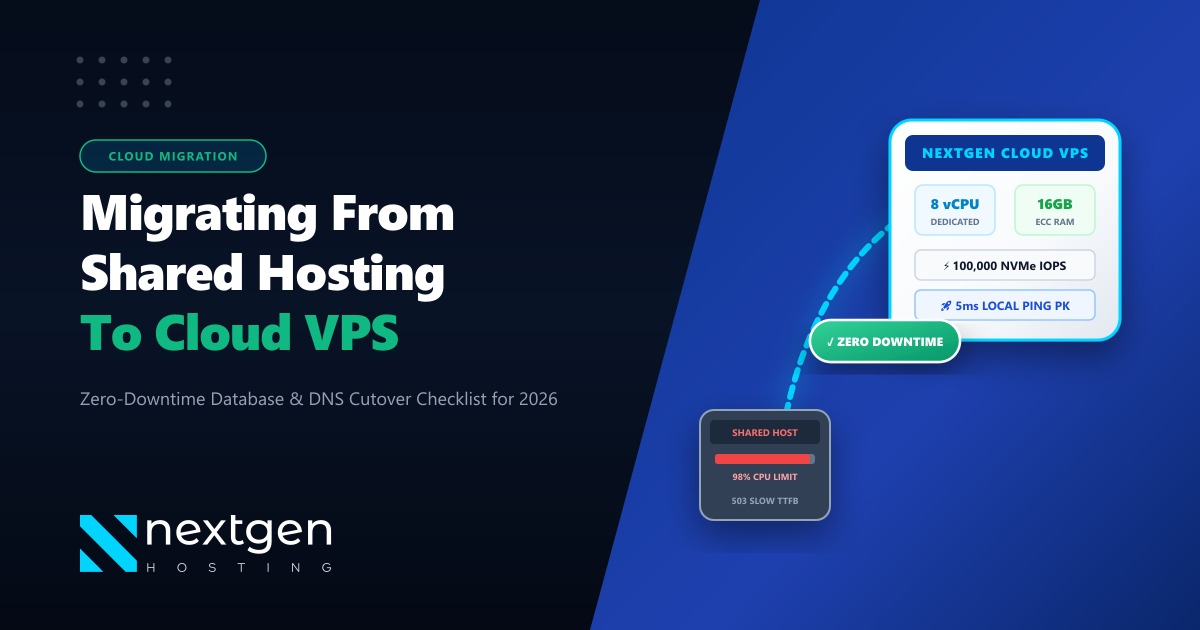
Shared hosting is the undisputed starting point for almost every Pakistani website. It is cost-effective, straightforward, and requires zero server administration knowledge. But as your business flourishes—whether you are running a high-traffic WooCommerce store, a corporate lead-generation platform, or a custom Laravel web application—shared hosting constraints inevitably turn into a performance bottleneck.
Frequent 503 Service Unavailable errors, Resource Limit Reached warnings, and slow database response times (TTFB > 2.5 seconds) directly drive away customers and damage your Google Search rankings.
Migrating to a Nextgen Cloud VPS provides guaranteed vCPU cores, dedicated NVMe IOPS, isolated ECC memory, and complete root administrative freedom. Here is the definitive 2026 technical guide on identifying when to migrate and executing a flawless, zero-downtime cutover.
Key Takeaways
- Migration Trigger Signals: Constant LVE memory throttling, database connection timeouts during flash sales, and inability to install custom PHP modules or Redis daemon caching.
- Dedicated vs Shared Resources: Shared hosting splits CPU and disk IOPS among hundreds of neighboring sites. A Cloud VPS provides dedicated virtual threads and unthrottled enterprise NVMe disk throughput.
- Zero-Downtime Migration Process: Lower DNS Time-to-Live (TTL) to 300 seconds, synchronize static assets via
rsync, perform an atomic database export, and update DNS records without dropping a single visitor session. - The Enterprise Horizon: Once your platform scales into high-frequency financial trading or millions of monthly users, upgrade into bare-metal Dedicated Servers or domestic low-latency Dedicated Servers in Pakistan.
1. Five Signals That Prove You Have Outgrown Shared Hosting
Do not wait for a major promotional campaign to crash your website before taking action. Look for these warning indicators:
- Persistent 503 / 504 Gateway Errors: When your site exceeds CloudLinux memory limits (typically 1GB on shared tiers), web requests fail instantly.
- Slow Server Response Times (TTFB): Google’s Core Web Vitals require a Time to First Byte (TTFB) under 800ms. If your TTFB hovers between 2 to 4 seconds, shared server CPU throttling is the root cause.
- Requirement for Custom System Daemons: Shared hosting blocks background daemons such as Redis object cache, Node.js microservices, Supervisor workers, and Elasticsearch.
- Email Throttling Limits: Shared hosts typically cap outbound emails at 50–100 messages per hour, stalling legitimate WooCommerce order notifications and invoices.
- Security Isolation: If a neighboring website on a shared server gets compromised with malware, your shared server IP address can be blacklisted.
2. Shared Hosting vs. Cloud VPS: Architecture Comparison
| Metric / Parameter | Standard Shared Hosting | Nextgen NVMe Cloud VPS |
|---|---|---|
| CPU Allocation | Fractional burstable shared slice | Dedicated 2 to 8 vCPU Cores |
| RAM Isolation | Shared pool (Strict LVE ceiling) | 100% Dedicated ECC DDR5 RAM |
| Disk Performance | Standard SSD (Rate-limited IOPS) | Enterprise NVMe (Up to 100,000 IOPS) |
| Root Access (SSH) | Restricted jailed shell | Full Unrestricted Root / Sudo Access |
| Caching Technology | Basic file-based caching | In-Memory Redis & LiteSpeed Cache |
| Domestic Latency | 40ms–120ms (Overseas nodes) | 5ms–18ms with Pakistan VPS Nodes |
3. Step-by-Step Technical Migration Execution: Zero Downtime
Follow this battle-tested migration protocol used by Nextgen engineering teams:
Step 1: Pre-Migration DNS TTL Reduction
48 hours prior to cutover, access your domain DNS manager (Cloudflare or cPanel Zone Editor) and reduce the TTL for your @ and www A-records:
yourdomain.pk. 300 IN A 103.xxx.xxx.xxx (Old Shared Host IP)Why this matters: When you change the IP address later, ISPs across Pakistan will query the new server within 5 minutes instead of caching the old server for 24 hours.
Step 2: Synchronizing Files via Encrypted Rsync
Avoid downloading massive zip files over slow residential connections. Transfer your web root directly between servers using rsync over SSH:
# Execute from your new Cloud VPS terminal
rsync -avzP -e "ssh -p 22" [email protected]:/home/cpaneluser/public_html/ /var/www/html/
Step 3: Atomic Database Dump and Import
Ensure no new WooCommerce orders or form submissions are lost during the transfer:
# On old shared host
mysqldump -u db_user -p --single-transaction --quick db_name > /home/cpaneluser/backup.sql

# Transfer and import on new VPS
mysql -u root -p new_vps_dbname < backup.sqlPro-Tip: Activate In-Memory Redis Object Caching
Once settled on your Cloud VPS, install Redis: sudo apt install redis-server. Connect your WordPress site to Redis via LiteSpeed Cache or Redis Object Cache plugin. Database queries drop by up to 85%, cutting dynamic page rendering speeds from 1.8 seconds down to 210 milliseconds.
Warning: Avoid Changing Nameservers and Host IP Simultaneously
Never change your authoritative nameservers on the same day as your web host IP migration. Changing both creates unpredictable global DNS propagation lags. Migrate the IP record first, let traffic stabilize for 72 hours, and then update nameservers if desired.
4. Scaling Beyond Cloud VPS
A Cloud VPS can effortlessly scale up to 16 vCPUs and 64GB of RAM. However, when your architecture demands massive multi-tenant database clusters, intensive video transcoding, or strict regulatory air-gapping:
- Upgrade to global Dedicated Servers for unmetered 1Gbps/10Gbps bandwidth pipelines.
- Deploy directly onto domestic Dedicated Servers in Pakistan to maintain full physical control and single-digit local latency across domestic telecom grids.
5. Frequently Asked Questions (FAQs)
Does Nextgen provide free website migration assistance?
Yes. Our senior Linux engineering team handles 100% of the migration—files, databases, SSL certificates, and DNS configuration—free of charge for all incoming Cloud VPS clients.
Can I run cPanel or CyberPanel on my Cloud VPS?
Yes. Nextgen Cloud VPS instances support all modern control panels, including cPanel/WHM, Plesk, CyberPanel with OpenLiteSpeed, CloudPanel, and raw Docker environments.
Where are Nextgen Cloud VPS nodes physically hosted?
We provide dual geographic hosting: ultra-low latency domestic nodes located inside Pakistan (Islamabad/Karachi Tier-III facilities) for local traffic, and global enterprise nodes located in Germany and the US for international reach.
Upgrade to Blazing-Fast Nextgen Cloud VPS
Eliminate shared hosting bottlenecks today. Get dedicated NVMe performance, free expert migration, and 24/7 technical support in Pakistan.
View Pakistan Cloud VPS Plans