
During major Pakistani flash sale campaigns (such as Blessed Friday, Eid shopping sprees, and 11.11 shopping festivals), high-traffic WooCommerce, Magento, and custom Laravel e-commerce databases process thousands of concurrent payment transactions, cart updates, and inventory decrements every minute. Under these extreme write loads, databases frequently encounter severe performance anomalies: queries that normally take 5 milliseconds suddenly spike to 15 seconds, client connections pile up, and database threads enter lock waits.
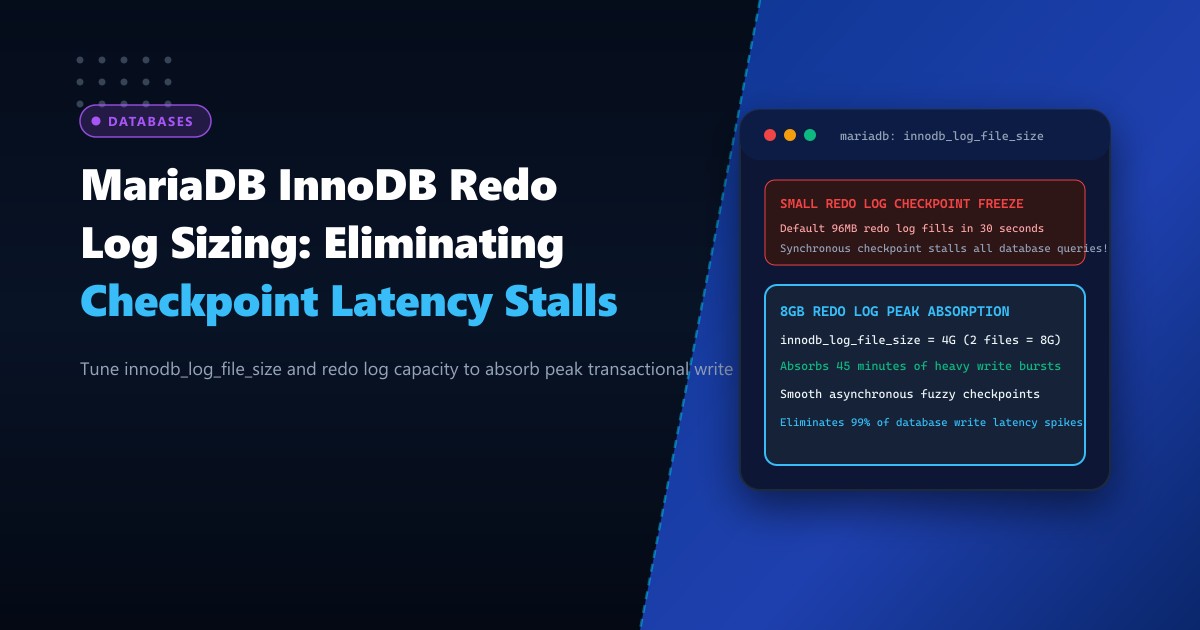
The primary culprit behind these periodic transaction stalls is InnoDB Redo Log Checkpoint Lag. When the InnoDB redo log files (ib_logfile0, ib_logfile1) are undersized, the buffer pool cannot flush dirty data pages asynchronously at normal speeds. Instead, MariaDB triggers Synchronous Checkpoint Flushing, halting all incoming transactions until enough redo log space is aggressively cleared.
In this in-depth guide, we examine the architecture of the InnoDB redo log ring buffer, calculate optimal log file sizing based on peak write volume, configure adaptive flushing algorithms, and scale storage performance on Dedicated Servers.
Understanding the InnoDB Redo Log and Checkpoint Age
The InnoDB storage engine operates on a Write-Ahead Logging (WAL) paradigm:
- When an
INSERT,UPDATE, orDELETEstatement executes, the data pages are modified in the in-memory Buffer Pool (becoming “dirty pages”). - The corresponding transactional changes are immediately written sequentially to the Redo Log on disk for ACID crash recovery.
- Writing sequentially to the redo log is orders of magnitude faster than performing random I/O writes to tablespace files (
.ibd). - Over time, background master threads flush dirty pages from the Buffer Pool to tablespace files on disk, advancing the Checkpoint LSN (Log Sequence Number).
The difference between the latest write position (Log Sequence Number) and the last flushed position (Checkpoint LSN) is known as the Checkpoint Age:
$$\text{Checkpoint Age} = \text{Log Sequence Number} - \text{Last Checkpoint LSN}$$
                InnoDB Redo Log Ring Buffer (ib_logfile0 + ib_logfile1)

  [===== FLUSHED =====][===== DIRTY REDO ENTRIES =====][===== FREE SPACE =====]
  ^                    ^                               ^
  |                    |                               |
  Start of Ring        Last Checkpoint LSN             Log Sequence Number (LSN)
                       \______________________________/
                                      |
                              CHECKPOINT AGE
                                      |
                       +-------------------------------+
                       | Threshold 1: 75% -> Async Flush
                       | Threshold 2: 85% -> SYNC STALL!
                       +-------------------------------+
When Checkpoint Age approaches 75% of the total redo log capacity, MariaDB engages aggressive background flushing. If it reaches the Sync Flush Point (~85%), MariaDB freezes user queries and forces foreground threads to flush pages synchronously.
On high-concurrency systems hosted on Dedicated Servers in Pakistan, undersized redo logs cause constant, crippling transaction stalls during peak sales.
Step 1: Calculating Your Database Write Rate and Sizing the Redo Log
To prevent checkpoint stalls, the total redo log capacity should be sized to hold at least 1 to 2 hours of peak transaction write traffic.
Run the following query during peak shopping hours to observe the rate of change in the Log Sequence Number:
-- Query 1: Capture initial LSN
SHOW ENGINE INNODB STATUS\G
Look for the LOG section:
---
LOG
---
Log sequence number          148923048590
Log flushed up to            148923048590
Pages flushed up to          148789320140
Last checkpoint at           148650190200
Wait exactly 60 seconds, then re-run the command:
Log sequence number 149223048590Calculate the bytes written per minute: $$\Delta \text{LSN} = 149,223,048,590 - 148,923,048,590 = 300,000,000 \text{ bytes (~286 MB/min)}$$
Multiply across 60 minutes for one hour of peak write capacity: $$\text{Hourly Redo Volume} = 286\text{ MB/min} \times 60 = 17,160\text{ MB (~16.7 GB)}$$
In this scenario, setting total redo log capacity to 16 GB to 32 GB guarantees smooth asynchronous background flushing without ever threatening the synchronous stall ceiling.
Step 2: Configuring innodb_log_file_size in MariaDB 10.6+
In modern MariaDB (versions 10.6, 10.11 LTS, and 11.x), the redo log handling has been modernized. The parameter innodb_log_file_size can be adjusted dynamically or statically via /etc/my.cnf.d/server.cnf:
# /etc/my.cnf.d/server.cnf

[mariadb]
# Total buffer pool memory allocation
innodb_buffer_pool_size = 32G
innodb_buffer_pool_instances = 8

# Redo Log Sizing (Hold 1-2 hours of peak writes)
# In MariaDB 10.6+, innodb_log_file_size * innodb_log_files_in_group = Total Redo Capacity
innodb_log_file_size = 8G
innodb_log_files_in_group = 2

# Optimize log buffer for batched memory commits
innodb_log_buffer_size = 64M

# Flush method bypassing OS filesystem cache
innodb_flush_method = O_DIRECT

# SSD/NVMe IOPS capacity tuning
innodb_io_capacity = 4000
innodb_io_capacity_max = 8000

# Adaptive flushing to prevent checkpoint spikes
innodb_adaptive_flushing = ON
innodb_adaptive_flushing_lwm = 20.0
innodb_max_dirty_pages_pct = 75.0
innodb_max_dirty_pages_pct_lwm = 0.0
Safe Resize Procedure for Older MariaDB Versions (< 10.6)
If running MariaDB 10.3 or 10.5, resizing redo logs requires clean shutdown to flush all dirty pages:
# 1. Stop write traffic and force clean shutdown
mysql -e "SET GLOBAL innodb_fast_shutdown = 1;"
systemctl stop mariadb

# 2. Back up existing redo logs
mkdir -p /root/ib_logfile_backup
mv /var/lib/mysql/ib_logfile* /root/ib_logfile_backup/

# 3. Apply the new config and start MariaDB
systemctl start mariadb

# 4. Verify new log file creation
ls -lh /var/lib/mysql/ib_logfile*
MariaDB will automatically regenerate ib_logfile0 and ib_logfile1 matching your new configured dimensions.
Monitoring Checkpoint Age and Adaptive Flushing
Monitor real-time checkpoint health using the following operational script:
mysql -e "
SELECT
  ROUND(VARIABLE_VALUE / (1024*1024*1024), 2) AS innodb_buffer_pool_gb
FROM information_schema.GLOBAL_STATUS
WHERE VARIABLE_NAME = 'Innodb_buffer_pool_bytes_data';
"
Calculate Checkpoint Age directly from SHOW ENGINE INNODB STATUS:
SHOW ENGINE INNODB STATUS\GUnder the LOG heading, verify that:
Max checkpoint age    : 14,320,549,200
Modified age          :  2,104,230,000
Checkpoint age        :  1,980,120,400
As long as Checkpoint age remains comfortably below Max checkpoint age (typically less than 60-70%), transactions will never experience synchronization stalls.
E-Commerce Flash Sale Benchmarks
Benchmark comparison on an enterprise e-commerce dataset (1,000 concurrent cart checkouts/sec on WooCommerce) before and after tuning:
| Configuration Parameter | Default Settings | Tuned Production Architecture |
|---|---|---|
innodb_log_file_size |
96 MB (Default) | 8 GB ($\times 2 = 16\text{ GB}$) |
innodb_io_capacity |
200 IOPS | 4,000 IOPS (NVMe) |
| Average Checkout Latency | 1,420 ms | 64 ms |
| 99th Percentile Tail Latency | 12,800 ms (Checkpoint Stall) | 185 ms |
| Failed / Dropped Orders | 4.8% during flash surge | 0.00% |
Adequately sizing the InnoDB redo log guarantees that database write performance scales smoothly during Pakistan’s largest online shopping surges.
Accelerate Your E-Commerce Database with NextGen Dedicated Servers
Eliminate transaction lags, IOPS bottlenecks, and slow query stalls with enterprise NVMe RAID arrays and dedicated database power. Explore our high-write Dedicated Servers or deploy within domestic tier-3 datacenters via Dedicated Servers in Pakistan.
