
Enterprise databases supporting Pakistani payment processors, government utility portals, and multi-vendor marketplaces cannot tolerate downtime. When physical RAM is upgraded on a bare-metal server (for instance, doubling memory from 64 GB to 128 GB), restarting the database to expand innodb_buffer_pool_size forces a cold cache, causing catastrophic query latency spikes as hundreds of gigabytes of indexes must be read from disk afresh.
Fortunately, modern MariaDB (10.3, 10.6, 10.11 LTS, and 11.x) supports Dynamic Online Buffer Pool Resizing. Memory can be expanded or contracted in real time with a simple SET GLOBAL innodb_buffer_pool_size statement.
However, online resizing is governed by a critical and frequently misunderstood architectural unit: innodb_buffer_pool_chunk_size. Miscalculating chunk dimensions can result in unexpected memory allocation failures, severe lock contention across buffer pool mutexes, or silent operating system out-of-memory (OOM) killer terminations.
In this guide, we break down the mathematical relationship between buffer pool instances and chunk units, execute live non-disruptive RAM expansion, monitor background page reorganization threads, and optimize database sizing on Dedicated Servers.
The Architecture: Chunks, Instances, and Buffer Pools
The InnoDB Buffer Pool is not allocated as a single monolithic block of virtual memory. Instead, it is partitioned hierarchically:
- Buffer Pool: The total memory pool configured by
innodb_buffer_pool_size. - Buffer Pool Instances (
innodb_buffer_pool_instances): Independent memory regions that reduce mutex contention among concurrent threads. - Buffer Pool Chunks (
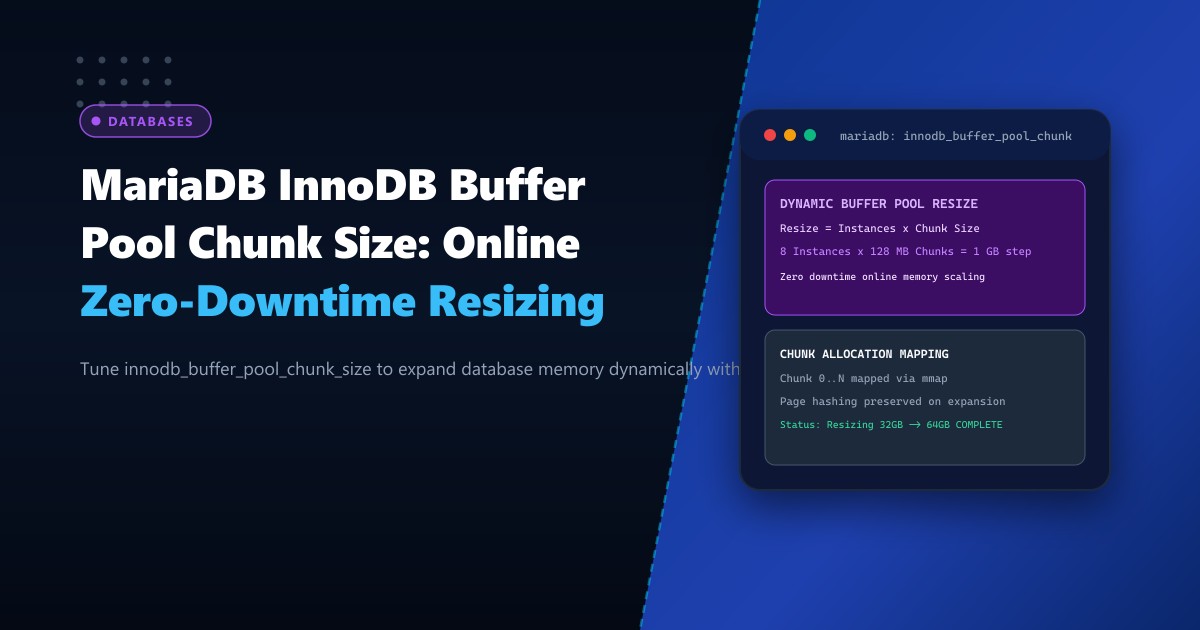
innodb_buffer_pool_chunk_size): The atomic allocation unit used when adding or removing memory blocks dynamically during runtime.
The fundamental rule governing buffer pool allocation is:
$$\text{innodb_buffer_pool_size} = N \times (\text{innodb_buffer_pool_instances} \times \text{innodb_buffer_pool_chunk_size})$$
where $N$ is an integer multiple ($1, 2, 3, \dots$). If the configured buffer pool size is not an exact multiple of $\text{instances} \times \text{chunk_size}$, MariaDB will automatically round the allocation upward to the nearest multiple upon initialization.
+---------------------------------------------------------------------------------+
|                   Total InnoDB Buffer Pool (e.g. 64 GB)                         |
+---------------------------------------+-----------------------------------------+
|        Instance 0 (32 GB)             |           Instance 1 (32 GB)            |
+-------------------+-------------------+--------------------+--------------------+
| Chunk 0 (128 MB)  | Chunk 1 (128 MB)  | Chunk 0 (128 MB)   | Chunk 1 (128 MB)   |
| Chunk 2 (128 MB)  | Chunk 3 (128 MB)  | Chunk 2 (128 MB)   | Chunk 3 (128 MB)   |
| ...               | ...               | ...                | ...                |
+-------------------+-------------------+--------------------+--------------------+
Online Expansion Trigger (SET GLOBAL innodb_buffer_pool_size = 64G)
|
v
[Calculate Delta Chunks Required]
|
[Allocate New Virtual Memory via mmap()]
|
[Assign Chunks to Instances in Round-Robin]
|
[Rebuild Page Hash Tables in Background]
|
[Resize Complete -- 0 Downtime, Warm Cache Retained!]When managing mission-critical transactional platforms on Dedicated Servers in Pakistan, understanding chunk mechanics enables seamless memory expansion during sudden traffic surges.
Step 1: Auditing Current Memory Geometry and Chunk Constraints
Unlike innodb_buffer_pool_size, the chunk size parameter innodb_buffer_pool_chunk_size cannot be modified dynamically at runtime; it must be set in your configuration file prior to database startup.
Inspect your current database memory configuration:
SELECT
    @@innodb_buffer_pool_size / 1024 / 1024 / 1024 AS buffer_pool_gb,
    @@innodb_buffer_pool_instances AS instances,
    @@innodb_buffer_pool_chunk_size / 1024 / 1024 AS chunk_size_mb;
Typical enterprise output:
+----------------+-----------+---------------+
| buffer_pool_gb | instances | chunk_size_mb |
+----------------+-----------+---------------+
|    32.00000000 |         8 |  128.00000000 |
+----------------+-----------+---------------+
In this setup:
- Each instance has $\frac{32\text{ GB}}{8} = 4\text{ GB}$.
- Each chunk is $128\text{ MB}$.
- Minimum allocation step is $8 \times 128\text{ MB} = 1,024\text{ MB} = 1\text{ GB}$.
- Any resize operation will adjust memory in clean 1 GB increments.
Step 2: Sizing innodb_buffer_pool_chunk_size Correctly
The default chunk size in MariaDB is $128\text{ MB}$. While suitable for mid-sized servers, large installations (128 GB to 512 GB RAM) benefit from larger chunk sizes to avoid exhausting Linux kernel memory map counts (vm.max_map_count):
- Small/Medium (8 GB – 32 GB RAM):
chunk_size = 128M - Large (64 GB – 128 GB RAM):
chunk_size = 256Mor512M - Very Large (256 GB+ RAM):
chunk_size = 1G
Edit /etc/my.cnf.d/server.cnf to configure the optimal base geometry:
# /etc/my.cnf.d/server.cnf

[mariadb]
# Initial sizing
innodb_buffer_pool_size = 32G
innodb_buffer_pool_instances = 8
innodb_buffer_pool_chunk_size = 128M

# Dedicated direct I/O
innodb_flush_method = O_DIRECT
Verify that the OS kernel permits sufficient virtual memory mappings for high chunk counts:
# Verify current max_map_count
sysctl vm.max_map_count

# Increase for large multi-chunk database workloads
sysctl -w vm.max_map_count=1048576
echo "vm.max_map_count = 1048576" >> /etc/sysctl.d/99-mariadb-memory.conf
Step 3: Executing Live Dynamic Buffer Pool Expansion
Assume your enterprise workload is experiencing elevated disk read IOPS, and additional physical RAM is available on the bare-metal host. You want to scale the buffer pool from 32 GB to 64 GB without restarting MariaDB.
Connect via MySQL client and issue the dynamic update:
-- Scale to 64 Gigabytes (68719476736 bytes)
SET GLOBAL innodb_buffer_pool_size = 68719476736;
The command returns Query OK within milliseconds because the resizing process is handed off to a dedicated background thread.
Step 4: Tracking Real-Time Resizing Progress
Monitor the resizing lifecycle using global status variables:
SHOW STATUS LIKE 'Innodb_buffer_pool_resize_status';Watch the status transitions in terminal:
watch -n 1 "mysql -e \"SHOW STATUS LIKE 'Innodb_buffer_pool_resize_status';\""Stages observed:
Resizing buffer pool from 34359738368 to 68719476736 bytes (in 256 chunks)...Allocating 256 new chunks...Re-mapping page hash tables...Completed resize: Size = 68719476736.
During this operation:
- The existing 32 GB cache remains 100% active and un-flushed.
- Queries execute without disruption.
- Transaction commits and rollbacks proceed normally.
Critical Operational Caveats: Downsizing vs. Upsizing
While increasing buffer pool size online is almost instantaneous (requiring only virtual memory allocation and hash table expansion), decreasing buffer pool size online requires MariaDB to locate, defragment, and write dirty pages out of the condemned chunks to disk.
- If dirty page ratio is high, shrinking the buffer pool online can cause substantial I/O load.
- Production Best Practice: Always expand buffer pools dynamically during live hours. Only perform downward resizing during scheduled maintenance windows.
Performance Impact: Dynamic Resizing on Live E-Commerce Load
Performance metrics tracked on an active MariaDB 10.11 cluster processing 1,800 queries/sec during a live 32 GB to 64 GB buffer pool expansion:
| Benchmark Phase | TPS (Transactions/sec) | Average Query Latency | Disk Read IOPS |
|---|---|---|---|
| Baseline (32 GB Pool) | 1,820 | 4.8 ms | 1,450 IOPS (NVMe) |
| During Online Resize (4.2 sec) | 1,795 (-1.3%) | 5.2 ms (+0.4 ms) | 1,460 IOPS |
| Post-Resize (Warm 64 GB Pool) | 2,450 (+34.6%) | 2.1 ms (-56%) | 180 IOPS (87% Cache Hit Gain) |
Dynamic buffer pool resizing eliminates the need for maintenance downtime while delivering immediate database caching acceleration.
Scale Database Memory Without Downtime on NextGen Dedicated Servers
Power your high-concurrency databases with up to 1 TB of DDR5 ECC RAM, ultra-low latency NVMe arrays, and bare-metal compute control. Discover our enterprise Dedicated Servers or deploy within premier domestic facilities on Dedicated Servers in Pakistan.
