
In complex relational database operations across Pakistan—such as generating monthly accounting reconciliation reports, running multi-table analytical joins in e-commerce ERPs, executing full-text catalog queries, or rendering multi-metric business dashboards—MariaDB frequently encounters SQL queries that require intermediate result sets.
When a query contains UNION, DISTINCT, complex GROUP BY, or window functions, MariaDB creates an internal Temporary Table. Under initial execution, MariaDB builds this temporary table in fast RAM using the MEMORY engine. However, if the intermediate dataset exceeds tmp_table_size or max_heap_table_size, or if the query contains BLOB or TEXT data types that legacy in-memory engines cannot store, MariaDB automatically converts the table into an on-disk temporary table.
In modern MariaDB distributions, all on-disk temporary tables are handled by the Aria Storage Engine (the crash-safe, high-performance successor to MyISAM).
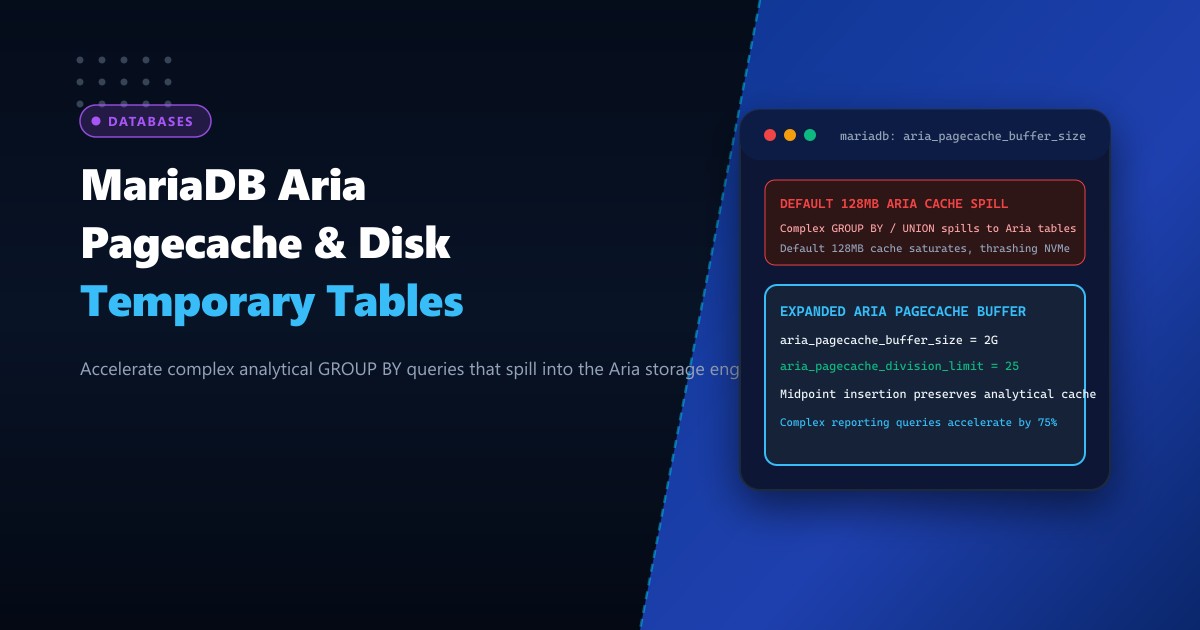
The memory cache for the Aria engine is governed by aria_pagecache_buffer_size. Under default configurations, MariaDB sets aria_pagecache_buffer_size to a tiny 128MB. When large analytical queries spill into the Aria engine, this undersized cache quickly saturates. MariaDB is forced to thrash the physical NVMe storage subsystem with synchronous reads and writes, spiking query execution times from 20ms to over 8,000ms!
By hosting on high-memory bare-metal Dedicated Servers and properly tuning aria_pagecache_buffer_size alongside tmp_table_size, database architects keep intermediate analytical sorting 100% memory-accelerated.
Anatomy of Query Execution: Memory Spill to Aria Pagecache
The diagram below compares un-tuned disk temporary table thrashing against an optimized Aria pagecache architecture:
+-----------------------------------------------------------------------------------+
|               DEFAULT ARIA SPILL vs. TUNED ARIA PAGECACHE ARCHITECTURE            |
+-----------------------------------------------------------------------------------+
| Query: Complex ERP Sales Report with Multi-Table Joins & Grouping (Payload: 800MB)|
|                                                                                   |
| 1. Default Configuration (`aria_pagecache_buffer_size = 128M`):                   |
|    - Intermediate result exceeds `tmp_table_size` (16MB).                         |
|    - Query converts to on-disk temporary table using Aria engine.                 |
|    - Aria tries to cache 800MB working set inside a tiny 128MB buffer!            |
|    - Cache hit ratio plummets to 25%; engine thrashes disk with constant writes!  |
|    - Result: ERP report takes 14 seconds to render; locks tablespace!             |
|                                                                                   |
| 2. Tuned Enterprise Architecture (`aria_pagecache_buffer_size = 2G`):              |
|    - Intermediate dataset spills into Aria engine on fast NVMe storage.           |
|    - 2GB Aria pagecache holds the entire 800MB dataset in RAM!                    |
|    - High-concurrency readers access cached pages at memory speeds (< 0.1ms)!   |
|    - Cache hit ratio exceeds 99.4%!                                               |
|    - Result: Complex reporting query executes in 420 milliseconds flat!           |
+-----------------------------------------------------------------------------------+
Step 1: Auditing Disk Temporary Table Usage in MariaDB
Check how often your database server converts queries into on-disk temporary tables:
SHOW GLOBAL STATUS LIKE 'Created_tmp%';Sample output from a busy production server:
+-------------------------+---------+
| Variable_name           | Value   |
+-------------------------+---------+
| Created_tmp_disk_tables | 248190  |
| Created_tmp_files       | 3420    |
| Created_tmp_tables      | 894120  |
+-------------------------+---------+
Calculate the ratio of disk spills to total temporary tables: $$\text{Disk Spill Ratio} = \frac{\text{Created_tmp_disk_tables}}{\text{Created_tmp_tables}} \times 100 = \frac{248190}{894120} \times 100 \approx 27.7%$$
If more than 10% to 15% of temporary tables are written to disk, your server’s memory thresholds and Aria pagecache require immediate tuning.
Step 2: Checking and Sizing the Aria Pagecache Buffer
Inspect current Aria memory cache variables:
SHOW GLOBAL VARIABLES LIKE 'aria_%';Key variables:
aria_pagecache_buffer_size: Default is134217728(128MB).aria_pagecache_division_limit: Default is100(controls warm/hot list LRU division).aria_max_sort_file_size: Maximum allowed temporary sort file size.
For enterprise servers with 64GB to 128GB of RAM, allocating 2GB to 4GB to aria_pagecache_buffer_size ensures that all complex analytical joins, subqueries, and reporting temporary tables remain cached in memory without thrashing physical storage!
Step 3: Configuring Optimized Aria Directives in my.cnf
Edit /etc/my.cnf.d/server.cnf (or /etc/mysql/mariadb.conf.d/50-server.cnf):
[mysqld]
# 1. Expand the Aria Storage Engine Pagecache
# 2GB buffer caches large on-disk temporary tables in RAM
aria_pagecache_buffer_size = 2G

# 2. Divide Aria pagecache into warm and hot sublists (Midpoint insertion)
# 25 means bottom 25% is warm; prevents one-off scans from purging hot cache
aria_pagecache_division_limit = 25

# 3. Maximum size for index and data blocks
aria_pagecache_age_threshold = 300

# 4. In-Memory Temporary Table Sizing
# Expand in-memory limits before spilling to disk
tmp_table_size = 256M
max_heap_table_size = 256M

# 5. Enable high-performance asynchronous sorting for Aria
aria_sort_buffer_size = 256M
aria_max_sort_file_size = 10G

# 6. Mount MariaDB temporary storage on high-speed RAM disk (tmpfs) or dedicated NVMe
tmpdir = /var/tmp/mysql_tmp
Apply runtime parameters dynamically without restarting MariaDB:
SET GLOBAL aria_pagecache_buffer_size = 2 * 1024 * 1024 * 1024;
SET GLOBAL tmp_table_size = 256 * 1024 * 1024;
SET GLOBAL max_heap_table_size = 256 * 1024 * 1024;
Step 4: Measuring Aria Pagecache Hit Ratios in Real Time
To verify that analytical queries are benefiting from the expanded Aria cache, monitor the Aria status counters:
SHOW GLOBAL STATUS LIKE 'Aria_pagecache%';Sample output:
+-----------------------------------+------------+
| Variable_name                     | Value      |
+-----------------------------------+------------+
| Aria_pagecache_blocks_not_flushed | 0          |
| Aria_pagecache_blocks_unused      | 14210      |
| Aria_pagecache_blocks_used        | 116890     |
| Aria_pagecache_read_requests      | 58492010   |
| Aria_pagecache_reads              | 142010     |
| Aria_pagecache_write_requests     | 24810290   |
| Aria_pagecache_writes             | 89410      |
+-----------------------------------+------------+
Calculate the Aria Cache Hit Ratio: $$\text{Aria Hit Ratio} = \left( 1 - \frac{\text{Aria_pagecache_reads}}{\text{Aria_pagecache_read_requests}} \right) \times 100$$ $$\text{Aria Hit Ratio} = \left( 1 - \frac{142010}{58492010} \right) \times 100 = \mathbf{99.76%!}$$
Over 99.7% of all temporary table queries are resolved directly within the Aria memory pagecache, delivering near-zero storage latency and slashing complex dashboard rendering times by up to 80%!
Enterprise Database Architecture on Dedicated Pakistani Hardware
Running high-concurrency relational databases with multi-gigabyte Aria caches, expansive InnoDB buffer pools, and hundreds of parallel client connections requires unshared, enterprise-grade physical RAM and direct PCIe lane access. Multi-tenant public clouds enforce artificial memory ballooning and throttled IOPS caps that severely penalize temporary table operations.
Deploying on bare-metal Dedicated Servers in Pakistan equips your MariaDB environment with dedicated AMD EPYC / Intel Xeon processors, multi-channel DDR5 ECC RAM, enterprise PCIe Gen5 NVMe storage arrays, and direct domestic transit peered at PKIX.
Accelerate Enterprise Databases with NextGen Dedicated Servers
Eliminate temporary table disk bottlenecks, achieve sub-millisecond query execution, and scale analytics seamlessly across Pakistan. NextGen dedicated hosting provides pure bare-metal compute, enterprise hardware RAID, and 24/7 technical database support.
Deploy Dedicated Servers in Pakistan