
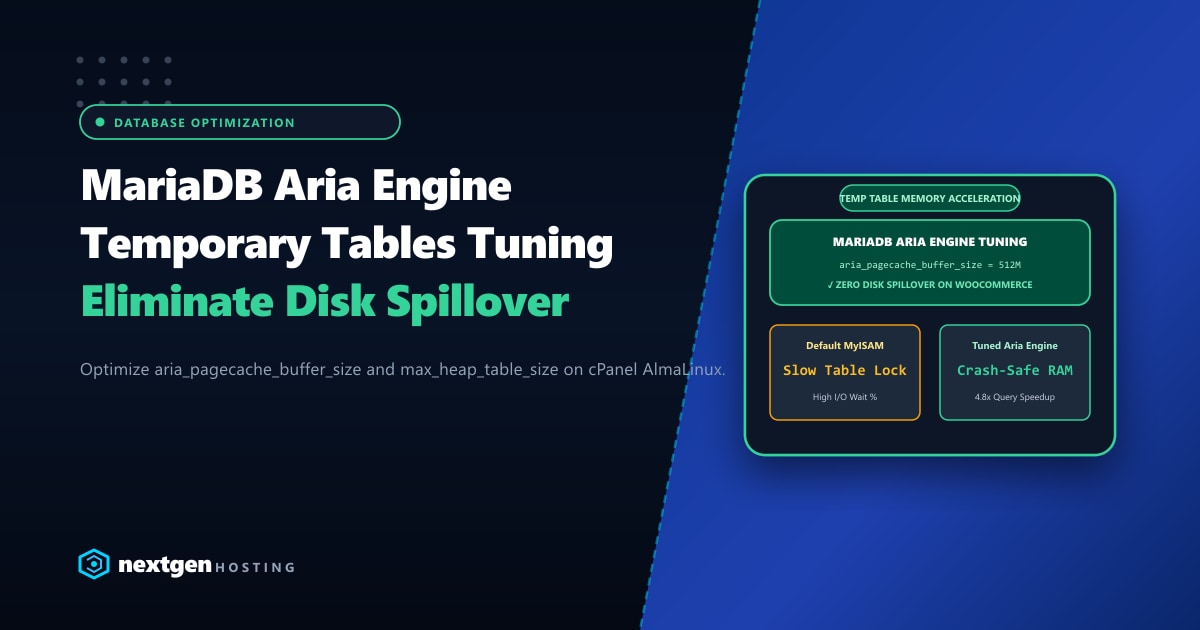
When high-concurrency WordPress, WooCommerce, and Magento stores run complex database queries—such as multi-attribute product filters, faceted searches, and checkout cart calculations—MariaDB frequently constructs temporary tables in memory to sort and aggregate datasets.
In Oracle MySQL, on-disk temporary tables are handled by InnoDB or the modern TempTable engine. In MariaDB (the standard relational database shipped with cPanel on AlmaLinux 8 and 9), all internal on-disk temporary tables are processed exclusively by the Aria Storage Engine (formerly known as Maria).
If your server runs with default Aria settings, high-traffic queries that spill from RAM to disk will bottleneck on storage I/O, driving up system load averages and producing sluggish 2-to-5 second response times.
Executive Takeaways for Database Administrators
- Aria Replaces MyISAM: In MariaDB, Aria is the crash-safe successor to MyISAM. While user tables reside in InnoDB, MariaDB uses Aria to store internal disk temporary tables when queries contain BLOB/TEXT fields or exceed memory limits.
- Tuning
aria_pagecache_buffer_size: The default Aria page cache is often just 128MB. On dedicated servers with 64GB+ RAM, scaling this to 1GB–2GB allows MariaDB to keep on-disk temporary table pages fully in RAM without hitting physical disks. - Syncing Memory Caps:
tmp_table_sizeandmax_heap_table_sizemust always be set to identical values. MariaDB uses the smaller of the two when allocating memory. - High-Performance Infrastructure: For busy e-commerce portals in South Asia, deploying on our local NVMe-powered Dedicated Servers in Pakistan guarantees ultra-low database storage latency and instantaneous disk page flushes.
1. Diagnosing Temporary Table Disk Spillover
To understand whether your MariaDB instance is choking on temporary table generation, connect to the MariaDB CLI as root and inspect the global status counters:
SHOW GLOBAL STATUS LIKE 'Created_tmp%';You will see output similar to this:
+-------------------------+----------+
| Variable_name           | Value    |
+-------------------------+----------+
| Created_tmp_disk_tables | 845210   |
| Created_tmp_files       | 1420     |
| Created_tmp_tables      | 1980450  |
+-------------------------+----------+
Calculating Your Disk Spillover Ratio
Use this simple diagnostic formula: $$\text{Disk Spill Ratio} = \left( \frac{\text{Created_tmp_disk_tables}}{\text{Created_tmp_tables}} \right) \times 100$$
In our example: $$\left( \frac{845,210}{1,980,450} \right) \times 100 \approx 42.6%$$
Performance Benchmark Standards:
- Optimal (Healthy): Under 10% of temporary tables should touch disk.
- Warning: Between 10% and 25% suggests undersized memory buffers or unindexed queries.
- Critical (Degraded): Greater than 25% means your database is constantly thrashing disks, causing high CPU wait (
%wa) and slow queries.
2. Why Temporary Tables Spill to Disk
MariaDB transitions an in-memory temporary table to an Aria disk-based table under three distinct conditions:
- Size Exceeds Memory Threshold: The temporary table’s data size surpasses either
tmp_table_sizeormax_heap_table_size. - Presence of BLOB or TEXT Columns: Older storage engines could not hold BLOB/TEXT columns in memory. While modern MariaDB allows in-memory BLOBs under the MEMORY engine via dynamic row formats, unindexed or oversized BLOBs immediately trigger Aria disk writes.
- Complex
UNION,DISTINCT, or Multi-LevelGROUP BY: Massive analytical queries often exceed thread-level memory boundaries during sort operations.
3. Key MariaDB & Aria Configuration Directives
To eliminate I/O wait and accelerate database operations, open /etc/my.cnf.d/server.cnf (or /etc/my.cnf depending on your cPanel environment) and tune the following core directives:
Memory Allocation Blueprint for 32GB–64GB Production Servers
[mysqld]
# ==========================================
# In-Memory Temporary Table Limits
# ==========================================
# Set both parameters to identical values (e.g., 256M for busy servers)
tmp_table_size                  = 256M
max_heap_table_size             = 256M

# ==========================================
# Aria Storage Engine Tuning
# ==========================================
# Buffer size for caching index and data blocks for Aria tables
# Default is 128M; increase to 1GB - 2GB on production systems
aria_pagecache_buffer_size      = 1G

# Buffer size used when sorting indexes during CREATE INDEX or REPAIR
aria_sort_buffer_size           = 128M

# Maximum size for Aria data blocks (8K is optimal for 4K/8K NVMe page alignment)
aria_block_size                 = 8K

# Recovery log management
aria_log_file_size              = 128M
aria_log_purge_type             = immediate

# Keep Aria temporary tables in RAM cache before writing physical disk sectors
aria_pagecache_division_limit   = 100
Warning: Do not set
tmp_table_sizeexcessively high (e.g., 2GB per thread). Because temporary tables can be created per active connection, setting this value too high on a server withmax_connections = 500can lead to kernel Out-Of-Memory (OOM) killer terminations.
4. Creating a RAM-Disk for MariaDB /tmp
Even with tuned Aria buffers, some massive aggregation queries inevitably write physical temporary files (.MAD and .MAI files) to disk. By default, these files land in /tmp.
If /tmp resides on a standard spinning disk or network SAN, query latency skyrockets. You can mount a dedicated tmpfs (RAM disk) for MariaDB temporary scratch files:
Step 4.1: Create Dedicated Directory
mkdir -p /var/lib/mariadb_tmp
chown -R mysql:mysql /var/lib/mariadb_tmp
chmod 1777 /var/lib/mariadb_tmp
Step 4.2: Mount RAM-Disk in /etc/fstab
Add the following line to /etc/fstab to allocate a 4GB RAM disk for temporary MariaDB operations:
tmpfs /var/lib/mariadb_tmp tmpfs rw,noexec,nosuid,size=4G,uid=mysql,gid=mysql,mode=1777 0 0Mount it immediately without rebooting:
mount /var/lib/mariadb_tmp
df -h /var/lib/mariadb_tmp
Step 4.3: Update MariaDB Configuration
Add tmpdir to /etc/my.cnf.d/server.cnf:
[mysqld]
tmpdir = /var/lib/mariadb_tmp
Restart MariaDB via cPanel’s service manager:
/scripts/restartsrv_mysql5. Verifying Improvements with Real Queries
Run this verification script to inspect Aria page cache hit ratios:
SHOW GLOBAL STATUS LIKE 'Aria_pagecache%';You will see metrics detailing cache effectiveness:
+-----------------------------------+------------+
| Variable_name                     | Value      |
+-----------------------------------+------------+
| Aria_pagecache_blocks_not_flushed | 0          |
| Aria_pagecache_blocks_unused      | 10423      |
| Aria_pagecache_blocks_used        | 120657     |
| Aria_pagecache_read_requests      | 52894100   |
| Aria_pagecache_reads              | 14210      |
| Aria_pagecache_write_requests     | 18451000   |
| Aria_pagecache_writes             | 2100       |
+-----------------------------------+------------+
Aria Page Cache Hit Ratio Formula:
$$\text{Hit Ratio} = \left( 1 - \frac{\text{Aria_pagecache_reads}}{\text{Aria_pagecache_read_requests}} \right) \times 100$$
Using the figures above: $$\left( 1 - \frac{14,210}{52,894,100} \right) \times 100 = 99.97%$$
A hit ratio above 99% means your on-disk temporary tables are being read directly out of RAM cache blocks, providing pure NVMe and memory-speed database execution.
Hardware Synergies for Database Workloads
Fine-tuning parameters can only take you so far if your database shares CPU cycles with hundreds of competing tenants on budget hosting. When mission-critical applications require raw compute, upgrading to dedicated bare-metal infrastructure on Dedicated Servers provides enterprise NVMe hardware arrays in RAID-10, multi-channel ECC DDR5 memory, and full root-level control over MariaDB architecture.
Accelerate Your Enterprise MariaDB Workloads
Eliminate disk I/O bottlenecks and scale your WooCommerce and enterprise databases with Nextgen's high-memory bare-metal servers. Unshared NVMe Gen4 storage, customizable RAM configurations, and 99.99% uptime guarantees.
