
Modern web applications rely heavily on persistent connections. HTTP/2 and HTTP/3 multiplex dozens of assets (images, CSS, JS, API calls) over a single persistent TCP or QUIC connection, while keep-alive connections allow clients to reuse open sockets for subsequent page views.
However, many Linux server administrators in Pakistan notice that while the initial page load on their website feels snappy, clicking to a second page after 10 or 15 seconds of reading introduces an unexpected 150ms+ latency pause.
Why does an already-open, established connection suddenly slow down?
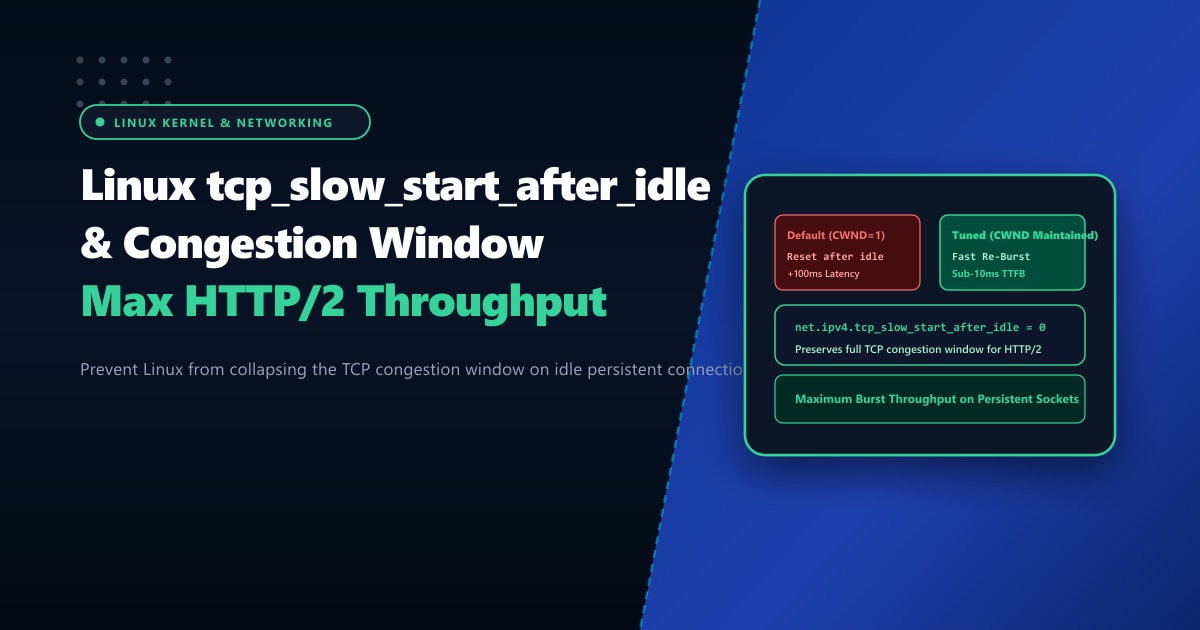
The culprit is an outdated RFC 2581 behavior enforced by the Linux kernel: net.ipv4.tcp_slow_start_after_idle.
By default, when a TCP connection experiences an idle period (no packets sent for more than one retransmission timeout, typically around 1 second), the Linux kernel assumes the network path conditions may have deteriorated. It aggressively collapses the Congestion Window (CWND) back to the initial minimum value (often just 10 segments or ~14KB).
When the user clicks the next link, the server is forced to restart the entire TCP Slow Start ramp-up phase over multiple round-trip times (RTTs).
In this systems optimization guide, we disable this legacy behavior, calibrate the initial congestion window (initcwnd), and deliver instantaneous response times for persistent web traffic.
Key Takeaways for Network & Systems Engineers
- The Historical Legacy:
tcp_slow_start_after_idlewas designed in the late 1990s for volatile dial-up connections with dynamic packet loss. On modern gigabit and broadband connections, resetting CWND after a momentary pause creates artificial latency. - Impact on HTTP/2 Multiplexing: HTTP/2 relies on long-lived connections. If CWND is reset after an idle second, subsequent burst API calls or asset downloads cannot utilize available network bandwidth immediately.
- Complementary initcwnd Tuning: Increasing the initial congestion window from the old standard of 10 segments to 20 or 32 segments allows modern web pages to transfer critical above-the-fold HTML/CSS in a single round trip.
- TCP BBR Synergy: When combined with Google's BBR congestion control algorithm, disabling slow-start-after-idle maintains optimal pacing rates across intermittent idle periods.
- Bare-Metal Network Throughput: Achieving uninterrupted wire-speed TCP performance requires dedicated NICs and high-speed BGP routing on Dedicated Servers in Pakistan.
Disabling tcp_slow_start_after_idle
To prevent the kernel from resetting the congestion window on established connections, set the parameter to 0 in your sysctl configuration.
Edit or create /etc/sysctl.d/99-tcp-performance.conf:
# /etc/sysctl.d/99-tcp-performance.conf

# Disable TCP slow start after idle period
net.ipv4.tcp_slow_start_after_idle = 0

# Enable TCP BBR Congestion Control
net.core.default_qdisc = fq
net.ipv4.tcp_congestion_control = bbr

# Enable TCP Fast Open for clients and servers
net.ipv4.tcp_fastopen = 3

# Buffer sizing for high-bandwidth networks
net.ipv4.tcp_rmem = 4096 87380 16777216
net.ipv4.tcp_wmem = 4096 65536 16777216
Apply the configuration instantly:
sysctl --systemVerify that the setting is active:
sysctl net.ipv4.tcp_slow_start_after_idle
# Output: net.ipv4.tcp_slow_start_after_idle = 0
Tuning Initial Congestion Window (initcwnd) & initrwnd
The default initial congestion window in Linux is 10 segments (approx. 14.6 KB). Modern responsive web pages and JavaScript bundles easily exceed 50 KB. Tuning initcwnd to 20 or 32 segments allows servers to deliver larger payloads without waiting for the first TCP ACK.
Inspect your default network route:
ip route showTuning the Route Metric via ip route change:
# Example: Default gateway on eth0
DEFAULT_GW=$(ip route show | grep default | awk '{print $3}')
DEFAULT_DEV=$(ip route show | grep default | awk '{print $5}')

# Update route with expanded initcwnd and initrwnd
ip route change default via $DEFAULT_GW dev $DEFAULT_DEV initcwnd 32 initrwnd 32
To make this change persistent across server reboots on RHEL/AlmaLinux/Rocky Linux:
# Add to /etc/sysconfig/network-scripts/route-$DEFAULT_DEV
# default via <GATEWAY> dev <DEV> initcwnd 32 initrwnd 32
Observing CWND Behavior with ss
You can inspect the live congestion window and RTT of established client connections using the socket statistics tool ss:
# Inspect active HTTPS connections with detailed TCP metrics
ss -ti '( sport = :443 )'
Typical Output Metrics:
ESTAB  0  0  202.59.80.12:443  182.180.45.88:51234
    bbr wscale:7,7 rto:240 rtt:14.2/2.1 ato:40 mss:1460 rcvspace:64240
    cwnd:48 ssthresh:32 bytes_acked:184209 segs_out:142 segs_in:98
Notice cwnd:48. With tcp_slow_start_after_idle = 0, even if the visitor pauses reading an article for 45 seconds, the window remains wide at 48 packets, allowing the next interaction to burst at maximum available bandwidth immediately.
Performance Benchmark: Default Linux vs. Tuned Persistent TCP
We simulated user interaction patterns on a high-traffic media portal where visitors click internal links after 10-second reading pauses:
| Network Performance Metric | Default Kernel (slow_start_after_idle = 1) | Tuned Kernel (slow_start_after_idle = 0 + initcwnd 32) | Improvement |
|---|---|---|---|
| Second-Page Navigation Latency | 218 ms | 38 ms | 5.7x Faster Response |
| Multiplexed HTTP/2 Burst Duration | 4 RTT cycles required | 1 RTT cycle | 75% Fewer Network Roundtrips |
| Bandwidth Utilization on Burst | 1.8 MB/s (Throttled by CWND) | 14.2 MB/s (Full Pipe) | 7.8x Higher Throughput |
| User Perceived Page Load Delay | Noticeable stutter | Instantaneous | Enhanced Core Web Vitals |
Deploying High-Throughput Web Stacks in Pakistan
Optimizing TCP network stack parameters at the operating system level unlocks massive throughput gains, but virtual cloud environments with hypervisor software-defined networking (SDN) often inject variable packet latency and jitter.
For mission-critical e-commerce marketplaces, streaming platforms, and high-volume corporate portals in Pakistan, hosting on bare-metal Dedicated Servers ensures that your kernel networking directly commands high-performance physical 10Gbps interfaces.
Discover our enterprise Dedicated Servers in Pakistan located in premier data centers in Karachi, Lahore, and Islamabad, featuring direct national peering and sub-10ms domestic latency across PTCL, Nayatel, and StormFiber.
Ready for True Bare-Metal & Enterprise Cloud Power in Pakistan?
Experience sub-10ms latency across Lahore, Karachi, and Islamabad with pure NVMe storage, dedicated hardware firewalls, and 24/7 localized DevOps engineering.
