
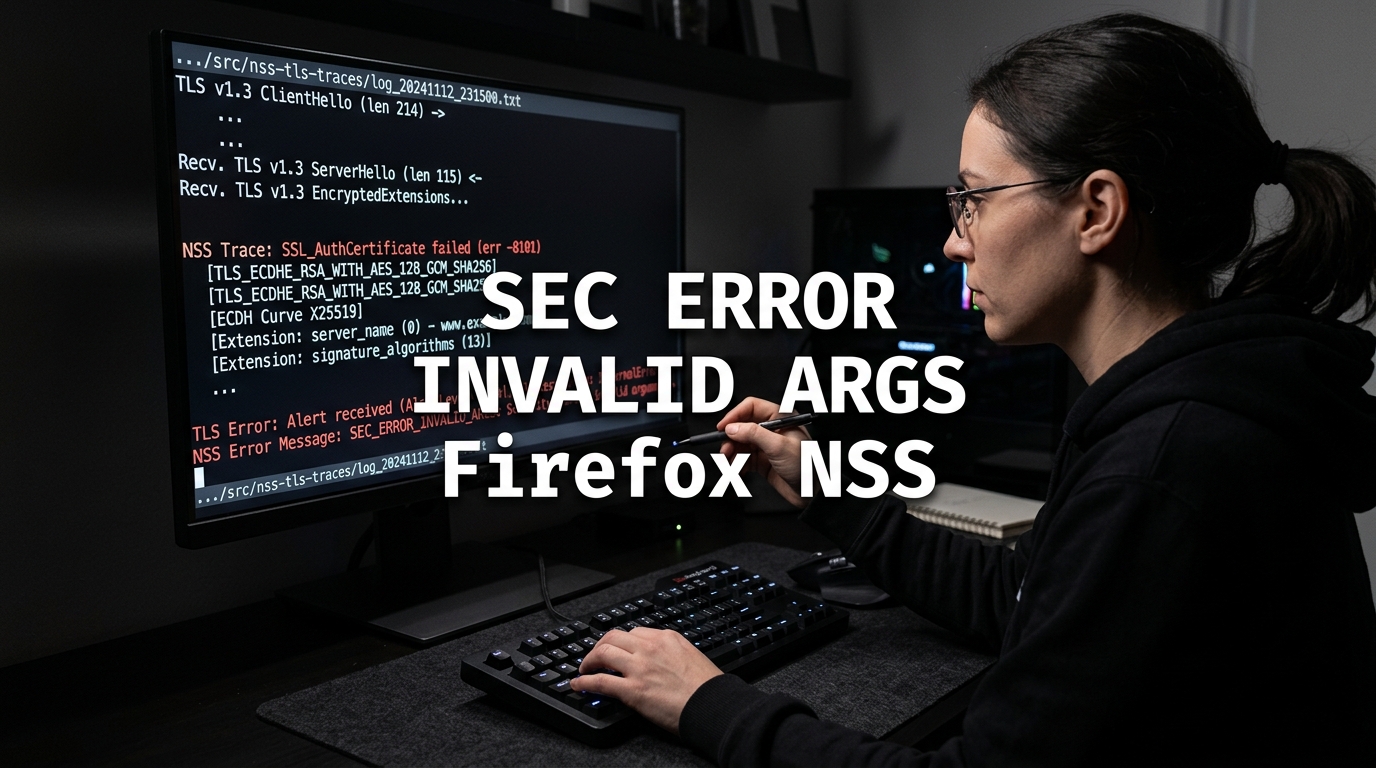
When deploying SSL/TLS certificates, reverse proxies, or custom API endpoints, web developers and systems engineers in Pakistan occasionally encounter an obscure cryptographic failure in Mozilla Firefox:
Secure Connection Failed
An error occurred during a connection to api.yourdomain.pk.
The cryptographic library was provided invalid arguments.
Error code: SEC_ERROR_INVALID_ARGS
Unlike basic certificate expiration warnings or untrusted authority alerts, SEC_ERROR_INVALID_ARGS is generated when the browser’s underlying Network Security Services (NSS) cryptographic engine receives parameters from the web server that fail internal API validation contracts.
Common triggers include malformed Application-Layer Protocol Negotiation (ALPN) header extensions, misconfigured elliptic curve groups during key exchange (e.g., attempting post-quantum hybrid key exchange with broken server parameters), corrupted TLS session tickets, or custom Web Crypto API implementations on the frontend passing invalid initialization vectors.
This guide provides an exhaustive engineering manual for diagnosing, reproducing, and permanently fixing SEC_ERROR_INVALID_ARGS across server configurations (NGINX, Apache, HAProxy) and client environments.
1. Cryptographic Anatomy of SEC_ERROR_INVALID_ARGS
The error code is defined inside Mozilla’s NSS library (nss/lib/util/secerr.h):
#define SEC_ERROR_INVALID_ARGS (SEC_ERROR_BASE + 23)
/* The cryptographic library was provided invalid arguments. */
During a TLS handshake, the client and server exchange structured byte sequences defined by RFC standards. If any component violates exact protocol bounds, NSS functions (such as PK11_CreateContextByRawKey(), SSL_SetURL(), or SECKEY_ExtractPublicKey()) immediately abort the handshake with SEC_ERROR_INVALID_ARGS:
Client (Firefox NSS)                                    Server (NGINX / OpenSSL)
       │                                                          │
       ├─────────────────── ClientHello (Supported Curves) ──────►│
       │                                                          │
       │◄── ServerHello (Selected Curve / ALPN / Key Share) ──────┤
       │                                                          │
[ NSS Validates Parameters ]                                      │
  - Checks Elliptic Curve Public Key Point Format                 │
  - Validates ALPN Token Length against Protocol Spec             │
  - Verifies Session Ticket Decryption Parameters                 │
  * Parameter mismatch or out-of-bounds length ──► SEC_ERROR_INVALID_ARGS!
2. Server-Side Diagnostic & Remediation Steps
If multiple users report this error when browsing your production website, the misconfiguration is on the server or load balancer.
Cause 1: Conflicting ALPN (HTTP/2 vs. HTTP/1.1) Negotiation
In complex multi-tier reverse proxy setups (e.g., Cloudflare ──► HAProxy ──► NGINX), proxy configurations sometimes advertise ALPN protocols that the backend server cannot complete:
# Faulty Configuration in NGINX:
# Enabling http2 on the listen directive while restricting protocols in proxy_pass
listen 443 ssl http2;
proxy_pass http://backend_upstream; # Drops required HTTP/2 framing headers!
The Fix: Ensure consistent protocol negotiation and cipher suite alignment:
# /etc/nginx/sites-available/yourdomain.pk
server {
    listen 443 ssl;
    listen [::]:443 ssl;
    http2 on; # Use modern http2 directive in NGINX 1.25.1+

    server_name api.yourdomain.pk;

    ssl_certificate /etc/letsencrypt/live/api.yourdomain.pk/fullchain.pem;
    ssl_certificate_key /etc/letsencrypt/live/api.yourdomain.pk/privkey.pem;

    # Enforce modern, robust TLS protocols
    ssl_protocols TLSv1.2 TLSv1.3;
    ssl_prefer_server_ciphers off;

    # Restrict to standardized, high-compatibility cipher suites
    ssl_ciphers ECDHE-ECDSA-AES128-GCM-SHA256:ECDHE-RSA-AES128-GCM-SHA256:ECDHE-ECDSA-AES256-GCM-SHA384:ECDHE-RSA-AES256-GCM-SHA384;
}
Cause 2: Unsupported Elliptic Curves or Malformed Key Shares
When OpenSSL 3.x is compiled with experimental post-quantum key encapsulation algorithms (like X25519Kyber768Draft00) or non-standard elliptic curves, older or standard Firefox versions can fail to validate the public key share:
# Check what curves your server advertises using OpenSSL s_client
openssl s_client -connect api.yourdomain.pk:443 -msg < /dev/null | grep -A 5 "Key Share"
The Fix: Explicitly define standardized elliptic curves in NGINX:
# Restrict ECDH curves to universally supported standards
ssl_ecdh_curve X25519:prime256v1:secp384r1;
Reload NGINX:
sudo nginx -t && sudo systemctl reload nginx3. Web Crypto API Failures on Modern Frontend Applications
In single-page applications (React, Vue, Next.js) using the native browser window.crypto.subtle API for client-side encryption, passing invalid argument structures to cryptographic functions throws OperationError: The cryptographic library was provided invalid arguments.
Common Frontend Defect:
// ❌ FAULTY CODE: Passing an unpadded or invalid IV buffer
const iv = new Uint8Array([1, 2, 3]); // Invalid IV length for AES-GCM (Requires 12 bytes!)
const ciphertext = await window.crypto.subtle.encrypt(
    { name: "AES-GCM", iv: iv },
    key,
    plaintext
);
// Throws: SEC_ERROR_INVALID_ARGS!
The Correct Implementation:
// ✅ CORRECT: Generate an RFC-compliant 12-byte initialization vector
const iv = window.crypto.getRandomValues(new Uint8Array(12));
const ciphertext = await window.crypto.subtle.encrypt(
    { name: "AES-GCM", iv: iv },
    key,
    plaintext
);
4. Client-Side Diagnostics & Firefox Troubleshooting
If only an isolated client workstation encounters the error, verify client-side configurations:
Step 1: Disable Corrupted TLS Session Resumption Tickets
A corrupted TLS session cache in Firefox can pass obsolete ticket arguments during 0-RTT handshakes:
- Open Firefox and navigate to
about:config. - Accept the risk warning.
- Search for
security.ssl.enable_ocsp_stapling. Ensure it is set totrue. - Search for
security.tls.enable_post_handshake_authand toggle betweenfalseandtrueto test compatibility.
Step 2: Clear Domain-Specific SSL State
- In Firefox, press
Ctrl + Shift + Delete. - Select Cookies and Cache for “Everything”.
- Click Clear Now.
For Pakistani enterprises, fintech platforms, and government web applications where cryptographic stability and compliance are paramount, deploying on Dedicated Servers in Pakistan guarantees physical control over TLS acceleration cards, kernel modules, and low-latency PKIX peering.
5. Architectural Comparison: TLS Handshake Negotiation Errors
| Error Code | Layer | Common Root Cause | Typical Fix |
|---|---|---|---|
| SEC_ERROR_INVALID_ARGS | Cryptographic Parameter | Curve/ALPN mismatch or invalid buffer | Standardize ssl_ecdh_curve |
| SEC_ERROR_NO_MEMORY | Memory Allocation | Bloated cert chain / huge OCSP payload | Tune ssl_buffer_size 4k |
| SEC_ERROR_UNKNOWN_ISSUER | Trust Validation | Missing intermediate CA in bundle | Install fullchain.pem |
| SSL_ERROR_NO_CYPHER_OVERLAP | Protocol Negotiation | No shared cipher suites between peers | Modernize server ciphers |
For organizations seeking high performance without managing bare-metal hypervisors, our pure NVMe Cloud VPS instances deliver full root access and isolated compute environments across Pakistan.
For multinational corporations operating global microservice APIs that require distributed edge SSL termination and multi-region failover, our international Dedicated Servers provide 10Gbps unmetered bandwidth and carrier-neutral connectivity.
Related Troubleshooting & Web Security Guides
Continue mastering Linux systems engineering and web security:
- How to Fix SEC_ERROR_NO_MEMORY in Firefox SSL Handshakes
- How to Fix SEC_ERROR_OCSP_MALFORMED_RESPONSE in Firefox
- Step-CA Private PKI: Automated Internal SSL Certificates on Linux VPS
Eliminate Cryptographic Handshake Drops on NextGen VPS
Ensure flawless SSL/TLS compliance and lightning-fast HTTPS handshakes for your users across Pakistan. Deploy on pure NVMe Cloud VPS backed by 24/7 senior Linux systems engineering support.
