
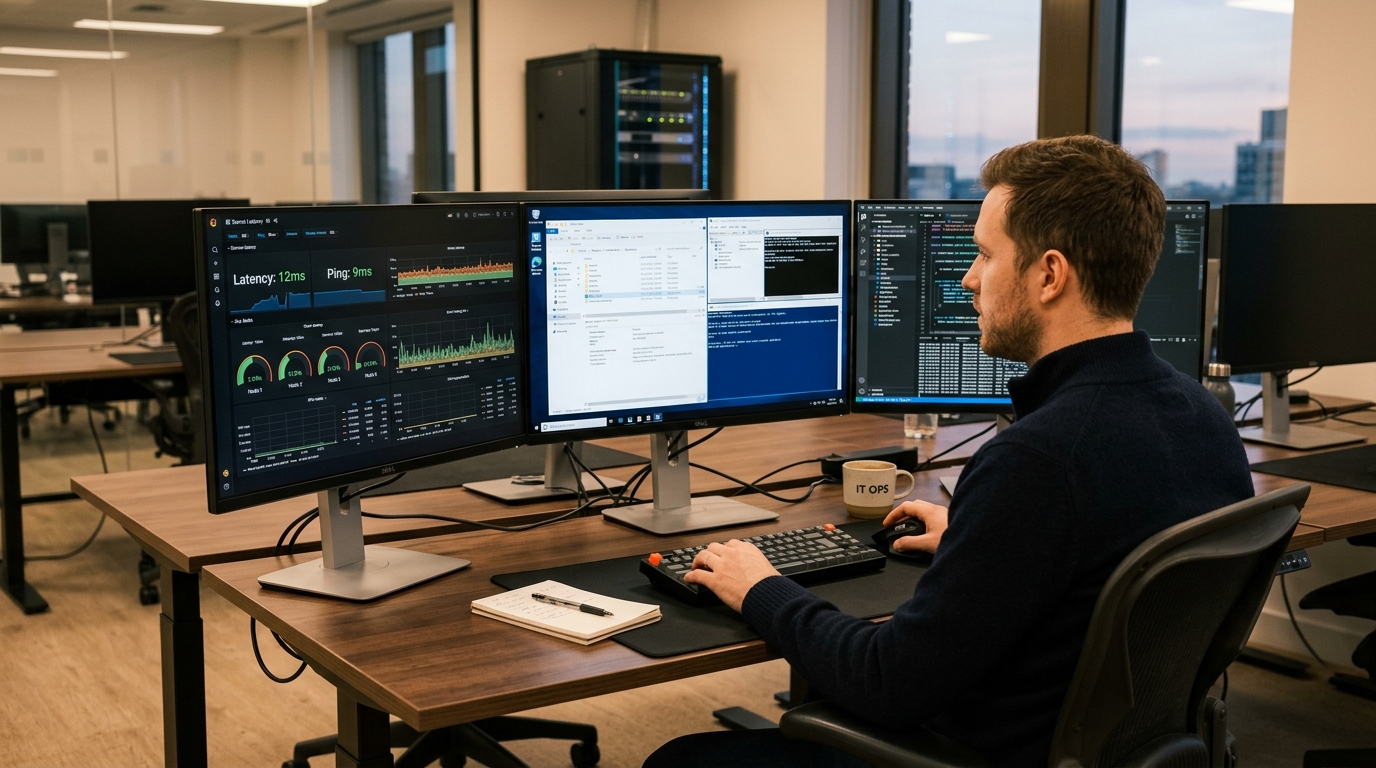
Remote Desktop Protocol (RDP) workstations have become indispensable computing infrastructure for freelancers, algorithmic forex traders, digital marketing agencies, and software development teams in Pakistan. Whether bypassing local ISP routing restrictions, executing continuous multi-account browser automation, or keeping MetaTrader 4/5 expert advisors running 24/7, remote desktop access provides reliable uptime and high-speed overseas connectivity.
However, buyers are frequently confronted with a stark pricing choice: Shared RDP (often advertised as cheap “Admin RDP” or “Bot RDP”) starting at PKR 1,500/month versus Dedicated RDP (Pure Cloud VPS or Bare-Metal Windows) at PKR 4,500 to 25,000/month.
What are the fundamental architectural differences under the hood? Why does a shared RDP session suddenly freeze during high-stakes forex market open hours? And when is a dedicated RDP instance non-negotiable for security and data compliance?
This guide delivers an exhaustive technical comparison between Shared and Dedicated RDP architectures, examining memory allocation, hypervisor isolation, Windows RDS Session Collections, and network latency profiles.
1. Architectural Comparison: Shared RDS vs. Dedicated Hypervisor
The technical gulf between the two hosting models lies in kernel-level virtualization and operating system boundaries:
Shared RDP Architecture (Single Windows Server OS):
┌────────────────────────────────────────────────────────┐
│   Shared Windows Server 2022 / 2025 Host (Bare Metal)  │
│  [ Session 1: User A ]  [ Session 2: User B ]  ...     │
│  [ Session 30: User Z (Mining / Bot / Saturated CPU!) ]│
│  * SHARED Kernel, SHARED Registry, SHARED Public IP    │
│  * High risk: Noisy neighbor eats 100% CPU threads     │
└────────────────────────────────────────────────────────┘

Dedicated RDP Architecture (Hardware-Isolated Hypervisor):
┌────────────────────────────────────────────────────────┐
│      KVM / Proxmox / Hyper-V Enterprise Hypervisor     │
├───────────────────────────┬────────────────────────────┤
│  VM 1: Dedicated RDP      │  VM 2: Dedicated RDP       │
│  * Isolated Windows OS    │  * Isolated Windows OS     │
│  * Dedicated vCPU & RAM   │  * Dedicated vCPU & RAM    │
│  * Private Static IP      │  * Private Static IP       │
│  * Full Root Administrator│  * Full Root Administrator │
└───────────────────────────┴────────────────────────────┘
Technical Differentiators:
- Operating System Boundary: On Shared RDP, 20 to 50 concurrent users log into the exact same Windows Server instance using Remote Desktop Services (RDS). On Dedicated RDP, you operate your own dedicated Windows virtual machine with a private kernel, dedicated registry, and private disk storage.
- Administrator Privileges: Shared RDP strictly denies administrative access (
Administratoror elevated permissions) because giving one user admin rights allows them to view other users’ active processes or reboot the machine. On Dedicated RDP, you have 100% root/admin authority to install custom drivers, VPN tunnels, and system services. - IP Reputation & Blacklisting: On Shared RDP, all users share a single outbound public IP. If one abusive user runs an unauthorized scraper or triggers a fraud flag on PayPal, Stripe, Upwork, or Binance, the IP is blacklisted, instantly locking out every other user on the server!
2. Resource Contention & The “Noisy Neighbor” Problem
On Windows Server, RDS employs Fair Share CPU Scheduling (DFSS) and Dynamic Memory. However, DFSS only throttles CPU time slices; it cannot isolate memory bandwidth, TCP socket limits, or disk I/O thrashing.
How Shared RDP Fails Under Load:
- Disk I/O Starvation: If User 12 initiates a 50GB uncompressed ZIP extraction, the physical drive queue length spikes past 20. Every other user experiences mouse stutter, frozen window frames, and disconnected RDP sessions.
- Out of Memory (OOM) Crashes: Windows pagefile swapping occurs when memory is exhausted, grinding GUI responsiveness to a halt.
- Port & Firewall Collisions: You cannot bind custom listening ports (e.g., running a local Node.js or Python backend on port 8080) because another user on the shared server may already occupy that port.
In contrast, our dedicated Cloud VPS instances allocate dedicated vCPU cores pinned to AMD EPYC processors and dedicated high-speed NVMe storage, ensuring guaranteed performance regardless of external workloads.
3. High-Security Workloads: Why Compliance Mandates Dedicated RDP
For Pakistani financial analysts, corporate accountants, and agencies handling sensitive customer data, using Shared RDP introduces severe security and regulatory vulnerabilities.
Security Vulnerabilities Inherent to Shared RDP:
- Process Enumeration: Without advanced kernel sandboxing, standard Windows user privileges can often view process names running under other user sessions via Task Manager or PowerShell (
Get-Process). - Memory Scraping Attacks: Vulnerabilities like Mimikatz or unpatched local privilege escalation (LPE) exploits can allow a malicious co-tenant on the shared server to dump the
lsass.exeprocess and capture domain credentials. - Data Residue in Temp Directories: Shared applications frequently write unencrypted temporary files to
C:\Windows\Tempor shared registry paths accessible by all local users.
For organizations subject to State Bank of Pakistan (SBP) cybersecurity directives and corporate compliance, deploying dedicated workstations on Dedicated Servers in Pakistan provides physical hardware isolation, private VLAN encryption, and local sub-10ms domestic ping times.
4. Workload Suitability Matrix
| Use Case | Shared RDP Feasibility | Dedicated RDP Feasibility | Why Dedicated is Superior |
|---|---|---|---|
| Basic Web Browsing / Downloads | Adequate | Excellent | Shared is cost-effective for basic tasks |
| Forex EA Trading (MT4/MT5) | High Risk (Unreliable) | Essential | Slippage from CPU spikes costs real money |
| Python / Selenium Scraping | Prohibited (No Admin) | Optimal | Requires custom browser binaries & libraries |
| Crypto Trading (Binance/KuCoin) | Dangerous (Shared IP) | Essential | Shared IPs trigger instant security locks |
| Accounting / ERP (QuickBooks) | Non-Compliant | Essential | Multi-user database security & backup control |
5. Network Latency & RDP RemoteFX / UDP Transport Tuning
Whether using Shared or Dedicated RDP, optimizing the underlying Remote Desktop Protocol ensures fluid 60FPS cursor responsiveness over Pakistani broadband (Nayatel, PTCL, StormFiber).
Enabling RDP Shortpath over UDP:
RDP traditionally uses TCP port 3389. Modern Windows 11 and Windows Server editions support RDP Shortpath, which multiplexes screen updates over low-latency UDP:
# Enable RDP UDP Transport via Windows Registry (Run as Admin on Dedicated RDP)
New-ItemProperty -Path "HKLM:\SOFTWARE\Policies\Microsoft\Windows NT\Terminal Services" `
  -Name "fSelectTransport" -Value 0 -PropertyType DWORD -Force
This reduces input latency over long-haul transit lines by up to 45%, eliminating keyboard lag and mouse latency during interactive sessions.
For international financial modeling and algorithmic trading where sub-millisecond execution to London (LD4) or New York (NY4) data centers is required, pairing local management nodes with our overseas Dedicated Servers provides unthrottled 10Gbps connectivity and Tier-1 carrier cross-connects.
Related RDP & Remote Workstation Engineering Guides
Deepen your remote computing and systems administration expertise:
- Forex Trading VPS in Pakistan: Low-Latency MT4/MT5 Optimization
- Windows RDP Server in Pakistan: Performance Tuning & Security
- Teleport Zero Trust Access Gateway for Remote Infrastructure
Deploy Dedicated Windows Cloud Workstations on NextGen NVMe
Eliminate mouse lag, noisy neighbors, and shared IP blacklists. Deploy 100% dedicated Windows Cloud VPS instances with full administrator access, private dedicated IPs, and 24/7 senior support in Pakistan.
