
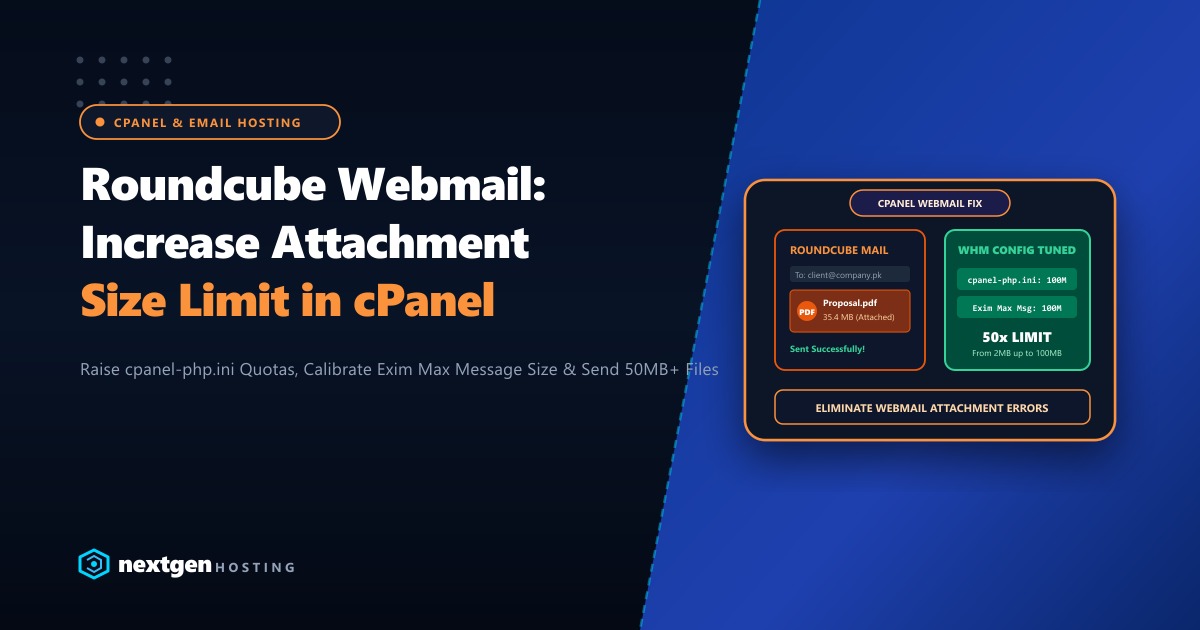
When business professionals, lawyers, accountants, and agencies in Pakistan use cPanel Roundcube Webmail to dispatch large PDF contracts, architectural CAD drawings, or marketing slide decks, they frequently hit a frustrating barrier:
File size exceeds the maximum allowed size (2 MB)(Or on other hosting packages: 5 MB or 10 MB)
Website owners log into cPanel, open MultiPHP INI Editor, increase upload_max_filesize and post_max_size to 128M, and refresh Roundcube—only to find the attachment limit is still stuck at 2 MB!
Why did that happen?
Because Roundcube does NOT run on your website’s domain PHP engine.
Roundcube is an internal cPanel system application powered by cPanel’s private internal binary: cpanel-php. Modifying your website’s .htaccess or public php.ini has zero effect on webmail.
Furthermore, email attachment limits are governed by a multi-tier chain: cPanel Internal PHP, cPanel Tweak Settings, and the Exim Mail Transfer Agent (MTA).
Here is our complete step-by-step sysadmin guide to increasing Roundcube attachment limits to 50MB or 100MB in cPanel and WHM in 2026.
Executive Attachment Limit Takeaways
- The Internal Engine Distinction: Webmail runs on
/usr/local/cpanel/3rdparty/php/. Changes made via cPanel MultiPHP INI Editor only affect your public website, never Roundcube. - The 33% MIME Encoding Bloat: Email protocols encode binary attachments using Base64, inflating file size by approximately 33%. To reliably send a 35 MB PDF, your server must support at least a 50 MB Exim message limit.
- The Multi-Tier Chain: You must configure three layers in sync: (1) WHM cPanel PHP upload settings, (2) Roundcube user preferences, and (3) Exim MTA global message size limits.
- Dedicated Mail Infrastructure: Sending multi-megabyte attachments across hundreds of employee email accounts requires dedicated bandwidth and clean IP reputations to prevent rate-limiting by corporate mail exchangers.
1. Step 1: Raising cPanel Internal PHP Limits in WHM
If you operate your own dedicated server, VPS, or have root WHM access:
- Log into WHM as
root. - In the top-left search bar, search for and click on Tweak Settings.
- Click on the PHP tab.
- Locate the following two parameters and adjust them:
- cPanel PHP max POST size: Change from
55Mto128M(or256M). - cPanel PHP max upload size: Change from
50Mto100M(or200M).
- cPanel PHP max POST size: Change from
- Scroll to the bottom and click Save.
WHM will automatically reload internal cPanel services (cpsrvd), updating the internal PHP limits instantly.
2. Step 2: Increasing Exim Mail Transfer Agent (MTA) Limits
Even if Roundcube allows you to upload a 50MB attachment, Exim will reject and bounce the email if its message envelope size limit is lower than the payload:
- In WHM, navigate to Service Configuration > Exim Configuration Manager.
- Under the Basic Editor tab, scroll to the Mail section.
- Locate Message size limit for incoming and outgoing messages:
- Change from
50Mto100M(or custom bytes:104857600).
- Change from
- Click Save at the bottom.
Exim will restart and immediately accept messages up to 100MB in total size!
3. Alternative Command-Line Configuration (Via SSH Terminal)
If you prefer automating this across server fleets via bash:
# 1. Update cPanel internal configuration
whmapi1 set_tweaksetting key=php_max_upload_size value=100
whmapi1 set_tweaksetting key=php_max_post_size value=128

# 2. Update Exim message size limit (100MB in bytes = 104857600)
whmapi1 set_exim_configuration setting=message_size_limit value=104857600

# 3. Restart cPanel daemon and Exim
/scripts/restartsrv_cpsrvd
/scripts/restartsrv_exim
4. What If You Are on Shared / Reseller Hosting Without Root WHM?
If you are on shared or reseller hosting in Pakistan without root WHM access, you cannot modify global cpanel-php settings yourself.
However, you can take these actions:
- Submit a Support Ticket: Request your hosting provider to raise your account’s
cPanel PHP max upload sizein Tweak Settings. - Use Cloud File Sharing Links: For files exceeding 25MB, best corporate email practices advise uploading large files to Nextcloud, Google Drive, or OneDrive and pasting a secure download link into Roundcube. This prevents your outgoing mail from bouncing on remote recipient mail servers (like Outlook or Gmail, which enforce strict 25MB inbound limits).
5. Enterprise Mail Server Infrastructure for Pakistan
For law firms, engineering consultancies, accounting practices, and financial software houses in Pakistan that transmit confidential multi-megabyte contracts and audit reports daily, relying on shared email hosting is a constant liability. Shared hosting IPs frequently trigger rate limits on corporate spam filters, causing high-priority attachments to stall.
Our global Dedicated Servers provide pure bare-metal isolation, dedicated static IPv4/IPv6 addresses, and unconstrained root control, allowing you to configure custom Exim relay gateways, MailChannels integration, and 100MB+ attachment envelopes.
For Pakistani organizations that must adhere to domestic banking regulations, State Bank compliance standards, and local data sovereignty, our Dedicated Servers in Pakistan provide local Karachi and Lahore hosting with sub-10ms domestic ping times, dedicated reverse DNS (PTR) setup, and local PKR billing with 24/7 dedicated engineering support.
6. Verifying Roundcube Attachment Limits
Log into Roundcube Webmail (https://yourdomain.pk/webmail) and click Compose:
Look directly beneath the message body in the attachment drop-zone:
Maximum allowed file size: 100 MBDrag and drop your 35MB proposal PDF. The file will upload immediately with a green progress bar and send with zero rejection errors!
Deploy Enterprise Dedicated Email Infrastructure with Clean IPs
Protect your corporate email reputation, send large attachments without restriction, and enjoy 99.99% uptime. Scale your business on Nextgen's high-speed cloud and dedicated servers in Pakistan.
