
Developers, data analysts, and software engineers in Pakistan frequently need to manage production databases directly from desktop GUI clients such as JetBrains DataGrip, DBeaver, TablePlus, or VS Code Database Extensions.
The naive approach—navigating to cPanel > Remote MySQL and adding % (wildcard) or a home ISP IP address to allow direct connections to MariaDB on TCP Port 3306—is one of the most dangerous security vulnerabilities on the internet.
Automated botnets constantly scan IPv4 subnets across Pakistani ISPs (PTCL, Nayatel, StormFiber). An open port 3306 invites credential stuffing, dictionary brute-force attacks, and unencrypted SQL transmissions that transmit sensitive customer data across the public internet in cleartext.
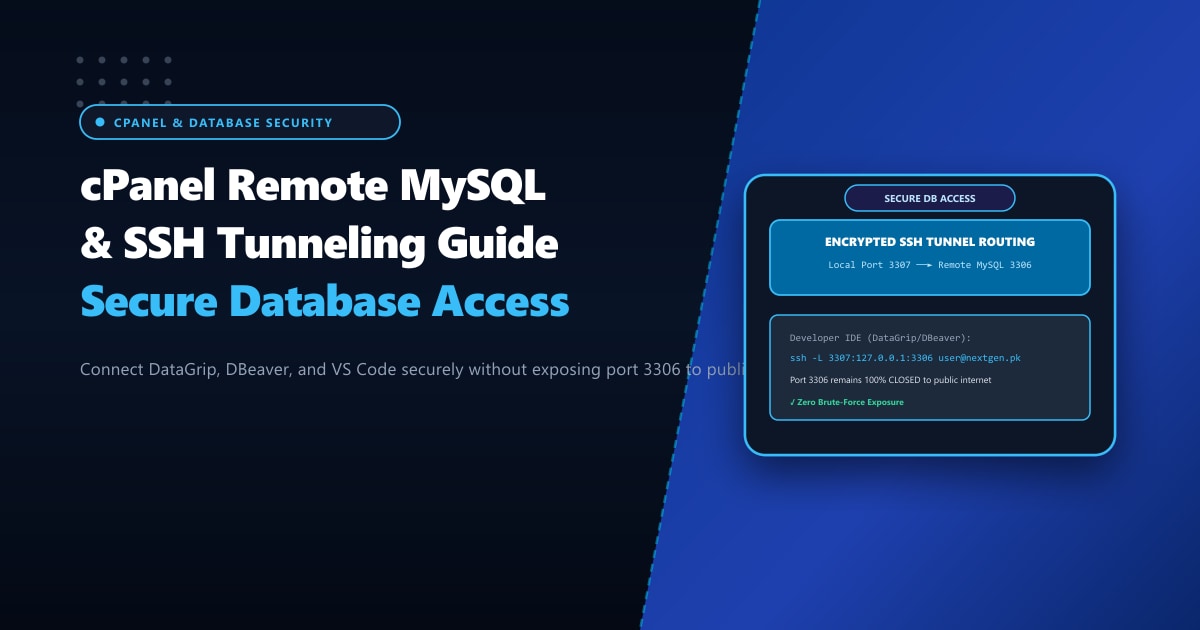
The gold standard for enterprise database administration is SSH Port Forwarding (SSH Tunneling). By tunneling database traffic through an encrypted SSH channel, you keep port 3306 closed to the public while enjoying lightning-fast, secure local database management.
Executive Takeaways for Developers
- Never Open Port 3306 to the Public: Direct remote MySQL access transmits authentication packets and query results without mandatory encryption unless complex SSL client certificates are configured. It also exposes MariaDB to brute-force auth exhaustion.
- How SSH Tunneling Works: Your local client establishes an encrypted SSH connection to the server, binds a local loopback port (e.g., `127.0.0.1:3307`), and relays database packets directly to MariaDB on the server's internal loopback (`127.0.0.1:3306`).
- Dynamic ISP IP Protection: Because residential and office broadband in Pakistan utilizes dynamic IPv4 pools, relying on cPanel "Remote MySQL" IP whitelisting breaks every time your router reboots. SSH tunneling works regardless of IP changes.
- High-Throughput Remote Workloads: When running heavy analytical queries or large database migrations, hosting on our bare-metal Dedicated Servers in Pakistan delivers dedicated 1Gbps fiber uplinks with sub-10ms ping across local networks.
1. The Vulnerability of Direct Remote MySQL (% Wildcards)
[ Dangerous Direct Connection ]
Developer PC ──(TCP:3306 / Public Internet)──► [ Firewall / cPanel MariaDB Port 3306 OPEN ]
                       ▲
                       │
Attacker Botnet ───────┘ (Continuous Brute-Force Dictionary Floods)

[ Secure SSH Tunneled Architecture ]
Developer PC ──(Encrypted SSH Port 22)──► [ SSH Daemon / Jailshell ] ──► [ Localhost MariaDB:3306 ]
(Local: 127.0.0.1:3307)                                                  (Port 3306 FIREWALLED from Web)
By keeping port 3306 blocked in CSF Firewall or iptables, unauthorized external scanners receive Connection Refused or dropped packets, eliminating database brute-force vectors entirely.
2. Method 1: Connecting via DBeaver / DataGrip Native SSH Tunnel
Modern database IDEs feature built-in SSH tunneling capabilities.
Step-by-Step Configuration in DBeaver:
- Open DBeaver and click New Database Connection > MariaDB (or MySQL).
- Main Tab Settings:
- Server / Host:
127.0.0.1(orlocalhost) - Port:
3306(from the server’s local perspective) - Database:
yourcpaneluser_dbname - Username:
yourcpaneluser_dbuser - Password:
YourComplexDatabasePassword
- Server / Host:
- Click on the SSH Tab:
- Check Use SSH Tunnel.
- Host / IP:
your-server-hostname.com(or server IP103.xxx.xxx.10) - Port:
22(or your custom SSH port, e.g.,2222) - User Name: Your cPanel username (or
root) - Authentication Method:
Public Key(Recommended) orPassword. - Private Key: Browse to your local
id_rsaorid_ed25519key.
- Click Test Connection.
DBeaver transparently establishes the SSH tunnel in the background and mounts your database schema in the sidebar!
3. Method 2: Creating a Persistent Terminal SSH Tunnel
If you use lightweight tools, Python scripts, or command-line clients, you can create a local forwarding tunnel via OpenSSH:
ssh -N -L 3307:127.0.0.1:3306 [email protected] -p 22Command Breakdown:
-N: Instructs OpenSSH not to execute a remote shell command (tunnel-only mode).-L 3307:127.0.0.1:3306: Binds local port3307on your machine and forwards all packets to127.0.0.1:3306on the remote server.-p 22: Your server’s SSH port.
Now, connect your local MySQL client to port 3307:
mysql -h 127.0.0.1 -P 3307 -u yourcpaneluser_dbuser -p yourcpaneluser_dbnameAll SQL traffic is compressed and encrypted with modern AES-GCM or ChaCha20-Poly1305 ciphers through the SSH pipe.
4. Configuring cPanel Jailshell for Developer Security
When granting SSH access to junior developers or remote contractors specifically for database management, you must prevent them from inspecting other system processes or reading sensitive server files.
In WHM:
- Navigate to Account Functions > Manage Shell Access.
- Locate the user account.
- Select Jailed Shell (
jailshell) instead of Normal Shell.
jailshell creates a chrooted sandbox environment isolating the user within their home directory (/home/username), preventing access to system /etc/, /var/, or other customer accounts while still permitting full SSH port forwarding.
5. Whitelisting MariaDB Users for Localhost Only
To guarantee that your database users cannot be accessed externally even if port 3306 were accidentally opened:
In cPanel MySQL Databases:
When creating the database user, ensure privileges are granted exclusively to localhost:
GRANT ALL PRIVILEGES ON cpaneluser_appdb.* TO 'cpaneluser_dbuser'@'localhost' IDENTIFIED BY 'StrongPassword123!';
FLUSH PRIVILEGES;
Because the SSH tunnel terminates inside the server, MariaDB views the incoming tunneled connection as originating from 127.0.0.1 (localhost), allowing seamless authentication without altering security policies!
Scalable Dedicated Database Infrastructure
For development agencies managing dozens of client databases and running continuous CI/CD automated test suites, dedicated server infrastructure eliminates shared-tenancy resource limits. Upgrading to our isolated Dedicated Servers provides unlimited concurrent database connections, hardware RAID-10 NVMe storage arrays, and complete control over SSH and database security architectures.
Build Secure Enterprise Database Infrastructure
Protect your production databases with Nextgen's high-memory bare-metal servers. Enterprise NVMe Gen4 arrays, private SSH key management, and 24/7 senior DevOps engineering support.
