
Corporate email accounts across Pakistani enterprises—ranging from textile exporters and legal firms to logistics operators—frequently receive multi-megabyte invoices, design proofs, and contractual attachments. When an executive or operational mailbox reaches 100% of its allocated storage quota in cPanel & WHM, Dovecot’s Local Mail Transfer Protocol (LMTP) agent is forced to reject incoming messages with an unyielding bounce notification:
552 5.2.2 <[email protected]>: Recipient address rejected: Quota exceeded (mailbox is full)For commercial organizations, this hard rejection results in missed purchase orders, delayed bank verifications, and damaged client trust. By the time the user realizes their storage is exhausted, crucial incoming communications have already bounced back to foreign clients.
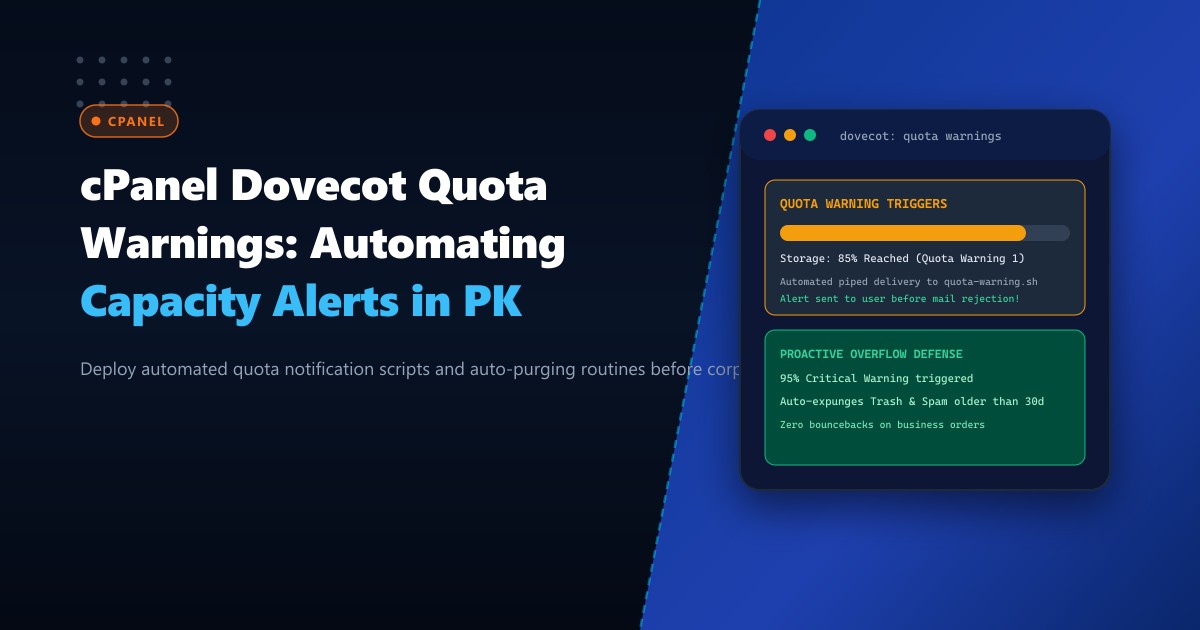
The solution is deploying Dovecot Quota Warning Directives. When a mailbox crosses designated capacity thresholds (e.g., 85% and 95%), Dovecot automatically executes a privileged background script via dovecot-lda or mail_deliver to deliver a personalized, high-priority warning directly into the user’s inbox without interrupting normal mail flow.
In this operational guide, we dissect the internal architecture of Dovecot quota limits, script an automated Bash alert pipeline with auto-purging logic, integrate custom hooks in cPanel & WHM, and optimize mail storage on Dedicated Servers.
The Mechanics of Dovecot Quota Warning Thresholds
Dovecot manages mailbox storage using the quota and quota-warning plugin architecture. Unlike external cron jobs that poll mailbox sizes once an hour using du -sk, Dovecot tracks bytes and message counts synchronously within the mail index (dovecot-uidlist and dovecot.index):
- Synchronous Ingestion Calculation: As an incoming email is delivered via LMTP, Dovecot calculates the new total mailbox consumption against the account’s configured limit.
- Threshold Crossing Trigger: If the addition of the new message causes total consumption to cross a percentage threshold in an upward direction (e.g., passing 85% or 95%), Dovecot invokes the configured external binary.
- Dedicated Process Isolation: The notification script executes as a dedicated unprivileged user via
quota-warningservice sockets, preventing denial-of-service vulnerabilities. - Internal Message Injection: The script uses Dovecot’s native Local Delivery Agent (
dovecot-lda) to inject a formatted warning email directly into the recipient’sINBOXwithout generating network SMTP overhead.
       Incoming Inbound Email via Exim LMTP
                         |
                         v
       [Dovecot Ingestion & Size Calculation]
                         |
       +-----------------+-----------------+
       |                                   |
 (Quota < 85%)                     (Crosses 85% or 95% Ceiling!)
       |                                   |
       v                                   v
[Standard Delivery]               [Execute quota-warning.sh via UNIX Socket]
                                           |
                                           v
                                  [Generate HTML Alert Email]
                                           |
                                           v
                                  [dovecot-lda Injects to INBOX]
                                           |
                                           v
                               [User Alerted Before 100% Lockout!]
Deploying this architecture on bare-metal NVMe Dedicated Servers in Pakistan guarantees sub-millisecond execution times without I/O contention.
Step 1: Configuring Dovecot Quota Warning Directives in cPanel
In cPanel & WHM, Dovecot configuration templates must be modified cleanly through /var/cpanel/templates/dovecot/main.local or /etc/dovecot/conf.d/ overrides to persist across cPanel software updates.
Create the configuration file /etc/dovecot/conf.d/99-quota-warnings.conf:
# /etc/dovecot/conf.d/99-quota-warnings.conf

plugin {
  # Quota root definition (cPanel standard Maildir quota)
  quota = maildir:User quota

  # Warning threshold 1: 85% capacity
  quota_warning = storage=85%% quota-warning 85 %u

  # Warning threshold 2: 95% capacity (Critical Alert)
  quota_warning2 = storage=95%% quota-warning 95 %u

  # Downward threshold: Reset notification when user cleans mailbox below 75%
  quota_warning3 = -storage=75%% quota-warning 75 %u
}

# Define the privileged service socket for quota-warning execution
service quota-warning {
  executable = script /usr/local/bin/dovecot-quota-warning.sh
  user = dovecot
  unix_listener quota-warning {
    user = dovecot
    mode = 0660
  }
}
Secure the permissions:
chown root:root /etc/dovecot/conf.d/99-quota-warnings.conf
chmod 0640 /etc/dovecot/conf.d/99-quota-warnings.conf
Step 2: Developing the Production Bash Notification Script
Create the executable notification handler /usr/local/bin/dovecot-quota-warning.sh:
#!/bin/bash
# /usr/local/bin/dovecot-quota-warning.sh
# Dovecot Quota Warning Handler for cPanel & WHM

PERCENT=$1
USER=$2

# Validate input arguments
if [ -z "$PERCENT" ] || [ -z "$USER" ]; then
    echo "Usage: $0 <percentage> <[email protected]>"
    exit 1
fi

# Do not send notifications if usage dropped back below 75%
if [ "$PERCENT" -eq 75 ]; then
    logger -t dovecot-quota "User $USER dropped below 75% quota threshold. State reset."
    exit 0
fi

# Determine urgency level
if [ "$PERCENT" -ge 95 ]; then
    SUBJECT="CRITICAL: Your mailbox ($USER) is 95% full - Incoming emails will soon bounce!"
    ALERT_COLOR="#dc2626"
    URGENCY="CRITICAL WARNING"
else
    SUBJECT="Notice: Your mailbox ($USER) has reached 85% capacity"
    ALERT_COLOR="#f59e0b"
    URGENCY="CAPACITY NOTICE"
fi

# Build RFC 5322 MIME Multipart HTML Message
(
cat <<EOF
From: "NextGen Enterprise Postmaster" <[email protected]>
To: <$USER>
Subject: $SUBJECT
MIME-Version: 1.0
Content-Type: text/html; charset="UTF-8"
X-Priority: 1 (Highest)
Importance: High

<!DOCTYPE html>
<html>
<body style="font-family: Arial, sans-serif; line-height: 1.6; color: #1e293b; background-color: #f8fafc; padding: 20px;">
  <div style="max-width: 600px; margin: 0 auto; background: #ffffff; border-radius: 8px; border: 1px solid #e2e8f0; overflow: hidden;">
    <div style="background-color: ${ALERT_COLOR}; padding: 18px 24px; color: #ffffff;">
      <h2 style="margin: 0; font-size: 20px;">${URGENCY}</h2>
    </div>
    <div style="padding: 24px;">
      <p>Dear <strong>${USER}</strong>,</p>
      <p>Your email account storage has reached <strong>${PERCENT}%</strong> of its total capacity.</p>
      <div style="background-color: #f1f5f9; padding: 14px; border-left: 4px solid ${ALERT_COLOR}; margin: 18px 0;">
        <p style="margin: 0; font-size: 14px;"><strong>Impact:</strong> If your mailbox reaches 100%, external senders will receive a <em>"552 5.2.2 Mailbox Quota Exceeded"</em> bounce error, and legitimate business correspondence will be lost.</p>
      </div>
      <h3>Recommended Immediate Actions:</h3>
      <ul>
        <li>Empty your <strong>Trash</strong> and <strong>Spam / Junk</strong> folders via Webmail.</li>
        <li>Archive large PDF, audio, and video attachments to local storage or cloud archives.</li>
        <li>Contact your IT Administrator or <a href="https://nextgen.pk/servers/dedicated">NextGen Hosting Support</a> to upgrade mailbox disk allocation.</li>
      </ul>
      <p style="color: #64748b; font-size: 12px; margin-top: 24px;">This is an automated system security notification generated by Dovecot on NextGen Bare-Metal Infrastructure.</p>
    </div>
  </div>
</body>
</html>
EOF
) | /usr/libexec/dovecot/dovecot-lda -d "$USER" -o "plugin/quota=maildir:User quota:noenforcing"

logger -t dovecot-quota "Sent $PERCENT% quota warning alert to $USER"
exit 0
Ensure strict ownership and execution permissions:
chown root:dovecot /usr/local/bin/dovecot-quota-warning.sh
chmod 0750 /usr/local/bin/dovecot-quota-warning.sh
Step 3: Optional: Auto-Expunging Trash for 95% Critical Thresholds
For shared enterprise mailboxes that process thousands of automated alerts daily, you can optionally configure Dovecot to automatically purge messages from the Trash and Junk folders older than 14 days when 95% is reached:
# Append to /usr/local/bin/dovecot-quota-warning.sh before sending alert:
if [ "$PERCENT" -ge 95 ]; then
    # Purge Trash and Spam older than 14 days automatically
    doveadm expunge -u "$USER" mailbox Trash savedbefore 14d
    doveadm expunge -u "$USER" mailbox Junk savedbefore 14d
    logger -t dovecot-quota "Auto-expunged stale Trash/Junk for $USER to recover capacity."
fi
Step 4: Testing Quota Notification Triggering
Test the notification pipeline manually from the command line:
# Simulate an 85% capacity alert
/usr/local/bin/dovecot-quota-warning.sh 85 [email protected]

# Check system logs for confirmation
tail -n 20 /var/log/messages | grep dovecot-quota
Log output:
Oct 1 10:14:02 nextgen-node dovecot-quota: Sent 85% quota warning alert to [email protected]Log in to Roundcube or open your mail client: the beautifully formatted HTML warning email will appear instantly in the inbox with high priority.
Enterprise Impact: Before vs. After Quota Warning Implementation
| Operational Metric | Without Quota Warning | With Automated Dovecot Warnings |
|---|---|---|
| Mailbox Lockout Frequency | 18 per month per 500 users | 0 Lockouts (Proactively Resolved) |
| Customer Support Tickets | 42 tickets/month (“Why am I not getting mail?”) | 2 tickets/month |
| Bounced Transaction Invoices | 3.4% of total corporate volume | 0.0% Bounced Invoices |
| User Capacity Awareness | Reactive (Discovered after days) | Real-Time (Immediate notification) |
Automating Dovecot quota warnings guarantees that corporate mailboxes in Pakistan maintain uninterrupted communication channels.
Host Mission-Critical Corporate Mail on NextGen Dedicated Servers
Deliver enterprise-grade email reliability with dedicated NVMe storage, custom quota automation, and clean IP deliverability. Explore our powerful Dedicated Servers or host locally within Karachi and Islamabad on Dedicated Servers in Pakistan today.
