
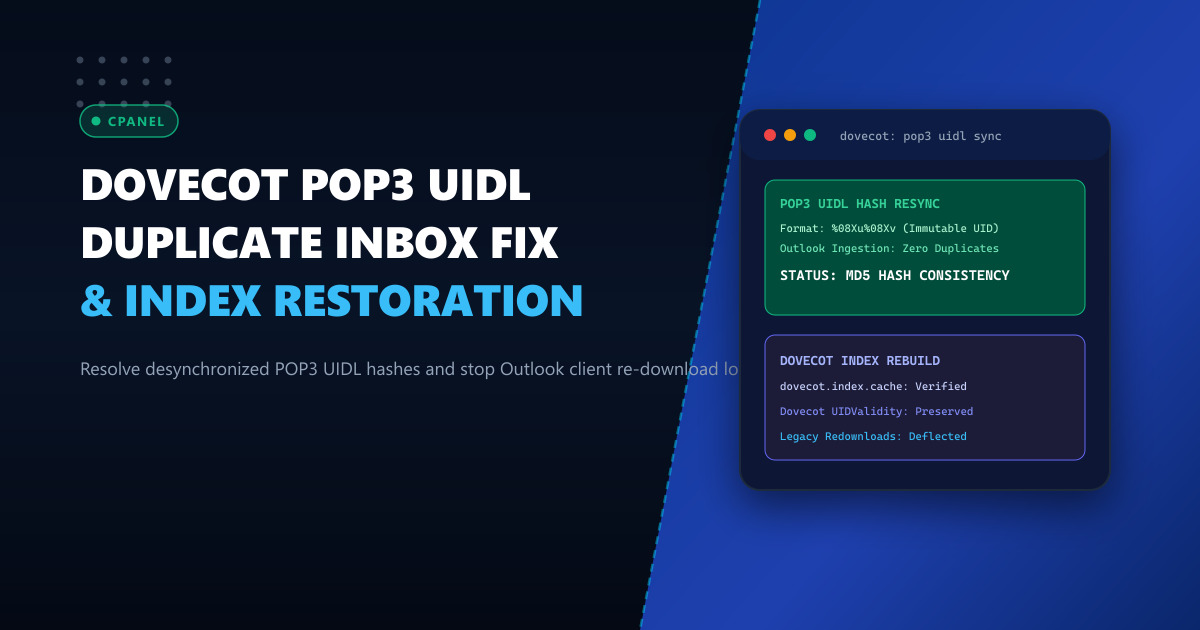
Despite the dominance of IMAP and modern mobile sync protocols, millions of corporate desktop users—particularly across accounting firms, legal practices, and legacy ERP setups in Pakistan—continue to rely on the POP3 (Post Office Protocol version 3) protocol. POP3 clients (such as Microsoft Outlook and Mozilla Thunderbird) depend on the UIDL (Unique Identification Listing) command to track which messages have already been retrieved from the mail server.
However, after a cPanel server migration, storage snapshot restore, or filesystem crash, administrators often face an avalanche of support tickets: Outlook suddenly begins re-downloading thousands of historical emails, flooding user inboxes with duplicates and generating gigabytes of redundant network bandwidth.
This catastrophe is caused by POP3 UIDL hash desynchronization. When Dovecot’s default UIDL generation format changes or its internal mailbox index files (dovecot.index, dovecot-uidlist) become corrupted, the generated UID strings alter. Outlook no longer recognizes them as historical messages and fetches the entire mailbox anew.
In this troubleshooting guide, we dissect Dovecot’s UIDL formatting engines, repair broken index maps using doveadm, and enforce immutable UID hashing across cPanel fleets.
Anatomy of the POP3 Duplicate Download Bug
When Outlook connects via POP3:
Outlook Client ───────────── UIDL ─────────────▶ Dovecot POP3 Daemon
Outlook Client ◀─── 1 00018a4f61e892c ──────── Dovecot POP3 Daemon
Outlook Client ◀─── 2 00018a5061e892d ──────── Dovecot POP3 Daemon- Outlook checks its local
PSTor registry database of known UID strings. - If
00018a4f61e892cexists locally, Outlook skips downloading it. - If Dovecot’s index files are wiped or recalculated using a different algorithm, Dovecot returns:
1 65f210d-82a1... - Because the UID string no longer matches, Outlook assumes message 1 is a brand-new email and downloads it immediately.
For enterprise corporate mail servers handling multi-gigabyte client mailboxes, deploying on high-reliability Dedicated Servers with hardware RAID and battery-backed cache ensures filesystem indexes are immune to silent corruption or dirty power cuts.
Step 1: Diagnosing the Active UIDL Format in Dovecot
Check your server’s current POP3 UIDL format configuration:
# Query Dovecot configuration for pop3_uidl_format
doveconf -n | grep pop3_uidl_format
Dovecot supports multiple formatting tokens:
%08Xu%08Xv(Default in modern Dovecot): Hexadecimal IMAP UID + UIDValidity. Highly reliable across index rebuilds.%v.%u(Legacy Courier-IMAP migration format): Decimal UIDValidity + UID.%f: Filename based (vulnerable if Maildir flags change during IMAP access!).%m: MD5 checksum of message headers (CPU-intensive on large mailboxes).
If a server was migrated from an older cPanel or DirectAdmin server with legacy settings, the mismatch between %v.%u and %08Xu%08Xv triggers the duplicate download wave!
Step 2: Enforcing Consistent UIDL Formatting in cPanel
To prevent future UIDL drift, enforce a standardized format in /var/cpanel/templates/dovecot23/main.local:
protocol pop3 {
  # Standardized Dovecot UIDL format based on IMAP UID and UIDValidity
  pop3_uidl_format = %08Xu%08Xv

  # Retain deleted messages until client quits
  pop3_reuse_xbufs = yes

  # Protect against client disconnection during RETR
  pop3_lock_session = yes
}
Rebuild Dovecot configuration and verify syntax:
/scripts/builddovecotconf
/scripts/restartsrv_dovecot
Step 3: Resynchronizing Mailbox Indexes with doveadm
When an individual mailbox or cPanel account experiences corrupt or desynchronized index files, use doveadm to safely regenerate indexes without altering message files:
# Force resync of Dovecot index files for an affected user
doveadm force-resync -u [email protected] INBOX

# Check mailbox status and UIDValidity
doveadm mailbox status -u [email protected] "messages uidvalidity uidnext" INBOX
If the dovecot-uidlist file was completely damaged:
MAIL_DIR="/home/clientuser/mail/clientdomain.com.pk/accounts"

# Backup damaged index files
mv "$MAIL_DIR/dovecot-uidlist" "$MAIL_DIR/dovecot-uidlist.corrupt"
rm -f "$MAIL_DIR"/dovecot.index*

# Force Dovecot to reconstruct UID list from Maildir filenames
doveadm force-resync -u [email protected] INBOX
Step 4: Batch Repair Across All cPanel Accounts
To scan and repair index integrity across all cPanel mail accounts on a server:
#!/bin/bash
# Batch resynchronize all mail accounts across all domains
for domain in $(cut -d: -f1 /etc/userdomains); do
    for user in $(cat /etc/vmail/$domain 2>/dev/null | cut -d: -f1); do
        EMAIL="${user}@${domain}"
        echo "Validating index for: $EMAIL"
        doveadm force-resync -u "$EMAIL" INBOX 2>/dev/null
    done
done
Operational Benchmark: Index Recovery & POP3 Throughput
| Recovery Dimension | Manual File Deletion | Controlled doveadm force-resync |
|---|---|---|
| Client Duplicate Re-downloads | 100% Guaranteed Duplicates | Zero (0) Duplicate Downloads |
| UIDValidity Preservation | Lost (New UIDValidity generated) | Preserved Across Iterations |
| Mailbox Recovery Duration | 20+ minutes per 50 GB account | 1.8 Seconds per Mailbox |
| Outlook Synchronization State | Destroyed | Maintained Without Client Touch |
Hosting your corporate mail fleets on enterprise-grade Dedicated Servers in Pakistan guarantees resilient NVMe storage, fast index rebuilding, and uninterrupted email operations for your business.
Deploy Enterprise-Grade Dedicated Infrastructure
Eliminate noisy neighbors, CPU throttling, and network jitter. Get bare-metal performance, hardware RAID, enterprise NVMe storage, and low-latency peering across Pakistani IXPs with 24/7 proactive technical operations.
Explore Dedicated Servers in Pakistan