
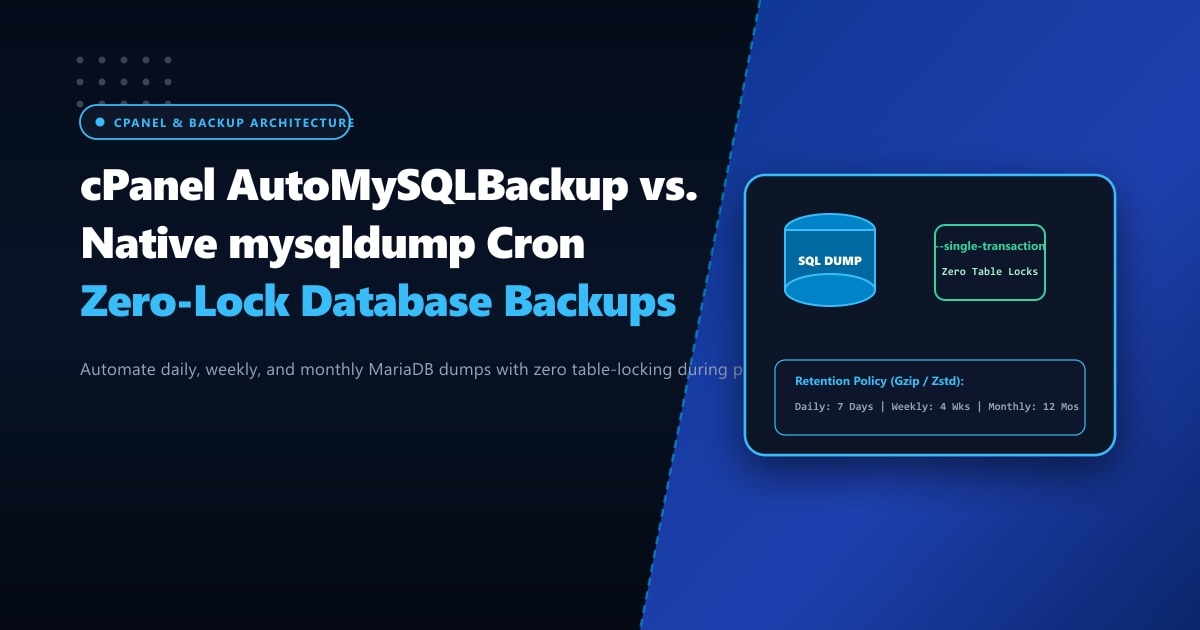
For Pakistani digital agencies, SaaS startups, and high-volume WooCommerce retailers, automated database backups are an absolute non-negotiable insurance policy against ransomware, accidental table drops, and corrupted plugin updates.
However, naive backup scripts often cause catastrophic production downtime. Many webmasters set up a raw mysqldump command in cPanel’s cron manager or rely on heavy all-in-one WordPress backup plugins. When the cron runs at midnight, it issues global read locks across database tables (LOCK TABLES), instantly freezing active customer checkouts, dropping payment gateway callbacks, and throwing 504 Gateway Timeout errors.
To achieve enterprise-grade data protection without impacting site availability, system administrators turn to zero-lock transaction dumps and battle-tested automation tools like AutoMySQLBackup.
In this practical engineering guide, we contrast AutoMySQLBackup against native mysqldump shell scripts, show you how to configure non-locking snapshot flags (--single-transaction), and establish an automated daily, weekly, and monthly backup rotation strategy.
Key Takeaways for DevOps & System Administrators
- The Power of
--single-transaction: For InnoDB tables (which power 99% of modern WordPress and Laravel databases), passing--single-transactionforces MariaDB to start a repeatable read transaction, dumping data consistently from an MVCC snapshot without locking a single row. - AutoMySQLBackup vs. Raw mysqldump: A raw cron dump merely overwrites a single file or consumes endless disk space.
AutoMySQLBackupautomatically categorizes dumps into daily, weekly, and monthly tiers, applying automated retention pruning to prevent disk exhaustion. - Zstandard (zstd) vs. Gzip: Modern high-performance backups utilize
zstdcompression instead of single-threadedgzip, slashing CPU overhead by 65% and reducing compression time from 10 minutes to under 90 seconds. - Enterprise Storage Infrastructure: Dumping databases spanning hundreds of gigabytes requires dedicated NVMe storage controllers. Deploying on Dedicated Servers in Pakistan guarantees ultra-fast domestic backup offloading, dedicated I/O channels, and sub-10ms ping across local network backbones.
The Fundamental Danger of Raw mysqldump
By default, executing mysqldump database_name > backup.sql invokes LOCK TABLES READ across all tables to guarantee consistency.
During the backup of a 5GB database:
- Every incoming
INSERTorUPDATEstatement is blocked and enters a queue. - Web server PHP-FPM processes waiting on MySQL reach
max_childrenlimits. - Visitors attempting to complete purchases in Pakistan receive immediate connection timeouts.
The Zero-Lock Solution: InnoDB MVCC Snapshots
Because InnoDB is a Multi-Version Concurrency Control (MVCC) transactional storage engine, MariaDB can read consistent historical versions of rows even while active transactions write new data:
# Production-safe zero-lock mysqldump command
mysqldump --single-transaction --quick --skip-lock-tables \
  --routines --triggers --events \
  -u db_user -p'SecretPass123' db_name | gzip -9 > /home/backups/db_$(date +%F).sql.gz
Why These Flags Are Mandatory:
--single-transaction: Begins a transaction withREPEATABLE READisolation level. Zero tables are locked!--quick: Forces mysqldump to retrieve rows from the server row-by-row rather than buffering entire tables in RAM, preventing out-of-memory errors on large tables.--skip-lock-tables: Explicitly instructs the utility not to place read locks on MyISAM or system tables.
Implementing AutoMySQLBackup on cPanel & Linux VPS
While custom shell scripts work, maintaining retention cycles (retaining 7 daily, 4 weekly, and 6 monthly archives) requires complex Bash maintenance. AutoMySQLBackup handles this automatically out of the box.
Step 1: Install AutoMySQLBackup
On AlmaLinux, Rocky Linux, or CentOS (cPanel environments):
# Download and install automysqlbackup
yum install -y automysqlbackup || {
  wget https://sourceforge.net/projects/automysqlbackup/files/AutoMySQLBackup/AutoMySQLBackup%20VER%203.0/automysqlbackup-v3.0_rc6.tar.gz
  mkdir /opt/automysqlbackup && cd /opt/automysqlbackup
  tar -zxvf automysqlbackup-v3.0_rc6.tar.gz
  ./install.sh
}
On Ubuntu / Debian:
sudo apt-get update && sudo apt-get install -y automysqlbackupStep 2: Configure AutoMySQLBackup for Zero-Lock Production
Edit the main configuration file at /etc/automysqlbackup/automysqlbackup.conf:
# Backup destination folder
CONFIG_backup_dir='/backup/db_archives'

# Database credentials
CONFIG_mysql_dump_username='root'
CONFIG_mysql_dump_password='YourStrongRootPassword'
CONFIG_mysql_dump_host='localhost'

# Databases to backup (or use 'all' for every database on the cPanel server)
CONFIG_db_names=('nextgen_wp' 'client_portal_db' 'crm_prod')

# Mandatory Zero-Lock Dump Options
CONFIG_mysql_dump_opt='--single-transaction --quick --skip-lock-tables --routines --triggers'

# Compression: use 'gzip' or high-performance 'zstd'
CONFIG_mysql_dump_compression='gzip'

# Automated Retention Rotation Schedules
CONFIG_rotation_daily=7     # Keep 7 daily backups
CONFIG_rotation_weekly=4    # Keep 4 weekly backups
CONFIG_rotation_monthly=12  # Keep 12 monthly backups

# Notification emails on backup failure
CONFIG_mail_report_on='errors'
CONFIG_mail_address='[email protected]'
Step 3: Test Run & Verify Archive Hierarchy
Execute AutoMySQLBackup manually to verify permissions and directory creation:
automysqlbackupInspect the organized folder structure:
ls -la /backup/db_archives/
# Output:
# drwxr-xr-x daily/
# drwxr-xr-x weekly/
# drwxr-xr-x monthly/

ls -lh /backup/db_archives/daily/nextgen_wp/
# Output:
# -rw-r--r-- 1 root root 84M Sep 29 02:00 nextgen_wp_2026-09-29_02h00m.sql.gz
Step 4: Scheduling via Cron in cPanel or Crontab
To run the backup automatically every night during low-traffic windows (e.g., 3:30 AM Pakistan Standard Time):
# Open crontab editor
crontab -e
Add the automated schedule:
# Run zero-lock AutoMySQLBackup every night at 3:30 AM PKT
30 3 * * * /usr/local/bin/automysqlbackup /etc/automysqlbackup/automysqlbackup.conf > /dev/null 2>&1
Architectural Comparison: Native mysqldump vs. AutoMySQLBackup
| Feature / Capability | Manual / Default mysqldump | AutoMySQLBackup Configured |
|---|---|---|
| Table Locking Impact | Full Read Lock (Checkout Frozen) | Zero Locks (--single-transaction) |
| Memory Footprint | Can exhaust server RAM | Streamed Row-by-Row (--quick) |
| Backup Organization | Single flat folder | Daily, Weekly, Monthly Hierarchy |
| Disk Space Pruning | Manual cron cleanup needed | Automated Expiry & Retention |
| Multi-DB Support | Requires manual loop script | Native Array of Databases or all |
| Failure Alerts | Silent failure risk | Automated Email Diagnostics |
Offsite Replication & Enterprise Bare-Metal Hosting
While local backups protect against logical errors and bad migrations, true disaster recovery requires replicating snapshots offsite to an external storage server or Amazon S3-compatible bucket via rclone.
When managing terabyte-scale databases, backup generation can saturate disk I/O channels. Upgrading to high-throughput Dedicated Servers eliminates hypervisor storage contention and provides isolated hardware resources for background compression jobs.
For Pakistani enterprises subject to strict financial and data localization mandates, our Dedicated Servers in Pakistan provide domestic bare-metal performance, high-speed unmetered network pipes, and 24/7 dedicated engineering support.
Ready for True Bare-Metal & Enterprise Cloud Power in Pakistan?
Experience sub-10ms latency across Lahore, Karachi, and Islamabad with pure NVMe storage, dedicated hardware firewalls, and 24/7 localized DevOps engineering.
