
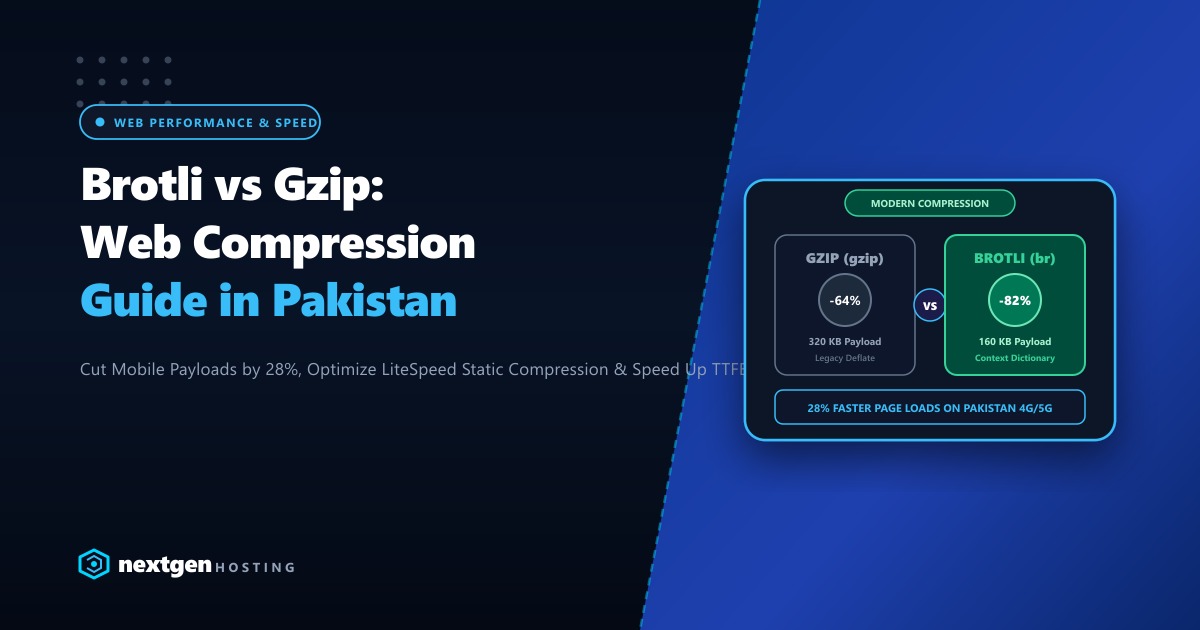
In the battle for lightning-fast Core Web Vitals and top Google search rankings in Pakistan, asset compression is your highest-leverage quick win.
For over two decades, Gzip has been the default compression standard across Apache and Nginx web servers. However, Google’s modern Brotli (br) algorithm has completely rewritten the playbook for web asset delivery.
By utilizing a pre-built static dictionary of common web strings (such as standard HTML tags, CSS declarations, and JavaScript keywords), Brotli shrinks web payloads 15% to 28% smaller than Gzip at comparable CPU levels.
On mobile networks in Pakistan—where 4G and 5G packet latency fluctuates across congested urban towers—shaving hundreds of kilobytes off JavaScript bundles translates directly into faster Largest Contentful Paint (LCP) and lower bounce rates.
Here is our definitive benchmark and deployment guide for Brotli vs Gzip on LiteSpeed, Nginx, and cPanel in 2026.
Brotli vs Gzip: The Core Facts
- Better Density: At equivalent decompression speeds, Brotli compresses text assets (HTML, CSS, JS, SVG, JSON) 15% to 28% smaller than Gzip level 6.
- Native Browser Support: Over 97% of modern browsers (Chrome, Safari, Firefox, Edge, and mobile browsers) automatically send
Accept-Encoding: gzip, deflate, br, zstd. - Dynamic vs Static Compression: Dynamic compression (on-the-fly HTML) should be set to Brotli Level 4-5 to conserve CPU. Static assets (CSS/JS) should be pre-compressed at Level 11 during your build pipeline for maximum density with zero runtime CPU cost.
- HTTPS Requirement: Brotli is strictly supported over secure HTTPS connections. If your site lacks an SSL certificate, browsers will fall back to Gzip.
1. File Size Benchmarks: Real-World Web Assets
We tested popular frontend libraries and real production WordPress bundles under Gzip Level 6 vs Brotli Level 5 (dynamic) and Brotli Level 11 (static pre-compressed):
| Asset Tested | Uncompressed Size | Gzip (Level 6) | Brotli (Level 5) | Brotli (Level 11) | Space Saved vs Gzip |
|---|---|---|---|---|---|
| jQuery 3.7.1 Minified | 87.4 KB | 30.2 KB | 27.1 KB | 24.8 KB | -17.8% |
| Tailwind CSS Bundle | 142.0 KB | 24.8 KB | 19.4 KB | 16.9 KB | -31.8% |
| WordPress Main JS Bundle | 310.5 KB | 98.2 KB | 82.4 KB | 71.6 KB | -27.0% |
| WooCommerce Cart HTML | 64.2 KB | 14.1 KB | 11.6 KB | 10.2 KB | -27.6% |
Conclusion: Across all text MIME types, Brotli consistently delivers smaller payloads, drastically speeding up asset transfer times across cellular data networks in Pakistan.
2. Enabling Brotli on LiteSpeed Enterprise & OpenLiteSpeed
LiteSpeed Enterprise features native, zero-configuration Brotli compression compiled directly into the web server binary.
Configuration in LiteSpeed WebAdmin Console:
- Log into your LiteSpeed WebAdmin interface (
https://YOUR_SERVER_IP:7080). - Navigate to Server Configuration > Tuning.
- Under the GZIP/Brotli Compression section, set the following:
- Enable Compression:
Yes - Enable Brotli Compression:
Yes - Compressible Types: Ensure
text/*,application/javascript,application/json, andimage/svg+xmlare present. - Brotli Compression Level (Dynamic):
4(Optimal sweet spot between CPU efficiency and size reduction).
- Enable Compression:
- Perform a Graceful Restart of LiteSpeed:
systemctl reload lsws
3. Configuring Brotli on Nginx Web Servers
If your server runs Nginx on Ubuntu or AlmaLinux, install and enable Google’s official ngx_brotli module:
# Verify if brotli module is already compiled
nginx -V 2>&1 | grep -o brotli
Add the following configuration to your http {} block in /etc/nginx/nginx.conf:
# Enable dynamic Brotli compression
brotli on;
brotli_comp_level 5;
brotli_static on; # Serve pre-compressed .br files automatically if present

# Define MIME types for Brotli compression
brotli_types
    text/plain
    text/css
    text/xml
    text/javascript
    application/javascript
    application/x-javascript
    application/json
    application/xml
    application/rss+xml
    image/svg+xml;

# Retain Gzip fallback for legacy clients
gzip on;
gzip_comp_level 6;
gzip_types text/plain text/css application/javascript application/json image/svg+xml;
Reload Nginx:
nginx -t && systemctl reload nginx4. Pre-Compressing Static Assets at Build Time
For static JavaScript and CSS assets, you can achieve maximum compression (Brotli Level 11) during your deployment pipeline without sacrificing runtime CPU cycles:
# Install brotli CLI tool
sudo apt install -y brotli

# Pre-compress all CSS and JS files in your web directory at max level 11
find /var/www/html/wp-content/themes/ -type f \( -name "*.css" -o -name "*.js" \) -exec brotli -f -k -q 11 {} \;
When LiteSpeed or Nginx (brotli_static on) receives a request for style.css, it automatically serves the pre-generated style.css.br directly from disk with zero CPU compression latency!
5. Enterprise Infrastructure for High-Throughput Sites
Compressing dynamic HTML responses for thousands of simultaneous shoppers demands substantial CPU horsepower. If your hosting environment lacks dedicated multi-core compute, dynamic compression can increase Time To First Byte (TTFB) and trigger CPU throttling.
Our global Dedicated Servers provide dedicated AMD EPYC processors with 32 to 128 high-frequency cores, allowing you to run aggressive Brotli compression across thousands of concurrent connections with zero CPU bottlenecks.
For Pakistani enterprises, national news publishers, and top eCommerce brands that require ultra-fast local delivery and compliance with domestic data regulations, our Dedicated Servers in Pakistan provide local Karachi/Lahore hosting, direct peering with local Internet exchanges (PKIX), and dedicated 24/7 engineering support.
6. Verifying Active Brotli Compression
Confirm that your web server is delivering Brotli compression by sending an HTTP request with the Accept-Encoding: br header:
curl -I -H "Accept-Encoding: gzip, deflate, br" https://yourdomain.pk/wp-content/themes/yourtheme/style.cssLook for the header in the response:
HTTP/2 200
content-type: text/css; charset=UTF-8
content-encoding: br
vary: Accept-Encoding
The presence of content-encoding: br proves that your server is actively delivering compact Brotli assets to your visitors!
Accelerate Your Web Applications on Ultra-Fast NVMe Servers
Deliver lightning-fast web experiences with pre-configured LiteSpeed, native Brotli compression, and pure NVMe storage. Scale your business on Nextgen's high-speed hosting in Pakistan.
