
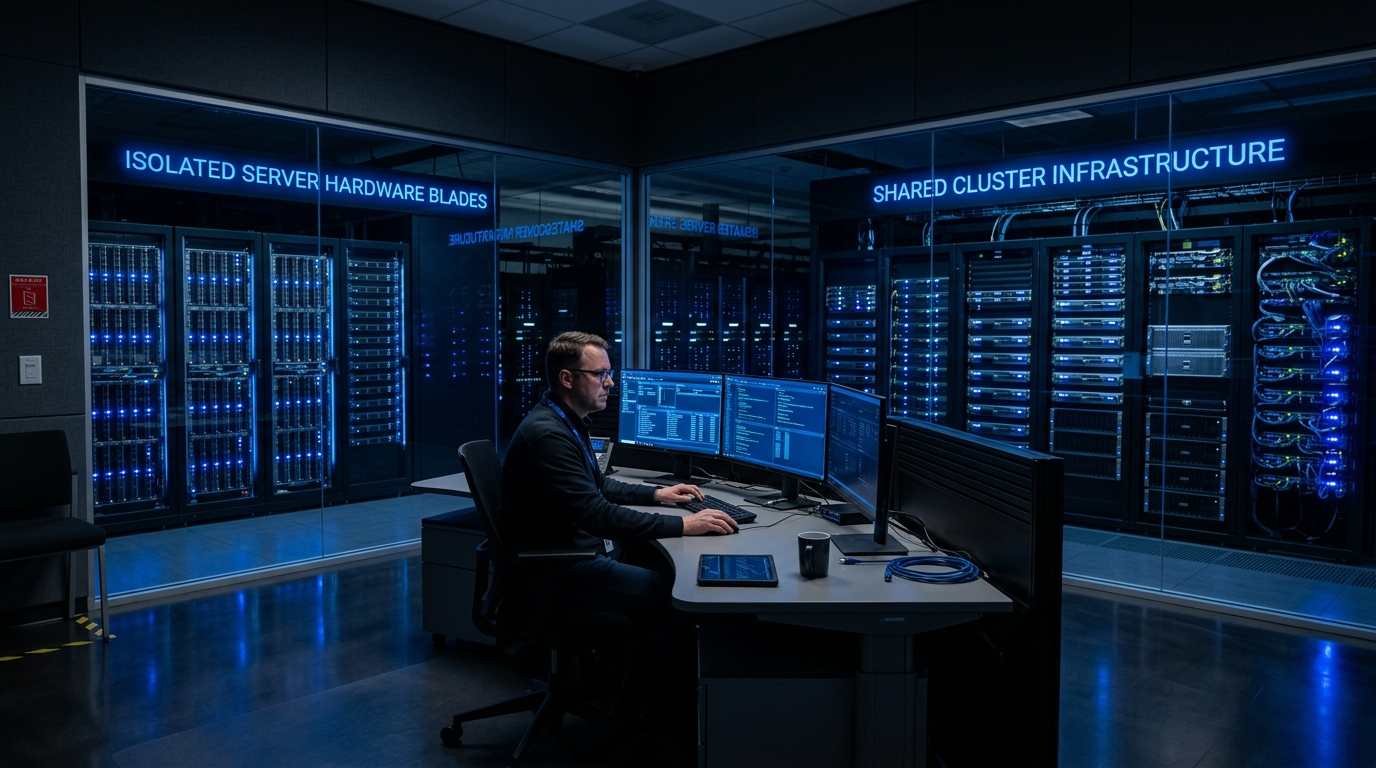
When Pakistani freelancers, digital marketers, affiliate growth hackers, and software developers browse online marketplaces for Remote Desktop Protocol (RDP) servers, they are immediately confronted with two common offerings: User RDP (often sold as “Standard RDP” or “Shared RDP”) and Admin RDP (often sold as “Full Admin VPS” or “Dedicated RDP”).
User RDP plans are frequently marketed at ultra-low price points (PKR 800 to PKR 1,500/month), whereas Admin RDP plans start at PKR 4,000/month and up.
However, many buyers purchase cheap User RDP only to find themselves completely locked out of essential tasks:
- Attempting to install a VPN or TAP network adapter throws an immediate permission denied error.
- Running Python, Selenium, or headless Chrome automation triggers User Account Control (UAC) blocking.
- Software installed by other users on the shared machine conflicts with their environment or crashes their sessions.
What are the architectural and permission differences under the hood? And which tier is actually required for your specific workflow in Pakistan?
This guide delivers an exhaustive technical breakdown of Admin RDP vs. User RDP, comparing Windows security access tokens, Group Policy sandboxing, network adapter virtualization, and resource isolation.
1. Architectural Anatomy: Windows Access Tokens & Group Policy
The defining difference between Admin RDP and User RDP is rooted in the Windows NT Security Subsystem (LSA and SAM):
┌────────────────────────────────────────────────────────┐
│            User RDP (Restricted Standard User)         │
├────────────────────────────────────────────────────────┤
│ Windows Security Identifier (SID): Builtin\Users       │
│ - Zero elevated privileges (SeDebugPrivilege: Disabled)│
│ - Restricted to C:\Users\Username\ profile directory   │
│ - Blocked from installing system drivers / TAP adapters│
│ - Blocked from editing Windows Registry (HKLM)         │
│ - Subject to aggressive AppLocker & Group Policies     │
└────────────────────────────────────────────────────────┘

┌────────────────────────────────────────────────────────┐
│            Admin RDP (Full Administrator Rights)       │
├────────────────────────────────────────────────────────┤
│ Windows Security Identifier (SID): Builtin\Administrators
│ - Full elevated privileges (SeDebugPrivilege: Enabled) │
│ - Root access across entire C:\ filesystem             │
│ - Install custom kernel drivers, OpenVPN, WireGuard    │
│ - Full control over HKEY_LOCAL_MACHINE (HKLM) Registry │
│ - Dedicated Windows OS instance (Hyper-V / KVM)        │
└────────────────────────────────────────────────────────┘
On a User RDP server, dozens of users are logged into a single multi-session Windows Server machine. Because granting one user administrative power would compromise the entire server, hosting providers enforce strict Group Policy Objects (GPOs) that strip away all administrative capabilities.
2. Capability Matrix: What Works vs. What Fails
| Task / Software Category | User RDP | Admin RDP | Why Admin Access is Required |
|---|---|---|---|
| Basic Web Browsing (Chrome/Firefox) | Works (Pre-installed) | Works | Portable or pre-installed browsers run fine |
| VPN / Proxy Adapters (OpenVPN/Nord) | FAILS (100%) | Works Seamlessly | Requires installing virtual TAP/TUN network drivers |
| Python / Node.js Environments | Broken / Limited | Works Seamlessly | Requires setting system PATH and installing C++ runtimes |
| Browser Automation (Selenium/Puppeteer) | Frequently Blocked | Works Seamlessly | Chrome driver port binding and background processes |
| MetaTrader 4 / 5 Custom DLLs | Restricted | Works Seamlessly | Custom algorithmic indicators require DLL imports |
| Windows Updates / Firewall Rules | Prohibited | Full Control | Modifying inbound/outbound firewall rules |
| Rebooting the Machine | Prohibited | Instant Reboot | Restarting hung software processes |
3. The VPN and Network Adapter Dilemma
The single most frequent reason Pakistani freelancers regret purchasing User RDP is the inability to run custom VPN clients or change IP configurations.
Pakistani remote workers often need to connect to client corporate intranets via Cisco AnyConnect, FortiClient, WireGuard, or OpenVPN. Installing these applications requires creating a Virtual Network Adapter (NDIS driver) in the Windows kernel.
Because standard users lack SeLoadDriverPrivilege, Windows aborts the installation with:
Error 0x80070005: Access is denied. You must be an administrator to install network adapters.
On an Admin RDP running on an isolated virtual machine or dedicated server, you possess unrestricted root control. You can install any tunneling protocol, configure custom DNS resolvers, or establish multi-hop SOCKS5 proxies without restriction.
4. Resource Security & “Noisy Neighbor” Contention
Beyond administrative rights, User RDP and Admin RDP represent completely different hosting environments:
User RDP (Shared Bare Metal Host):
[ 40+ Active Freelancer Sessions Sharing 64GB RAM & 16 Cores ]
* If User 10 runs an unthrottled video render or unzips a 30GB archive,
  CPU jumps to 100%. Every other user experiences mouse stutter and lag!

Admin RDP (Isolated KVM Hypervisor Instance):
┌─────────────────────────────────┬─────────────────────────────────┐
│ VM 1: Your Dedicated Admin RDP  │ VM 2: Isolated Neighbor Node    │
│ - Dedicated 4 vCPU Cores        │ - Dedicated 4 vCPU Cores        │
│ - Dedicated 16GB ECC RAM        │ - Dedicated 16GB ECC RAM        │
│ - Dedicated 100GB NVMe Storage  │ - Dedicated 100GB NVMe Storage  │
└─────────────────────────────────┴─────────────────────────────────┘
* Guaranteed zero resource theft! 100% predictable 60FPS responsiveness.
For digital marketing agencies, e-commerce managers, and algorithmic trading teams in Pakistan managing high-capital portfolios, deploying on Dedicated Servers in Pakistan provides physical hardware isolation, unthrottled CPU threads, and sub-10ms domestic ping times over the Pakistan Internet Exchange (PKIX).
5. Architectural Comparison: RDP Selection Guide
| Metric | Budget User RDP | Admin RDP on Cloud VPS | Dedicated Bare-Metal Windows |
|---|---|---|---|
| Administrative Access | Zero (Standard User) | 100% Full Admin Access | 100% Bare-Metal Root |
| IP Isolation | Shared IP (High ban risk) | Dedicated Static IPv4 | Dedicated Clean /29 Subnet |
| Software Flexibility | Pre-installed apps only | Install Anything | Install Anything + Hypervisors |
| Performance Consistency | Unpredictable | Guaranteed & Pinned | Maximum Bare-Metal Power |
| Typical Cost | PKR 1,000 – 1,500 / mo | PKR 4,500 – 9,500 / mo | PKR 25,000+ / mo |
For freelancers and software developers who need full administrative freedom, custom software installations, and private static IPs without bare-metal expense, our pure NVMe Cloud VPS instances deliver dedicated vCPU performance, private virtual networks, and instant provisioning across Pakistan.
For enterprise IT corporations operating multi-seat remote desktop farms across Europe, North America, and Asia, combining local management instances with our global Dedicated Servers delivers 10Gbps unmetered bandwidth and enterprise hardware customization.
Related RDP & Remote Computing Engineering Guides
Advance your remote systems administration knowledge:
- Dedicated RDP vs Shared RDP: Architecture & Performance Comparison
- Windows RDP Server in Pakistan: Performance Tuning & Security
- Forex Trading VPS in Pakistan: Low-Latency MT4/MT5 Optimization
Deploy Full Admin RDP on NextGen Pure NVMe VPS
Tired of permission denied errors and noisy neighbors? Deploy 100% dedicated Admin RDP instances with full administrator rights, dedicated static IPv4, and lightning-fast pure NVMe storage. Backed by 24/7 senior support in Pakistan.
