
Starting a web hosting or digital agency in Pakistan is remarkably lucrative—until you find yourself manually checking bank screenshots at 2:00 AM, copying transaction IDs from EasyPaisa SMS alerts, and hand-crafting cPanel accounts one by one.
Manual operations do not just burn your time; they frustrate clients who expect instantaneous setup the moment they pay. If a Pakistani startup pays for hosting on Saturday night, waiting until Monday morning for account activation drives them straight to competitors.
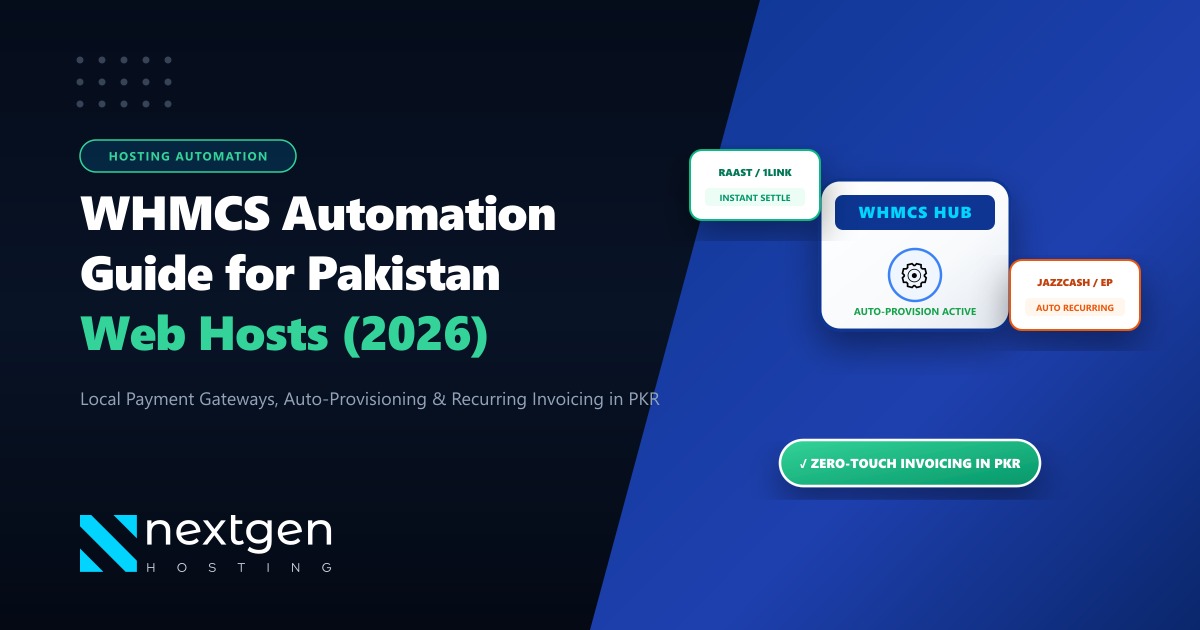
The gold standard for hosting automation worldwide is WHMCS (Web Host Manager Complete Solution). When properly integrated with Pakistani payment rails (Raast, 1LINK, JazzCash, EasyPaisa, PayFast) and cPanel/WHM server hooks, WHMCS turns your hosting company into a 100% automated, hands-off recurring revenue machine.
Here is your step-by-step engineering guide to configuring WHMCS in Pakistan for zero-touch provisioning and automated billing.
The Zero-Touch Hosting Lifecycle
- Instant Payment Verification: Integrating webhook-enabled domestic payment gateways eliminates manual bank transfer checks, marking invoices paid automatically in real time.
- Automatic cPanel/WHM Provisioning: As soon as invoice status turns to "Paid", WHMCS communicates via API with your WHM server to create the client's cPanel account, configure resource limits, and email welcome credentials instantly.
- Multi-Currency with Auto PKR Conversion: Present pricing in PKR for local Pakistani clients while accepting international credit cards via Stripe or 2Checkout for overseas diaspora.
- Automated Suspension & Termination: Protect your server storage by having WHMCS automatically suspend non-paying clients after a 5-day grace period without manual administrative intervention.
1. The Zero-Touch Automation Architecture
To eliminate human bottlenecks, your WHMCS pipeline should flow through this automated loop:
Client Visits Store ──► Selects Hosting Plan & Domain ──► Generates Invoice in PKR
                                                               │
                                                               ▼
Client Pays via Raast / JazzCash / PayFast / 1LINK ◄───────────┘
       │
       ▼ [Instant IPN / Webhook Callback]
WHMCS Validates Transaction Token & Marks Invoice "PAID"
       │
       ▼ [WHM API Hook via Port 2087]
WHM Server Provisions cPanel Account (Quota, CPU, Bandwidth limits configured)
       │
       ▼
WHMCS Sends Automated Welcome Email with Nameservers & Login Details
(Total Elapsed Time: Under 45 Seconds | Zero Human Intervention)
2. Integrating Local Pakistani Payment Gateways
The single biggest hurdle for Pakistani hosting providers is payment collection. While international providers mandate PayPal or Stripe, over 85% of domestic Pakistani customers prefer paying via local banking rails:
1. PayFast / APPS
PayFast provides direct WHMCS modules supporting 1LINK, Visa/Mastercard, PayPak, and Bank Alfalah / HBL direct accounts. When a client pays, PayFast fires an Instant Payment Notification (IPN) webhook to /modules/gateways/callback/payfast.php, immediately marking the invoice paid.
2. JazzCash & EasyPaisa Direct APIs
Both major mobile wallets offer merchant sandbox and production APIs. For recurring hosting subscriptions, utilizing tokenized card storage or direct wallet debits prevents late customer payments.
3. Raast P2M (Peer-to-Merchant) QR Integration
With the State Bank of Pakistan’s nationwide Raast rollout, incorporating static or dynamic Raast QR codes on WHMCS invoices allows clients to scan and pay from any Pakistani banking app with zero transaction fees.
3. Server Hook Configuration: Connecting WHMCS to WHM
To automate hosting account creation, configure your server profile in WHMCS under System Settings > Servers:
Hostname: server1.yourdomain.pk
IP Address: 103.xxx.xxx.xxx
Server Type: cPanel / WHM
Access Hash / API Token: [Generate in WHM > Development Tools > Manage API Tokens]
Secure: Checked (Port 2087 with valid SSL)
In your Product Settings under the Module Settings tab:
- Set Module Name to
cPanel. - Select your target WHM Package (e.g.
Starter-10GB-NVMe). - Under Automated Setup, select:
Automatically setup the product as soon as the first payment is received.
# Verify that your server firewall allows outbound WHMCS API communication:
curl -k -I https://server1.yourdomain.pk:2087/cpsess/
4. Hardware Sizing: Hosting Your WHMCS Billing Engine
Your WHMCS billing database contains sensitive customer records, recurring invoice schedules, and API access hashes to your entire server fleet.
If your billing portal experiences downtime or slow database response, clients cannot pay, new orders cannot provision, and automated cron jobs fail.
For hosting providers scaling past 500 active customer accounts, running WHMCS alongside regular client websites on shared hosting is an operational risk. Dedicated infrastructure is essential.
For large-scale hosting businesses managing fleets of cPanel nodes, our global Dedicated Servers deliver high-performance hardware RAID storage and dedicated network uplinks for rock-solid reliability.
If your clientele is based in Pakistan and you want instant dashboard speed across Nayatel, PTCL, and StormFiber connections, deploying your WHMCS billing engine on our Dedicated Servers in Pakistan ensures sub-10ms domestic ping and complete compliance with domestic financial data storage guidelines.
5. Security Hardening Checklist for WHMCS
- Move Sensitive Directories: Move your
attachments,downloads, andtemplates_cfolders outside the public document root (public_html). - Rename Admin Directory: Change
/admin/to a custom obfuscated path (e.g./myagency_cp/) and restrict access by IP via.htaccess. - Enforce 2FA for Staff: Require Google Authenticator two-factor authentication for all billing administrators.
- Daily Offsite Database Backups: Automate encrypted daily database dumps to offsite storage to protect your client ledger against hardware loss.
Launch Your Automated Hosting Business with Nextgen
Scale your digital agency with Nextgen's high-speed NVMe reseller hosting, dedicated infrastructure, free cPanel migrations, and 24/7 technical support in Pakistan.
