
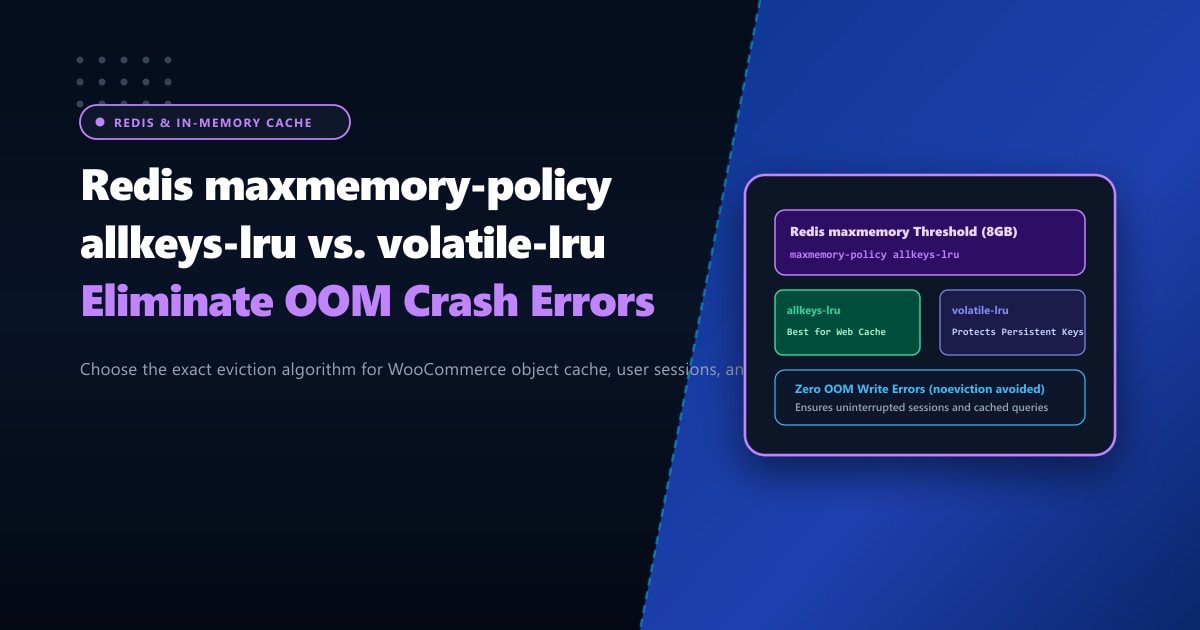
Redis is the gold standard for high-performance in-memory caching, powering WordPress object caches, WooCommerce session storage, rate limiting, and real-time queuing across modern Pakistani web applications.
However, RAM is a finite resource. When your application traffic surges and Redis memory consumption reaches the configured maxmemory ceiling, what happens next?
If your server runs the default Redis configuration, the answer is catastrophic: Redis enters noeviction mode. Any subsequent write operation (SET, HSET, LPUSH) is instantly rejected with the fatal error:
(error) OOM command not allowed when used memory > 'maxmemory'To end users, shopping carts break, login sessions fail, and checkout forms freeze.
Understanding and correctly configuring maxmemory-policy is one of the most critical responsibilities of a database administrator. In this engineering guide, we dissect Redis eviction algorithms, compare allkeys-lru against volatile-lru, and provide exact configuration templates for high-traffic environments.
Executive Summary & Policy Cheatsheet
- Default
noevictionDanger: Out of the box, Redis refuses to delete any keys when memory is full, throwing fatal OOM errors on all write requests. Never leavenoevictionenabled on a dedicated web cache! - Pure Cache Workloads (`allkeys-lru` / `allkeys-lfu`): For WordPress object caching, full-page caches, and database query caching,
allkeys-lruis the industry standard. It automatically evicts the least recently used keys to make room for new ones, guaranteeing 100% write availability. - Hybrid Workloads (`volatile-lru`): If your Redis instance stores both transient cache keys (with an expiration TTL) AND persistent data (like user shopping carts, background jobs, or API tokens without TTL),
volatile-lruensures persistent keys are NEVER deleted. - Hardware Isolation: When in-memory caching demands exceed 32GB or 64GB of RAM, virtualized cloud limits cause heavy performance penalties. Deploying on Dedicated Servers in Pakistan guarantees dedicated DDR4/DDR5 memory channels with zero hypervisor memory throttling.
Comprehensive Breakdown of Redis Eviction Algorithms
Redis provides eight distinct eviction policies, categorized by the scope of keys eligible for pruning:
                                  ┌─── allkeys-* (Every key in Redis is eligible for eviction)
                                  │    ├── allkeys-lru  (Evict least recently used)
                                  │    ├── allkeys-lfu  (Evict least frequently used)
                                  │    └── allkeys-random
maxmemory-policy Options ─────────┤
                                  │
                                  └─── volatile-* (ONLY keys with an explicit TTL/expire are eligible)
                                       ├── volatile-lru (Least recently used among keys with TTL)
                                       ├── volatile-lfu (Least frequently used among keys with TTL)
                                       ├── volatile-ttl (Evict keys with the shortest remaining TTL)
                                       └── volatile-random
1. allkeys-lru (Best for Pure Web & WordPress Cache)
- How it works: When memory is full, Redis removes the keys that haven’t been accessed recently, regardless of whether they have an expiration time set.
- Ideal use case: WordPress Object Cache (via Redis Object Cache plugin or LiteSpeed Cache), Memcached replacements, and database query caching.
2. volatile-lru (Best for Shared/Mixed Storage)
- How it works: Only keys that have an explicit TTL set (
EXPIRE key seconds) are eligible for eviction. Keys created without a TTL (such as permanent auth tokens or application settings) are permanently protected. - Ideal use case: Applications where Redis acts simultaneously as a temporary cache AND a persistent session/state store.
3. allkeys-lfu & volatile-lfu (Least Frequently Used)
- Introduced in Redis 4.0, LFU tracks how frequently keys are accessed using an access counter.
- Advantage over LRU: A key accessed 10,000 times that hasn’t been requested in the last 2 minutes won’t be suddenly evicted just because an obscure key was read 5 seconds ago.
Step 1: Checking Your Active Redis Configuration
Connect to your Redis instance using redis-cli:
redis-cliQuery current memory limits and eviction policies:
127.0.0.1:6379> CONFIG GET maxmemory
1) "maxmemory"
2) "0"               <-- 0 means no limit (will consume all server RAM until OOM!)

127.0.0.1:6379> CONFIG GET maxmemory-policy
1) "maxmemory-policy"
2) "noeviction"      <-- Default setting (dangerous for cache!)
Step 2: Configuring Optimal Memory Limits & Eviction Policy
1. Live Runtime Adjustment (Zero Downtime)
You can update policies on a live production server immediately without restarting Redis:
# Allocate 4GB max memory for Redis
redis-cli CONFIG SET maxmemory 4gb

# Switch eviction policy to allkeys-lru for WordPress caching
redis-cli CONFIG SET maxmemory-policy allkeys-lru
Verify changes:
redis-cli INFO stats | grep -E "evicted_keys|keyspace"2. Permanent Configuration in redis.conf
Edit your primary configuration file (typically at /etc/redis/redis.conf or /etc/redis.conf on AlmaLinux/cPanel):
################################# MEMORY MANAGEMENT #################################

# Maximum RAM Redis is allowed to consume (Leave at least 25% RAM for OS & MariaDB!)
maxmemory 4gb

# Eviction Policy:
# Use 'allkeys-lru' for pure WordPress / Web cache
# Use 'volatile-lru' if storing sessions without TTL
maxmemory-policy allkeys-lru

# LRU and minimal TTL algorithms are not exact, but approximated.
# Default sample count is 5. Setting to 10 approaches true LRU precision:
maxmemory-samples 10
Restart Redis to verify persistence:
sudo systemctl restart redis-server || sudo systemctl restart redisEviction Decision Matrix: Which Policy Should You Use?
| Application Scenario | Recommended Policy | Rationale |
|---|---|---|
| WordPress & WooCommerce Object Cache | allkeys-lru |
Object cache is purely regenerative. Evicting old transients causes zero harm. |
| User Login Sessions & Auth Tokens | volatile-lru |
Prevents logged-in users from being abruptly logged out during high-traffic spikes. |
| Rate Limiting & DDoS Prevention | volatile-ttl |
Evicts keys whose rate-limit windows are nearest to expiration first. |
| Long-Term Analytics / Queues | noeviction |
Guarantees zero data loss; alerts administrators to scale physical RAM when full. |
Scaling In-Memory Architectures with Bare Metal
As your e-commerce or SaaS platform scales, caching tens of gigabytes of relational query data in Redis provides unmatched sub-millisecond response times.
However, running large in-memory footprints on multi-tenant virtual machines often leads to CPU cache line contention and hypervisor memory ballooning.
Deploying on bare-metal Dedicated Servers gives you exclusive access to dual-channel or quad-channel DDR4/DDR5 ECC memory architecture with over 100GB/s of raw memory bandwidth.
For Pakistani enterprises requiring peak transactional performance, our Dedicated Servers in Pakistan provide domestic hardware hosting with sub-10ms ping across PTCL, Nayatel, and StormFiber, backed by 24/7 localized engineering.
Ready for True Bare-Metal & Enterprise Cloud Power in Pakistan?
Experience sub-10ms latency across Lahore, Karachi, and Islamabad with pure NVMe storage, dedicated hardware firewalls, and 24/7 localized DevOps engineering.
