
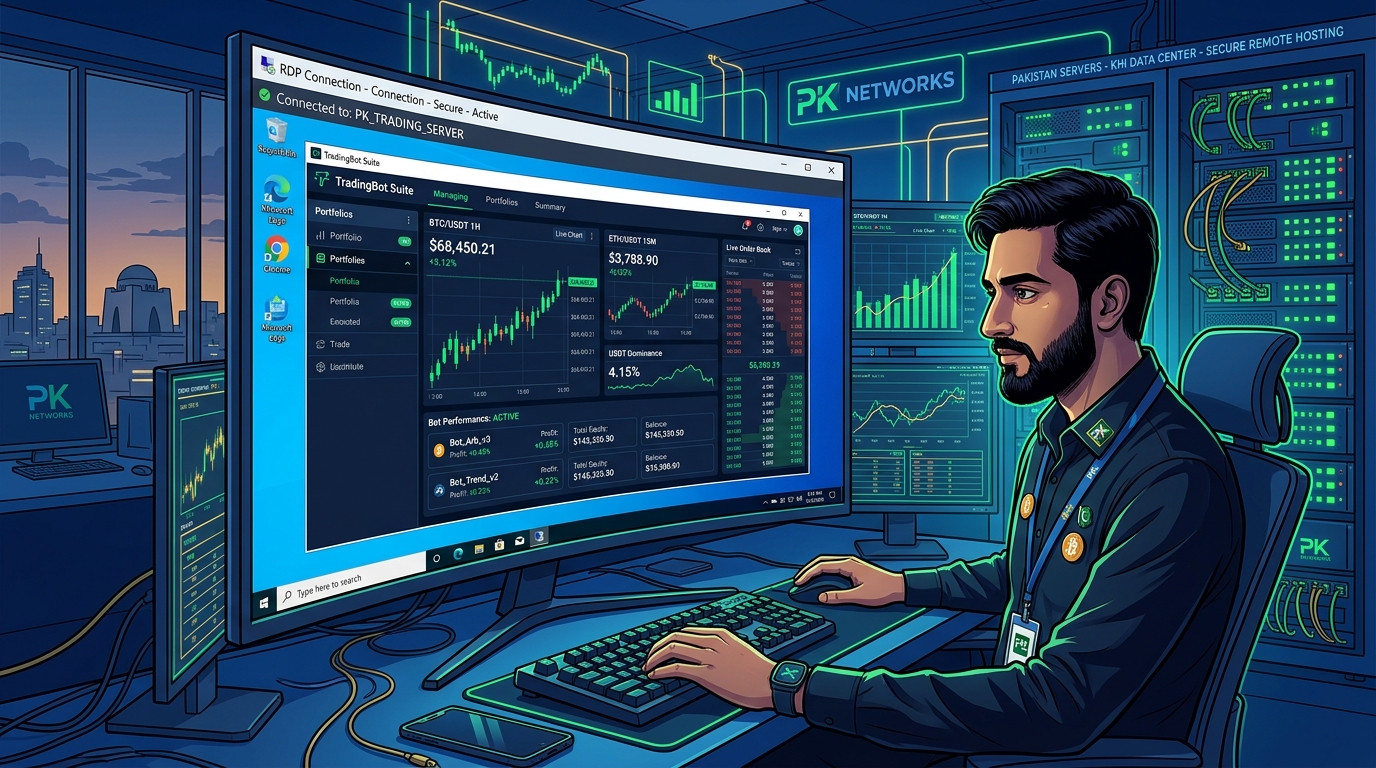
In the fast-paced world of algorithmic cryptocurrency trading and automated Forex trading in Pakistan, execution speed is the difference between consistent profitability and blown trading accounts.
Whether you are trading high-leverage Bitcoin perpetual futures on Binance or Bybit using Python algorithmic bots (like Hummingbot or Freqtrade), or running automated Expert Advisors (EAs) and scalping strategies on MetaTrader 4 (MT4) or MetaTrader 5 (MT5), every millisecond of network latency matters.
Yet, thousands of retail traders and proprietary trading desks across Pakistan attempt to execute automated algorithms from their personal laptops or home desktop computers.
This setup is fraught with catastrophic risks:
- The Devastating Slippage Penalty: The round-trip ping time from a domestic fiber connection in Lahore or Karachi to European financial exchanges in London (LD4) or Frankfurt is 120ms to 150ms. In high-volatility news events (like US CPI announcements or FOMC rate decisions), this delay causes massive order slippage, triggering stop-losses at the worst possible prices.
- Unannounced ISP Fiber Drops & Routing Jitter: Domestic broadband connections experience sudden packet drops, DNS resolution stalls, and underwater cable maintenance throttles, severing your bot’s socket connection midway through order execution.
- Power Outages & Windows Auto-Reboots: If your laptop loses power, your Wi-Fi disconnects, or Windows arbitrarily decides to force an overnight reboot, your trading bot terminates silently, leaving open positions completely unmanaged!
The gold-standard architecture used by professional algorithmic funds is Dedicated Low-Latency Windows RDP (Remote Desktop Protocol).
By co-locating your trading terminals inside Tier-3 datacenters directly adjacent to major financial liquidity hubs, your bots execute trades with sub-1ms execution latency, zero power interruptions, and 100% automated reliability.
In this technical guide, we break down low-latency trading infrastructure and explain how to configure rock-solid algorithmic bots on Dedicated RDP.
The Latency Breakdown: Home PC vs. Datacenter Co-Location
To understand why professional traders never run bots on home broadband, analyze the network transit paths:
[Traditional Home Setup in Pakistan: High Slippage & Risk]
Home Laptop (Lahore / Karachi) ──► Domestic ISP (Nayatel / PTCL)
                                              │
               Underwater Subsea Cable Transit (130ms - 160ms Delay!)
                                              │
                                              ▼
[Broker / Exchange Server (Equinix LD4 London / Frankfurt)]
──► Order Execution Delay: ~ 150 milliseconds!
──► High Market Slippage: Your buy order fills 15 pips higher!
──► Power drop or internet hiccup freezes bot!

[Professional Low-Latency Dedicated RDP Setup]
Your Phone / Laptop (Used ONLY to monitor performance!)
                     │ (RDP streaming latency does NOT affect trading speed!)
                     ▼
[Nextgen Dedicated Trading RDP (Frankfurt / London / New York)]
  ├── Direct Cross-Connect to Exchange Matching Engines: PING < 1ms!
  ├── Dual Redundant Power & Battery Backup (UPS + Diesel Gensets)
  ├── 99.99% Uptime SLA: Runs 24/7/365 without ever shutting down
  ├── Sub-Millisecond Order Execution: Zero slippage on limit & market orders!
                     │
                     ▼ Direct Cross-Connect (< 1ms)
[Binance, Bybit, Exness, IC Markets Liquidity Servers]
When your trading bot runs inside a dedicated cloud RDP in Frankfurt or London:
- The bot’s connection to the broker’s liquidity server is instantaneous (1ms to 2ms).
- Orders are placed, confirmed, and filled at the exact quoted price before retail domestic traders even see the tick move.
- You can turn off your laptop, go about your day, and monitor your bot’s live PnL from your smartphone anytime!
Step-by-Step Configuration: Setting Up MetaTrader 4/5 on Dedicated RDP
1. Selecting the Broker Datacenter Location
Most institutional Forex and CFD brokers (such as IC Markets, Exness, Pepperstone, and FXTM) host their primary trade matching engines in London (Equinix LD4) or New York (Equinix NY4).
- For European and UK brokers, select our European Dedicated RDP.
- For US-regulated futures or crypto matching engines, select our US Dedicated RDP.
2. Installing and Isolating Multiple MT4/MT5 Instances
To run multiple trading bots or manage accounts across different prop firms (FTMO, FundedNext, MyForexFunds):
- Connect to your Nextgen RDP via Microsoft Remote Desktop (
mstsc). - Download your broker’s MT4/MT5 setup executable.
- Install the first terminal to
C:\Program Files\Broker_MT4_01\. - Run the installer again, click Settings, and install the second terminal to
C:\Program Files\Broker_MT4_02\. - Add the
/portableflag to the desktop shortcut to run each terminal completely independent of the Windows user registry:"C:\Program Files\Broker_MT4_01\terminal.exe" /portable
3. Setting Up Auto-Start on Windows Boot
Ensure that if the virtual machine ever reboots during scheduled maintenance, your trading bots launch and resume automated trading automatically:
- Press
Win + R, typeshell:startup, and hit Enter. - Drag and drop your MT4/MT5 portable shortcuts into this startup directory.
- Enable Auto-Login in Windows so the desktop initializes immediately upon power recovery.
Deploying Python & Crypto WebSocket Bots (Binance / Bybit)
For cryptocurrency algorithmic traders using Python, Node.js, or Go bots:
# Example low-latency WebSocket connection to Binance Futures
import asyncio
import json
import websockets

async def stream_orderbook():
    # Direct high-speed connection inside EU datacenter
    uri = "wss://fstream.binance.com/ws/btcusdt@depth5@100ms"
    async with websockets.connect(uri) as websocket:
        print("[+] Connected to Binance Futures Orderbook with < 2ms latency!")
        while True:
            data = await websocket.recv()
            orderbook = json.loads(data)
            # Execute lightning-fast micro-arbitrage logic here...

asyncio.run(stream_orderbook())
Inside our dedicated RDP infrastructure, WebSocket messages are received and processed within sub-2 milliseconds, allowing your high-frequency arbitrage bots to beat competitor algorithms to the order book.
Hardware Comparison: Dedicated RDP vs. Budget Shared RDP
Never trust your live trading capital to cheap shared RDP accounts:
| Trading Requirement | Cheap Shared RDP (Resellers) | Nextgen Dedicated Trading RDP |
|---|---|---|
| Execution Latency to Brokers | Variable (Spikes to 80ms under neighbor load) | Stable 1ms - 3ms Direct Fiber |
| Process Autonomy | Other users can kill your terminal process | 100% Isolated Dedicated OS |
| API Key Security | Vulnerable to clipboard snooping | Full Administrator Isolation |
| OS Reboots | Frequent unannounced crashes | 99.9% Uptime Guarantee |
| RAM & CPU | Shared with 40 strangers | Dedicated AMD EPYC / Xeon Cores |
Scale to Multi-Terminal Trading Farms with Bare Metal
For institutional trading firms, hedge funds, and proprietary trading syndicates in Pakistan managing dozens of high-frequency execution bots, virtual instances can eventually run into vCPU hypervisor limits.
Deploying on dedicated bare-metal enterprise hardware gives you access to unthrottled physical CPU cores, enterprise NVMe RAID arrays, and dedicated 10Gbps unshared uplinks.
Explore Nextgen’s high-performance bare-metal Dedicated Servers and locally hosted Dedicated Servers in Pakistan.
Eliminate Slippage with Nextgen Dedicated Trading RDP
Deliver sub-millisecond broker execution and 24/7 automated uptime. Deploy your MetaTrader terminals and crypto trading bots on dedicated high-speed Windows RDP backed by our 4.7/5 Trustpilot rated support.
