
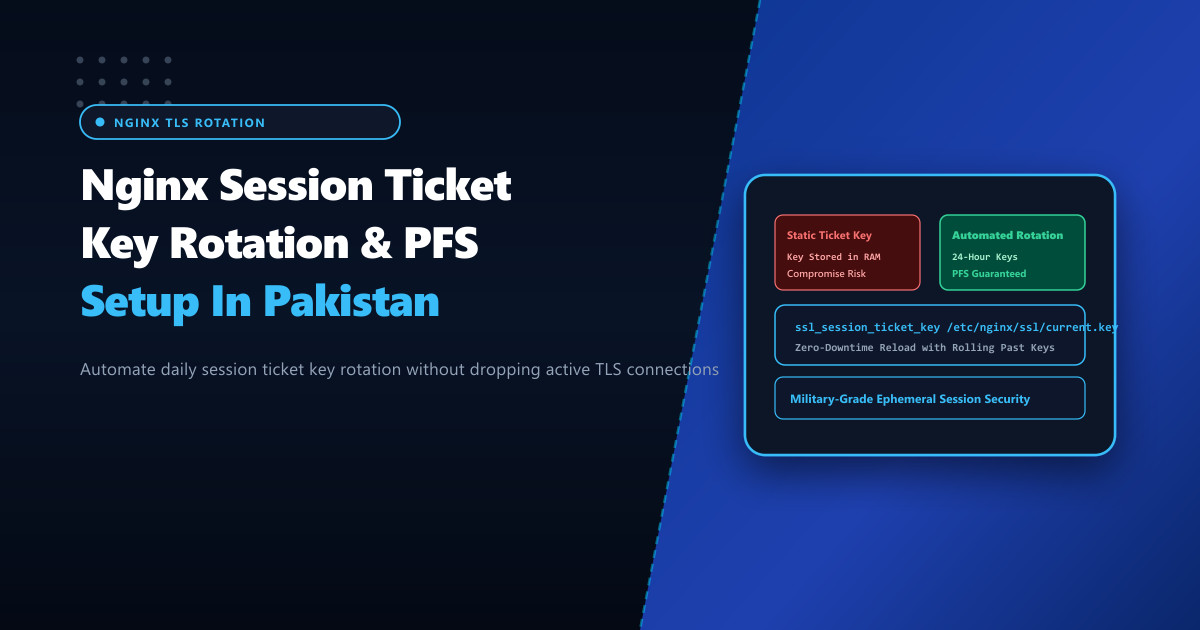
TLS session resumption is essential for web performance. Rather than forcing clients across Pakistan to execute a full, CPU-intensive cryptographic handshake on every single visit, modern browsers use Session Tickets (RFC 5077) to resume previous encrypted sessions in zero or one round-trip time.
However, session tickets introduce a critical security paradox:
To encrypt and authenticate session tickets, the web server uses a symmetric encryption key (ssl_session_ticket_key). If Nginx is configured with a static key that is never rotated—or worse, relies on an in-memory key generated at server boot that persists across months of uptime—an attacker who eventually compromises that key can retroactively decrypt all intercepted historical sessions resumed with that ticket, completely breaking Perfect Forward Secrecy (PFS)!
Hosting mission-critical portals on bare-metal Dedicated Servers gives engineering teams complete control to automate cryptographically secure 24-hour session ticket key rotation across distributed Nginx clusters in Pakistan.
How Session Tickets Work and Why Static Keys Fail
When a client finishes an initial TLS handshake:
- The server encrypts the master secret, client identity, and cipher details using a secret AES-256-CBC/GCM key (
STEK- Session Ticket Encryption Key). - The server sends this opaque encrypted “ticket” to the client.
- Upon returning, the client presents the ticket in its
ClientHello. The server decrypts it using itsSTEKand resumes encryption instantly.
Vulnerability with Static Key:
Day 1: Client Resumes Session with Ticket ────► Encrypted with STEK Key 1
Day 30: Client Resumes Session with Ticket ───► Encrypted with STEK Key 1
Day 90: Attacker Extracts STEK Key 1 from RAM ─► ALL 90 Days of Resumed Traffic Decrypted!

Security with Automated 24-Hour Rolling Rotation:
Day 1: Ticket encrypted with Key A ───────► Key A retired on Day 2
Day 2: Ticket decrypted with Key A ───────► Re-encrypted with Key B!
Day 3: Key A erased from disk and RAM ───► Retroactive decryption impossible!
The Three-Key Rolling Hierarchy
To rotate ticket keys without dropping active client connections, Nginx supports passing multiple keys to ssl_session_ticket_key:
- Key 1 (Current): Used to encrypt new tickets and decrypt incoming tickets.
- Key 2 (Previous): Used exclusively to decrypt older tickets from returning visitors.
- Key 3 (Legacy): Allowed for graceful session drainage before complete deletion.
Step 1: Automated Key Generation Script
Create an automated key generation script at /usr/local/bin/rotate_nginx_ticket_keys.sh:
#!/bin/bash
# /usr/local/bin/rotate_nginx_ticket_keys.sh - Rolling TLS Session Ticket Rotation

KEY_DIR="/etc/nginx/ssl/tickets"
COMBINED_FILE="/etc/nginx/ssl/session_ticket.keys"
mkdir -p "$KEY_DIR"
chmod 700 "$KEY_DIR"

# Generate new 80-byte or 48-byte cryptographically secure binary key
# OpenSSL requires 80 bytes for AES-256 + HMAC-SHA256 (16-byte key name + 32-byte AES + 32-byte HMAC)
NEW_KEY="$KEY_DIR/ticket_$(date +%Y%m%d%H%M%S).key"
openssl rand 80 > "$NEW_KEY"
chmod 600 "$NEW_KEY"

# Maintain only the 3 most recent keys (Current, Previous, Drain)
LATEST_KEYS=$(ls -t $KEY_DIR/ticket_*.key 2>/dev/null | head -n 3)

# Concatenate keys into a single combined file for Nginx
cat $LATEST_KEYS > "$COMBINED_FILE"
chmod 600 "$COMBINED_FILE"
chown root:nginx "$COMBINED_FILE"

# Purge keys older than 72 hours
ls -t $KEY_DIR/ticket_*.key | tail -n +4 | xargs -r rm -f

# Gracefully reload Nginx without dropping active TCP sockets
nginx -t && systemctl reload nginx

echo "[*] Rotated TLS session ticket keys successfully on $(date)"
Make the script executable:
chmod +x /usr/local/bin/rotate_nginx_ticket_keys.sh

# Run once to initialize keys
/usr/local/bin/rotate_nginx_ticket_keys.sh
Step 2: Configuring Nginx to Use the Rotating Keyfile
Update /etc/nginx/conf.d/tls-tickets.conf to consume the combined keyfile:
# /etc/nginx/conf.d/tls-tickets.conf - Automated Session Ticket Integration

# Enable TLS session tickets
ssl_session_tickets on;

# Path to the rolling ticket keyfile generated by our script
ssl_session_ticket_key /etc/nginx/ssl/session_ticket.keys;

# Shared in-memory session cache as secondary fallback
ssl_session_cache shared:SSL:50m;
ssl_session_timeout 1d;
Step 3: Scheduling Automated Daily Rotation
Configure a root cron job to rotate the session ticket keys every 24 hours at 03:00 AM:
# Add cron job for daily 3:00 AM ticket key rotation
(crontab -l 2>/dev/null; echo "0 3 * * * /usr/local/bin/rotate_nginx_ticket_keys.sh >/dev/null 2>&1") | crontab -
Step 4: Synchronizing Keys Across Multi-Server Load Balancers
If you run multiple Nginx origin nodes behind an HAProxy or Cloudflare load balancer in Pakistan, a visitor’s initial request may land on Node A, while their next request hits Node B.
For session tickets to resume across different physical servers, all nodes must share the identical ticket keyfile!
Synchronize /etc/nginx/ssl/session_ticket.keys across nodes using secure SSH or automated configuration management:
# Example rsync synchronization to secondary edge nodes in Karachi and Islamabad
rsync -avz -e "ssh -i /root/.ssh/cluster_key" \
  /etc/nginx/ssl/session_ticket.keys [email protected]:/etc/nginx/ssl/session_ticket.keys

ssh -i /root/.ssh/cluster_key [email protected] "systemctl reload nginx"
Verifying Resumption and Security
Verify that session resumption succeeds using OpenSSL:
# Test initial connection and capture ticket
openssl s_client -connect nextgen.pk:443 -reconnect < /dev/null | grep -i "reused"
The output will confirm:
Reused, TLSv1.3, Cipher is TLS_AES_256_GCM_SHA384Deploying automated session ticket rotation on enterprise Dedicated Servers in Pakistan guarantees blazing-fast zero-RTT mobile web resumption while preserving military-grade forward secrecy across all corporate and financial portals.
Accelerate and Secure Your Web Infrastructure with NextGen
Deliver ultra-fast TLS 1.3 resumption, automated session security, and hardware-accelerated encryption on bare-metal Dedicated Servers in Pakistan.
Explore High-Performance Dedicated Servers