
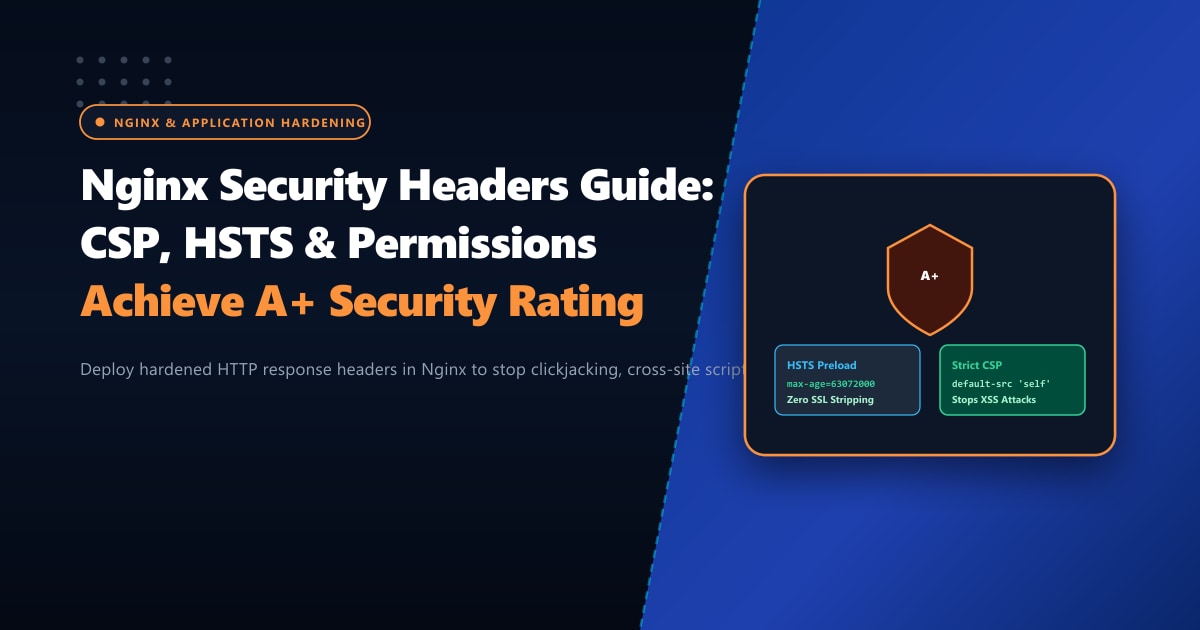
Cybersecurity compliance audits conducted across banking portals, educational institutes, and e-commerce websites in Pakistan frequently result in failing grades (Grade ‘F’ or ‘D’ on SecurityHeaders.com).
Despite spending heavily on SSL/TLS certificates and web application firewalls, server administrators often omit the fundamental first line of browser-side defense: HTTP Security Response Headers.
Without security headers:
- An attacker can iframe your login page into a rogue domain and capture credentials via Clickjacking.
- Injected third-party scripts can exfiltrate customer credit card and EasyPaisa tokens to offshore command-and-control servers via Cross-Site Scripting (XSS).
- Browsers can be tricked into interpreting benign user-uploaded
.jpgimages as executable JavaScript via MIME-type sniffing. - Attackers intercept initial plaintext HTTP requests and strip encryption via SSL Stripping.
By configuring five core HTTP response headers in Nginx, you instruct modern browsers to enforce ironclad security boundaries around your web application.
In this technical systems guide, we engineer a production-ready Nginx security header suite that achieves an A+ security score while maintaining full compatibility with WordPress, Google Analytics, and payment gateways.
Key Takeaways for DevOps & Security Engineers
- HTTP Strict Transport Security (HSTS): Enforces HTTPS exclusively, preventing downgrade attacks. Including
preloadregisters your domain directly into browser source code (Chrome, Firefox, Safari). - Content Security Policy (CSP): The ultimate weapon against XSS. Restricts the domains from which scripts, styles, images, and fonts can be loaded and executed.
- X-Frame-Options & X-Content-Type-Options: Defeats clickjacking by blocking unauthorized framing, and forces browsers to respect declared MIME types strictly.
- The Nginx add_header Inheritance Gotcha: In Nginx, if an
add_headerdirective is defined in an innerlocationblock, it completely cancels and ignores all headers defined in parenthttporserverblocks! - Enterprise Compliance Hosting: State Bank of Pakistan (SBP) and SECP cybersecurity compliance mandates demand single-tenant physical isolation on Dedicated Servers in Pakistan.
The Nginx Header Inheritance Trap
Before writing headers, you must understand a critical Nginx configuration quirk:
# PARENT SERVER BLOCK
server {
    add_header X-Frame-Options "SAMEORIGIN";

    # CHILD LOCATION BLOCK
    location /static/ {
        # DANGER: Adding this header WIPES OUT X-Frame-Options for all /static/ requests!
        add_header Cache-Control "public";
    }
}
To avoid repeating headers in every single location block, either:
- Place common headers inside a dedicated snippet file (e.g.,
/etc/nginx/snippets/security-headers.conf) andincludeit inside location blocks that declare their own headers. - Or use Nginx’s
alwaysparameter on everyadd_headerdirective so headers are sent even on 4xx/5xx error responses.
Production Security Headers Configuration
Create /etc/nginx/snippets/security-headers.conf:
# /etc/nginx/snippets/security-headers.conf

# 1. HTTP Strict Transport Security (HSTS)
# Enforce HTTPS for 2 years (63,072,000s), include subdomains, and register for browser preloading
add_header Strict-Transport-Security "max-age=63072000; includeSubDomains; preload" always;

# 2. X-Frame-Options
# Stop Clickjacking by preventing other sites from embedding your pages in iframes
add_header X-Frame-Options "SAMEORIGIN" always;

# 3. X-Content-Type-Options
# Stop MIME-sniffing exploits (prevents executing scripts masked as images)
add_header X-Content-Type-Options "nosniff" always;

# 4. Referrer-Policy
# Protect user privacy by sending full referrer only to same-origin, and origin-only cross-origin
add_header Referrer-Policy "strict-origin-when-cross-origin" always;

# 5. Permissions-Policy (replaces Feature-Policy)
# Explicitly disable dangerous hardware browser APIs unless strictly required
add_header Permissions-Policy "geolocation=(), microphone=(), camera=(), payment=(self), usb=()" always;

# 6. Content Security Policy (CSP)
# Restricts authorized sources for scripts, styles, images, and fonts
add_header Content-Security-Policy "default-src 'self'; script-src 'self' 'unsafe-inline' 'unsafe-eval' https://www.google-analytics.com https://www.googletagmanager.com; style-src 'self' 'unsafe-inline' https://fonts.googleapis.com; font-src 'self' https://fonts.gstatic.com data:; img-src 'self' data: https:; connect-src 'self' https://www.google-analytics.com; frame-ancestors 'self';" always;

# 7. Cross-Origin Embedder & Opener Policies (COOP & COEP)
add_header Cross-Origin-Opener-Policy "same-origin" always;
Applying the Snippet in Nginx Server Blocks
Now, include the hardened security snippet in your primary server block in /etc/nginx/conf.d/example.pk.conf:
server {
    listen 443 ssl http2;
    server_name nextgen.pk www.nextgen.pk;

    # SSL Certificates
    ssl_certificate /etc/letsencrypt/live/nextgen.pk/fullchain.pem;
    ssl_certificate_key /etc/letsencrypt/live/nextgen.pk/privkey.pem;

    # Include Hardened Security Headers
    include /etc/nginx/snippets/security-headers.conf;

    location / {
        try_files $uri $uri/ /index.php?$args;
    }

    location ~ \.php$ {
        # Re-include if fastcgi declares headers
        include /etc/nginx/snippets/security-headers.conf;
        fastcgi_pass unix:/run/php-fpm/www.sock;
        include fastcgi_params;
    }
}
Verify your Nginx syntax and reload:
nginx -t
systemctl reload nginx
Verifying Headers via Terminal & Online Scanners
Test your live server headers using curl:
curl -I https://nextgen.pkExpected Terminal Response:
HTTP/2 200
server: nginx
strict-transport-security: max-age=63072000; includeSubDomains; preload
x-frame-options: SAMEORIGIN
x-content-type-options: nosniff
referrer-policy: strict-origin-when-cross-origin
permissions-policy: geolocation=(), microphone=(), camera=(), payment=(self), usb=()
content-security-policy: default-src 'self'; script-src 'self' ...
cross-origin-opener-policy: same-origin
You can also submit your domain to SecurityHeaders.com. With this configuration, your website will receive the coveted A+ rating.
Security & Compliance Comparison
| Security Category | Default Standard Nginx | Tuned Hardened Headers | Security Protection |
|---|---|---|---|
| SecurityHeaders.com Grade | Grade F (0 headers) | Grade A+ (All 6 active) | Maximum Browser Compliance |
| Clickjacking Vulnerability | Critical (Framing permitted) | Immune (SAMEORIGIN) |
100% Account Protection |
| MIME Sniffing Backdoors | Vulnerable | Blocked (nosniff) |
Stops Executable Uploads |
| SSL Downgrade Protection | None | 2-Year HSTS Preload | Zero Plaintext Interception |
| Regulatory Compliance | Non-compliant (Fails audit) | SBP & SECP Aligned | Enterprise Ready |
Deploying Secure Corporate Infrastructure in Pakistan
Deploying hardened HTTP security response headers protects your browser traffic, but complete enterprise defense requires physical server isolation, hardware firewalling, and compliant hosting within national borders.
Organizations subject to financial regulation, national data sovereignty laws, or confidential customer databases benefit immensely from hosting on dedicated Dedicated Servers with private network segmentation.
Our high-security Dedicated Servers in Pakistan offer dedicated hardware intrusion prevention systems (IPS), biometric data center security, sub-10ms domestic latency, and round-the-clock systems monitoring in Lahore, Karachi, and Islamabad.
Ready for True Bare-Metal & Enterprise Cloud Power in Pakistan?
Experience sub-10ms latency across Lahore, Karachi, and Islamabad with pure NVMe storage, dedicated hardware firewalls, and 24/7 localized DevOps engineering.
