
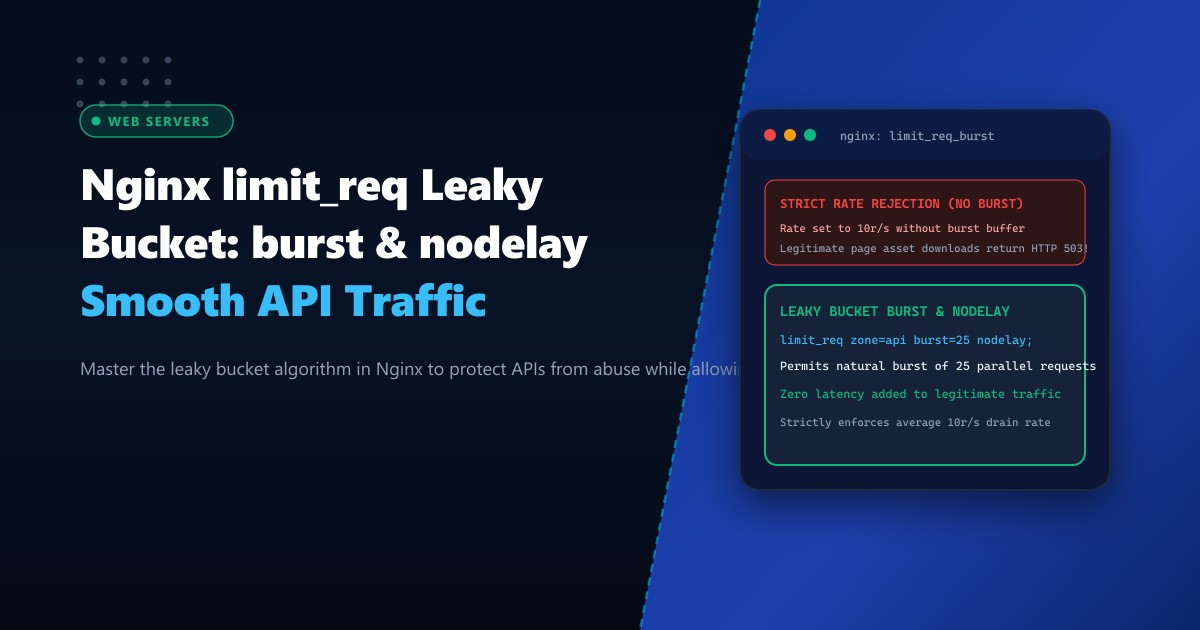
Web applications, university admission portals, banking APIs, and e-commerce platforms across Pakistan face frequent Layer 7 HTTP flood attacks, credential stuffing campaigns, and aggressive scraping scripts. When hundreds of concurrent requests strike dynamic PHP-FPM or Node.js endpoints, upstream application pools quickly exhaust their worker processes, driving CPU loads beyond capacity and causing HTTP 502/504 Bad Gateway errors.
NGINX ngx_http_limit_req_module provides a line-rate mitigation barrier built on the classical Leaky Bucket algorithm. While many administrators deploy basic rate limits, misunderstandings regarding burst, nodelay, and shared memory zone sizing often lead to two disastrous outcomes: legitimate users experiencing artificial latency delays, or high-volume scrapers slipping through unchecked.
In this operational guide, we dissect the internal state mechanics of the leaky bucket algorithm in NGINX, evaluate mathematical trade-offs between buffered and unbuffered bursts, construct enterprise DDoS mitigation templates, and optimize edge performance on Dedicated Servers.
The Leaky Bucket Algorithm in NGINX
The leaky bucket algorithm models request processing as a bucket with a fixed capacity and a constant drain rate:
- Incoming HTTP requests are poured into the bucket.
- The bucket “leaks” (dispatches requests to the upstream application) at a strictly governed rate $R$ (e.g., $10\text{ req/sec}$).
- If requests arrive faster than the drain rate, the excess fills the bucket up to the configured
burstlimit. - Any requests arriving when the bucket is completely full are immediately rejected with an HTTP 429 (or 503) error status code.
       Incoming HTTP Requests (Sporadic Bursts)
                     |  |  |  |
                     v  v  v  v
             +-----------------------+
             |     Bucket Capacity   |  <--- "burst=20"
             |       (Queue Slot)    |
             |                       |
             +-----------+-----------+
                         |
                         v (Constant Leak Rate)  <--- "rate=10r/s"
                 +---------------+
                 |  Upstream PHP |
                 |   or Backend  |
                 +---------------+
Deploying this architecture on bare-metal Dedicated Servers in Pakistan ensures that the NGINX event loop processes millions of rate evaluations per second directly in shared RAM without context-switching.
Understanding rate, burst, and nodelay
The directive limit_req_zone establishes the shared memory tracking table, while limit_req enforces policy:
http {
    # 10 megabyte zone tracks ~160,000 unique client IP states
    limit_req_zone $binary_remote_addr zone=api_throttle:10m rate=10r/s;
}
Let us analyze the three distinct modes of behavior when handling a burst of 15 requests arriving within the exact same millisecond:
Mode 1: No Burst (limit_req zone=api_throttle;)
- Rate is 1 request per 100ms.
- 1st request is accepted.
- Requests 2 through 15 arrive before 100ms has elapsed.
- Result: 1 request succeeds; 14 requests are instantly dropped with HTTP 503/429. (Unusable for modern web browsers loading CSS, JS, and AJAX assets concurrently).
Mode 2: Burst Without nodelay (limit_req zone=api_throttle burst=20;)
- 1st request is passed immediately.
- Requests 2 through 15 are queued in the bucket.
- NGINX delays each queued request so that they leave the bucket at 100ms intervals.
- The 15th request finishes after $14 \times 100\text{ms} = 1.4\text{ seconds}$ of artificial latency.
- Result: No requests dropped, but users perceive an unacceptably sluggish UI.
Mode 3: Burst With nodelay (limit_req zone=api_throttle burst=20 nodelay;)
- 1st request is passed immediately.
- Requests 2 through 15 are also passed to the upstream backend immediately without any artificial delay.
- However, 15 slots in the bucket are now occupied.
- The bucket slots drain at the rate of 1 slot every 100ms.
- If request 16 through 22 arrive within the next 200ms, slots 21 and 22 exceed the burst limit of 20 and are instantly rejected.
- Result: Instant zero-latency responses for legitimate bursts (such as browser parallel fetches), while throttling sustained flood attacks.
Step-by-Step Production Configuration
Create a comprehensive rate-limiting policy in /etc/nginx/conf.d/rate_limits.conf:
# /etc/nginx/conf.d/rate_limits.conf

# Map real client IP behind Cloudflare or reverse proxies
map $http_cf_connecting_ip $client_ip {
    ""      $remote_addr;
    default $http_cf_connecting_ip;
}

# Whitelist internal office IPs and monitoring endpoints from rate limiting
geo $client_ip $is_whitelisted {
    default        0;
    127.0.0.1      1;
    192.168.1.0/24 1;
    103.255.4.0/22 1; # Karachi HQ NOC IP Range
}

map $is_whitelisted $limit_key {
    0 $binary_remote_addr;
    1 "";
}

# 1. General Website Browsing: 30 requests per second
limit_req_zone $limit_key zone=general_browsing:20m rate=30r/s;

# 2. Strict Authentication Protection: 2 requests per second
limit_req_zone $limit_key zone=login_defense:10m rate=2r/s;

# 3. Dynamic API Endpoints: 15 requests per second
limit_req_zone $limit_key zone=api_endpoints:20m rate=15r/s;

# Custom HTTP Status Code for Throttling (RFC 6585)
limit_req_status 429;
Now apply these zones specifically within your server and location blocks:
server {
    listen 443 ssl http2;
    server_name portal.example.pk;

    # General protection across all static & HTML assets
    limit_req zone=general_browsing burst=50 nodelay;

    # Dedicated hardening for sensitive login endpoints
    location = /wp-login.php {
        limit_req zone=login_defense burst=5 nodelay;
        limit_req_log_level warn;

        fastcgi_pass unix:/run/php/php8.2-fpm.sock;
        include fastcgi_params;
        fastcgi_param SCRIPT_FILENAME $document_root$fastcgi_script_name;
    }

    # API endpoints allowing controlled bursts
    location /api/v1/ {
        limit_req zone=api_endpoints burst=30 nodelay;

        proxy_pass http://127.0.0.1:8080;
        proxy_set_header Host $host;
        proxy_set_header X-Real-IP $client_ip;
    }

    # Custom 429 JSON response for API clients
    error_page 429 = @rate_limit_fallback;
    location @rate_limit_fallback {
        default_type application/json;
        return 429 '{"error": "Too Many Requests", "message": "Rate limit exceeded. Please back off and retry."}';
    }
}
Real-Time Validation and Stress Testing
Test the rate-limiting configuration using vegeta or ab (ApacheBench) from a remote benchmarking host:
# Send 100 requests with concurrency 10 against the login portal
ab -n 100 -c 10 https://portal.example.pk/wp-login.php
Inspect NGINX error logs for rate-limiting events:
tail -f /var/log/nginx/error.log | grep -i "limiting requests"Sample output:
2026/10/01 10:14:22 [warn] 24192#24192: *1042 limiting requests, excess: 5.120 by zone "login_defense", client: 39.40.12.89, server: portal.example.pk, request: "POST /wp-login.php HTTP/1.1"Memory Sizing and Performance Metrics
The $binary_remote_addr variable stores IPv4 addresses in 4 bytes and IPv6 addresses in 16 bytes. Inside the shared memory zone (rbtree structure), each entry takes exactly 64 bytes on a 64-bit architecture:
| Shared Memory Size | IPv4 Client States Tracked | Memory Footprint | Max Active Clients |
|---|---|---|---|
| 1 MB | ~16,000 IPs | 1 MB RAM | Regional Portals |
| 10 MB | ~160,000 IPs | 10 MB RAM | National Portals |
| 50 MB | ~800,000 IPs | 50 MB RAM | High-Traffic Media / Banking |
If a memory zone becomes full, NGINX evicts older inactive entries using a Least Recently Used (LRU) algorithm, ensuring uninterrupted operational resilience during peak traffic events.
Mitigate Layer 7 Threats with NextGen Dedicated Servers
Protect your critical digital assets with hardware-grade DDoS mitigation, ultra-fast 10GbE network pipes, and bare-metal NGINX reverse proxies. Explore our global Dedicated Servers or deploy within low-latency domestic facilities on Dedicated Servers in Pakistan.
