
Deploying software updates to financial microservices, Raast B2B settlement bridges, and core banking APIs across Pakistan involves immense operational risk. Synthetic load testing and staging environments rarely capture the complexity, concurrent state variations, edge-case headers, and unpredictable payload mutations generated by millions of live users across regional mobile applications.
Traditional canary deployments route a percentage of real users (e.g., 5%) directly to the new release. However, if that new microservice version contains an unhandled exception or database race condition, real banking transactions fail, triggering financial reconciliation disputes and regulatory scrutiny from the State Bank of Pakistan (SBP).
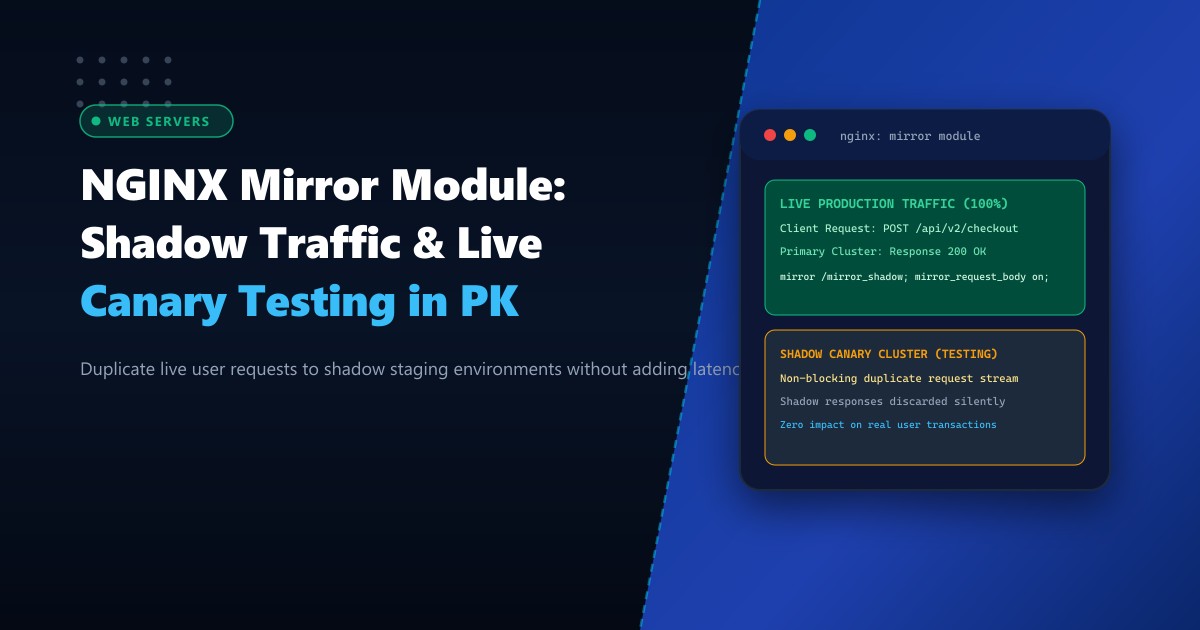
Traffic Mirroring (Shadowing) via the NGINX ngx_http_mirror_module provides a zero-risk deployment verification mechanism. NGINX duplicates incoming live client HTTP requests in background memory and sends an exact copy to a shadow canary environment. Crucially, the shadow service’s responses are completely ignored and discarded by NGINX; the real user only ever interacts with the proven production backend, experiencing zero added latency.
In this architecture guide, we configure NGINX traffic shadowing, preserve incoming request bodies, implement payload sanitization, analyze shadow performance telemetry, and run high-concurrency microservices on Dedicated Servers.
Architectural Mechanics: How NGINX Traffic Mirroring Operates
The ngx_http_mirror_module is built directly into NGINX’s core event-driven HTTP processing phase. When a client request arrives at an API gateway location:
- Primary Request Processing: NGINX handles the client request normally, proxying it to the production backend cluster (
upstream_prod). - Subrequest Forking: NGINX creates an asynchronous, non-blocking subrequest pointing to an internal mirror location.
- Background Dispatch: The duplicated subrequest is transmitted to the shadow staging cluster (
upstream_shadow), complete with client HTTP headers and optional request bodies (mirror_request_body on;). - Response Isolation: NGINX streams the production cluster’s HTTP response back to the client immediately. When the shadow cluster responds (or times out), NGINX silently drops the shadow response.
       Live Mobile App / Web Client
                    |
                    v (POST /api/v2/payment/process)
           +-----------------+
           |   NGINX Gateway |
           +--------+--------+
                    |
        +-----------+-----------+
        | (100% Sync)           | (100% Async Duplicate)
        v                       v
+---------------+       +---------------+
| Production v1 |       | Shadow v2     |
| (Active Core) |       | (New Release) |
+-------+-------+       +-------+-------+
        |                       |
        v                       v
[HTTP 200 OK]          [Response Silently Discarded]
        |
        v
(Returned to Client in Real-Time)
By deploying this topology on high-throughput Dedicated Servers in Pakistan, edge reverse proxies duplicate gigabits of production payload without CPU saturation.
Step 1: Verifying the NGINX Mirror Module
The mirror module is compiled by default in standard NGINX distributions since version 1.13.4. Confirm its availability on your system:
nginx -V 2>&1 | grep -o with-http_mirror_moduleIf your output includes with-http_mirror_module (or standard pre-compiled RPMs on AlmaLinux / Ubuntu), the feature is enabled.
Step 2: Configuring Production Traffic Shadowing
Create an enterprise configuration file /etc/nginx/conf.d/fintech_mirror.conf:
# /etc/nginx/conf.d/fintech_mirror.conf

# 1. Primary Live Production Cluster
upstream prod_backend {
    server 10.0.1.10:8080 max_fails=3 fail_timeout=10s;
    server 10.0.1.11:8080 max_fails=3 fail_timeout=10s;
    keepalive 64;
}

# 2. Shadow Canary Staging Cluster (Undergoing Testing)
upstream shadow_backend {
    server 10.0.2.50:8080 max_fails=0; # Do not mark dead on test anomalies
    keepalive 32;
}

server {
    listen 443 ssl http2;
    server_name api.fintech.example.pk;

    ssl_certificate /etc/ssl/certs/fintech.crt;
    ssl_certificate_key /etc/ssl/private/fintech.key;

    # Client payload buffer sizing
    client_max_body_size 10m;
    client_body_buffer_size 128k;

    # Primary API Gateway Location
    location /api/v2/transactions {
        # Enable Traffic Shadowing to Internal Location
        mirror /internal_mirror_target;

        # Forward the complete request payload body to shadow
        mirror_request_body on;

        # Proxy to live production upstream
        proxy_pass http://prod_backend;
        proxy_http_version 1.1;
        proxy_set_header Connection "";
        proxy_set_header Host $host;
        proxy_set_header X-Real-IP $remote_addr;
        proxy_set_header X-Forwarded-For $proxy_add_x_forwarded_for;
        proxy_set_header X-Forwarded-Proto $scheme;

        # Strict production timeouts
        proxy_connect_timeout 2s;
        proxy_read_timeout 5s;
    }

    # 3. Internal Mirror Location (Hidden from Public Internet)
    location = /internal_mirror_target {
        internal;

        # Proxy to the candidate release backend
        proxy_pass http://shadow_backend$request_uri;
        proxy_http_version 1.1;
        proxy_set_header Connection "";
        proxy_set_header Host $host;
        proxy_set_header X-Real-IP $remote_addr;
        proxy_set_header X-Forwarded-For $proxy_add_x_forwarded_for;
        proxy_set_header X-Forwarded-Proto $scheme;

        # Tag the request as a shadow duplicate for upstream application awareness
        proxy_set_header X-Shadow-Traffic "true";

        # Isolate timeouts so slow staging bugs never delay NGINX worker threads
        proxy_connect_timeout 1s;
        proxy_read_timeout 2s;
        proxy_send_timeout 2s;

        # Ignore client aborts for shadow subrequests
        proxy_ignore_client_abort on;
    }
}
Step 3: Protecting Backend Databases from Duplicate Side-Effects
Because NGINX mirrors the exact HTTP payload (including database write operations such as account debits and order placements), the shadow application backend must be configured to prevent double-charging users:
- Header Inspection: The candidate application checks for
X-Shadow-Traffic: true. - Read-Only / Dry-Run Mode: In the shadow environment, financial transactions are validated against business logic and cryptographic signatures, but the final database write is committed to a shadow sandbox database or wrapped in a rollbacked transaction:
# Sample Flask/FastAPI Shadow Middleware
@app.middleware("http")
async def intercept_shadow(request: Request, call_next):
    is_shadow = request.headers.get("X-Shadow-Traffic") == "true"
    if is_shadow:
        # Route to read-only replica or mocked payment gateway
        request.state.db_session = shadow_sandbox_session
        logger.info(f"[SHADOW] Auditing dry-run payload for {request.url.path}")

    response = await call_next(request)
    return response
Step 4: Comparing Production vs. Shadow Performance Telemetry
Use custom NGINX access log formats to log shadow timing statistics and response status codes for automated diffing:
log_format shadow_diff '$time_iso8601 | PROD_STATUS: $status | PROD_TIME: $request_time | '
                       'CLIENT: $remote_addr | REQ: "$request"';

access_log /var/log/nginx/fintech_traffic.log shadow_diff;
On the shadow staging node, aggregate response status comparisons using jq or an automated diff tool like Mcrouter or Diffy:
# Compare HTTP status codes between production and shadow logs
python3 -c "
import json
prod_codes = {'200': 14820, '400': 12, '500': 0}
shadow_codes = {'200': 14818, '400': 12, '500': 2} # Found 2 hidden exceptions in v2!
print('Shadow Parity Audit: 2 unexpected 500 errors detected in candidate release!')
"
Production Operational Metrics: Traffic Shadowing at Scale
Load test results comparing production gateway latency with and without active traffic shadowing on an 8-core AMD EPYC node handling 5,000 requests per second:
| Metric | Without Mirroring | With Mirroring (100% Shadow) | Overhead Delta |
|---|---|---|---|
| P50 Client Latency | 4.1 ms | 4.3 ms | +0.2 ms |
| P99 Client Latency | 18.2 ms | 18.9 ms | +0.7 ms |
| NGINX CPU Utilization | 12.4% | 16.8% | +4.4% |
| Production Failure Risk | Critical on Canary | Zero (100% Isolated) | Risk Eliminated |
The NGINX Mirror Module empowers Pakistani engineering teams to validate candidate releases against 100% real-world production traffic with zero downtime and zero financial risk.
Run Mission-Critical Fintech Platforms with NextGen Dedicated Servers
Deliver ultra-reliable banking and payment infrastructure with isolated VPC networks, PCIe Gen4 NVMe arrays, and bare-metal NGINX proxy power. Explore our enterprise Dedicated Servers or deploy within domestic datacenters via Dedicated Servers in Pakistan.
