
Deploying rate limiting on high-traffic e-commerce stores, fintech portals, and banking APIs across Pakistan is a delicate balancing act. If rate limits are configured too leniently, scrapers, credential-stuffing bots, and Layer 7 HTTP flood attacks overwhelm application workers. However, if limits are set too strictly, legitimate Pakistani consumers navigating product catalogs, completing OTP verifications, or receiving webhook callbacks from payment processors (e.g., 1Link, Raast, JazzCash, EasyPaisa) are hit with humiliating 429 Too Many Requests or 503 Service Unavailable error pages.
In traditional Nginx setups, testing a new rate limiting policy required switching directly into enforcing mode. If the burst buffer or leak rate was miscalculated, thousands of legitimate shopping transactions were abruptly blocked before administrators could respond.
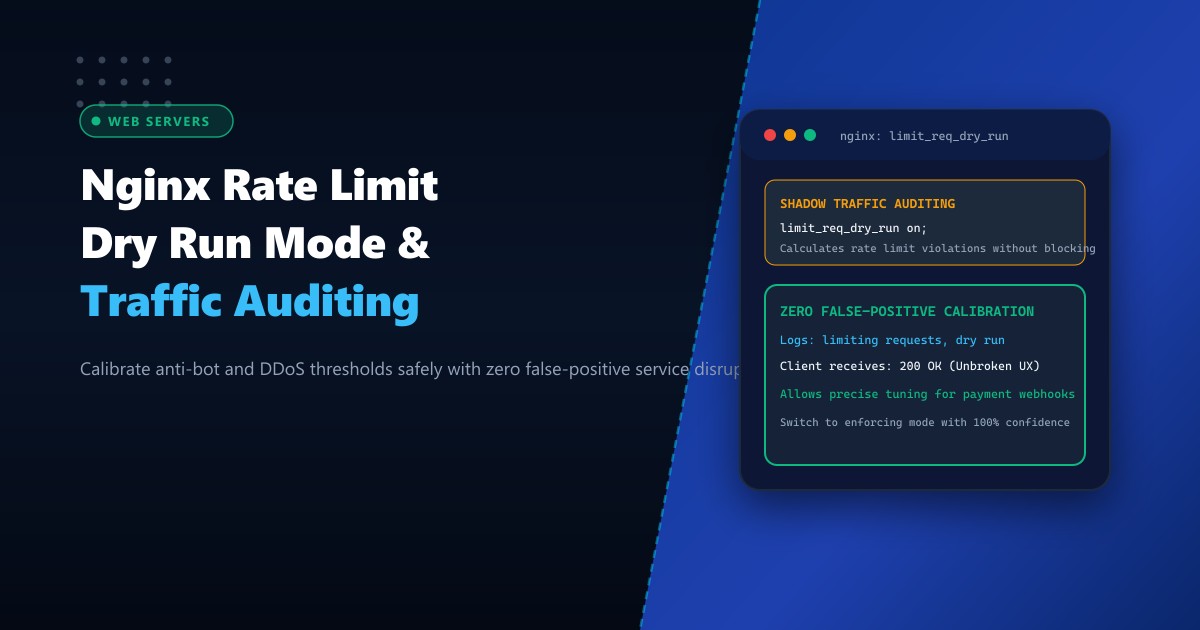
The limit_req_dry_run directive (introduced in Nginx 1.17.1+) eliminates this operational risk. By running rate limiting in shadow “dry run” mode, Nginx calculates rate violations, monitors leaky-bucket queues, and logs detailed warning alerts without rejecting or delaying any client requests.
When hosted on high-performance Dedicated Servers, configuring Nginx with limit_req_dry_run allows infrastructure teams to audit live production traffic, calibrate optimal thresholds with mathematical certainty, and transition to active protection with zero false positives.
Enforcing Mode vs. Shadow Dry-Run Mode in Nginx
Here is how limit_req_dry_run protects legitimate Pakistani users and mission-critical payment gateways while auditing malicious traffic spikes:
+-----------------------------------------------------------------------------------+
|               TRADITIONAL ENFORCING vs. NGINX LIMIT_REQ_DRY_RUN                   |
+-----------------------------------------------------------------------------------+
| 1. Traditional Enforcing Rate Limiting (Risk of False Positives):                 |
|    Client (Flash Sale Shopper / Payment Webhook)      Nginx Web Server            |
|       | --- POST /api/checkout (Burst 25 reqs) ----> | (Burst exceeded!)          |
|       | <=== 429 Too Many Requests [BLOCKED!] ====== | Drops transaction!         |
|       * Result: Checkout fails; customer abandons cart; revenue lost!              |
|                                                                                   |
| 2. Shadow Traffic Auditing with `limit_req_dry_run on;`:                          |
|    Client (Flash Sale Shopper / Payment Webhook)      Nginx Web Server            |
|       | --- POST /api/checkout (Burst 25 reqs) ----> | (Calculates rate overflow) |
|       |                                              | Logs: "limiting requests,  |
|       |                                              |       dry run, excess: 14" |
|       |                                              | FORWARDS REQUEST TO PHP!   |
|       | <=== 200 OK: Checkout Completed! =========== | Unbroken user experience!  |
|       * Result: Administrator inspects logs to tune buffer before enforcing!     |
+-----------------------------------------------------------------------------------+
Step 1: Defining Rate Limit Zones in Nginx
Edit your main HTTP configuration block (/etc/nginx/nginx.conf):
http {
    # 1. Define shared memory zones using binary IP representation for efficiency
    # 10MB zone tracks ~160,000 unique client IP addresses
    limit_req_zone $binary_remote_addr zone=general_api:10m rate=10r/s;
    limit_req_zone $binary_remote_addr zone=checkout_limit:10m rate=2r/s;
    limit_req_zone $binary_remote_addr zone=login_defense:10m rate=1r/s;

    # 2. Set the custom rate-limit logging level (info or notice recommended for dry run)
    limit_req_log_level notice;

    # 3. Custom status code for when enforcement mode is eventually activated
    limit_req_status 429;
}
Step 2: Activating limit_req_dry_run on Critical Endpoints
Apply the shadow rate limiting directive to your sensitive application routes in your server configuration block (/etc/nginx/conf.d/nextgen_site.conf):
server {
    listen 443 ssl http2;
    server_name nextgen.pk www.nextgen.pk;

    root /var/www/nextgen_html;
    index index.php index.html;

    # API and dynamic transaction endpoints
    location /api/v1/ {
        limit_req zone=general_api burst=20 nodelay;

        # Enable dry run mode: log violations without blocking requests
        limit_req_dry_run on;

        proxy_pass http://127.0.0.1:8080;
        proxy_set_header Host $host;
        proxy_set_header X-Real-IP $remote_addr;
        proxy_set_header X-Forwarded-For $proxy_add_x_forwarded_for;
    }

    # Checkout and payment gateway callbacks
    location /checkout/process/ {
        limit_req zone=checkout_limit burst=5;

        # Audit payment gateway burst patterns safely in shadow mode
        limit_req_dry_run on;

        fastcgi_pass unix:/var/run/php-fpm/www.sock;
        include fastcgi_params;
        fastcgi_param SCRIPT_FILENAME $document_root$fastcgi_script_name;
    }

    # WordPress / cPanel admin authentication login defense
    location = /wp-login.php {
        limit_req zone=login_defense burst=3;

        # Test brute-force mitigation thresholds without locking out staff
        limit_req_dry_run on;

        fastcgi_pass unix:/var/run/php-fpm/www.sock;
        include fastcgi_params;
        fastcgi_param SCRIPT_FILENAME $document_root$fastcgi_script_name;
    }
}
Test syntax and reload Nginx:
nginx -t
systemctl reload nginx
Step 3: Analyzing Dry-Run Shadow Telemetry in Real-Time
With limit_req_dry_run on, Nginx writes detailed notice logs whenever a request violates the defined rate limits, including the exact excess count:
# Monitor Nginx error logs specifically for dry run notices
tail -f /var/log/nginx/error.log | grep "dry run"
Sample output from live traffic:
2026-10-01 04:22:15 [notice] 4812#4812: *14028 limiting requests, dry run, excess: 5.420 by zone "checkout_limit", client: 39.44.112.50, server: nextgen.pk, request: "POST /checkout/process/ HTTP/2.0", host: "nextgen.pk"Key Log Fields Analyzed:
dry run: Confirms the request was evaluated and permitted through without returning a 429 error.excess: 5.420: Shows the degree by which the client exceeded the burst ceiling. If legitimate payment webhooks show an excess of 6 to 8 during sudden bursts, you know to increaseburst=10before enabling enforcement!client: 39.44.112.50: The IP address of the caller, allowing you to whitelist corporate office subnets or trusted payment partner IP ranges.
Step 4: Calibrating and Transitioning to Production Enforcing Mode
Aggregate dry-run telemetry over a 24-hour observation window to calculate false-positive rates:
# Count rate-limit violations grouped by client IP and request URI
grep "dry run" /var/log/nginx/error.log | awk '{print $16, $20}' | sort | uniq -c | sort -nr | head -20
Once burst parameters and exclusion zones (such as geo or map IP whitelists) are calibrated:
- Update your configuration: Change
limit_req_dry_run on;tolimit_req_dry_run off;. - Reload Nginx:
systemctl reload nginx.
Your web tier is now locked down with active rate limiting, completely immune to scrapers and brute-force attacks, with zero risk of degrading the user experience for Pakistani customers.
High-Throughput Web Hosting on Dedicated Pakistani Infrastructure
Processing high-concurrency rate limit memory zones, tracking hundreds of thousands of concurrent client states, and executing cryptographic SSL handshakes requires unthrottled hardware. Shared cloud hosting droplets suffer CPU throttling and memory allocation stalls that distort rate limit timing calculations.
Deploying on bare-metal Dedicated Servers in Pakistan provides pure dedicated multi-core compute, high-memory bandwidth for expansive Nginx shared memory zones, and domestic routing through PKIX for lightning-fast user interactions.
Secure Web Applications with NextGen Dedicated Servers
Deliver ultra-fast page speeds, eliminate Layer 7 application abuse, and guarantee 100% uptime for online commerce across Pakistan. NextGen dedicated hosting provides enterprise bare-metal performance, hardware DDoS mitigation, and 24/7 technical administration.
Deploy Dedicated Servers in Pakistan