
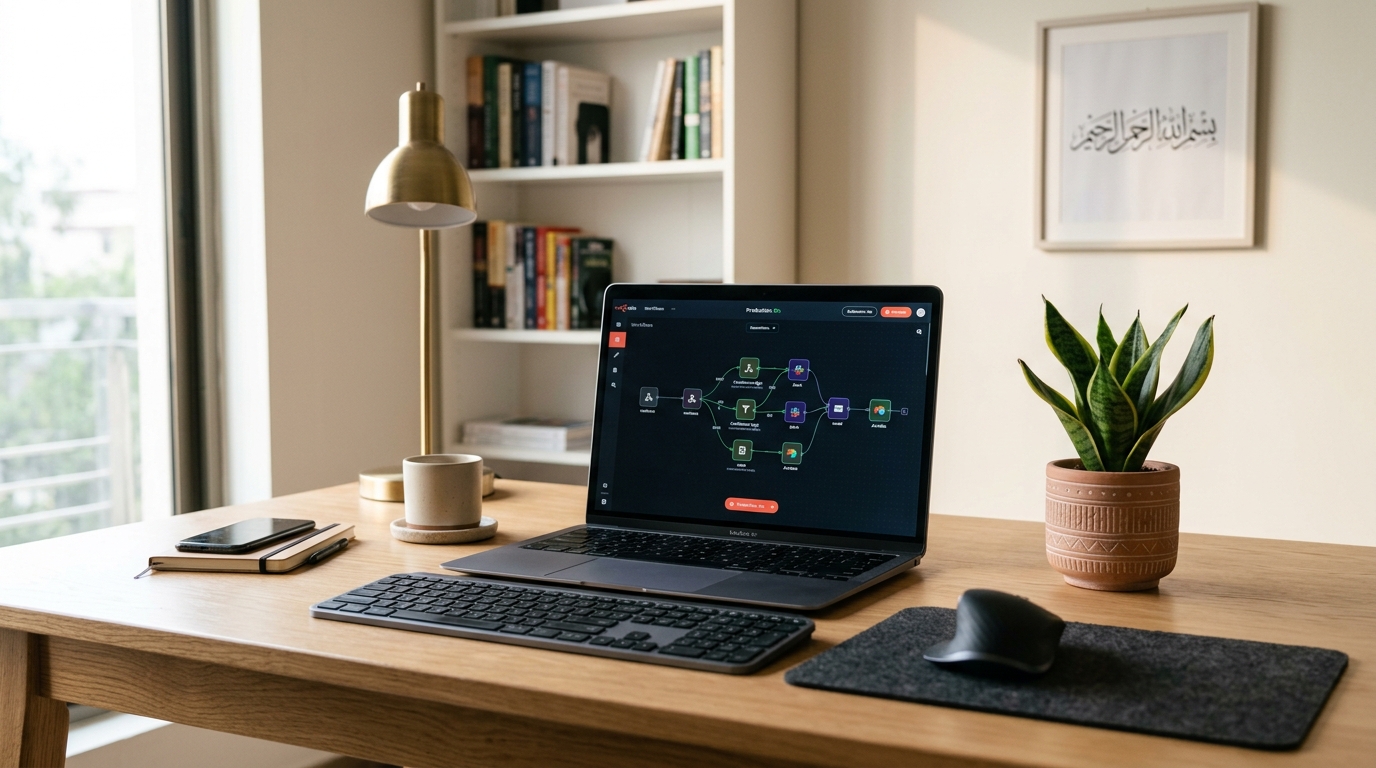
Digital agencies, software development shops, and fintech startups across Pakistan are rapidly replacing expensive SaaS automation platforms like Zapier and Make with n8n. Proprietary cloud automation services charge exorbitant subscription fees tied directly to task volumes, severely capping growth for high-volume operations like WhatsApp bot integrations, lead syncing, CRM automation, and internal webhook pipelines.
By self-hosting n8n on a dedicated Cloud VPS in Pakistan, organizations unlock unlimited workflow executions, complete data privacy compliance under national data protection frameworks, and direct access to native community nodes. When backed by a PostgreSQL database and an asynchronous Redis queue on NVMe SSD storage, self-hosted n8n can easily process millions of automation triggers per month with zero task-tier fees.
Architectural Layout: Production-Grade n8n Topology
Deploying n8n for enterprise workloads requires decoupling the application server from state persistence. A SQLite backend in a single Docker container is prone to database lockouts under concurrent execution bursts. A production topology on an unmetered VPS isolates execution roles:
+---------------------------------------------------------------------------------+
|                                 Inbound Webhooks                                |
|                        (Stripe, WhatsApp, CRM, Webforms)                        |
+---------------------------------------+-----------------------------------------+
                                        | HTTPS Port 443
                                        v
+---------------------------------------------------------------------------------+
|                       Nginx Reverse Proxy & SSL Termination                     |
|                           (Let's Encrypt / HTTP/2)                              |
+---------------------------------------+-----------------------------------------+
                                        | Reverse Proxy Pass
                                        v
+---------------------------------------------------------------------------------+
|                        n8n Main Application Container                           |
|                      (UI, Webhook Router, Scheduler)                            |
+-------------------+---------------------------------------+---------------------+
                    |                                       |
                    | DB Queries                            | Redis Job Queue
                    v                                       v
+-------------------+-------------------+   +---------------+---------------------+
|        PostgreSQL 16 Database         |   |         Redis Cache / Queue         |
|     (Workflow History & Variables)    |   |     (Asynchronous Task Broker)      |
+---------------------------------------+   +-------------------------------------+
Step-by-Step Installation: Docker Compose & PostgreSQL
Step 1: Initialize Working Directory and Network
Log into your VPS via SSH and create the directory structure:
mkdir -p /opt/n8n-stack && cd /opt/n8n-stack
mkdir -p data/n8n_data data/postgres_data
Step 2: Create docker-compose.yml
Create a production compose definition utilizing PostgreSQL:
version: '3.8'

services:
  postgres:
    image: postgres:16-alpine
    container_name: n8n-postgres
    restart: always
    environment:
      - POSTGRES_USER=n8n_user
      - POSTGRES_PASSWORD=SuperSecurePassword123!
      - POSTGRES_DB=n8n_db
    volumes:
      - ./data/postgres_data:/var/lib/postgresql/data
    healthcheck:
      test: ['CMD-SHELL', 'pg_isready -h localhost -U n8n_user -d n8n_db']
      interval: 5s
      timeout: 5s
      retries: 10

  n8n:
    image: docker.n8n.io/n8nio/n8n:latest
    container_name: n8n-app
    restart: always
    ports:
      - "127.0.0.1:5678:5678"
    environment:
      - DB_TYPE=postgresdb
      - DB_POSTGRESDB_HOST=postgres
      - DB_POSTGRESDB_PORT=5432
      - DB_POSTGRESDB_DATABASE=n8n_db
      - DB_POSTGRESDB_USER=n8n_user
      - DB_POSTGRESDB_PASSWORD=SuperSecurePassword123!
      - N8N_HOST=automation.yourdomain.pk
      - N8N_PORT=5678
      - N8N_PROTOCOL=https
      - NODE_ENV=production
      - WEBHOOK_URL=https://automation.yourdomain.pk/
      - GENERIC_TIMEZONE=Asia/Karachi
      - EXECUTIONS_DATA_PRUNE=true
      - EXECUTIONS_DATA_MAX_AGE=168 # Prune logs older than 7 days
      - EXECUTIONS_DATA_PRUNE_MAX_COUNT=50000
    depends_on:
      postgres:
        condition: service_healthy
    volumes:
      - ./data/n8n_data:/home/node/.n8n
Step 3: Nginx Reverse Proxy with Let’s Encrypt
Configure Nginx to route traffic and handle WebSocket streams required by the n8n visual canvas:
server {
    listen 80;
    server_name automation.yourdomain.pk;
    return 301 https://$host$request_uri;
}

server {
    listen 443 ssl http2;
    server_name automation.yourdomain.pk;

    ssl_certificate /etc/letsencrypt/live/automation.yourdomain.pk/fullchain.pem;
    ssl_certificate_key /etc/letsencrypt/live/automation.yourdomain.pk/privkey.pem;

    location / {
        proxy_pass http://127.0.0.1:5678;
        proxy_set_header Host $host;
        proxy_set_header X-Real-IP $remote_addr;
        proxy_set_header X-Forwarded-For $proxy_add_x_forwarded_for;
        proxy_set_header X-Forwarded-Proto $scheme;

        # WebSocket support for live execution canvas
        proxy_http_version 1.1;
        proxy_set_header Upgrade $http_upgrade;
        proxy_set_header Connection "upgrade";

        # Generous timeouts for long-running workflows
        proxy_connect_timeout 300s;
        proxy_send_timeout 300s;
        proxy_read_timeout 300s;
    }
}
Issue your free SSL certificate and restart Nginx:
certbot --nginx -d automation.yourdomain.pk
systemctl restart nginx
Launch the n8n application cluster:
docker compose up -dNavigate to https://automation.yourdomain.pk to register the master owner account and start creating workflows.
Scaling to n8n Queue Mode for High-Volume Webhooks
When your agency triggers thousands of webhooks simultaneously (such as during flash sales or lead scraping runs), standard n8n execution mode processes tasks inside the main Node.js event loop.
On a multi-core Dedicated Server, switch n8n into Queue Mode (EXECUTIONS_MODE=queue) by adding Redis and separate worker containers:
  n8n-worker:
    image: docker.n8n.io/n8nio/n8n:latest
    command: worker
    restart: always
    environment:
      - DB_TYPE=postgresdb
      - DB_POSTGRESDB_HOST=postgres
      - DB_POSTGRESDB_DATABASE=n8n_db
      - DB_POSTGRESDB_USER=n8n_user
      - DB_POSTGRESDB_PASSWORD=SuperSecurePassword123!
      - EXECUTIONS_MODE=queue
      - QUEUE_BULL_REDIS_HOST=redis
This distributes workflow jobs across worker threads, keeping webhook ingestion latency under 10ms.
Zapier vs. Make vs. Self-Hosted n8n Cost & Performance
| Evaluation Metric | Zapier Professional | Make.com Core | Self-Hosted n8n on Cloud VPS |
|---|---|---|---|
| Monthly Task Quota | 50,000 tasks | 40,000 operations | Unlimited Executions |
| Monthly Pricing | $299 / month | $29 / month (Overage fees) | $12 – $25 / month (Fixed VPS Flat Fee) |
| Execution Delay | 1 to 2 minutes | Instant | Sub-second Instant Webhooks |
| Data Privacy | Cloud Multi-tenant US | Cloud Multi-tenant EU | 100% On-Premise Sovereign |
| Custom Code & Scripts | Python/JS (Restricted) | Limited functions | Full Node.js & Docker Exec |
For related automation tools, consult our deployment manual on Self-Hosting RustDesk on a Cloud VPS. If you run compute-intensive AI automation and LLM workflows, explore our bare-metal Dedicated Servers in Pakistan.
Eliminate Zapier task fees and run unlimited automated business workflows with pure NVMe storage, dedicated vCPU resources, and 99.99% uptime in local Tier-3 Pakistani datacenters.
