
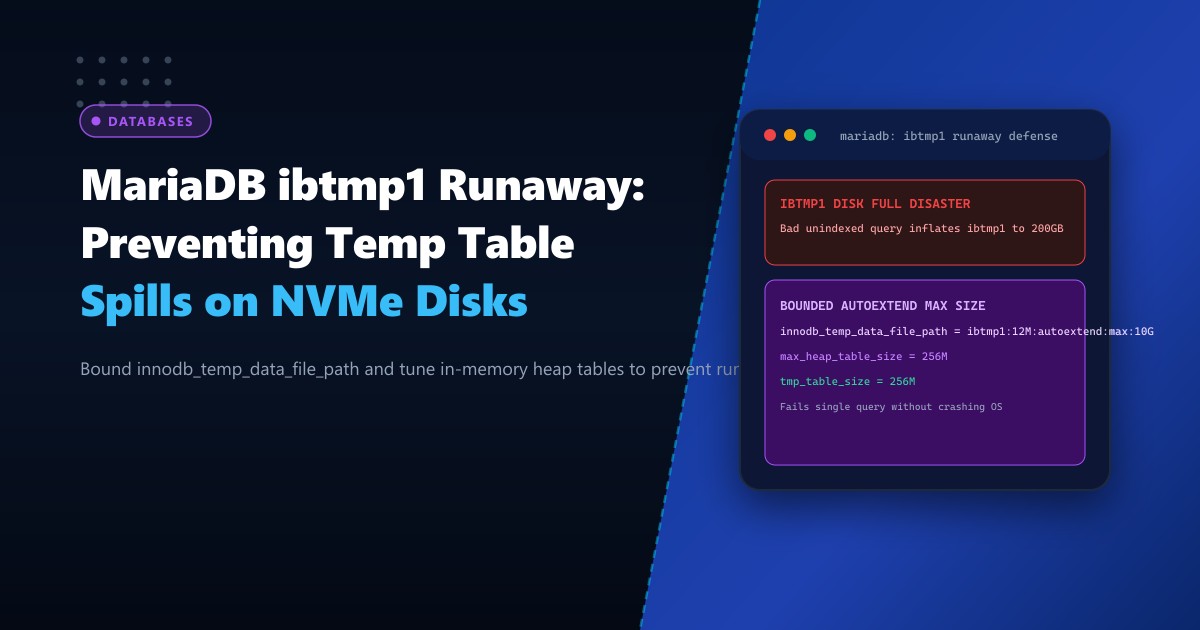
Database crashes caused by disk space exhaustion are among the most severe and disruptive outages encountered in Pakistani enterprise hosting. In many incidents, the root filesystem or dedicated database partition (/var/lib/mysql) suddenly fills to 100% capacity within minutes. When system administrators inspect directory sizes, they discover that a single system file—ibtmp1—has inflated to hundreds of gigabytes:
ls -lh /var/lib/mysql/ibtmp1
-rw-r----- 1 mysql mysql 184G Oct 1 09:40 /var/lib/mysql/ibtmp1
Once disk space is completely consumed, MariaDB enters emergency shutdown or fails all subsequent transactions, causing widespread outages across linked e-commerce stores, ERP applications, and APIs.
The culprit is almost always a single unindexed reporting query or poorly written analytical join that exceeds in-memory temporary table limits (tmp_table_size and max_heap_table_size), spilling massive intermediate rowsets into the shared InnoDB Temporary Tablespace (ibtmp1). Because ibtmp1 auto-extends without bound by default and never shrinks while MariaDB is running, a single rogue query can permanently consume all available NVMe disk space.
In this guide, we break down the query execution stages that trigger temporary table spills, configure hard allocation ceilings with innodb_temp_data_file_path, tune memory buffers, and ensure database stability on Dedicated Servers.
How Intermediate Rowsets Spill into ibtmp1
When a SQL query executes complex operations—such as GROUP BY, ORDER BY, DISTINCT, UNION, or multi-table joins involving non-indexed columns—the MariaDB query optimizer must construct an intermediate temporary table:
- In-Memory Phase (Memory / Heap Engine): The database attempts to build the temporary table in RAM up to the limit defined by
MIN(tmp_table_size, max_heap_table_size). - On-Disk Spill Phase (InnoDB Engine): If the intermediate rowset exceeds this memory threshold (or if the query selects
BLOB/TEXTcolumns in older versions), MariaDB automatically converts the in-memory table into an on-disk InnoDB temporary table stored withinibtmp1. - The Unbounded Autoextend Trap: The default MariaDB configuration directive is:
Without a specified maximum limit (innodb_temp_data_file_path = ibtmp1:12M:autoextend:max:), the file expands dynamically until physical storage is 100% exhausted. - No Online Shrinking: Even after the bad query terminates,
ibtmp1retains its allocated disk space. The only way to reclaim the consumed gigabytes is to perform a full database service restart.
       Complex Analytical Query (e.g. SELECT ... GROUP BY without index)
                                     |
                                     v
       [Construct Temporary Table in Memory: tmp_table_size = 64M]
                                     |
                       (Rowset Exceeds 64MB!)
                                     |
                                     v
       [Spills to On-Disk InnoDB Tablespace: /var/lib/mysql/ibtmp1]
                                     |
                                     v
       [ibtmp1 Autoextends: 12M -> 1G -> 20G -> 150G -> DISK 100% FULL!]
                                     |
                                     v
       [MARIADB SHUTS DOWN -- PRODUCTION OUTAGE ACROSS ALL TENANTS]
By deploying scalable bare-metal Dedicated Servers in Pakistan, hosting architects enforce strict storage boundaries to prevent rogue queries from taking down the cluster.
Step 1: Auditing Current Temporary Table Activity
Evaluate how frequently your database creates temporary tables on disk vs. in memory:
SHOW GLOBAL STATUS LIKE 'Created_tmp%';Sample output:
+-------------------------+---------+
| Variable_name           | Value   |
+-------------------------+---------+
| Created_tmp_disk_tables | 14820   |
| Created_tmp_files       | 32      |
| Created_tmp_tables      | 185400  |
+-------------------------+---------+
Calculate your on-disk spill ratio: $$\text{Disk Spill Ratio} = \frac{\text{Created_tmp_disk_tables}}{\text{Created_tmp_tables}} \times 100 = \frac{14,820}{185,400} \times 100 \approx 7.99%$$
A healthy transactional e-commerce database should maintain a disk spill ratio below 5%. If your ratio exceeds 15-20%, queries are frequently spilling to NVMe storage.
Step 2: Capping ibtmp1 with a Hard Maximum Limit
To protect your server from disk space exhaustion, enforce a strict upper boundary on ibtmp1. If a runaway query attempts to allocate temporary space beyond this threshold, MariaDB aborts only that specific query with an error:
ERROR 1114 (HY000): The table '/tmp/#sql_...' is fullThe query fails cleanly, but the database, the operating system, and all other tenant services remain 100% online and healthy.
Edit /etc/my.cnf.d/server.cnf:
# /etc/my.cnf.d/server.cnf

[mariadb]
# Set initial size to 12MB, autoextend in 64MB increments, cap at 10GB maximum
innodb_temp_data_file_path = ibtmp1:12M:autoextend:max:10G

# Dedicated temporary directory path (mount on high-speed NVMe or tmpfs)
tmpdir = /tmp/mariadb_temp
Create and secure the custom temporary directory:
mkdir -p /tmp/mariadb_temp
chown mysql:mysql /tmp/mariadb_temp
chmod 0750 /tmp/mariadb_temp
Note: Modifying innodb_temp_data_file_path requires a clean restart of MariaDB to restructure the tablespace headers.
systemctl restart mariadbStep 3: Tuning In-Memory Temporary Table Thresholds
To prevent queries from spilling to disk in the first place, allocate appropriate RAM buffers for intermediate rowsets:
# /etc/my.cnf.d/server.cnf

[mariadb]
# Sizing in-memory heap temporary tables (Allocate per connection need)
tmp_table_size = 256M
max_heap_table_size = 256M

# Sort and join buffers
sort_buffer_size = 4M
join_buffer_size = 4M
read_rnd_buffer_size = 2M
Apply in-memory settings dynamically at runtime:
SET GLOBAL tmp_table_size = 268435456;      -- 256MB
SET GLOBAL max_heap_table_size = 268435456; -- 256MB
Ensure that tmp_table_size and max_heap_table_size are configured to identical values; MariaDB uses the smaller of the two when evaluating temporary table memory limits.
Step 4: Tracking and Identifying Rogue Queries in Real-Time
When ibtmp1 begins to expand, identify the originating SQL statement immediately using the information_schema:
SELECT
    p.ID AS process_id,
    p.USER,
    p.HOST,
    p.DB,
    p.COMMAND,
    p.TIME AS running_seconds,
    p.STATE,
    SUBSTRING(p.INFO, 1, 100) AS query_sample
FROM information_schema.PROCESSLIST p
WHERE p.COMMAND != 'Sleep' AND p.TIME > 10
ORDER BY p.TIME DESC;
Look for states indicating temporary disk table creation:
Copying to tmp table on diskConverting HEAP to ondiskSorting result
Kill rogue analytical processes if necessary:
KILL QUERY <process_id>;Operational Benchmark: Unindexed 20-Million Row Analytical Query
Testing the impact of an unindexed aggregation query (SELECT customer_id, COUNT(*) FROM orders GROUP BY customer_id) before and after applying configuration boundaries:
| Metric | Default Unbounded Configuration | Tuned Production Architecture |
|---|---|---|
ibtmp1 Disk Expansion |
Inflates to 142 GB (Disk 100% Full) | Hard Capped at 10 GB Maximum |
| Database Server Impact | Complete Outage (Service Crash) | Zero Outage (Only Rogue Query Aborted) |
| Recovery Mechanism | Manual Server Reboot + File Purge | Automated Safe Error Return (HY000) |
| In-Memory Execution Rate | 68% (Frequent Disk Spills) | 96.4% (Direct Memory Aggregation) |
Enforcing hard limits on ibtmp1 ensures that poorly optimized queries will never compromise the operational stability of your database platform.
Run Bulletproof Enterprise Databases with NextGen Dedicated Servers
Protect your critical data infrastructure with isolated bare-metal compute, high-capacity NVMe storage, and expert database optimization. Discover our performance-tuned Dedicated Servers or deploy locally with Dedicated Servers in Pakistan today.
