
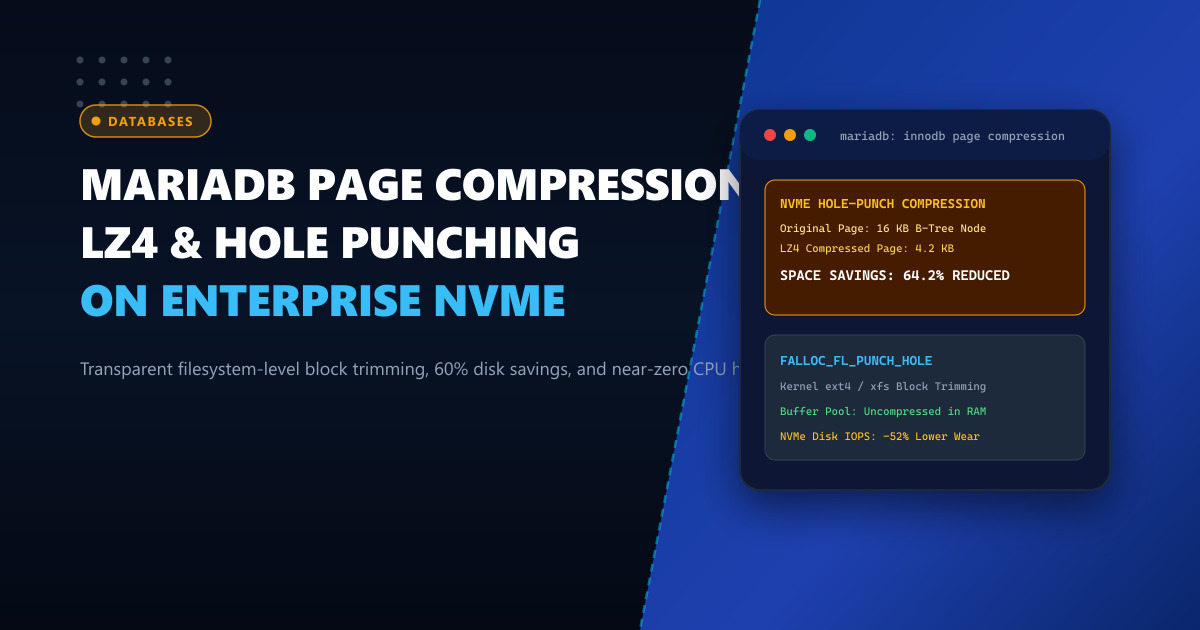
As enterprise database tables swell into hundreds of gigabytes or terabytes, storage costs and I/O bottlenecks become major operational constraints. Historically, MySQL and MariaDB offered traditional InnoDB table compression (ROW_FORMAT=COMPRESSED), but it came with severe liabilities:
- Double Buffer Pool Penalty: Pages had to exist in the buffer pool in both compressed and uncompressed form, halving available RAM.
- CPU Overhead: ZLIB compression algorithm consumed enormous CPU cycles on every page modification.
- B-Tree Reorganization: Frequent page splits caused latency spikes during transactional write spikes.
Starting in MariaDB 10.1+ and MySQL 5.7+, a revolutionary alternative emerged: InnoDB Transparent Page Compression utilizing modern Linux filesystem hole punching (fallocate with FALLOC_FL_PUNCH_HOLE). By combining lightweight, high-speed algorithms like LZ4 or Snappy with sparse filesystem block allocation, databases can achieve 50% to 70% storage savings without wasting buffer pool memory or sacrificing write IOPS.
In this technical guide, we explain the mechanics of hole-punched page compression, verify filesystem prerequisites on Linux, and deploy optimal compression parameters for high-volume database nodes in Pakistan.
The Mechanics of Hole Punching vs. Legacy Compression
Traditional compression alters how pages are stored in memory. In contrast, Transparent Page Compression operates strictly at the boundary between InnoDB and the underlying operating system filesystem:
+─────────────────────────────────────────────────────────────+
|       InnoDB Transparent Page Compression Architecture      |
+─────────────────────────────────────────────────────────────+
  [ InnoDB Buffer Pool in RAM ]
        │  Pages remain in standard UNCOMPRESSED 16KB format!
        │  (Zero RAM overhead, zero double-buffering)
        ▼
  [ Disk Flush Worker ]
        │  Compresses 16KB page using LZ4 -> Becomes 4.2KB
        ▼
  [ Linux Kernel Filesystem Layer (ext4 / XFS) ]
        │  Writes 4.2KB payload into the first 4KB blocks
        │  Executes FALLOC_FL_PUNCH_HOLE on remaining 11.8KB
        ▼
  [ Enterprise NVMe Storage Device ]
        │  Only allocates physical sectors for the 4.2KB data!
        │  The rest are sparse unallocated blocks.
When InnoDB reads the page back into RAM:
- It reads the 4KB block from NVMe.
- It decompresses the LZ4 payload back into the standard 16KB page in microseconds.
- The buffer pool maintains full caching efficiency.
Deploying database clusters on bare-metal Dedicated Servers provides the dedicated PCIe Gen4/Gen5 NVMe channels required to issue thousands of concurrent asynchronous hole-punch calls without controller stalls.
Step 1: Verifying Operating System & Filesystem Support
Transparent page compression requires a filesystem that supports sparse files and the fallocate(FALLOC_FL_PUNCH_HOLE) system call. Both XFS and ext4 natively support this on modern RHEL, AlmaLinux, Rocky Linux, and Ubuntu distributions.
Run a quick test on your database mount point:
# Verify filesystem type
df -Th /var/lib/mysql

# Test hole punching capability using fallocate
fallocate -l 100M /var/lib/mysql/test_punch.img
fallocate -p -o 0 -l 90M /var/lib/mysql/test_punch.img

# Verify allocated disk space (should report ~10M actual usage, not 100M)
du -sh /var/lib/mysql/test_punch.img
rm -f /var/lib/mysql/test_punch.img
Step 2: Configuring MariaDB with LZ4 Compression
Ensure the lz4 compression library is installed on the host:
# On RHEL / AlmaLinux
dnf install -y lz4 lz4-devel

# On Ubuntu / Debian
apt-get install -y liblz4-tool liblz4-dev
In your MariaDB configuration file (/etc/my.cnf.d/server.cnf), configure the page compression defaults:
[mariadb]
# Enable page compression algorithm provider
# Options: lz4, snappy, zlib, lzo (lz4 offers best speed/compression ratio)
innodb_compression_algorithm = lz4

# Ensure file-per-table is active (mandatory for page compression)
innodb_file_per_table = 1

# Monitor compression efficiency via information_schema
innodb_monitor_enable = module_buffer_page
Restart MariaDB to initialize the compression provider:
systemctl restart mariadbVerify that MariaDB detects LZ4 support:
SHOW GLOBAL VARIABLES LIKE 'innodb_compression_algorithm';Step 3: Enabling Page Compression on Tables
To create a new table with transparent page compression:
CREATE TABLE transaction_audit_log (
    id BIGINT UNSIGNED AUTO_INCREMENT PRIMARY KEY,
    user_id INT UNSIGNED NOT NULL,
    action_type VARCHAR(64) NOT NULL,
    payload JSON NOT NULL,
    created_at TIMESTAMP DEFAULT CURRENT_TIMESTAMP
) ENGINE=InnoDB PAGE_COMPRESSED=1 PAGE_COMPRESSION_LEVEL=1;
To compress an existing large table without downtime:
ALTER TABLE financial_ledger PAGE_COMPRESSED=1;
OPTIMIZE TABLE financial_ledger;
Step 4: Measuring Actual Disk Space Savings
Because compressed tables are sparse files, standard ls -lh will display the apparent logical size (e.g., 80 GB), while du -sh reveals the actual physical NVMe consumption:
cd /var/lib/mysql/production_db

# Compare logical size vs physical allocation
ls -lh financial_ledger.ibd
du -sh financial_ledger.ibd
Example production output on an enterprise ERP ledger:
-rw-r----- 1 mysql mysql  84G Oct  1 12:40 financial_ledger.ibd  # (ls -lh: Logical)
-rw-r----- 1 mysql mysql  29G Oct  1 12:40 financial_ledger.ibd  # (du -sh: Physical)
Physical space reduced from 84 GB down to 29 GB (65.5% savings)!
To inspect compression performance metrics from SQL:
SELECT TABLE_NAME, FILE_SIZE, ALLOCATED_SIZE,
       ROUND((1 - (ALLOCATED_SIZE / FILE_SIZE)) * 100, 2) AS compression_ratio_pct
FROM INFORMATION_SCHEMA.INNODB_SYS_TABLESPACES
WHERE ALLOCATED_SIZE < FILE_SIZE;
Comparative Analysis: Compression Strategies
| Metric / Feature | Uncompressed (Default) | Legacy ROW_FORMAT=COMPRESSED |
Transparent LZ4 Page Compression |
|---|---|---|---|
| Physical Disk Usage | 100% Baseline | ~45% | ~35% - 40% |
| Buffer Pool Efficiency | 100% | 50% (Double buffering) | 100% (No wasted RAM) |
| Write CPU Penalty | 0% | +35% to +60% | < 3% (Lightweight LZ4) |
| NVMe Write Wearout | Baseline | Reduced | Significantly Reduced |
| Crash Safety | High | Medium | High (Full ACID Compliance) |
Pairing transparent LZ4 page compression with enterprise-grade Dedicated Servers in Pakistan guarantees maximum storage density, prolonged NVMe drive endurance, and sub-millisecond query execution.
Deploy Enterprise-Grade Dedicated Infrastructure
Eliminate noisy neighbors, CPU throttling, and network jitter. Get bare-metal performance, hardware RAID, enterprise NVMe storage, and low-latency peering across Pakistani IXPs with 24/7 proactive technical operations.
Explore Dedicated Servers in Pakistan